





Monitor Rental in pune
Monitors
Product you may like

FILTER

Delivered & set up in 6 hours
- OUT OF STOCK
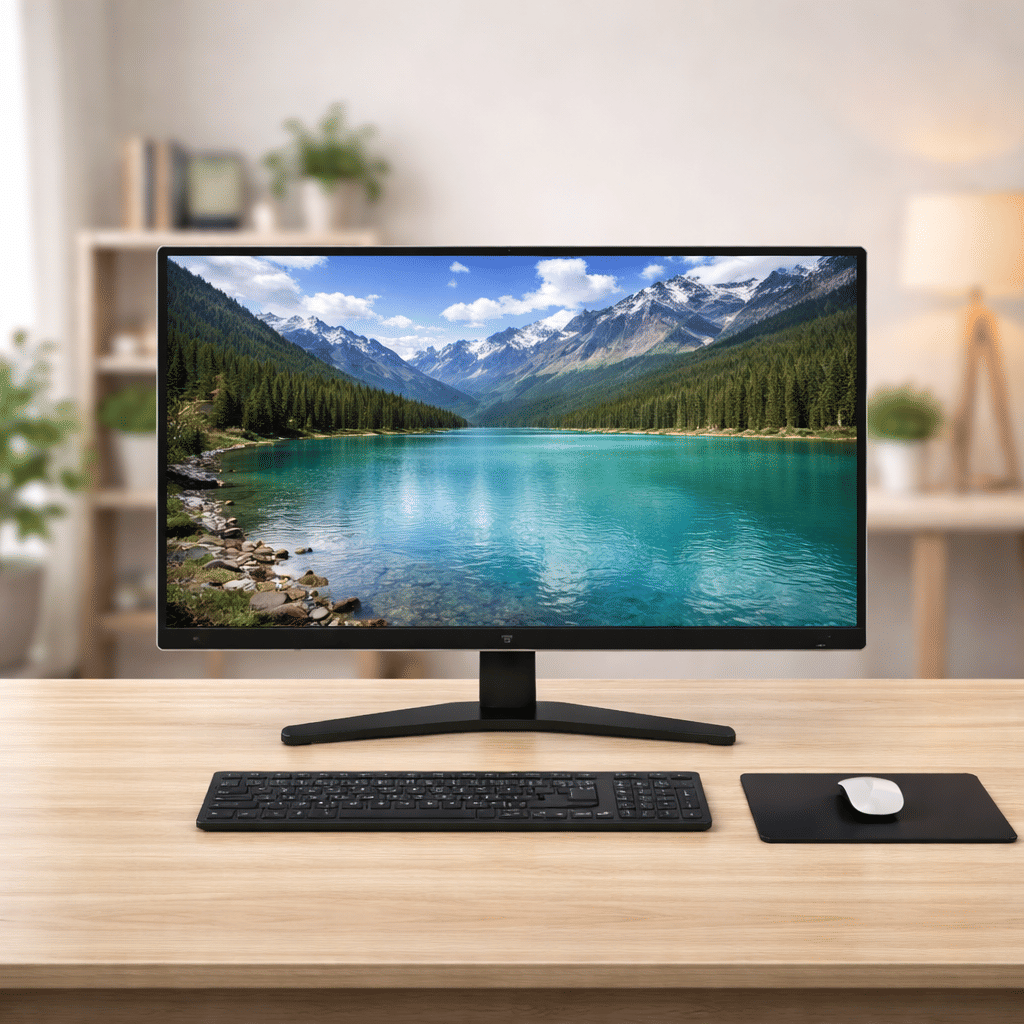
Monitor | 28″ Full HD Display
Save 25%₹ 1,875/mo
₹2,500 - OUT OF STOCK
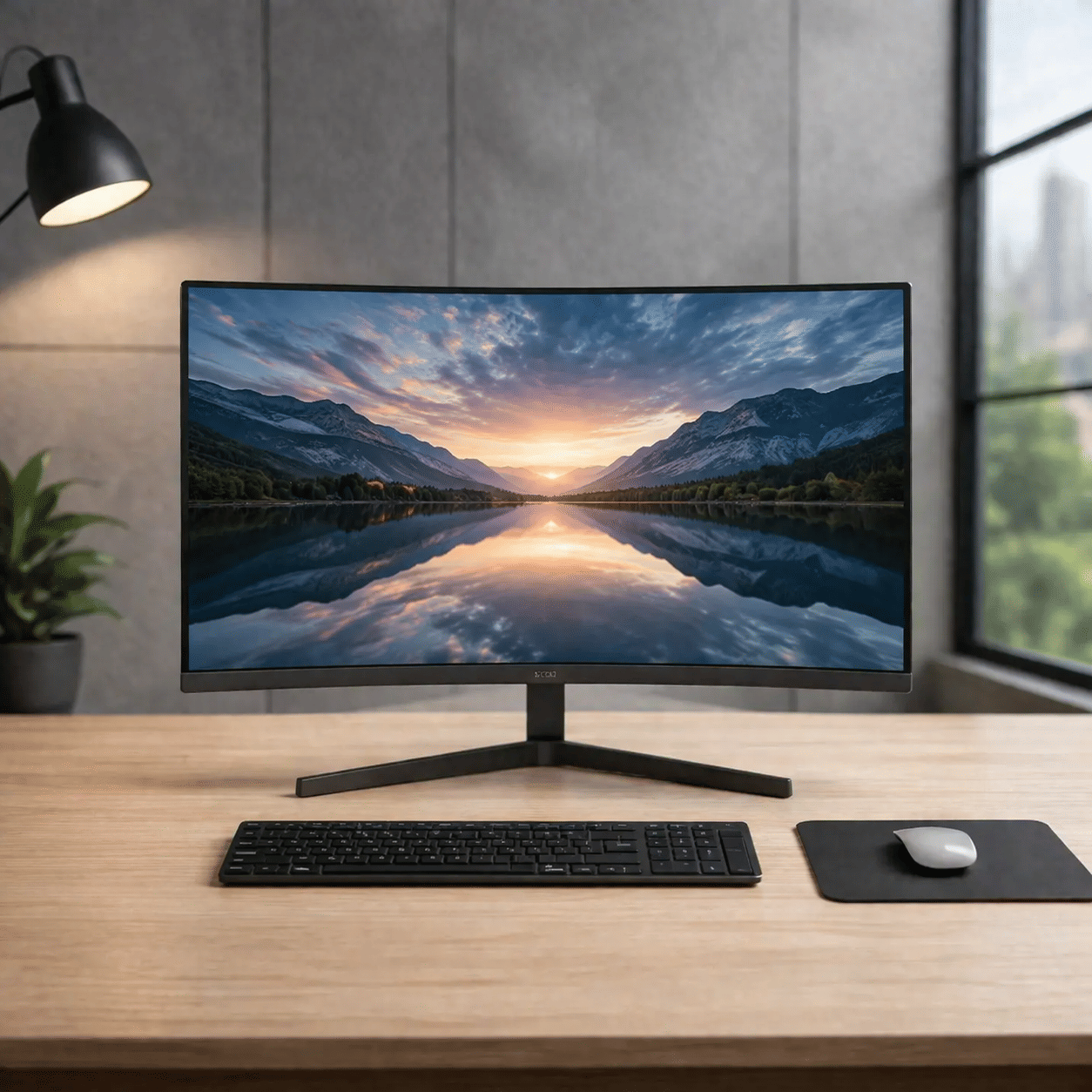
Monitor | 24″ Full HD Display
Save 25%₹ 1,125/mo
₹1,500 - OUT OF STOCK
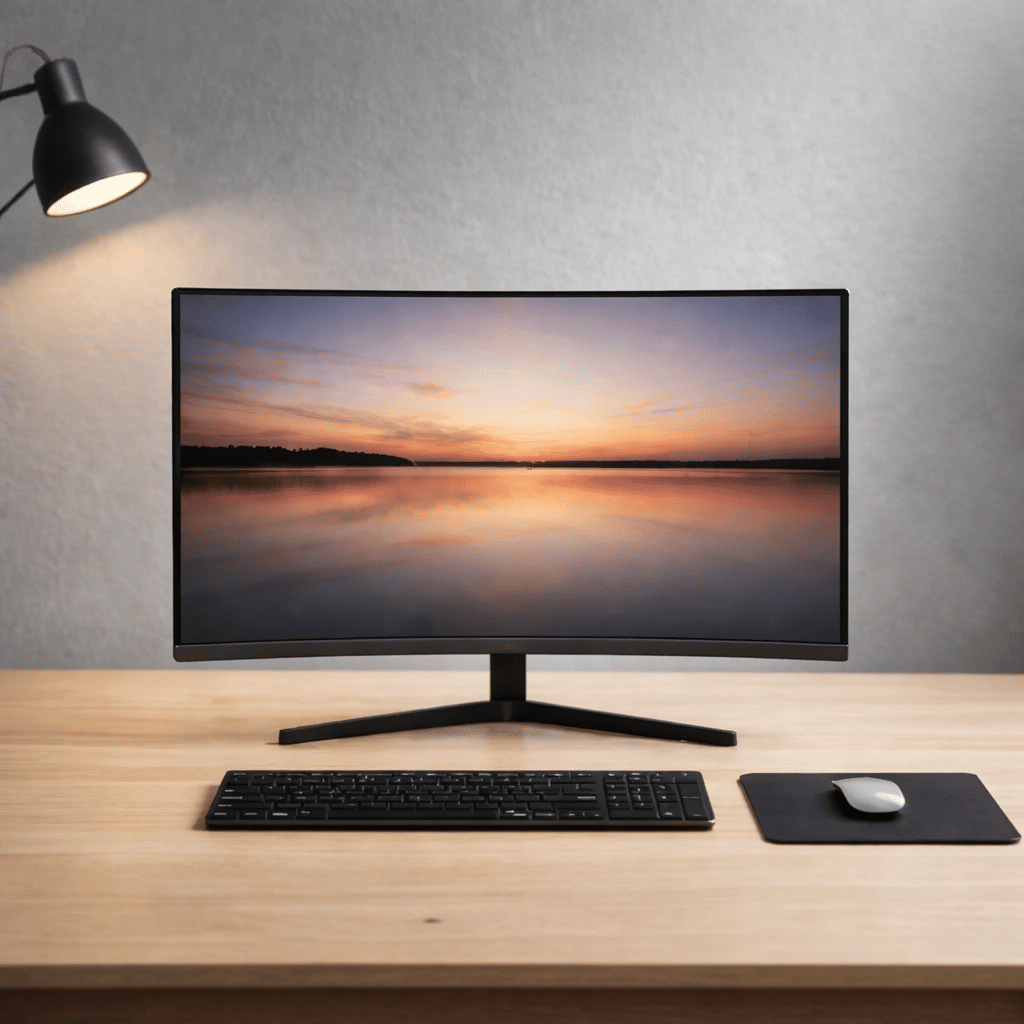
Monitor | 21.5″ HD Display
Save 25%₹ 600/mo
₹800 - OUT OF STOCK
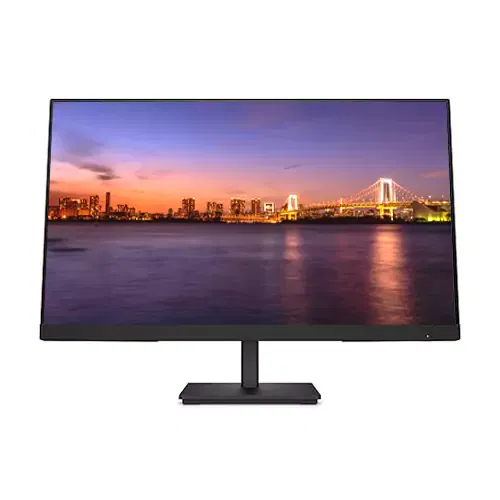
Monitor | 19.5″ HD Display
Save 25%₹ 375/mo
₹500 - OUT OF STOCK
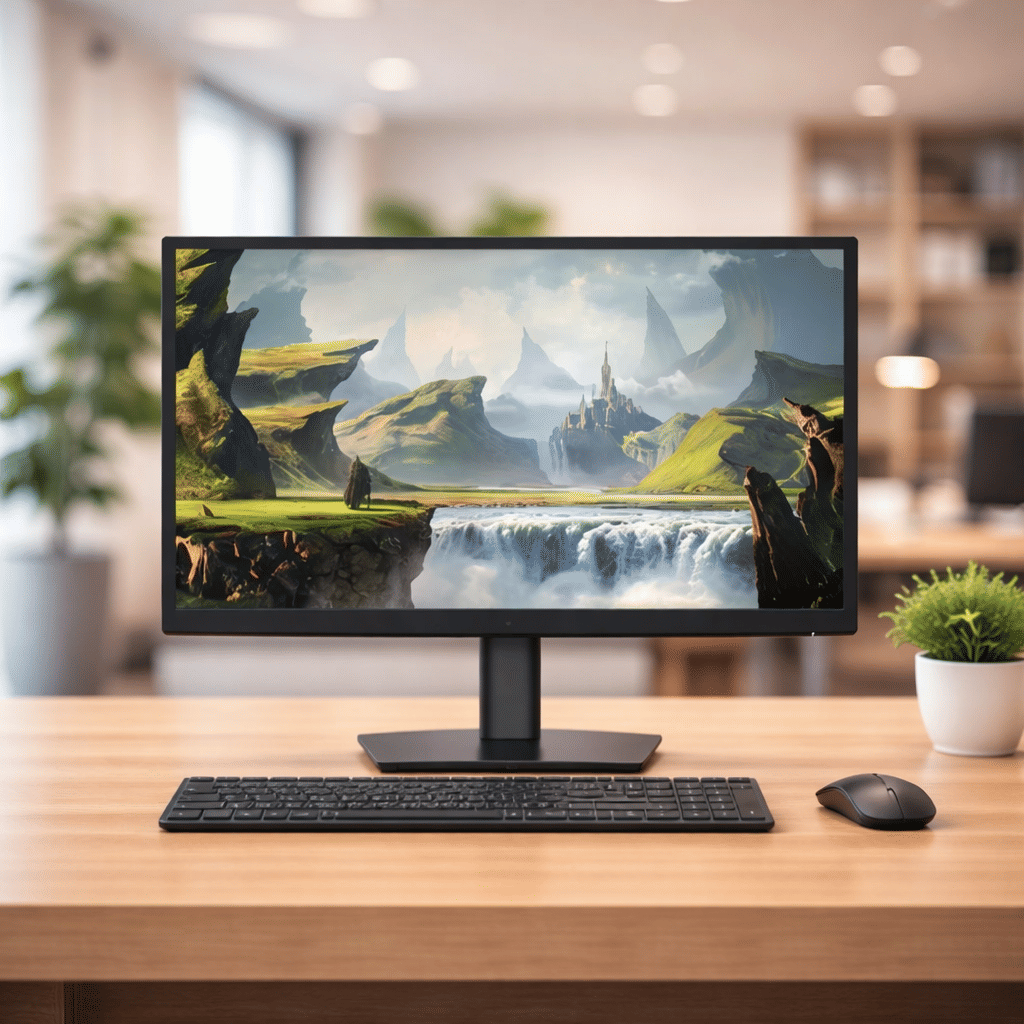
Monitor | 18.5″ HD Display
Save 25%₹ 600/mo
₹800
Monitor Rental in Pune
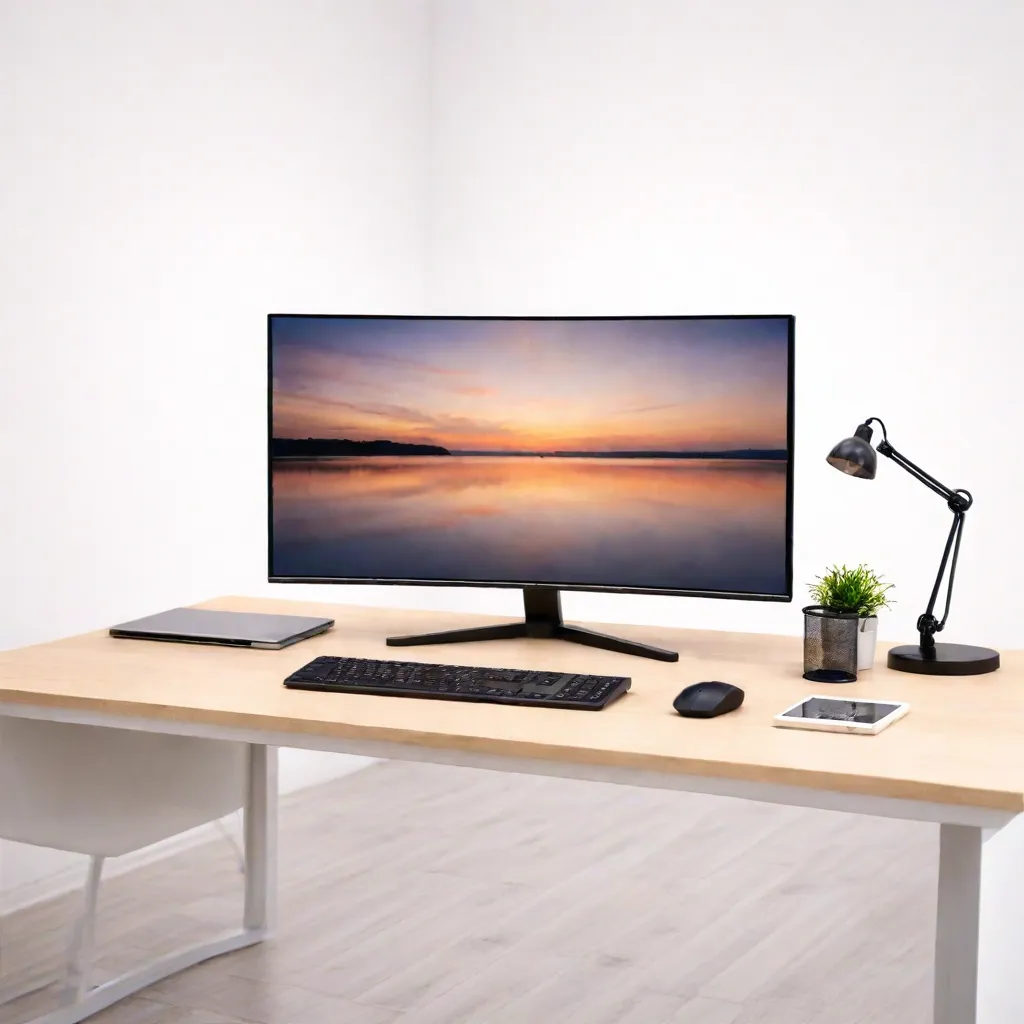
A laptop screen works for an hour, but a full day of code reviews, dashboards or client calls is far easier on a proper display. Many Pune professionals working hybrid between Hinjewadi offices and home desks in Wakad or Baner add a second screen for exactly that reason. iRentOut offers monitors on rent in Pune on a monthly plan, with HD and Full HD screens from 18.5 inches to 28 inches.
Monitor stock moves quickly, and the listed sizes are currently out of stock in Pune, so open a monitor to check availability before you plan around it. The page offers rapid delivery, with the monitor delivered and set up in 6 hours when you order by 2 pm.
Monitors You Can Rent in Pune
28-inch Full HD monitor
The largest screen on the page. It fits two full windows side by side and suits multimedia, presentations, trading screens and casual gaming.
24-inch Full HD monitor
The standard office size. The sharper Full HD picture and wider space help with spreadsheets, design and long coding sessions.
21.5-inch HD monitor
A comfortable size for most home desks, with enough room for a video call beside a document.
19.5-inch HD monitor
A practical screen for data entry, training rooms and temporary office seats.
18.5-inch HD monitor
The most compact option for counters, receptions and small study tables, or as a secondary screen.
Pair a monitor with a laptop on rent, a MacBook or a desktop.
Choosing a Monitor
Size for the desk
18.5 to 19.5 inches: counters, receptions and compact desks
21.5 inches: everyday work from home
24 to 28 inches: multitasking, design and presentations
HD or Full HD
HD is fine for documents and browsing. Full HD gives crisper text and images, which you notice on 24-inch and 28-inch screens.
Ports
Check whether your laptop has HDMI, DisplayPort or USB-C, and keep an adapter ready if needed.
Rent a Monitor for Different Needs
Rent a Monitor for Hybrid Work
Set up a proper home desk for the days you work remotely, and return the monitor if your team moves back to the office full time.
Rent Monitors for an Office
Offices adding seats can rent monitors in numbers. Use the business rental form for a larger order.
Rent Monitors for Exhibitions and Events
Trade fairs and conferences at Pune's exhibition venues need screens for demos and slides for a few days.
Rent a Monitor for Exam Preparation
Students preparing for long online courses or competitive exams can study on a larger screen at home.
Rent vs Buy: Monitors
One monitor is affordable, but buying several for a temporary team or an event adds up, and storing them afterwards takes space.
Renting makes sense when
You need extra screens for a few months
You are setting up an event, a training room or a new office
You want to try a bigger size before buying
You do not want to store unused screens
Buying makes sense when
You will use the same screen daily for years
You need a colour-accurate or high refresh monitor that is not listed
You have a fixed home office
Side by side
Upfront cost: a rental starts with the first month's rent and a refundable deposit, while a purchase is paid in full
Setup: the monitor is delivered with setup support
Repairs: manufacturing faults are repaired at no extra charge
Exit: the monitor is picked up when you are done
Before You Book
Measure the desk
Make sure the stand fits and the screen can sit about an arm's length away.
Check the cable
Confirm the cable or adapter you need for your laptop's ports.
Keep documents ready
Upload an ID proof and an address proof for eKYC after ordering.
How Renting Works
Sign in with your mobile number and the OTP.
Choose the monitor size and the tenure, and enter your Pune address.
Pay the first month's rent and the refundable deposit.
Complete eKYC.
Receive the monitor after approval.
To return it, open My Products and book a pickup. See the terms and conditions.
Setting Up a Comfortable Screen
Place the top of the monitor at eye level and about an arm's length away, with the laptop on a stand beside it at a similar height. On Windows, press the Windows key and P and choose Extend; on a Mac, arrange the displays in System Settings. Pune flats get strong afternoon light, so angle the screen away from west-facing windows to avoid glare. Clean the screen only with a dry microfibre cloth, and keep it clear of the AC vent during humid months.
Monitors for Hybrid Teams
Many Pune companies now run hybrid schedules, with two or three office days a week. Teams that support remote days often rent monitors for employees' home desks instead of buying them, so the setup can be returned if the policy changes. A 21.5-inch or 24-inch screen covers most roles. Developers and analysts usually prefer the 24-inch or 28-inch Full HD sizes for code and data. If you order for a team, collect each person's address and laptop port type before placing the order.
Before the monitor arrives, clear the desk, plan where the power strip will sit and check the distance from your chair. If you work long hours, a monitor arm or a stack of books under the stand can raise the screen to eye level.
iRentOut in Other Locations
Monitors are also available on rent in:
Other Categories in Pune
Electronics
Electronics rental in Pune lists laptops, workstations and printers.
Home Appliances
Appliance rental covers ACs and coolers for a home office.
Furniture
Office furniture rental lists workstation tables and ergonomic chairs.
Gym Equipment
Gym rentals lists treadmills and massagers.
Combo Offers
Combo rental offers bundle products on one plan.