







Computer Desktop Rental in pune
Desktop
Product you may like

FILTER

Delivered & set up in 6 hours
- OUT OF STOCK
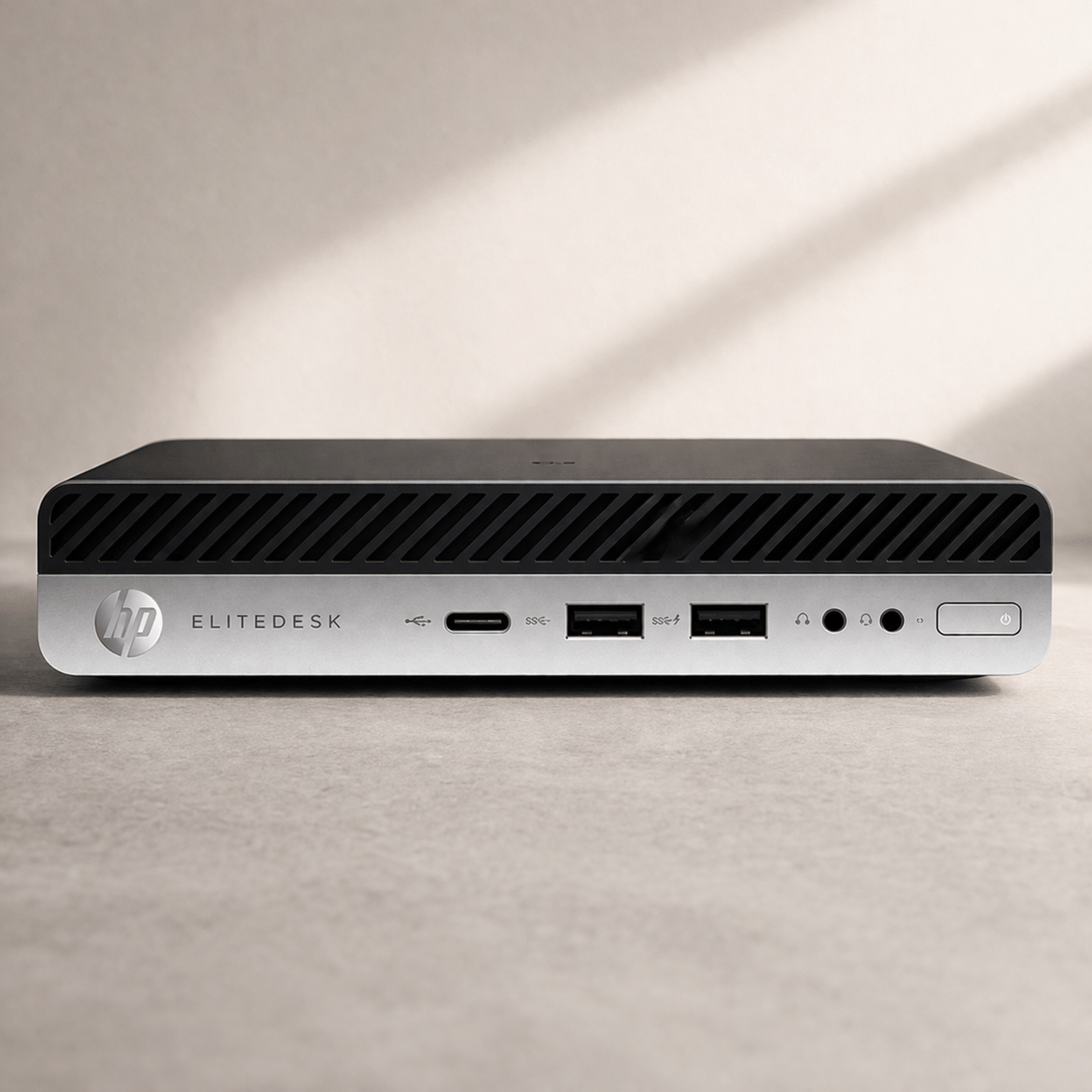
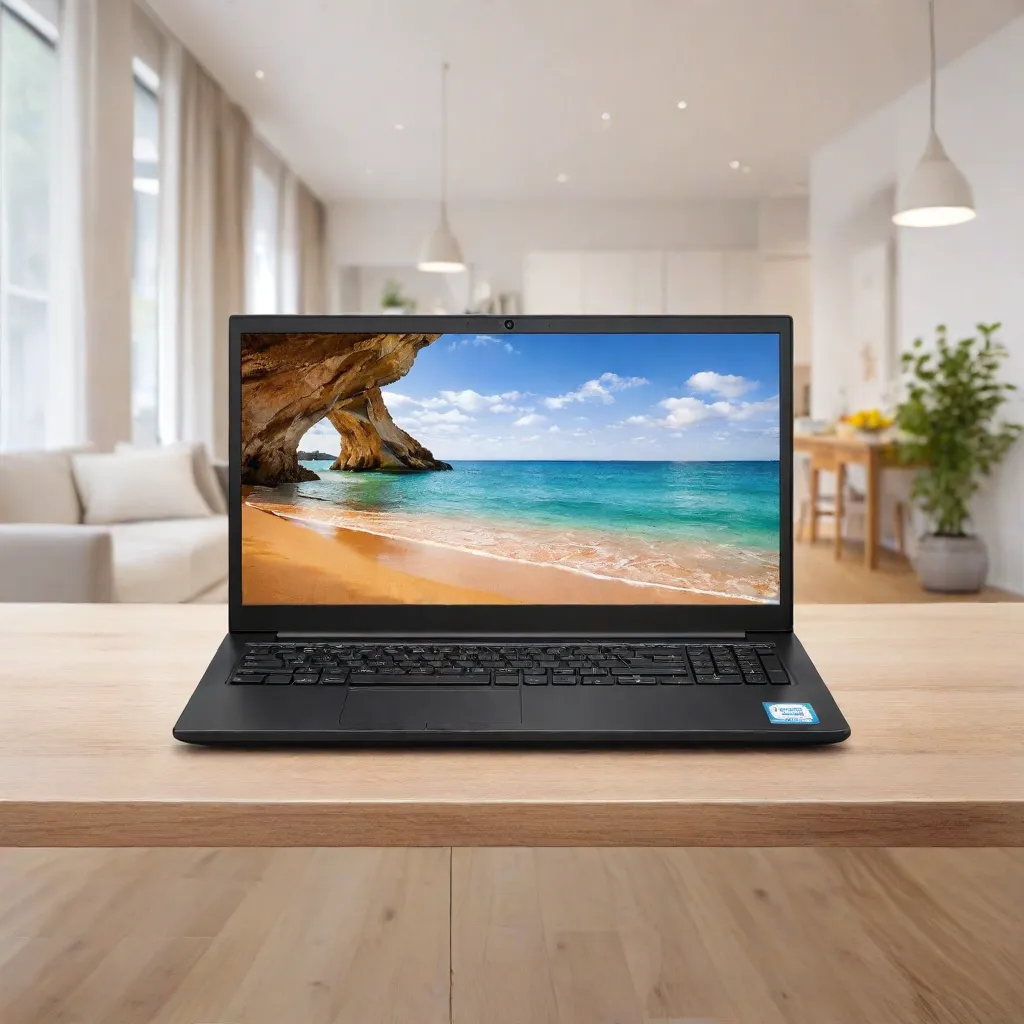
Intel Core i5 (9th Gen) | 16GB | 250GB HDD | Win 10
Save 35%₹ 1,950/mo
₹3,000 - OUT OF STOCK
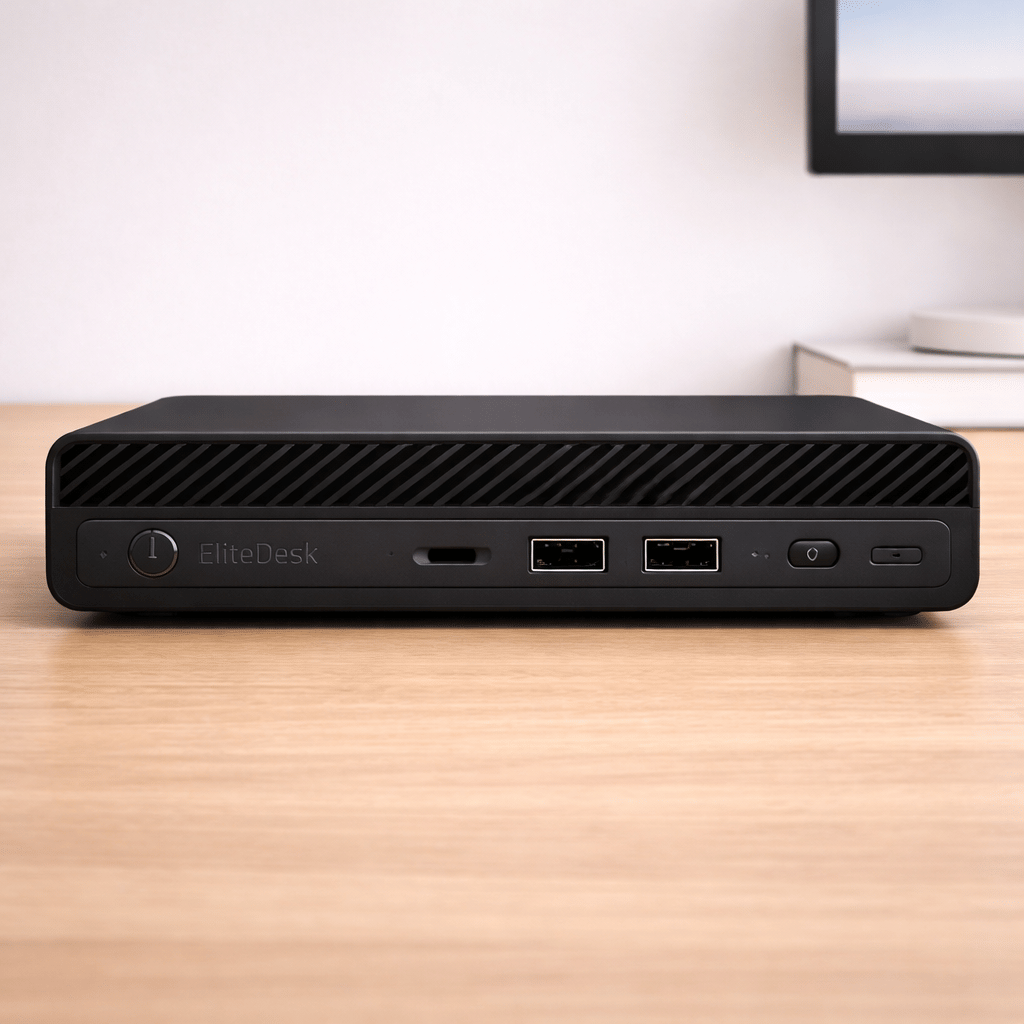
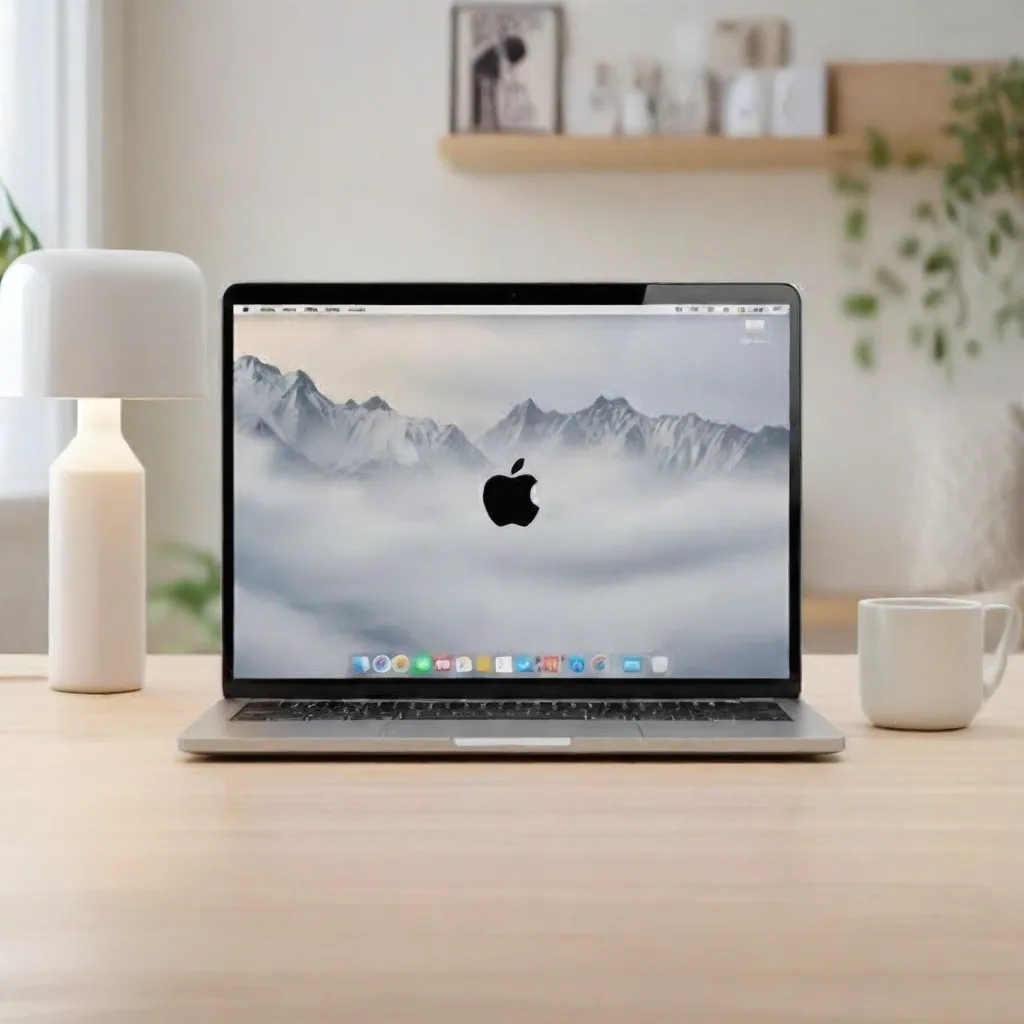
Intel i5 (8th Gen) | 8GB | 256GB SSD | Win 10
Save 35%₹ 1,625/mo
₹2,500 - OUT OF STOCK
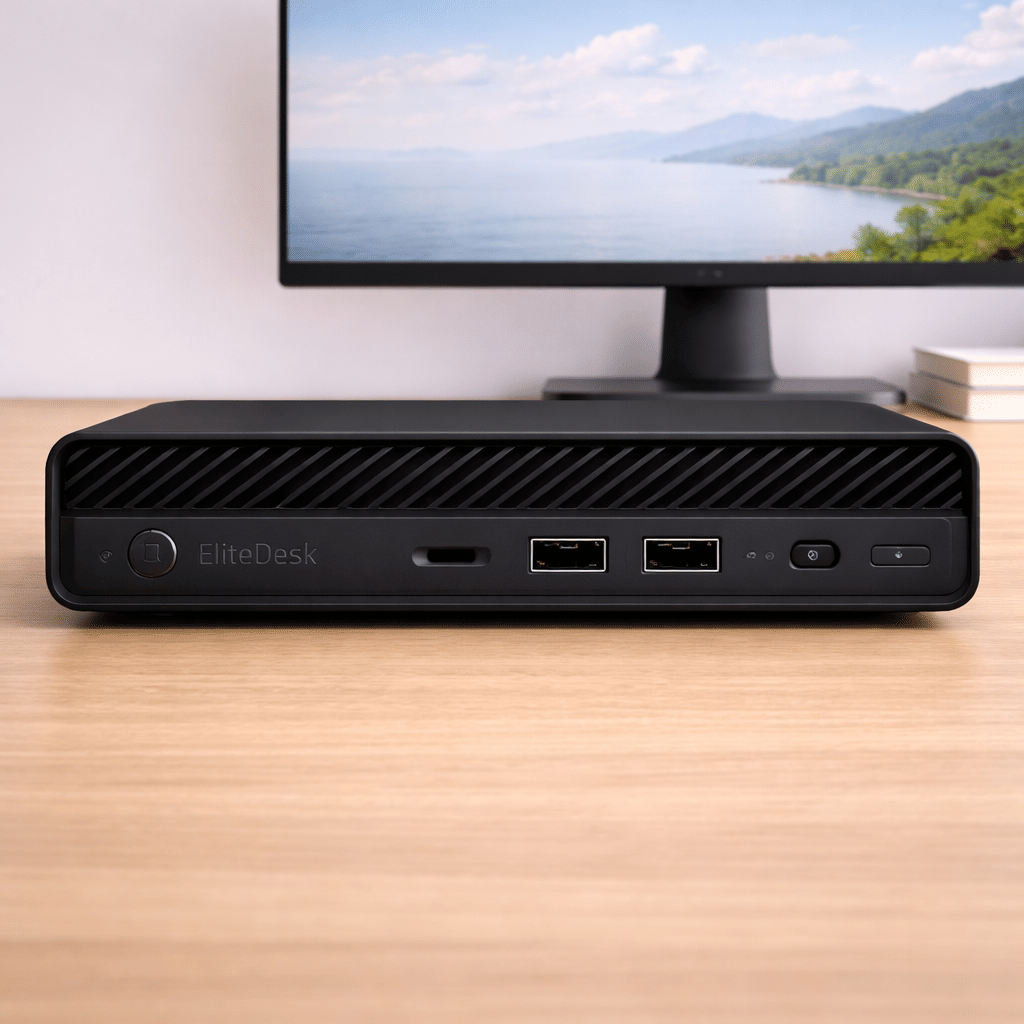
Intel i5 (6th Gen) | 8GB | 256GB HDD | Win 10
Save 35%₹ 1,300/mo
₹2,000 - OUT OF STOCK
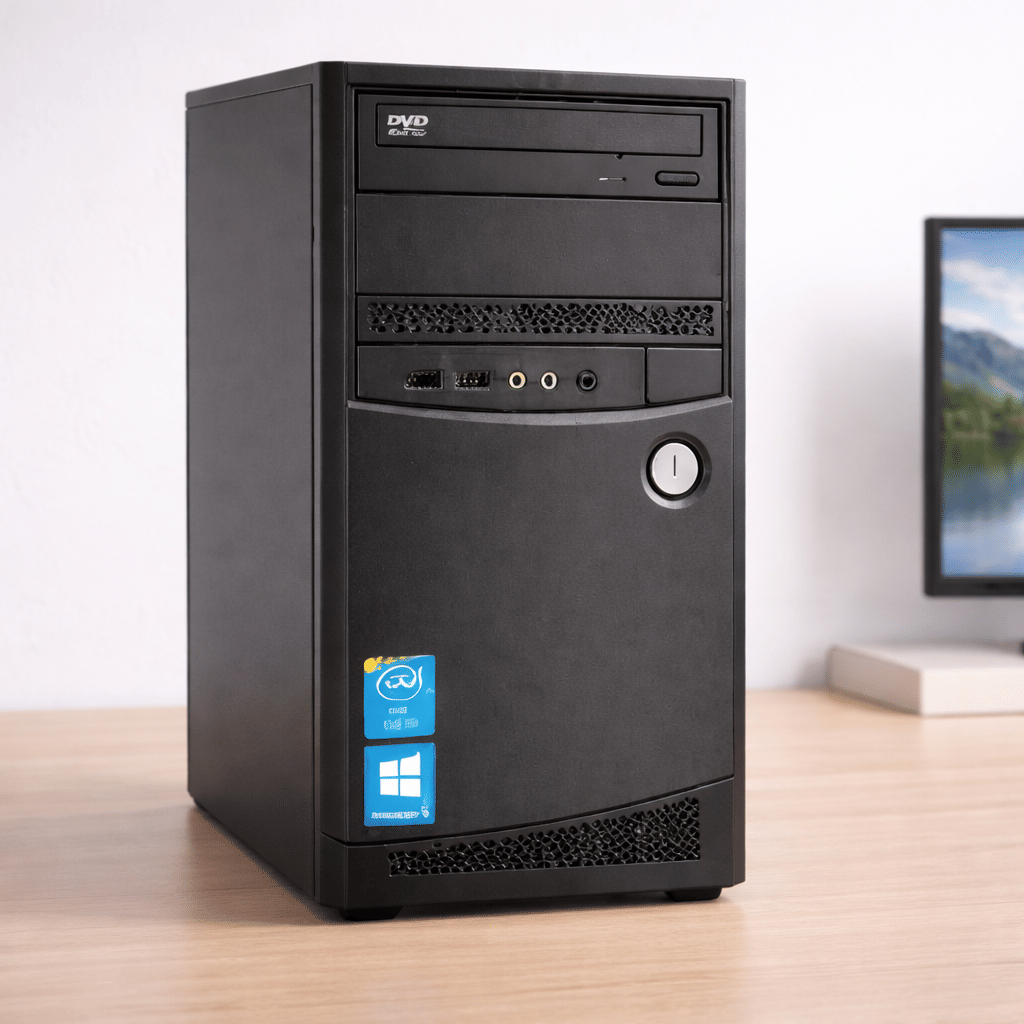
Intel i5 (4th Gen) | 4GB RAM | 500GB HDD | Win 10
Save 35%₹ 2,470/mo
₹3,800
FAQ'S
What types of computers are available for rent in Pune?
Intel Core i5 desktop computers in multiple configurations are available based on stock.
Is delivery and setup included?
Yes, delivery and basic setup are included with every rental.
Can I rent a computer for short-term use?
Yes, flexible short-term and long-term rental options are available.
Do you deliver computers across Pune?
Yes, computer rentals are delivered across Pune, subject to service coverage.
Are rented computers suitable for office work?
Yes, all desktop systems are suitable for professional and office use.
Desktop Computer Rental in Pune
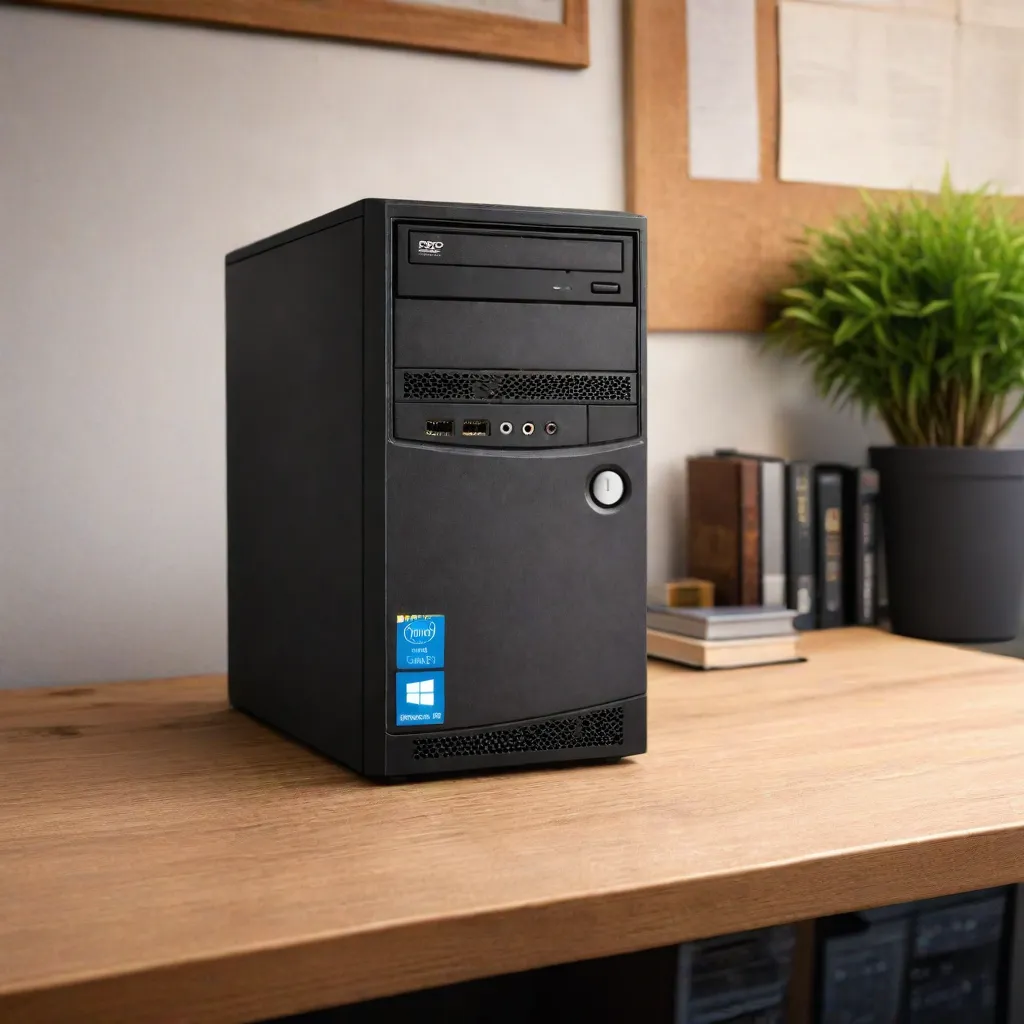
A desktop is the right machine for a desk that never moves: a billing counter in a Kothrud shop, an accounts seat in a Hadapsar office or a home study table in Wakad. It offers a full-size keyboard, a proper monitor and no battery to wear out. iRentOut offers desktop computers on rent in Pune on a monthly plan, with Intel Core i5 systems on Windows 10 for homes, shops, offices and training rooms.
Desktop stock in Pune moves in and out, and the listed systems may be out of stock for a while, so check a product before planning around it. The page offers rapid delivery, with the desktop delivered and set up in 6 hours when you order by 2 pm.
Desktops You Can Rent in Pune
Intel Core i5 (9th Gen), 16GB RAM
The most capable desktop on the page, with a 250GB drive and Windows 10. Its 16GB of memory handles accounting suites, ERP software and several programs running together.
Intel Core i5 (8th Gen), 8GB RAM, 256GB SSD
The SSD makes this model start up and open files noticeably faster, which helps on seats that are switched on and off through the day.
Intel Core i5 (6th Gen), 8GB RAM
A steady office desktop with 256GB of storage for documents, email, browsing and video meetings.
Intel Core i5 (4th Gen), 4GB RAM, 500GB drive
The entry model for billing systems, data entry and basic computer classes, with plenty of storage for records.
All four are listed subject to stock. If you already have a screen, keyboard and mouse, see CPU rental in Pune. For a portable option, see laptop rental.
Choosing a Desktop to Rent
Memory for the workload
4GB: billing, POS and single-task data entry
8GB: office suites, browsing and online meetings
16GB: ERP tools, large spreadsheets and heavy multitasking
Storage type
An SSD is faster to start and load. A larger hard drive holds more records. Choose by whether speed or space matters more on that seat.
Screen
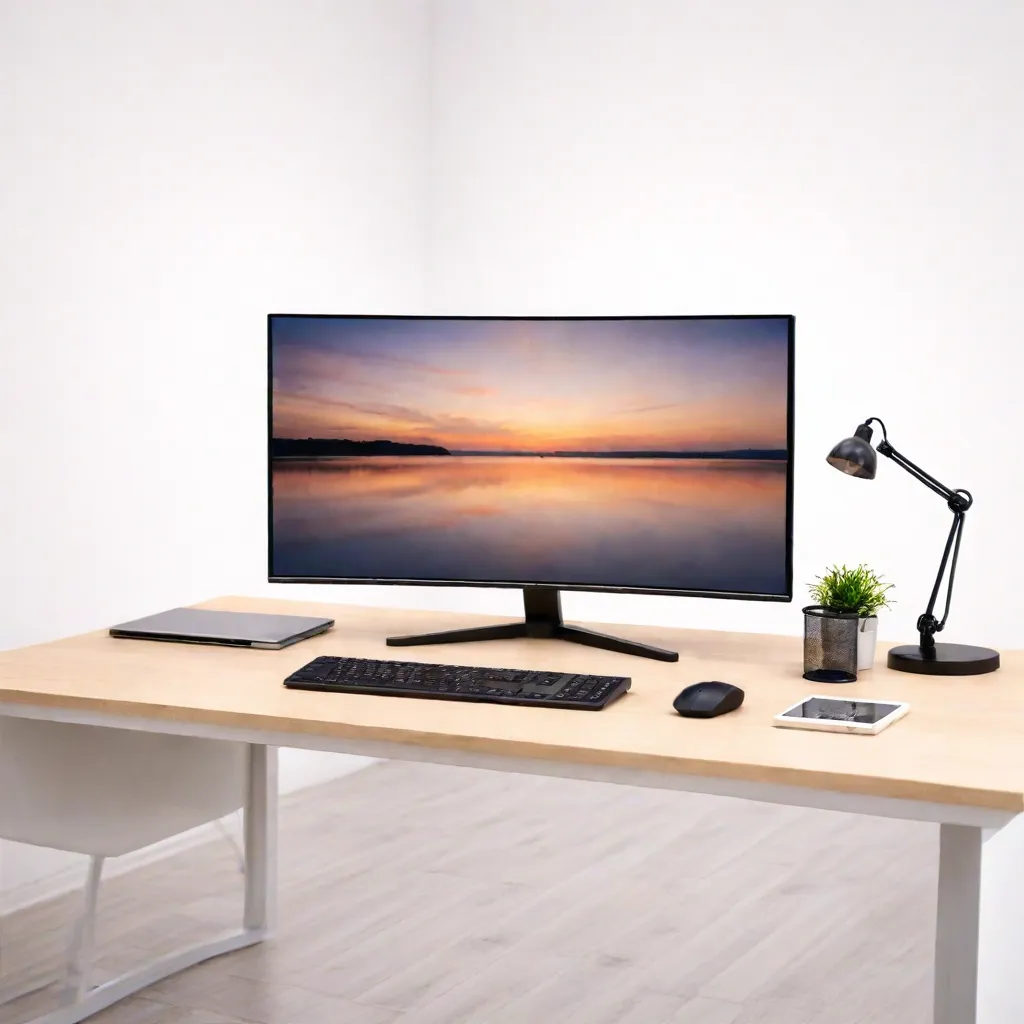
Pair the desktop with a 21.5-inch or 24-inch display from monitor rental for long working hours.
Rent a Desktop for Different Needs
Rent a Desktop for a Shop or Clinic
Retail stores, pharmacies and clinics can run billing or appointment software on a rented desktop while they plan a permanent setup.
Rent Desktops for an Office
New branches and growing teams can add seats without buying hardware. Use the business rental form for several units.
Rent Desktops for Training Batches
Computer institutes and corporate trainers can rent desktops for a batch and return them when the course ends.
Rent a Desktop for Home Study
Students preparing for competitive exams or working on long assignments get a bigger screen and a full keyboard at a fixed study desk.
Rent vs Buy: Desktops
Desktop hardware dates quickly, and an office that grows or shrinks often ends up with too many or too few machines.
Renting makes sense when
You need machines for a season, a batch or a project
Your headcount changes often
You want to avoid disposing of old hardware later
You want support without an IT contract
Buying makes sense when
You will run the same machines for five years or more
You need a custom configuration
You have an in-house IT team
Side by side
Upfront cost: a rental starts with the first month's rent and a refundable deposit, while a purchase is paid in full
Scaling: add or return desktops as your team changes
Repairs: manufacturing faults are repaired at no extra charge
Exit: desktops are picked up when the need ends
Before You Book
Map the seats
List how many seats you need, what software each runs and which need a monitor, keyboard and mouse.
Check power and network
Each desktop needs a power point and either a network cable or Wi-Fi. Plan a power strip per seat.
Keep documents ready
After ordering, upload an ID proof and an address proof for eKYC. Business customers can rent with company documents.
How Renting Works
Sign in with your mobile number and the OTP.
Choose the desktop and the tenure, and enter your Pune address.
Pay the first month's rent and the refundable deposit.
Complete eKYC.
Receive the desktop, set up after approval.
To return it, open My Products and book a pickup. See the terms and conditions for details.
Protecting a Desktop Through Pune's Monsoon
Heavy rain in Pune often brings voltage drops and short power cuts. A UPS keeps a desktop running long enough to save your work and shut down safely, which matters most on billing and accounting systems. Keep the cabinet raised off the floor in ground-floor shops that may see water seepage, and away from open windows. In the dry months, wipe the vents every few weeks so road dust does not clog the fans.
Setting Up a Rented Desktop Seat
Start with a stable table at elbow height and a chair that supports the lower back. Place the monitor at eye level about an arm's length away, and keep the cabinet on the floor or a low stand with space around the vents rather than inside a closed cupboard. Route cables along the back of the desk so nobody trips on them, and label each power plug if several seats share a strip. If you run more than a few seats, keep a simple sheet noting which user, software and peripherals sit on which desktop. It makes support calls, swaps and the final pickup much quicker.
iRentOut in Other Locations
Desktops are also available on rent in:
Other Categories in Pune
Electronics
Electronics rental in Pune lists laptops, workstations and printers.
Home Appliances
Appliance rental covers ACs and water dispensers for an office.
Furniture
Office furniture rental lists workstation tables, chairs and storage.
Gym Equipment
Gym rentals lists treadmills and massagers for a wellness corner.
Combo Offers
Combo rental offers bring several products onto one plan.