







MacBook Rental in pune
MacBook
Product you may like

FILTER

Delivered & set up in 6 hours
- New Arrivals
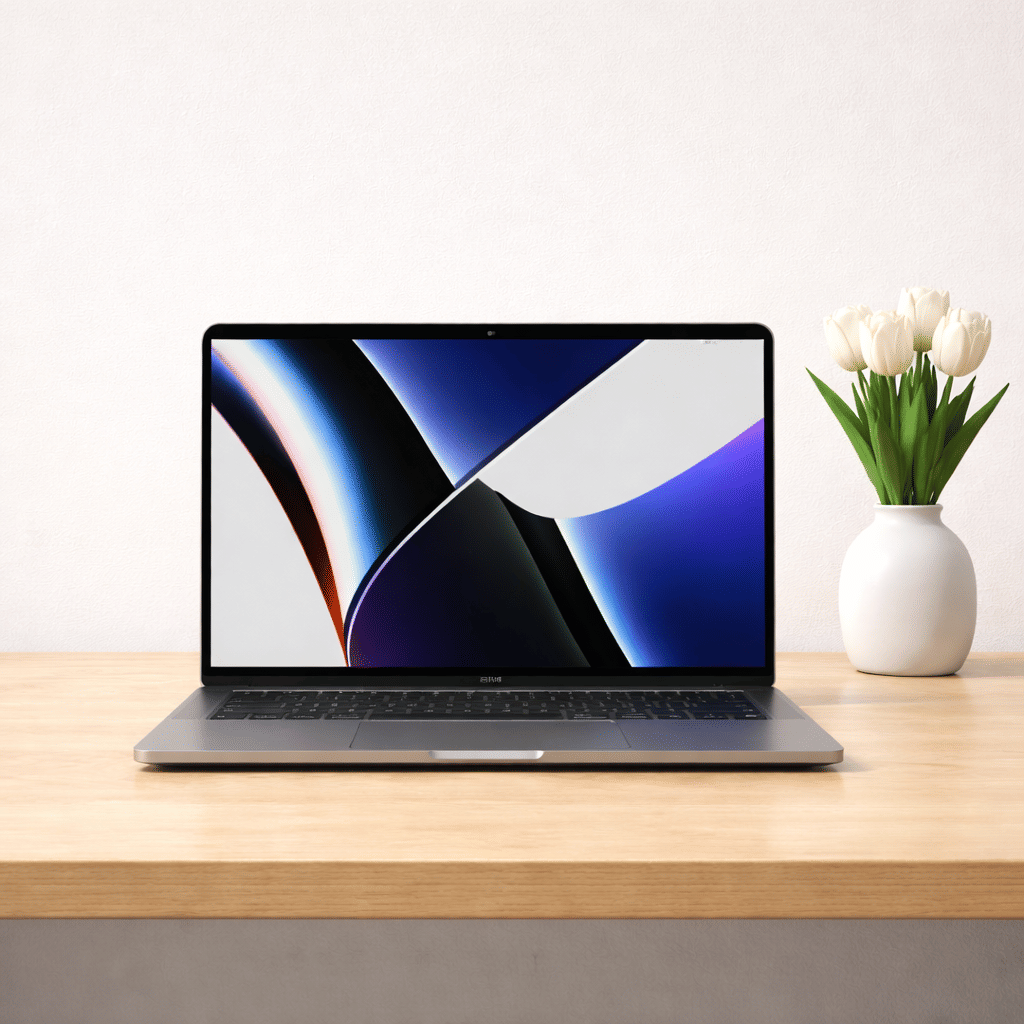
MacBook Pro 2022 | M2 | 8GB | 256GB | 13″
Save 35%₹ 7,930/mo
₹12,200
2 days
- Best seller
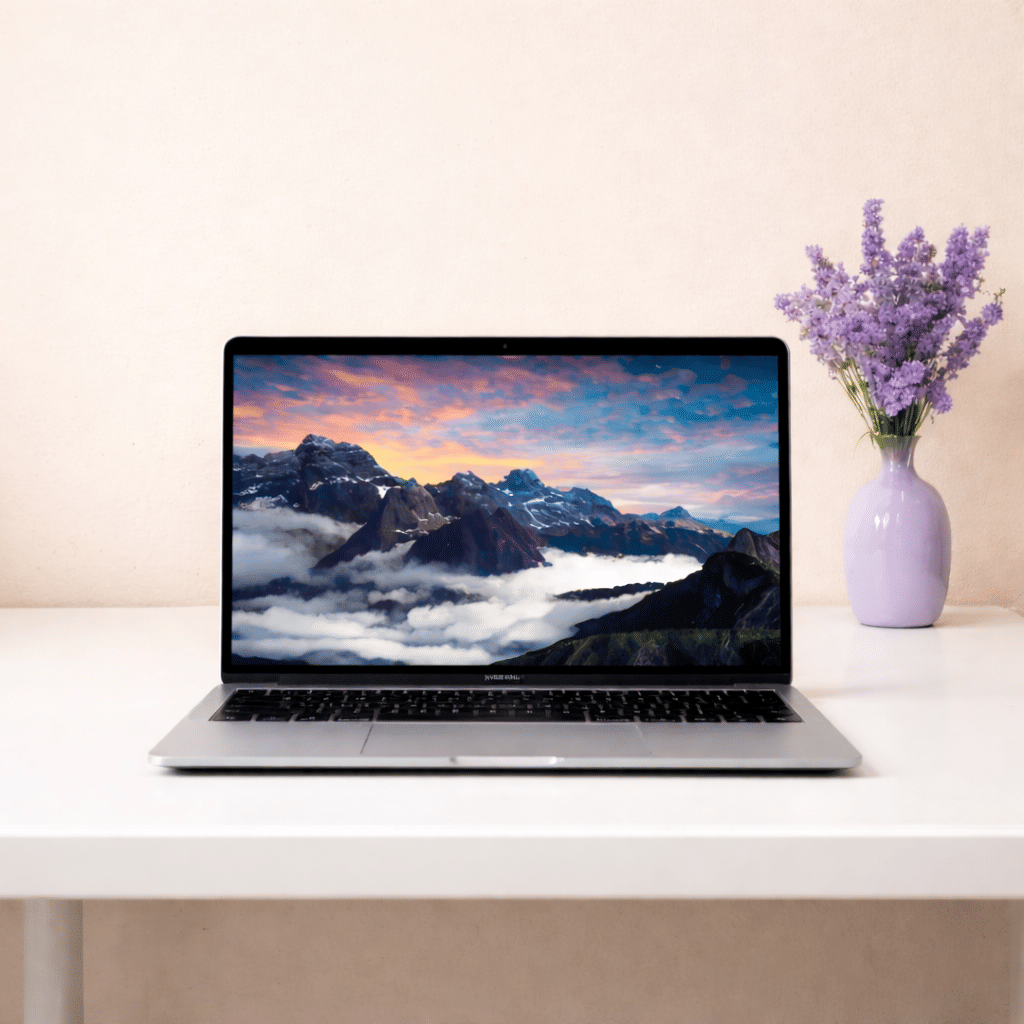
MacBook Air 2018 | i5 | 8GB | 256GB | 13″
Save 40%₹ 2,700/mo
₹4,5004 days
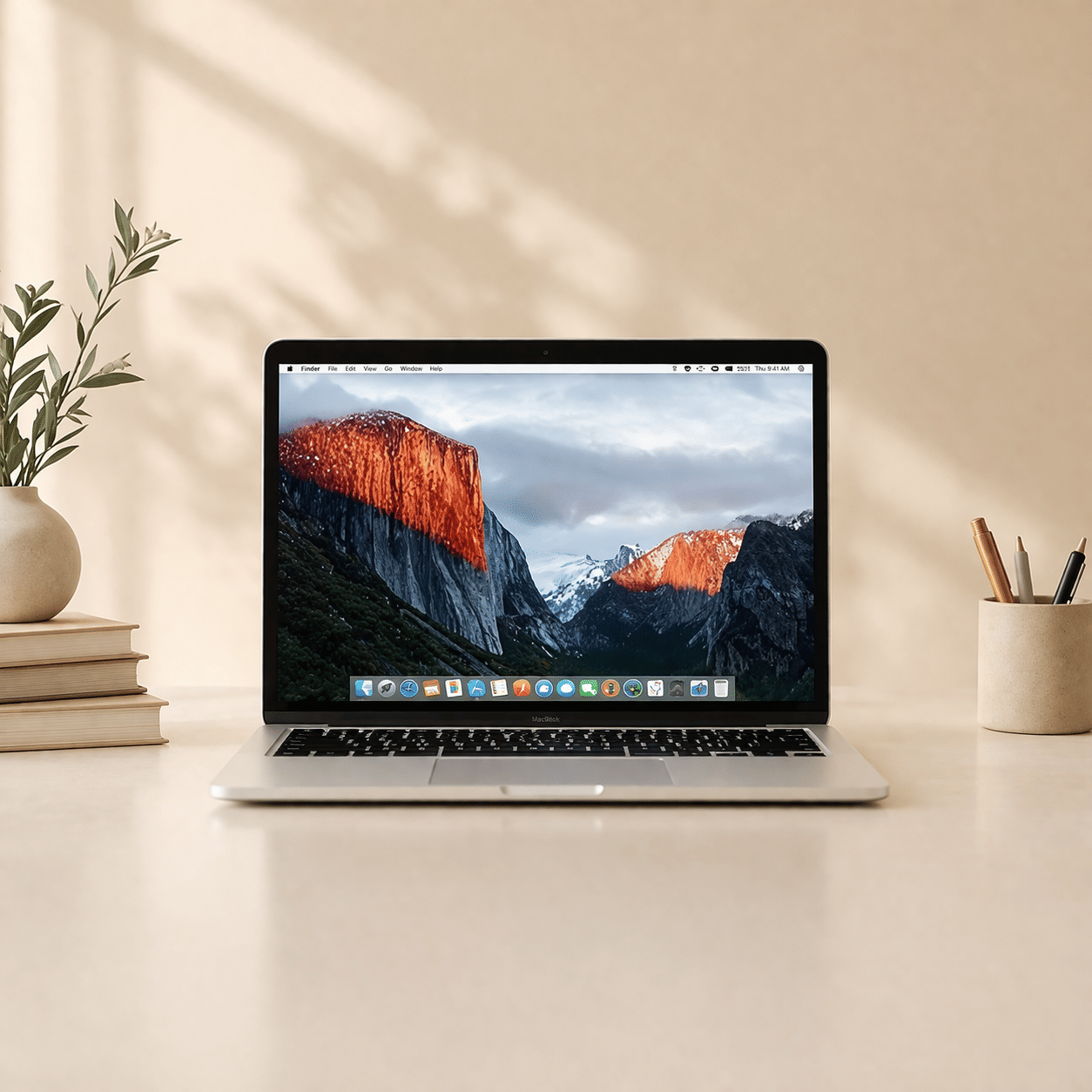
MacBook Pro 2015 | i7 | 16GB | 256GB | 4GB GPU | 15″
Save 35%₹ 2,404/mo
₹3,6994 days
- OUT OF STOCK
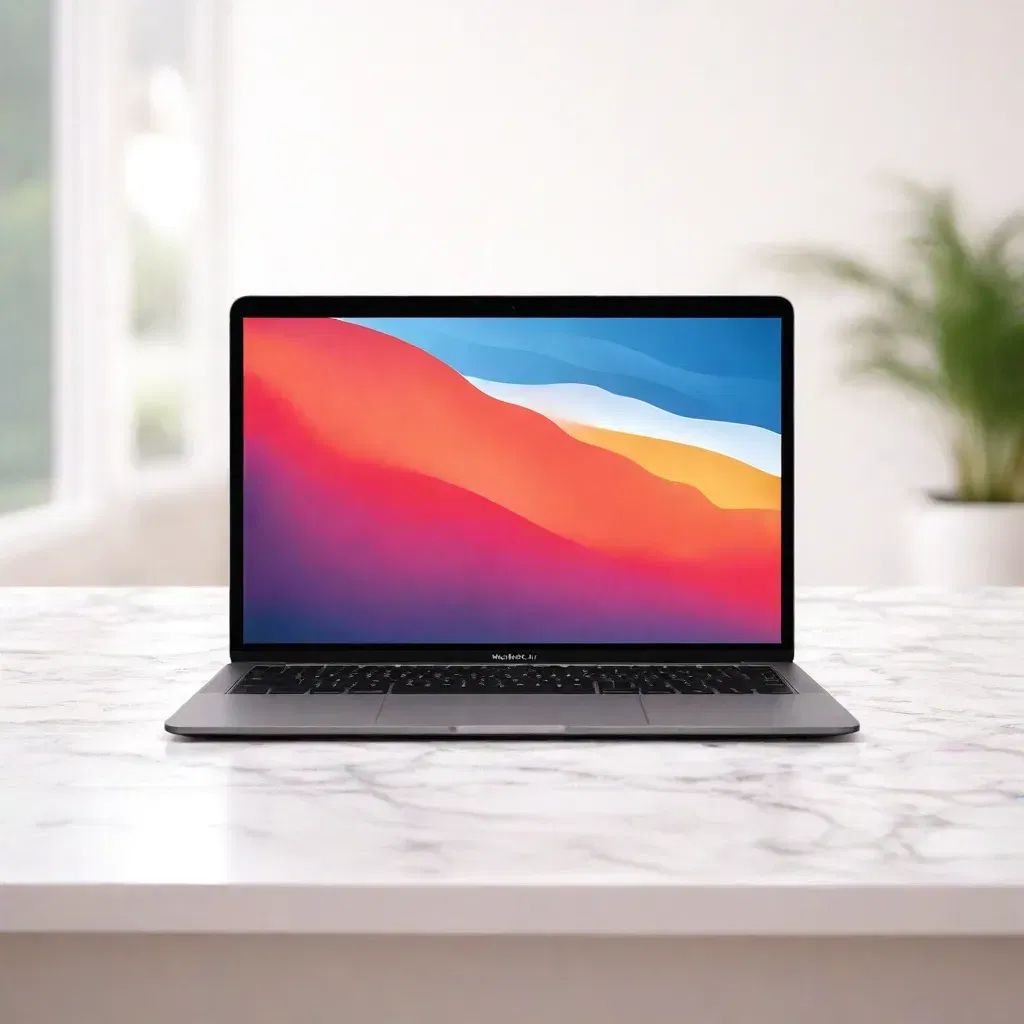
MacBook Air 2020 | M1 | 8GB | 256GB | 13″
Save 40%₹ 3,900/mo
₹6,5002 days
- OUT OF STOCK
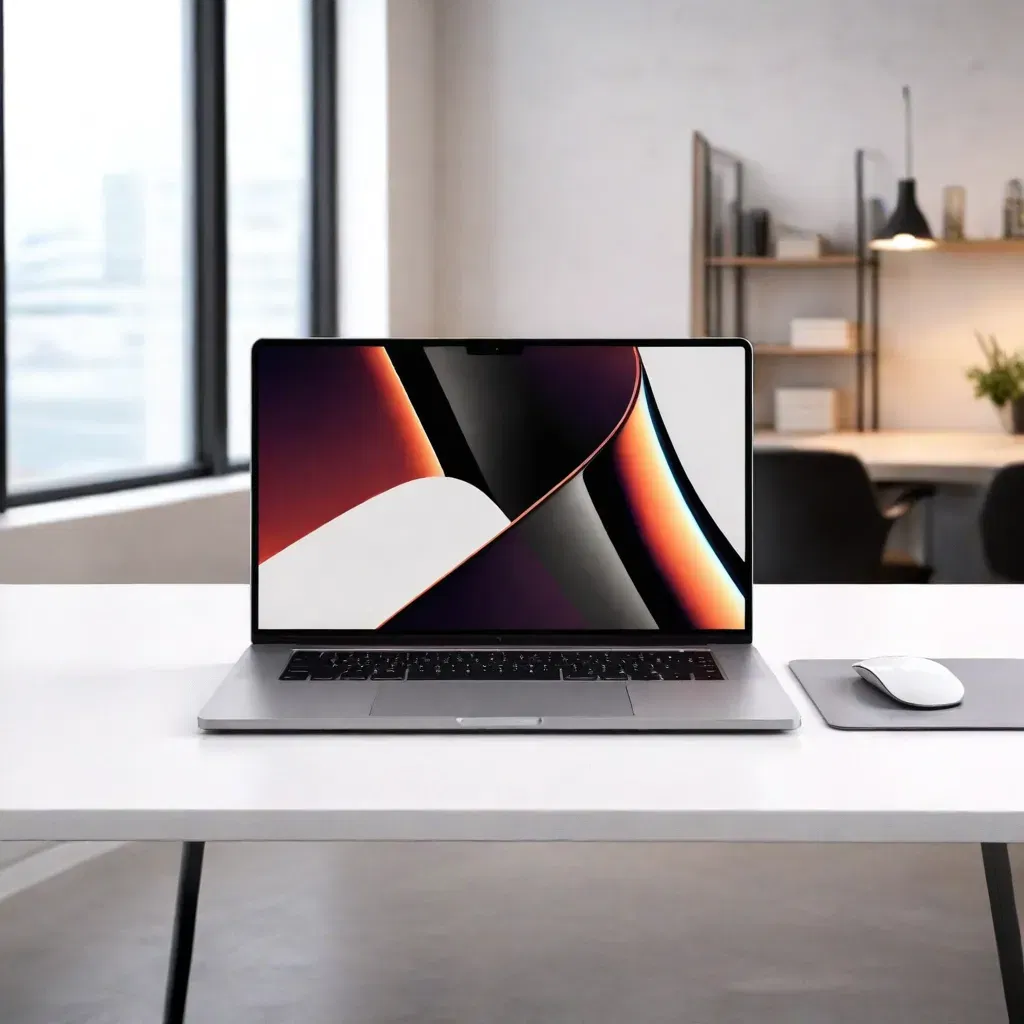
MacBook Pro 2021 | M1 | 16GB | 512GB | 16″
Save 35%₹ 7,149/mo
₹10,9992 days
- OUT OF STOCK
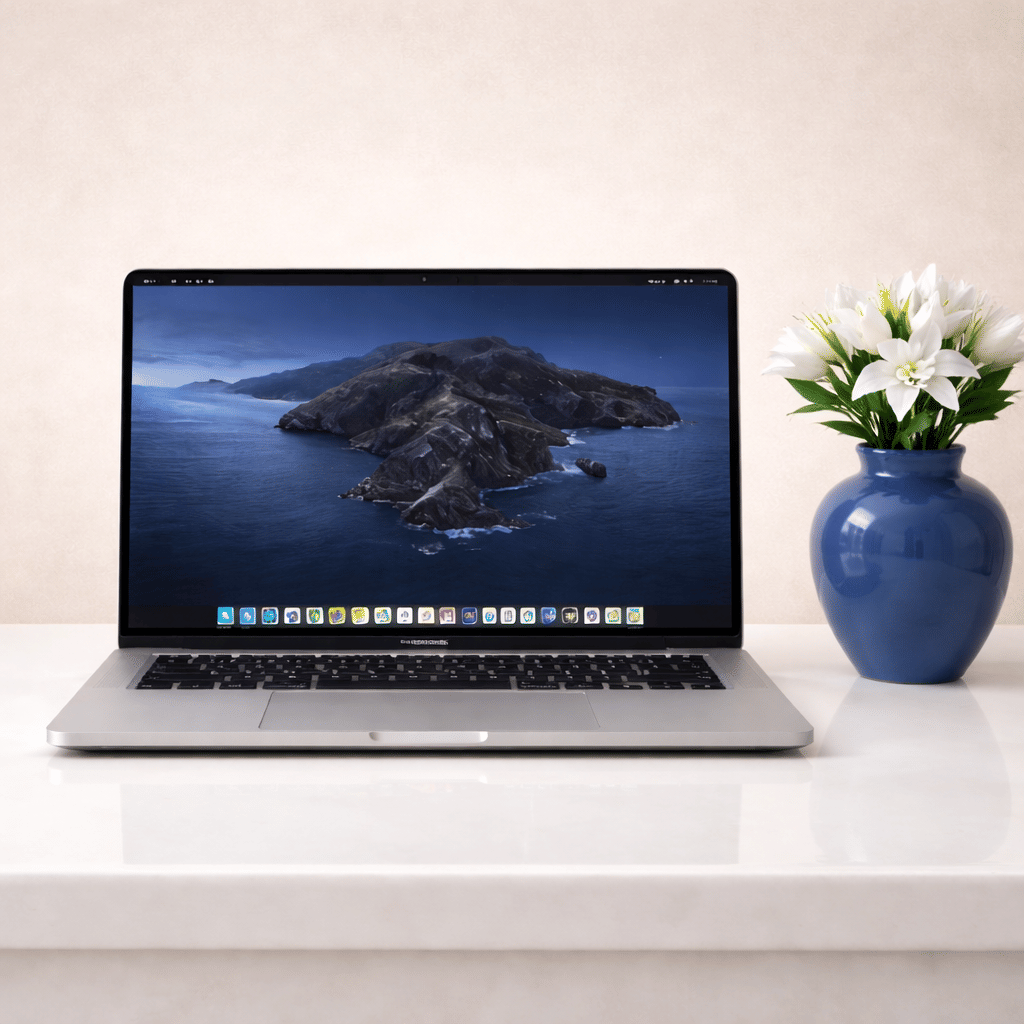
MacBook Pro 2019 | i9 | 32GB | 1TB | 8GB GPU | 16″
Save 35%₹ 5,850/mo
₹9,000 - OUT OF STOCK
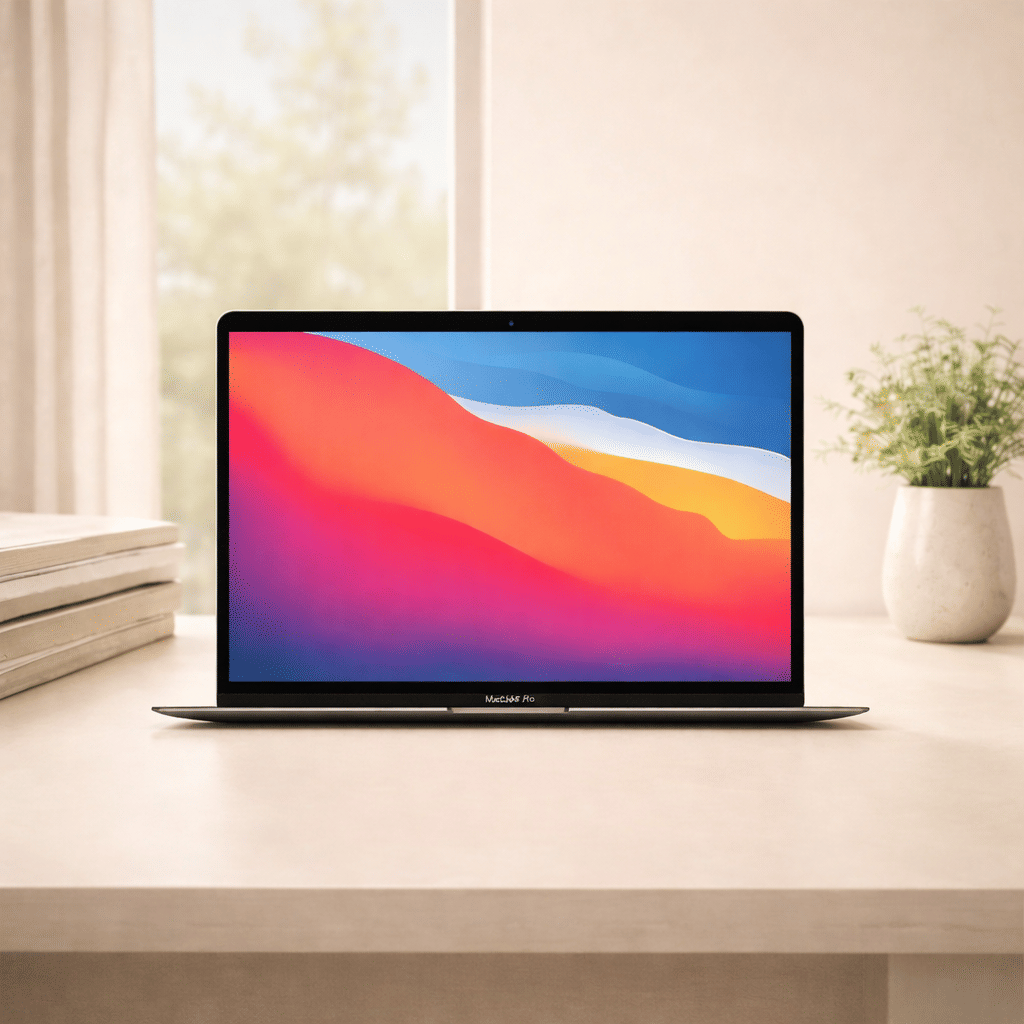
MacBook Air 2020 | M1 | 16GB | 256GB | 13″
Save 35%₹ 4,225/mo
₹6,5002 days
- OUT OF STOCK
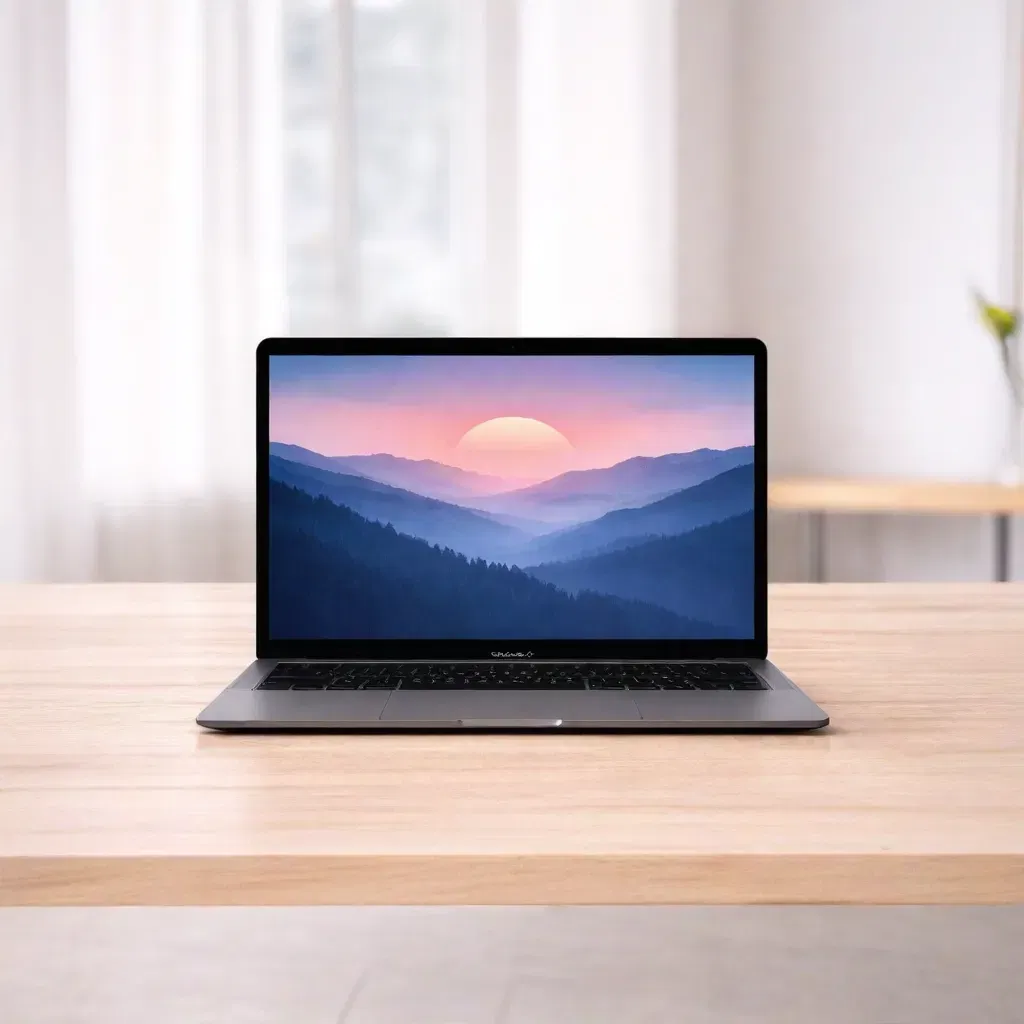
MacBook Air 2022 | M2 | 8GB | 256GB | 13″
Save 35%₹ 7,150/mo
₹11,0002 days
- OUT OF STOCK
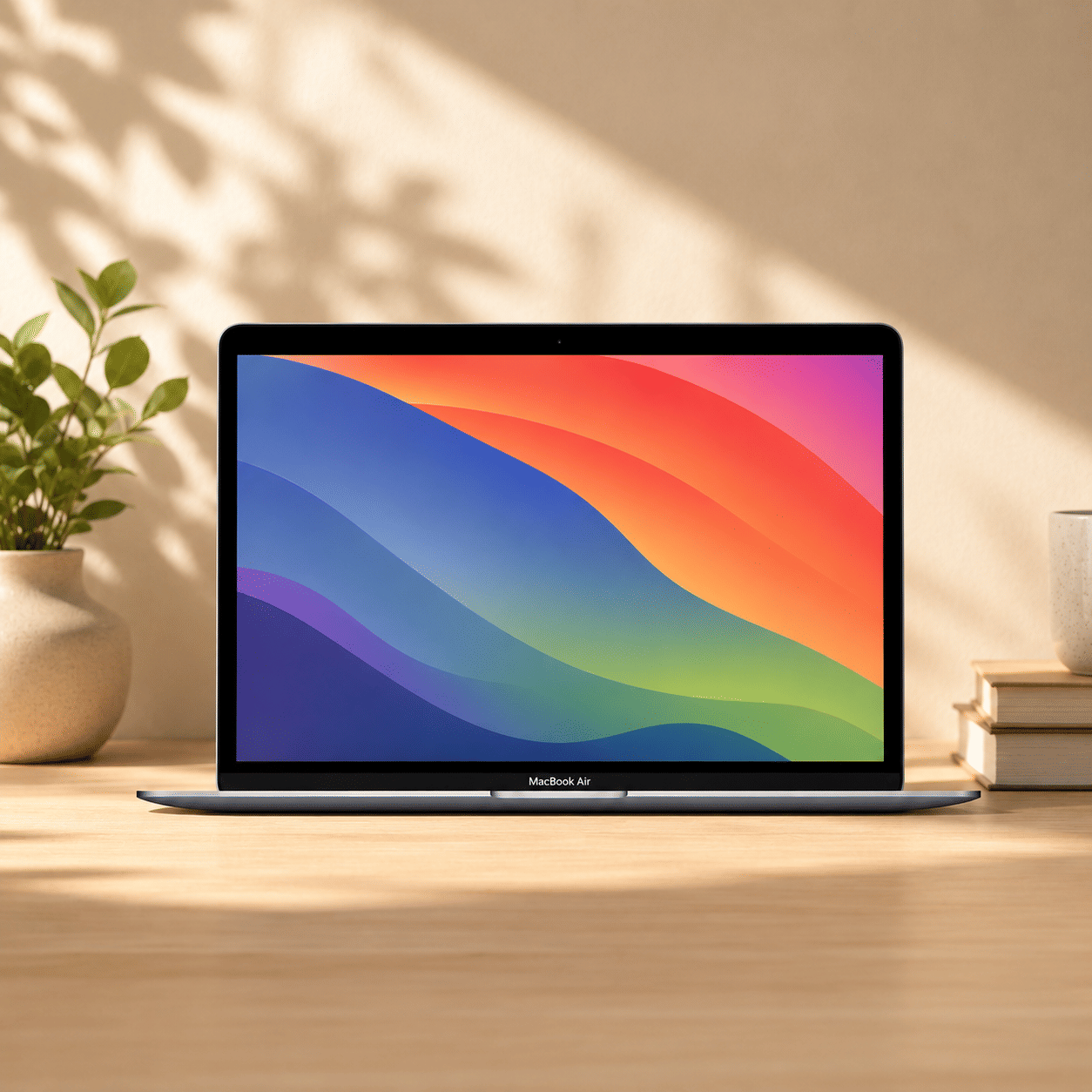
MacBook Air 2023 | M3 | 8GB | 256GB | 13″
Save 35%₹ 6,370/mo
₹9,800 - OUT OF STOCK
MacBook Air 2023 | M3 | 16GB | 256GB | 15″
Save 35%₹ 6,175/mo
₹9,500 - OUT OF STOCK
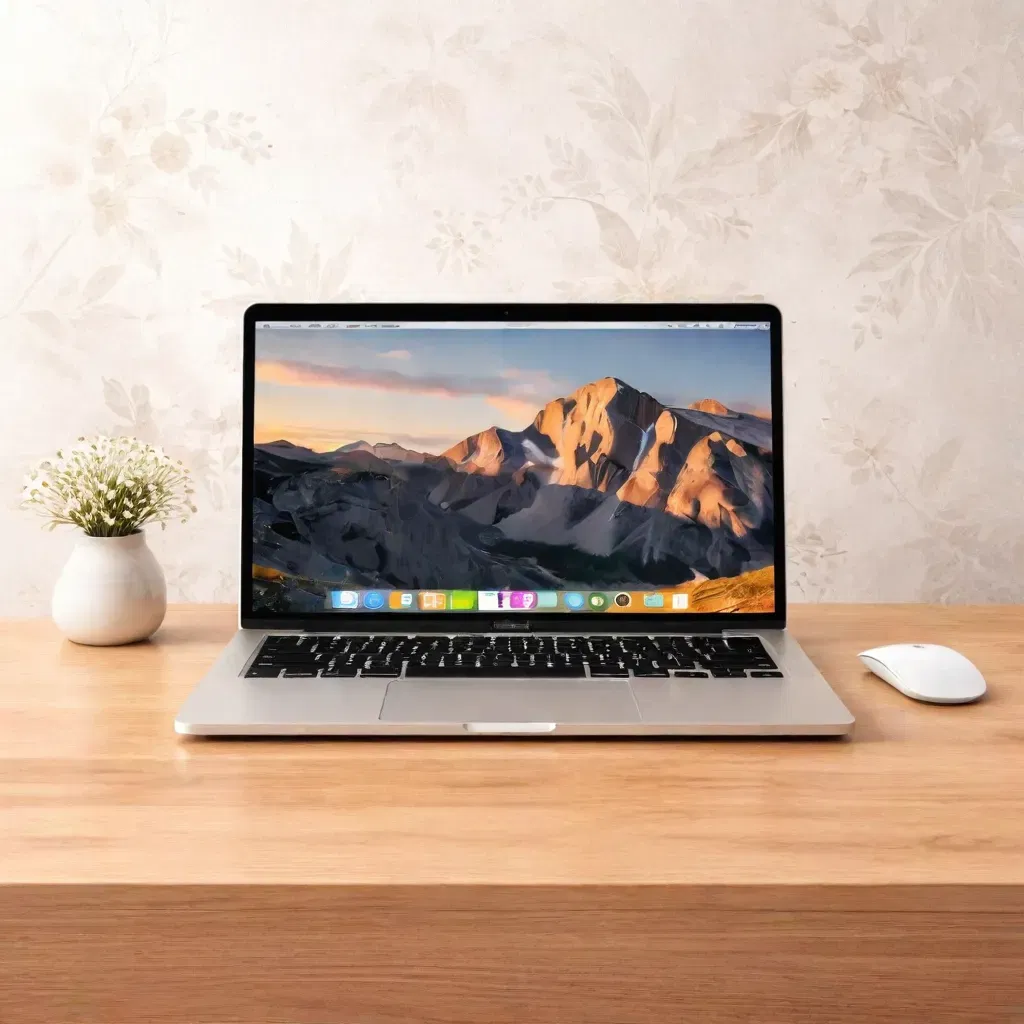
MacBook Air 2017 | i5 | 8GB | 256GB | 13″
Save 40%₹ 1,979/mo
₹3,2991 day
- OUT OF STOCK
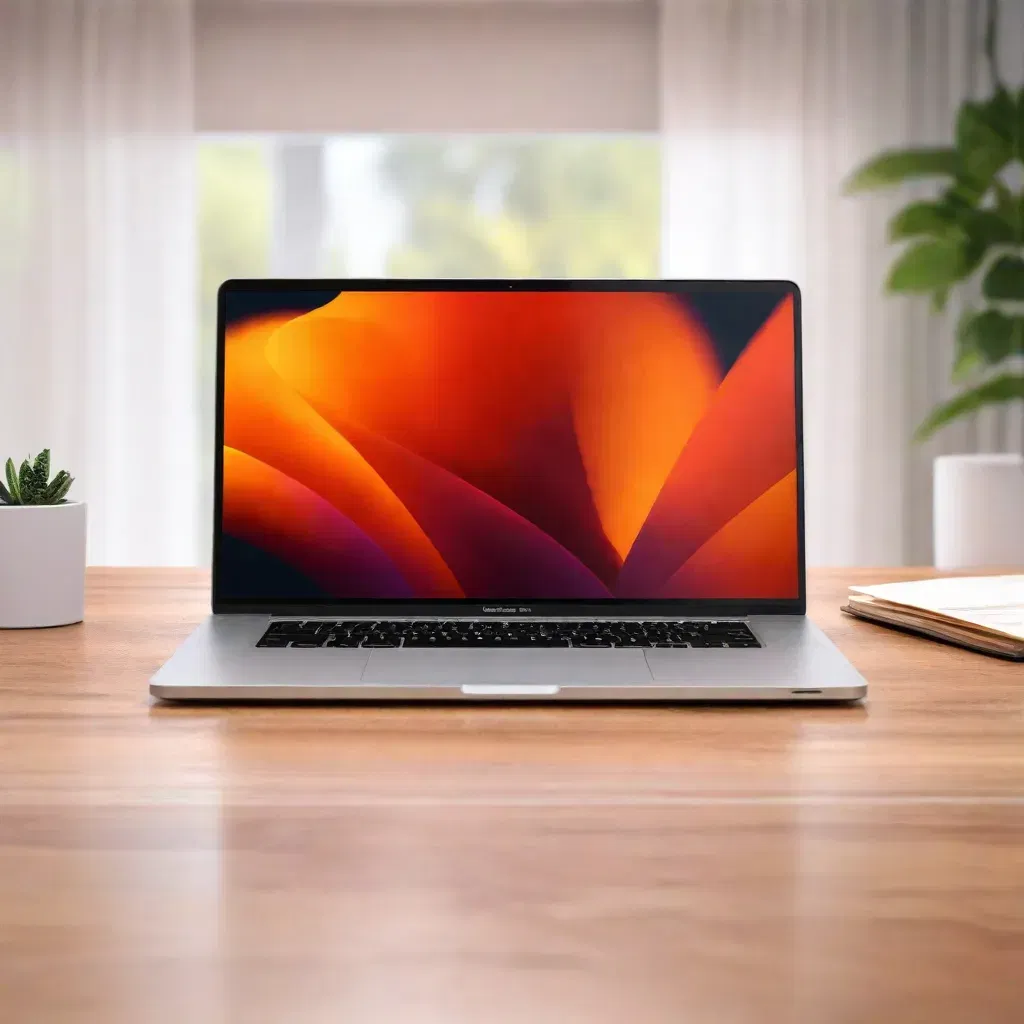
MacBook Pro 2019 | i7 | 16GB | 256GB | 4GB GPU | 15″ | Touch Bar
Save 35%₹ 3,899/mo
₹5,9994 days
- OUT OF STOCK
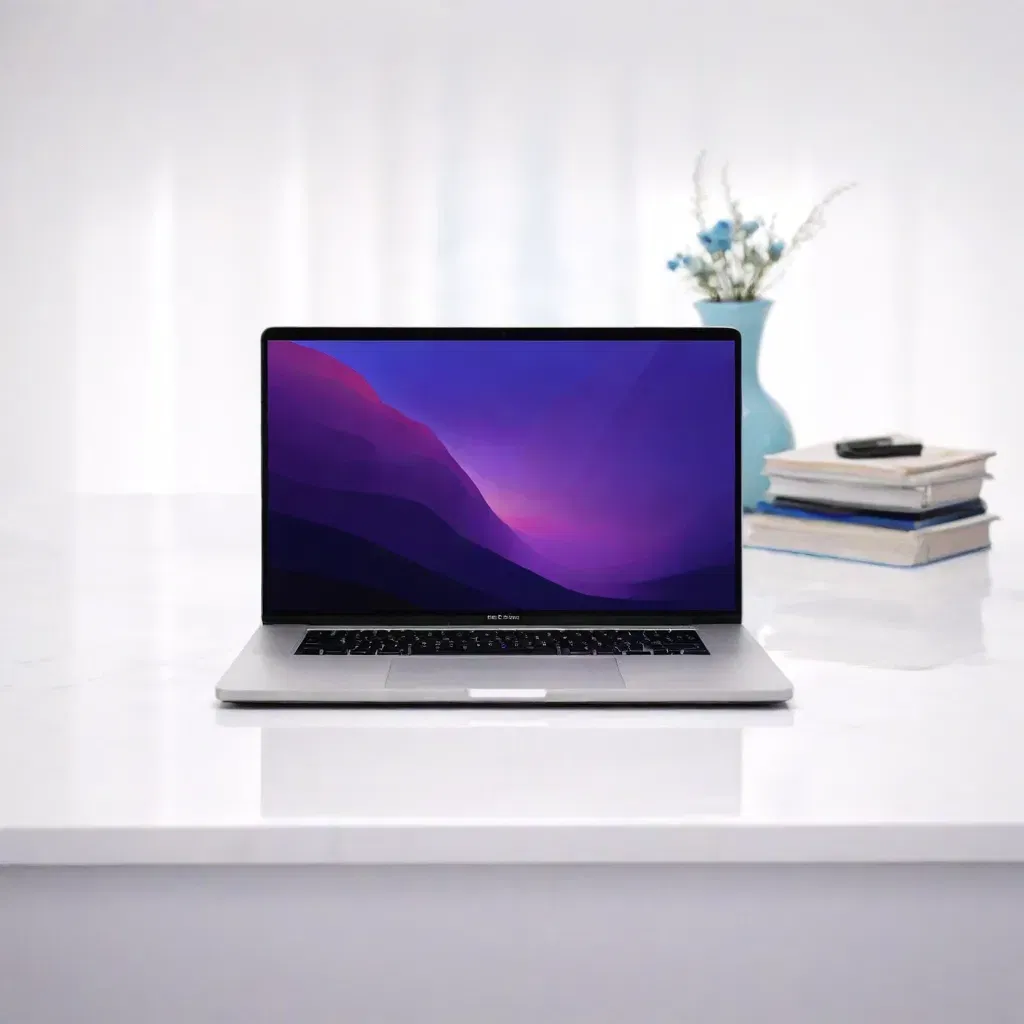
MacBook Pro 2018 | i7 | 16GB | 256GB | 4GB GPU | 15″ | Touch Bar
Save 40%₹ 3,359/mo
₹5,5991 day
- OUT OF STOCK
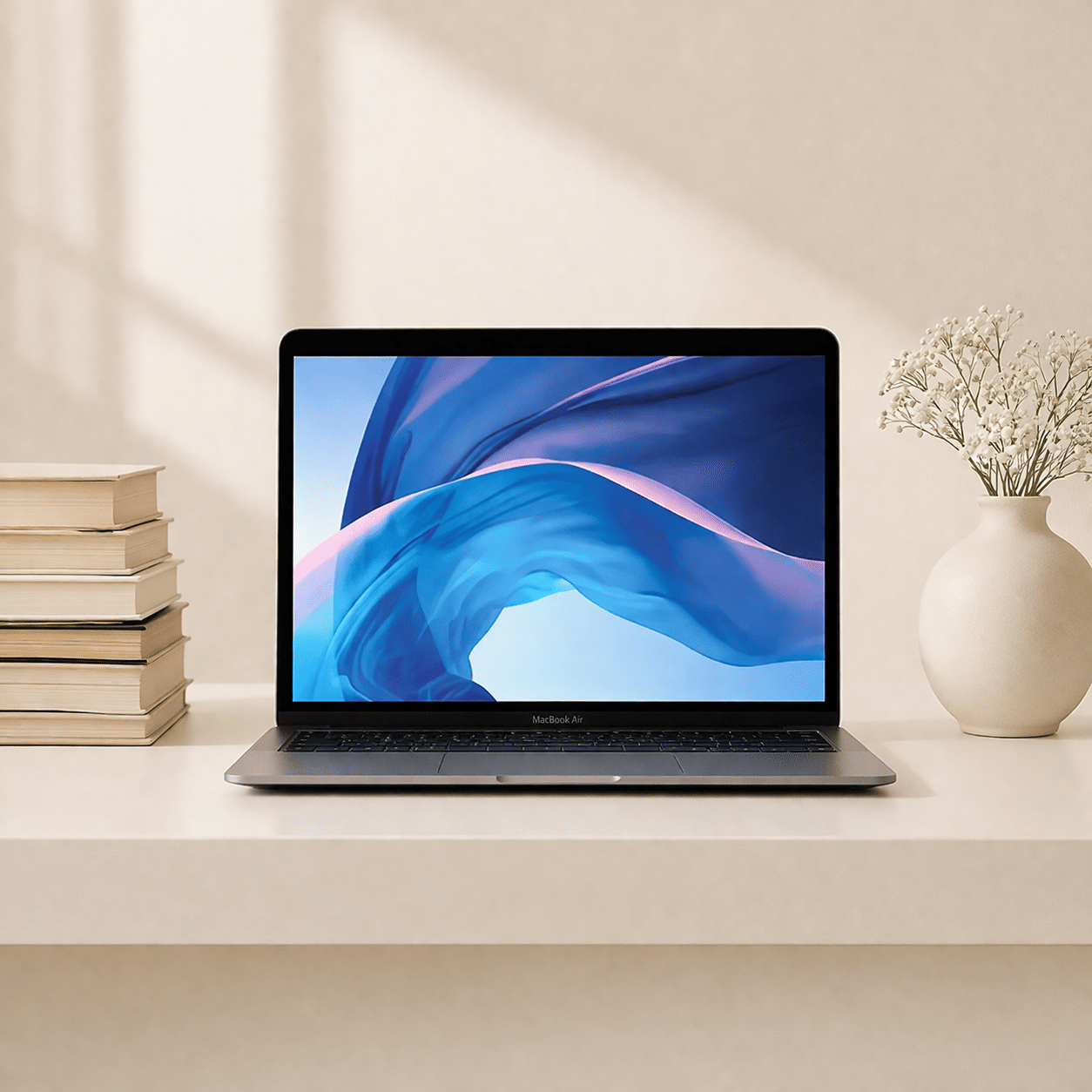
MacBook Pro 2022 | M2 | 16GB | 256GB | 13″
Save 40%₹ 8,700/mo
₹14,5002 days
- OUT OF STOCK
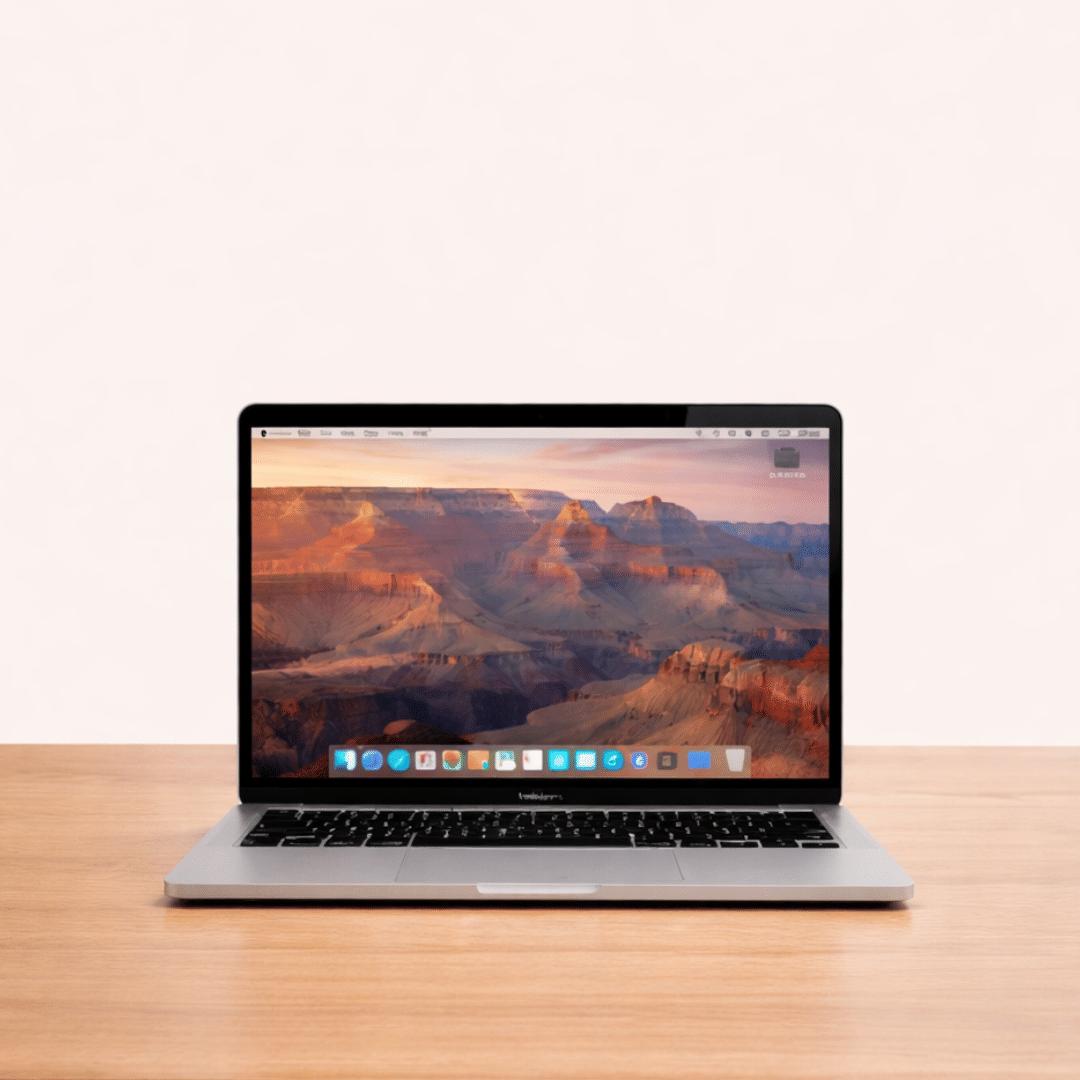
MacBook Pro 2020 | M1 | 16GB | 256GB | 13″
Save 35%₹ 5,850/mo
₹9,0002 days
- OUT OF STOCK
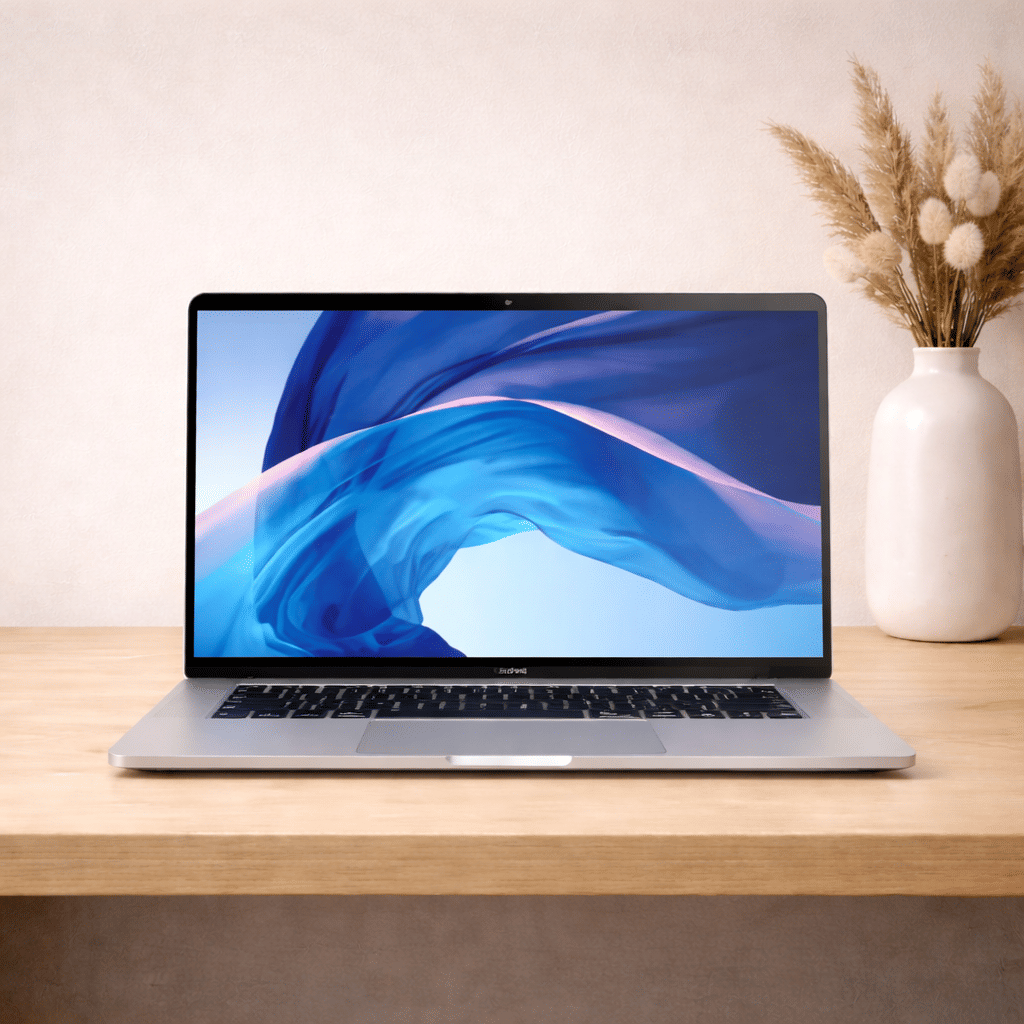
MacBook Pro 2017 | i7 | 16GB | 256GB | 4GB GPU | 15″ | Touch Bar
Save 35%₹ 2,924/mo
₹4,4992 days
- OUT OF STOCK
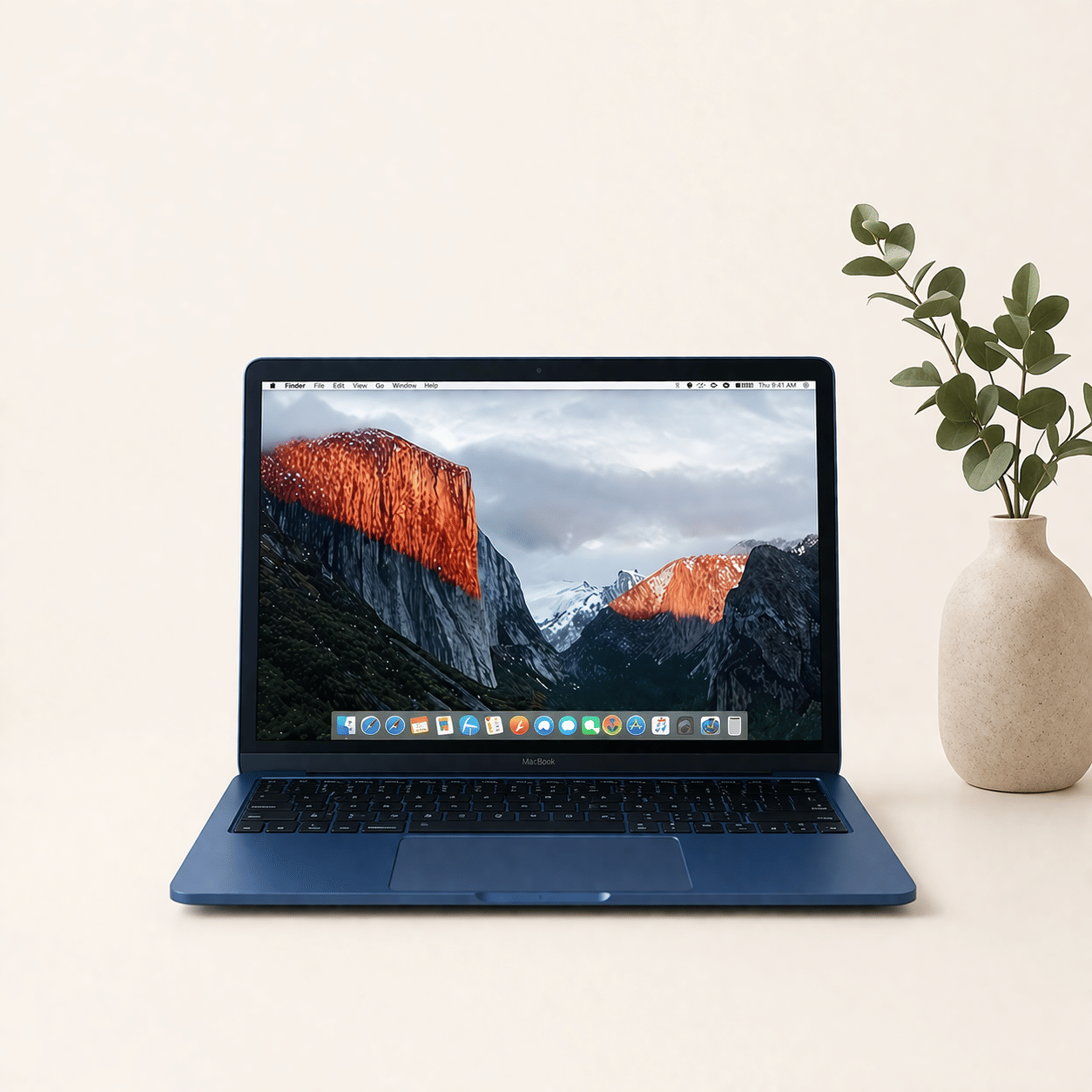
MacBook Pro 2021 | M1 | 32GB | 1TB | 16″
Save 35%₹ 7,800/mo
₹12,0002 days
MacBook Rental in Pune
Pune has a large community of iOS developers, product designers, founders and creative professionals, and many of them need a Mac for a defined stretch: a client build, a design sprint or a course. Buying one outright for that is a heavy spend. iRentOut offers MacBooks on rent in Pune on a monthly plan, with MacBook Air and MacBook Pro models on Intel, M1, M2 and M3 chips, and doorstep delivery, setup support and pickup included.
MacBook stock changes often, so open a model to see whether it can be booked today. The page offers rapid delivery, with the MacBook delivered and set up in 6 hours when you order by 2 pm, across Pune's residential and commercial areas subject to service availability.
MacBooks You Can Rent in Pune
MacBook Pro 2022, M2, 8GB, 256GB, 13-inch
A new arrival with a 2 day delivery time. The M2 chip and the active cooling fan keep performance steady during long builds, exports and design sessions.
MacBook Air 2018, i5, 8GB, 256GB, 13-inch
A best seller with a 4 day delivery time. The Retina screen and light body make it a good everyday Mac for documents, browsing and presentations.
MacBook Pro 2015, i7, 16GB, 256GB, 15-inch
In stock with a 4 day delivery time. It has a large 15-inch screen, 16GB of memory and a 4GB graphics card, which helps with older creative and development tools that still need Intel.
Models listed subject to stock
MacBook Air 2020 M1 in 8GB and 16GB, the Air 2022 M2 and the Air 2023 M3 in 13-inch and 15-inch
MacBook Pro 2020 M1 and 2022 M2 with 16GB
16-inch MacBook Pro 2021 M1 with 16GB or 32GB and the 2019 i9 with 32GB
15-inch MacBook Pro 2017, 2018 and 2019 i7 models with the Touch Bar
For Air models only, see MacBook Air on rent.
Choosing a MacBook
Air or Pro
Air: light and quiet for writing, browsing, coding and meetings
Pro: sustained performance for exports, builds and long editing sessions
Apple silicon or Intel
M1, M2 and M3 Macs are faster, cooler and last much longer on battery. Choose Intel only for software that still needs it.
Memory and screen
8GB covers most users. Pick 16GB or 32GB for Xcode, Final Cut or large design files, and a 15-inch or 16-inch screen if you work without a monitor.
If you prefer Windows, see laptop rental in Pune.
Rent a MacBook for Different Needs
Rent a MacBook for iOS Development
Building and testing an iPhone app needs a Mac. Rent one for the build cycle and return it after release.
Rent a MacBook for Design Work
UI and UX designers can rent a Mac for a sprint or a freelance contract.
Rent a MacBook for Film and Media Students
Students on film, media and design courses can rent a Mac for a term or a final project.
Rent MacBooks for a Startup
Give new hires a Mac without buying one per seat. Use the business rental form for several units.
Rent vs Buy: MacBooks
Macs hold value better than most laptops, but the one-time cost is still large for a need that ends.
Renting makes sense when
You need a Mac for a project, course or trial period
You want to try macOS before leaving Windows
You need Pro performance for a few months only
You want support rather than repair bills
Buying makes sense when
You will use the Mac daily for five years
You want the newest model on launch
You need a custom configuration from Apple
Side by side
Upfront cost: a rental starts with the first month's rent and a refundable deposit, while a purchase is paid in full
Upgrade: request a different MacBook through My Products, subject to stock
Repairs: manufacturing faults are repaired at no extra charge
Exit: the MacBook is picked up after the rental
Before You Book
Confirm app support
Check that your apps run on macOS and on Apple silicon if you choose an M-series model.
Keep documents ready
Upload an ID proof and an address proof for eKYC after ordering.
Plan for the return
Back up to iCloud or a drive, sign out of your Apple ID and turn off Find My before pickup.
How Renting Works
Sign in with your mobile number and the OTP.
Choose the MacBook and the tenure, and enter your Pune address.
Pay the first month's rent and the refundable deposit.
Complete eKYC.
Receive the MacBook, set up after approval.
To return it, open My Products and book a pickup. See the terms and conditions.
Getting Started on a Rented Mac
Sign in with your own Apple ID, install apps from the App Store or the developer's site, and turn on FileVault so your files stay encrypted during the rental. Use a USB-C or HDMI adapter to connect a rented monitor. In Pune's monsoon, carry the MacBook in a padded, water-resistant sleeve, and keep it out of a parked car in the April sun.
Pairing a MacBook With Your Setup
A rented MacBook works with most accessories you already own. Bluetooth keyboards, mice and AirPods pair in seconds, and a USB-C hub adds HDMI, USB-A and SD card ports for older peripherals. If you also use an iPhone, sign in with the same Apple ID to share AirDrop, iCloud documents and passwords across both devices during the rental.
iRentOut in Other Locations
MacBooks are also available on rent in:
Other Categories in Pune
Electronics
Electronics rental in Pune lists workstations, printers and phones.
Home Appliances
Appliance rental covers ACs, TVs and fridges.
Furniture
Office furniture rental lists desks and ergonomic chairs.
Gym Equipment
Gym rentals lists treadmills and cross trainers.
Combo Offers
Combo rental offers bundle products on one plan.