












Smartphone Rental in chennai
Smart phone
Product you may like

FILTER

Order by 2 pm, delivered and set up in 6 hours.
- OUT OF STOCK
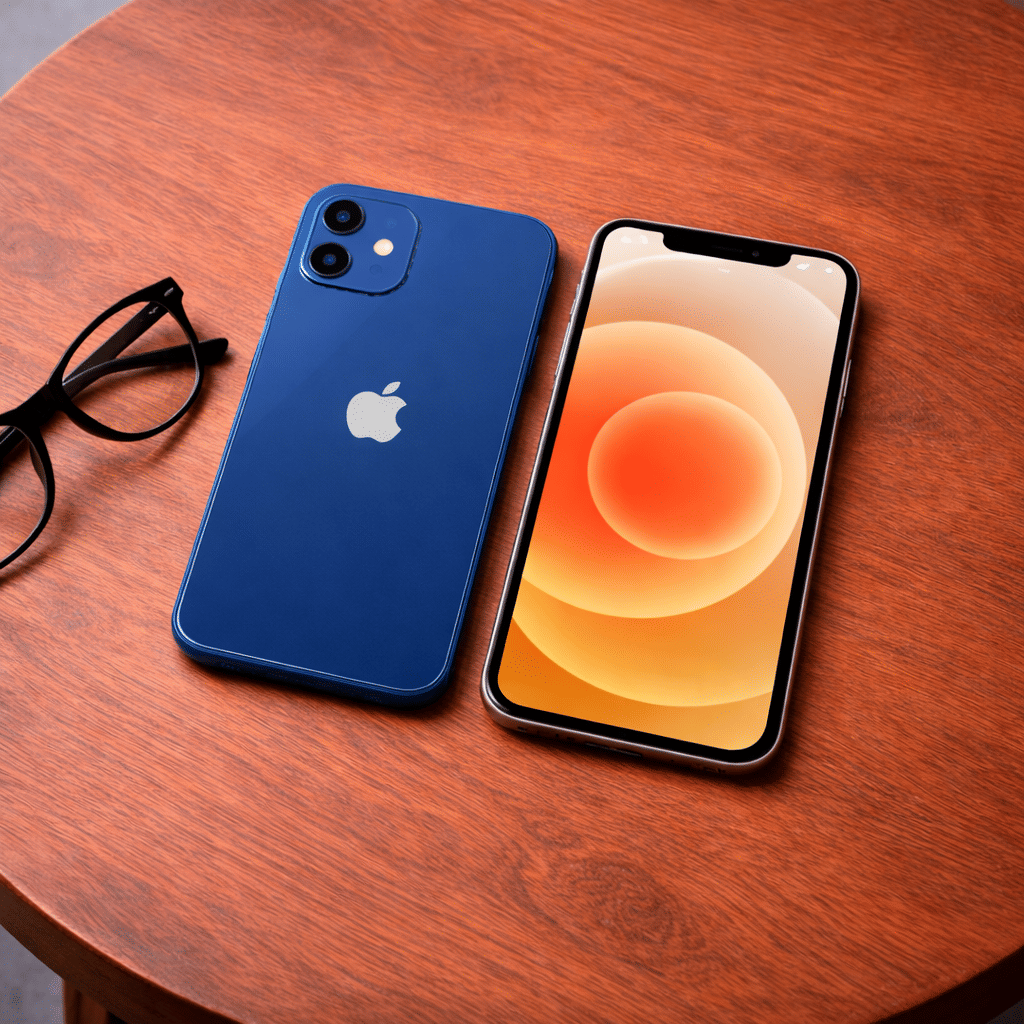
Apple iPhone 12 | 128GB
Save 25%₹ 6,750/mo
₹9,000 - OUT OF STOCK
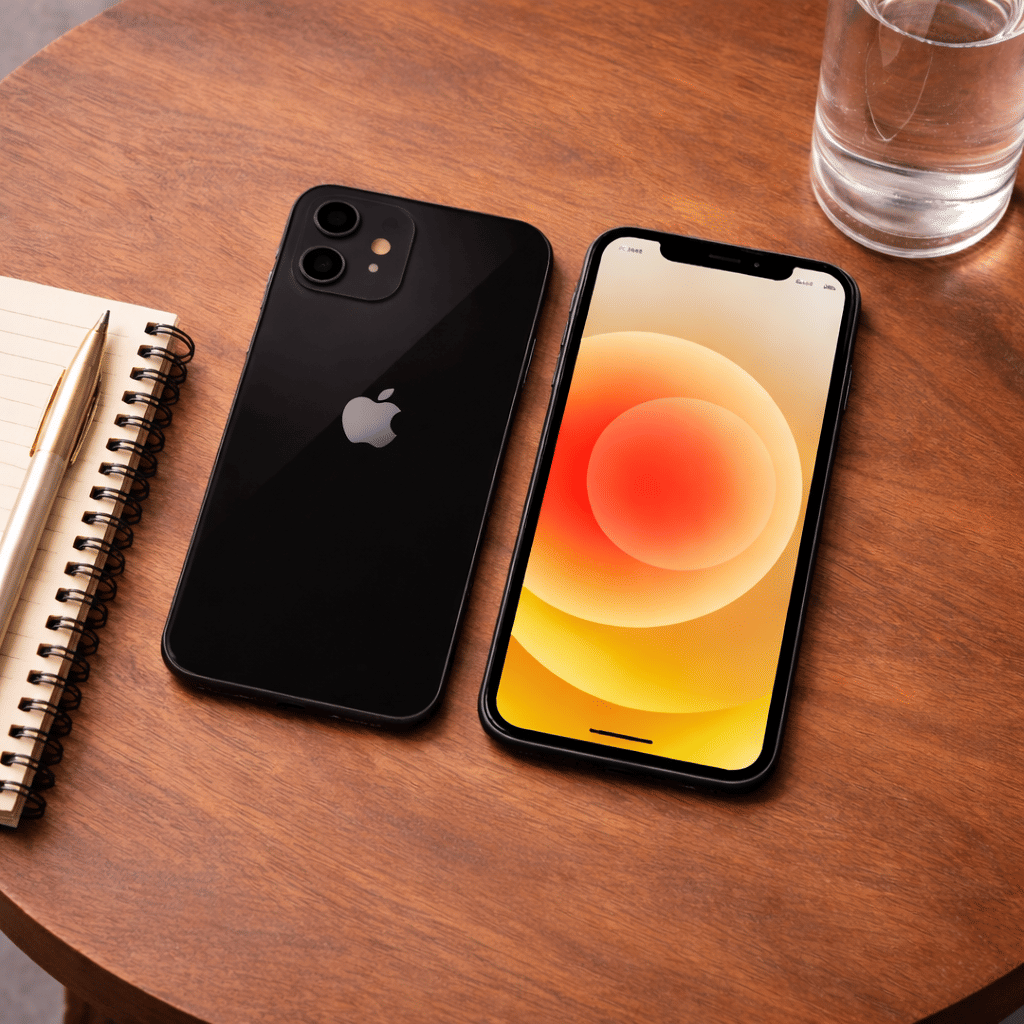
Apple iPhone 12 | 64GB
Save 25%₹ 6,000/mo
₹8,000 - OUT OF STOCK
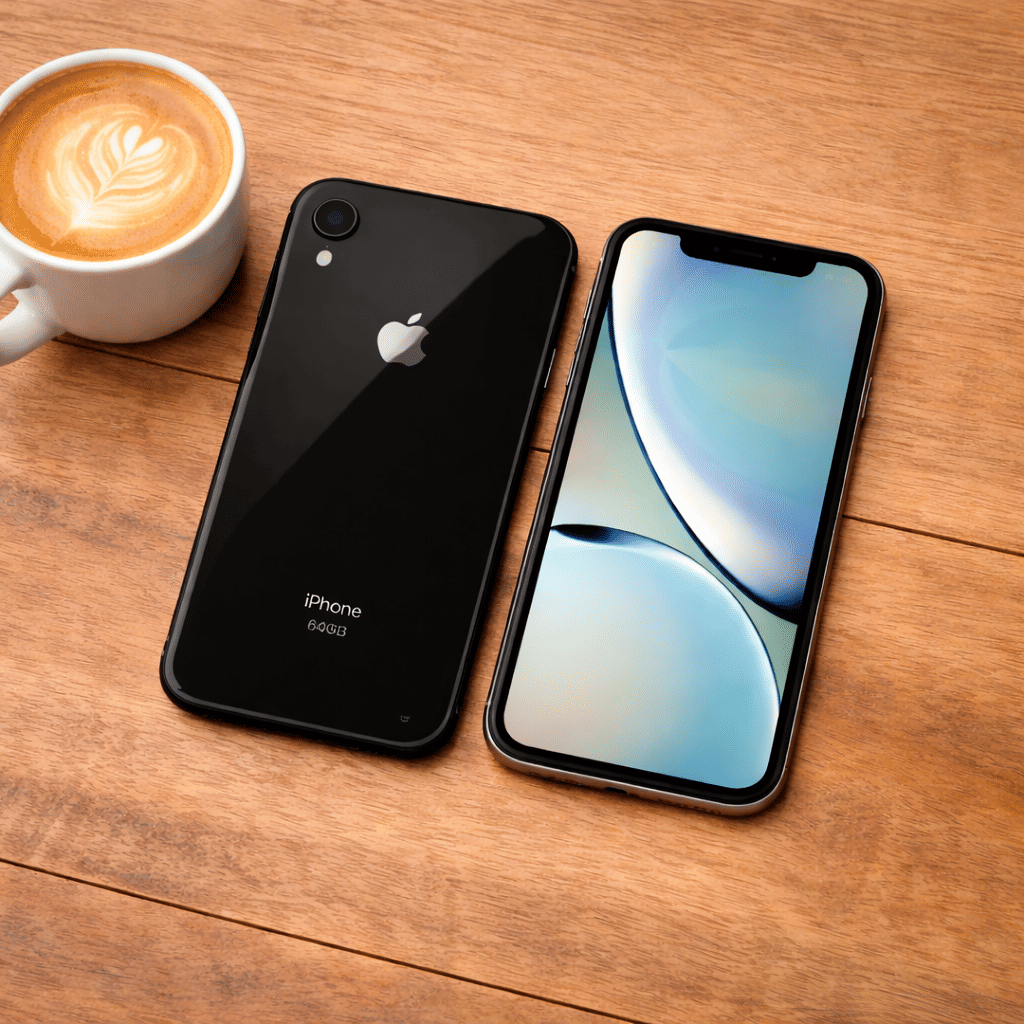
Apple iPhone XR | 128GB
Save 25%₹ 3,900/mo
₹5,200 - OUT OF STOCK
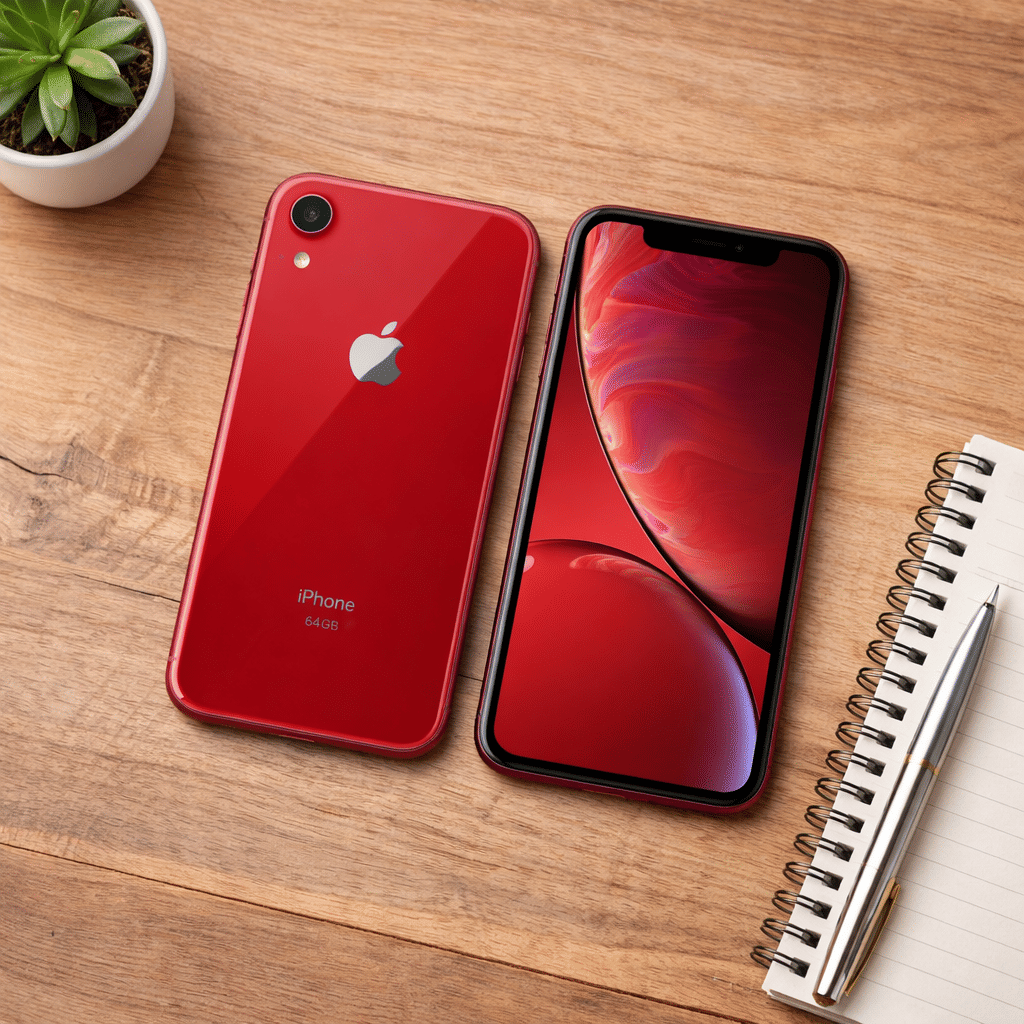
Apple iPhone XR | 64GB
Save 25%₹ 3,375/mo
₹4,500 - OUT OF STOCK
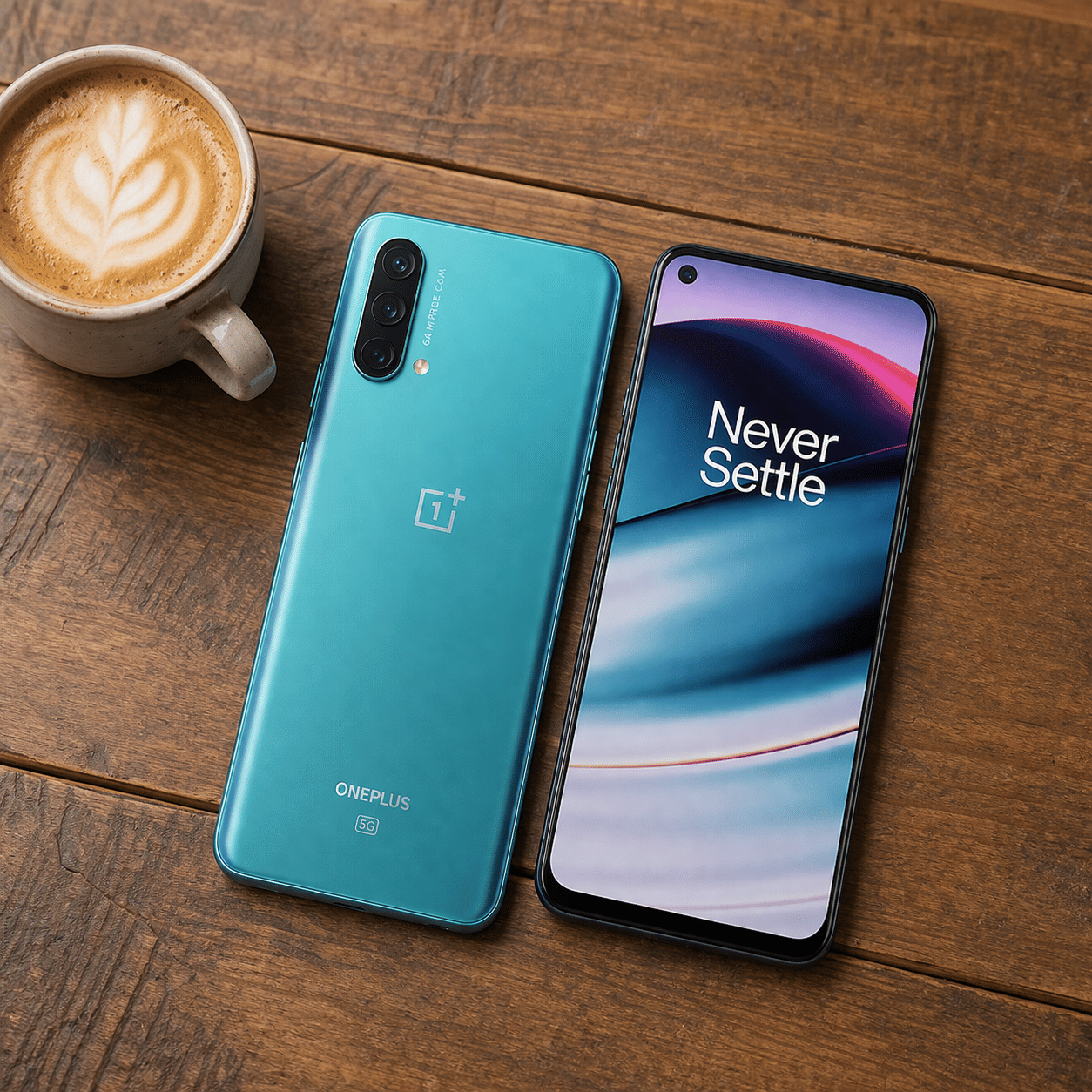
OnePlus Nord CE 5G | 8GB RAM | 128GB Storage
Save 25%₹ 2,625/mo
₹3,500 - OUT OF STOCK
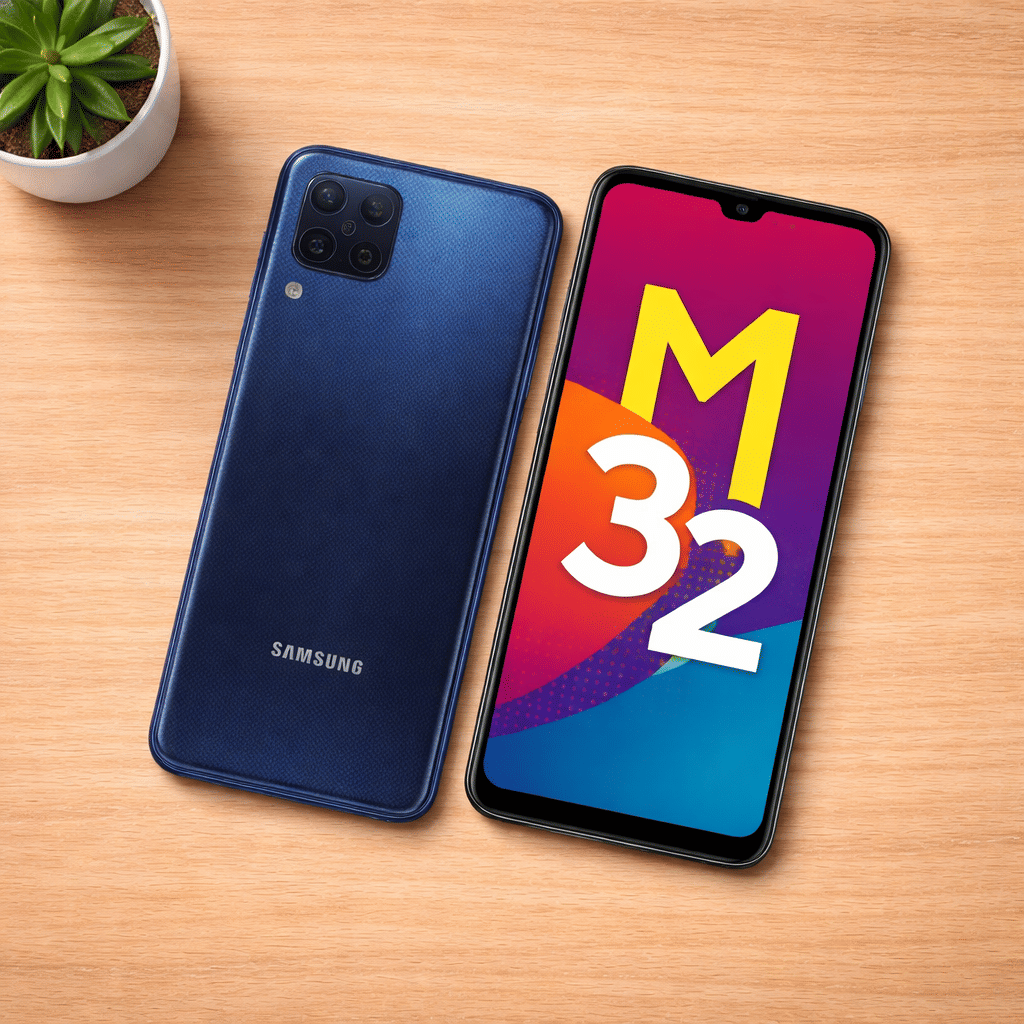
Samsung Galaxy M32 | 6GB RAM | 128GB Storage
Save 25%₹ 1,688/mo
₹2,250 - OUT OF STOCK
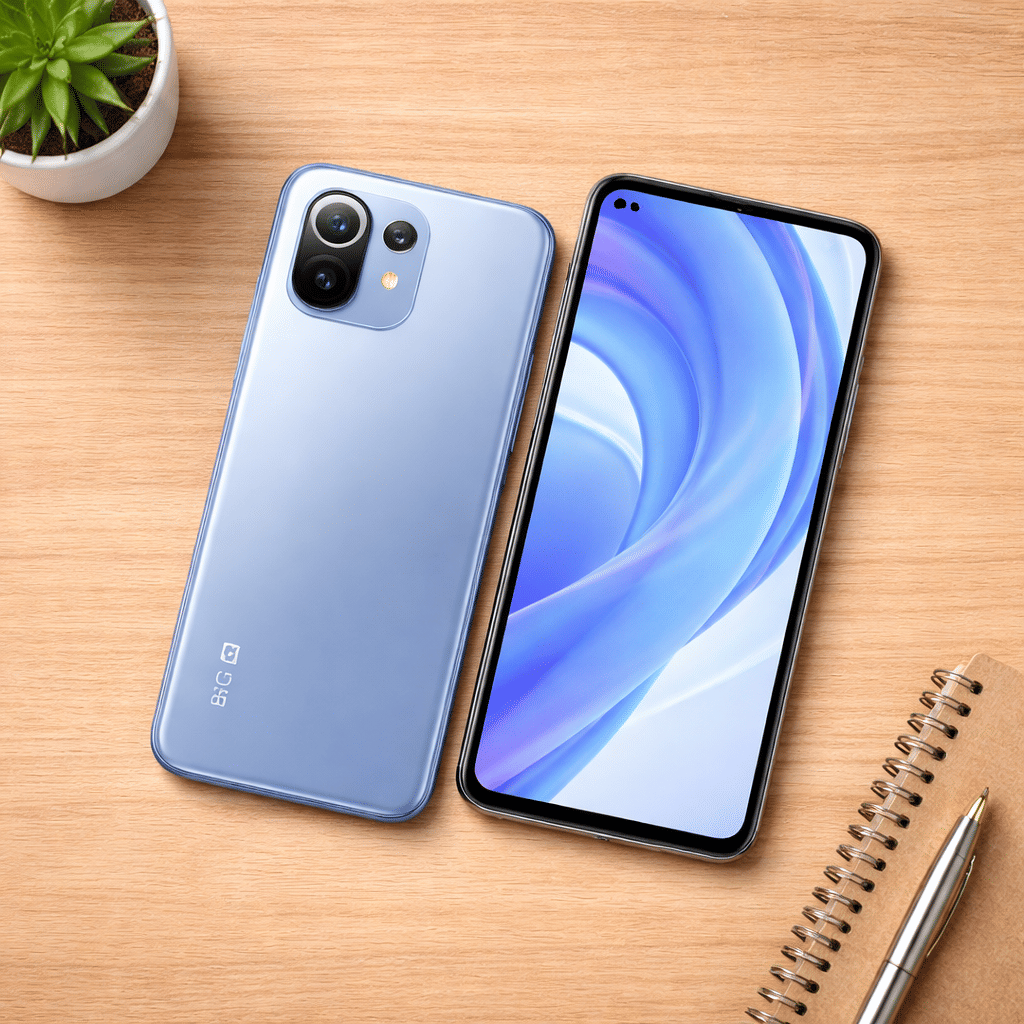
Mi 11 Lite | 8GB RAM | 128GB Storage
Save 25%₹ 2,625/mo
₹3,500
Smartphone Rental in Chennai
Phones are replaced faster than any other gadget, and a new handset loses value the day it leaves the box. If you need a good phone for a few months, a spare for a project, or a stand-in while yours is repaired, renting is the simpler route. iRentOut offers smartphones on rent in Chennai on a monthly plan, with Apple iPhones and Android phones from OnePlus, Samsung and Mi listed, and remote support during the rental.
Phone stock changes quickly, and the listed models may be out of stock for a while, so open a model to check whether it can be booked right now. The page shows a rapid delivery option, with the phone delivered in 6 hours when you order by 2 pm.
Smartphones You Can Rent in Chennai
iPhone on rent
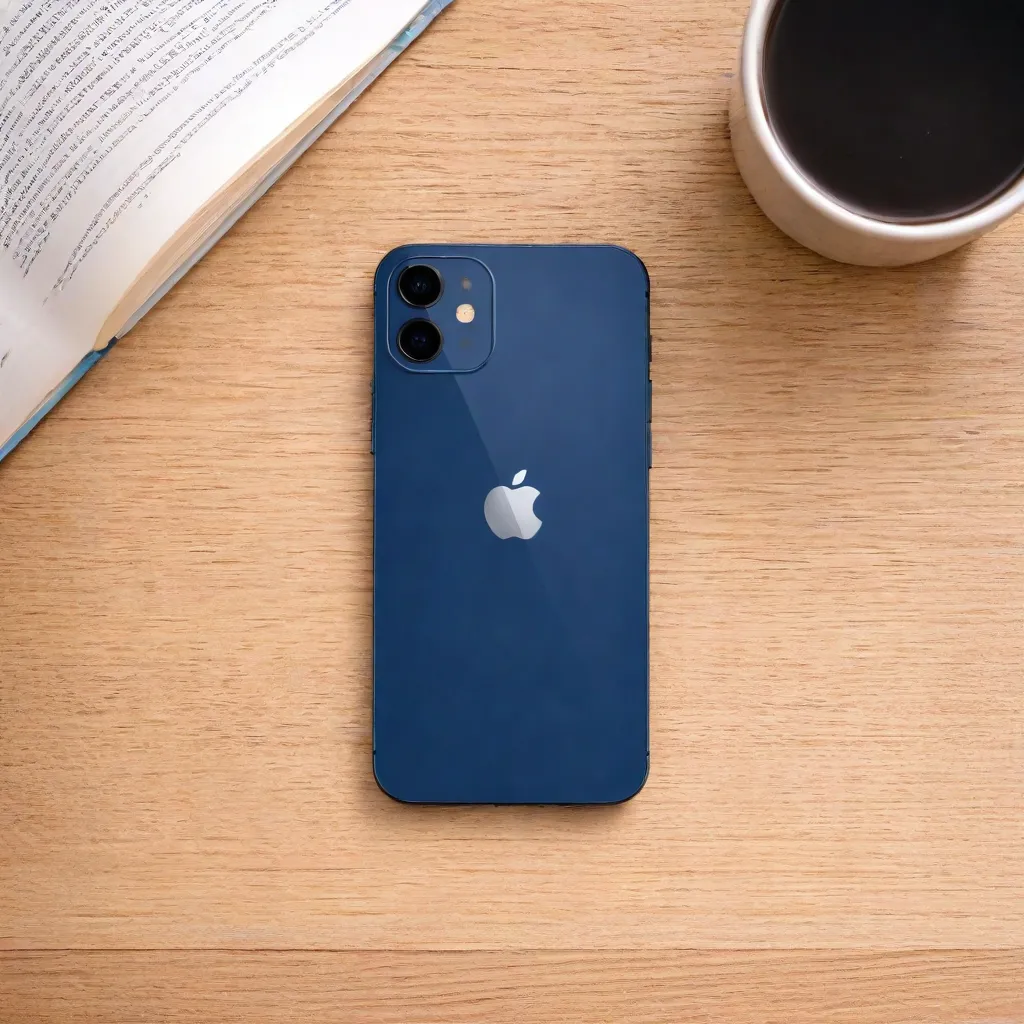
Two iPhone models are listed, the iPhone 12 and the iPhone XR, each in 64GB and 128GB storage. The iPhone 12 adds 5G, while the XR is a dependable choice for calls, WhatsApp and everyday apps.
OnePlus Nord CE 5G
The OnePlus Nord CE 5G comes with 8GB of RAM and 128GB of storage, which makes it the strongest Android on the page for multitasking.
Mi 11 Lite
The Mi 11 Lite also has 8GB of RAM and 128GB of storage, in a slim and light body.
Samsung Galaxy M32
The Galaxy M32 has 6GB of RAM and 128GB of storage, and suits users who want a familiar Samsung interface.
Choosing a Rental Phone
iOS or Android
If you already use a Mac, an iPad or AirPods, an iPhone fits in better. If you want more RAM at the same level, the Android phones all list 6GB or 8GB.
Storage
64GB: the iPhone 12 and the iPhone XR, for light use
128GB: every other phone on the page, for photos, videos and offline files
Network
The iPhone 12 and the OnePlus Nord CE 5G support 5G, which helps where Chennai's 5G coverage is available.
Need a bigger screen for work as well? Laptop rental in Chennai lists Windows laptops and MacBooks.
Rent a Smartphone for Different Use
Rent a Smartphone for Personal Use
Try an iPhone before leaving Android, or use a better phone than you would buy outright, and switch with a replacement request if your needs change.
Rent a Smartphone for Field Teams
Companies in Chennai that need phones for delivery staff, sales teams or site supervisors can rent them in numbers. Use the business rental form for a bulk order.
Rent a Smartphone for App Testing
Developers and QA teams can rent both iOS and Android handsets to test an app on real devices during a release cycle.
Rent a Smartphone as a Backup
If your phone is in for repair, a rented handset keeps you reachable on calls and banking apps. Return it when your own phone is back.
Rent vs Buy: Smartphones
New phones arrive every year, and resale prices drop quickly. Renting makes sense when you only need a phone for a defined period.
When renting suits you
You need a second phone for work or testing
You are in Chennai for a few months on a project
You want to try a platform before switching for good
You need a stand-in during a repair
When buying suits you
You keep your phone for three years or more
You want the latest release, which is not on the page
You prefer not to move your data to and from a rented handset
Rent and buy side by side
Payment: a rental starts with the first month's rent and a refundable deposit, while a purchase is paid in full
Change: a rented phone can be swapped with a replacement request from My Products
Support: remote support is included, and manufacturing faults are repaired at no extra charge
Ownership: a bought phone stays with you, while a rented one goes back
Before You Book a Rented Phone
Check the SIM
Make sure your SIM size and carrier work with the phone you pick, and that 5G is active on your plan if you want it.
Keep your documents ready
After you order, upload an ID proof and an address proof for eKYC. The phone is scheduled once the KYC is approved.
Plan for your data
Back up photos and contacts, sign out of your Apple ID or Google account and reset the phone before the pickup.
From Order to Return
Log in to iRentOut with your mobile number and the OTP.
Select the phone and the tenure, and add your Chennai address.
Pay the first month's rent and the refundable deposit.
Complete eKYC with an ID proof and an address proof.
Receive the phone after KYC approval.
To return it, open My Products and book a pickup. Read the terms and conditions before you pay.
Setting Up a Rented Phone
When the phone arrives, check that it powers on, charges and connects to your SIM before the executive leaves. Sign in with your Google account or Apple ID, then restore contacts and chats from your backup. Turn on screen lock and fingerprint or face unlock straight away, since you will likely use banking and UPI apps on it. Use a case and a screen guard to protect the handset during the rental. Keep a note of the IMEI from the box or settings, and contact support immediately if the phone is lost or damaged. Keep the charger and the box safe during the rental, as the full set goes back at the end.
iRentOut in Other Locations
Smartphones are also listed for rent in:
Other Categories in Chennai
Electronics
Pair a phone with a MacBook on rent or browse electronics rental for monitors and desktops.
Home Appliances
Appliance rental lists TVs, ACs and fridges for a new flat.
Furniture
Furniture rental covers sofas, beds and dining sets.
Gym Equipment
Gym rentals lists treadmills and cross trainers.
Combo Offers
Combo rental offers bring several products together on one plan.