







MacBook Rental in chennai
MacBook
Product you may like

FILTER

Delivered & set up in 6 hours
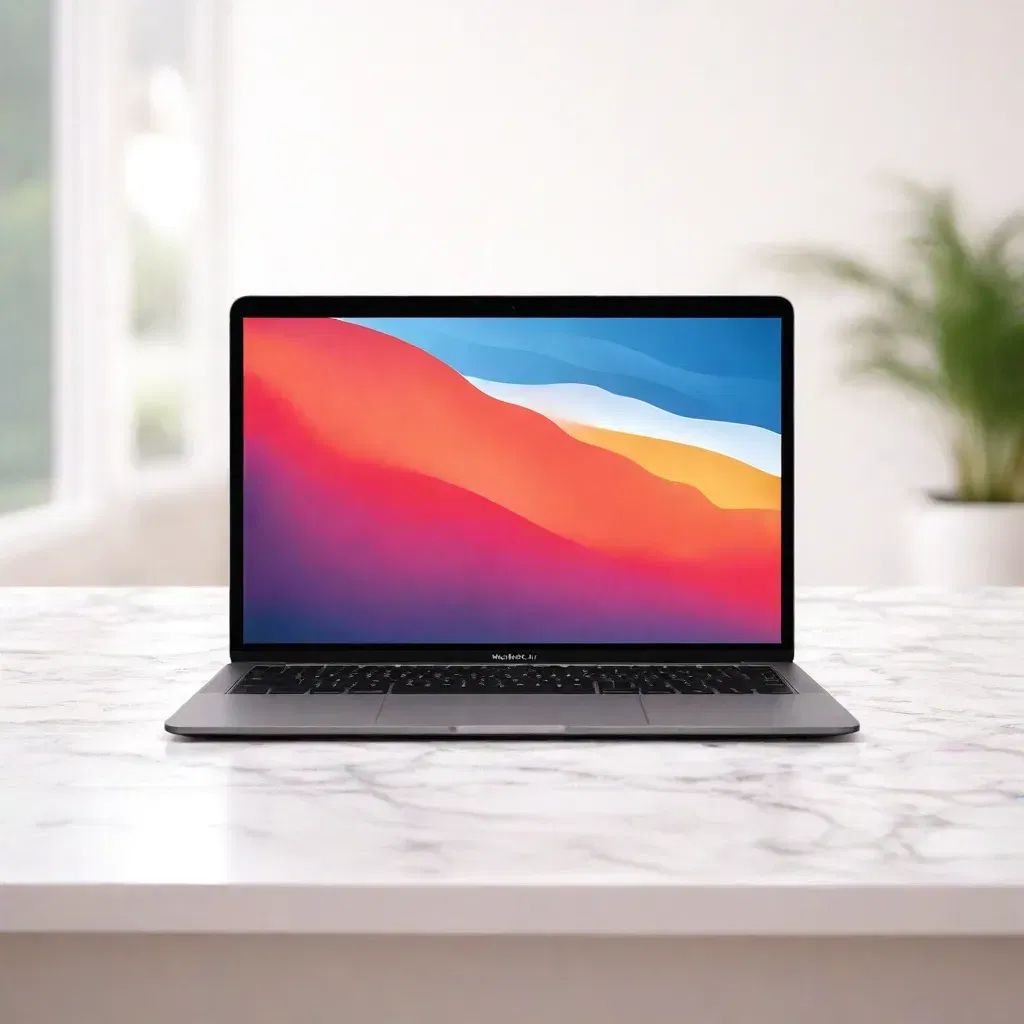
MacBook Air 2020 | M1 | 8GB | 256GB | 13″
Save 40%₹ 3,900/mo
₹6,500
2 days
- New Arrivals
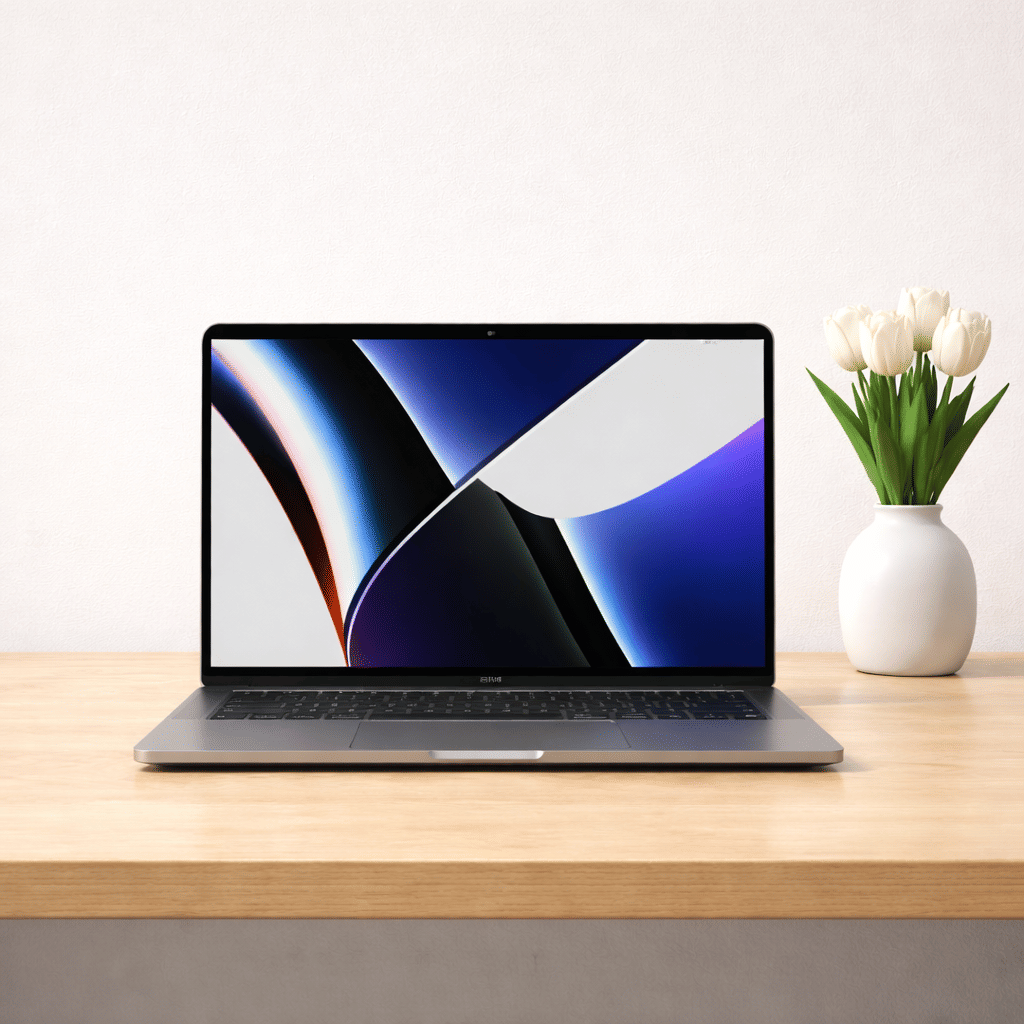
MacBook Pro 2022 | M2 | 8GB | 256GB | 13″
Save 35%₹ 7,930/mo
₹12,2002 days
- Best seller
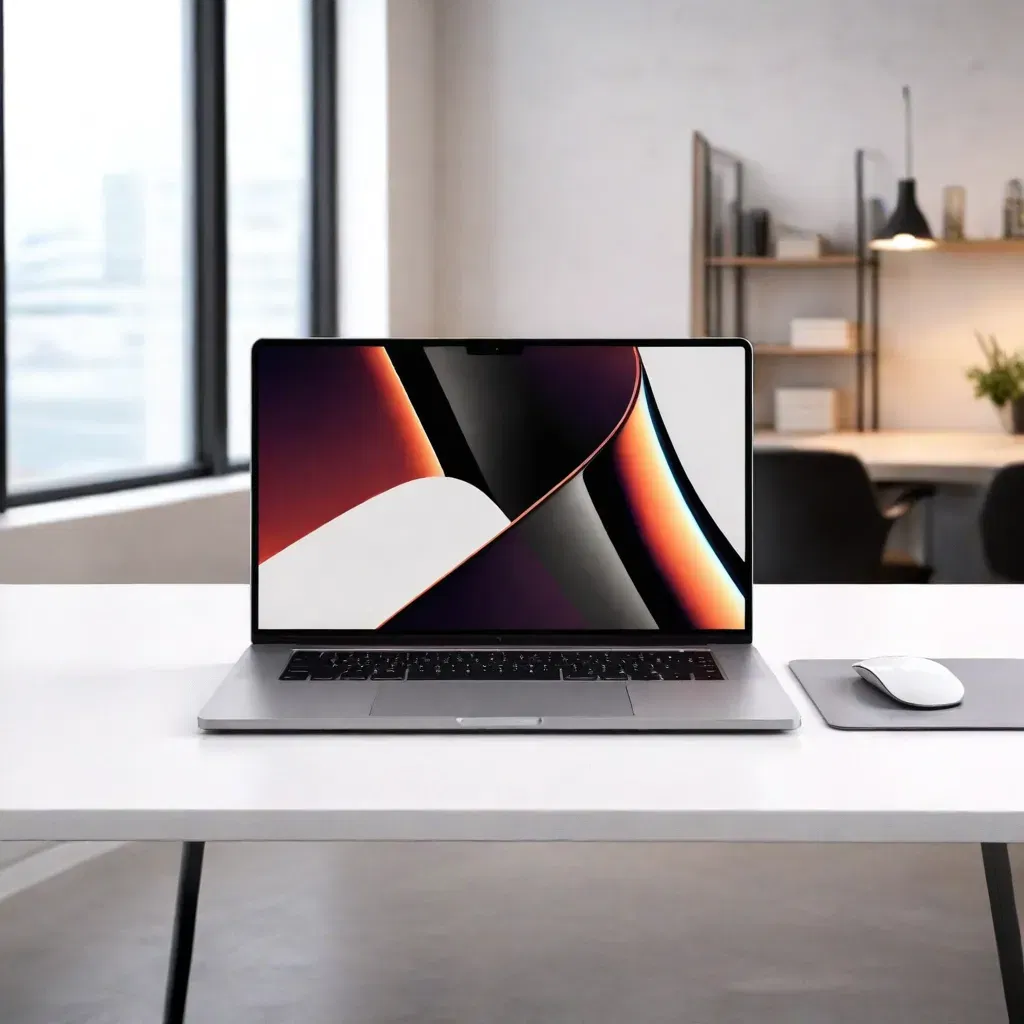
MacBook Pro 2021 | M1 | 16GB | 512GB | 16″
Save 35%₹ 7,149/mo
₹10,9992 days
- Best seller
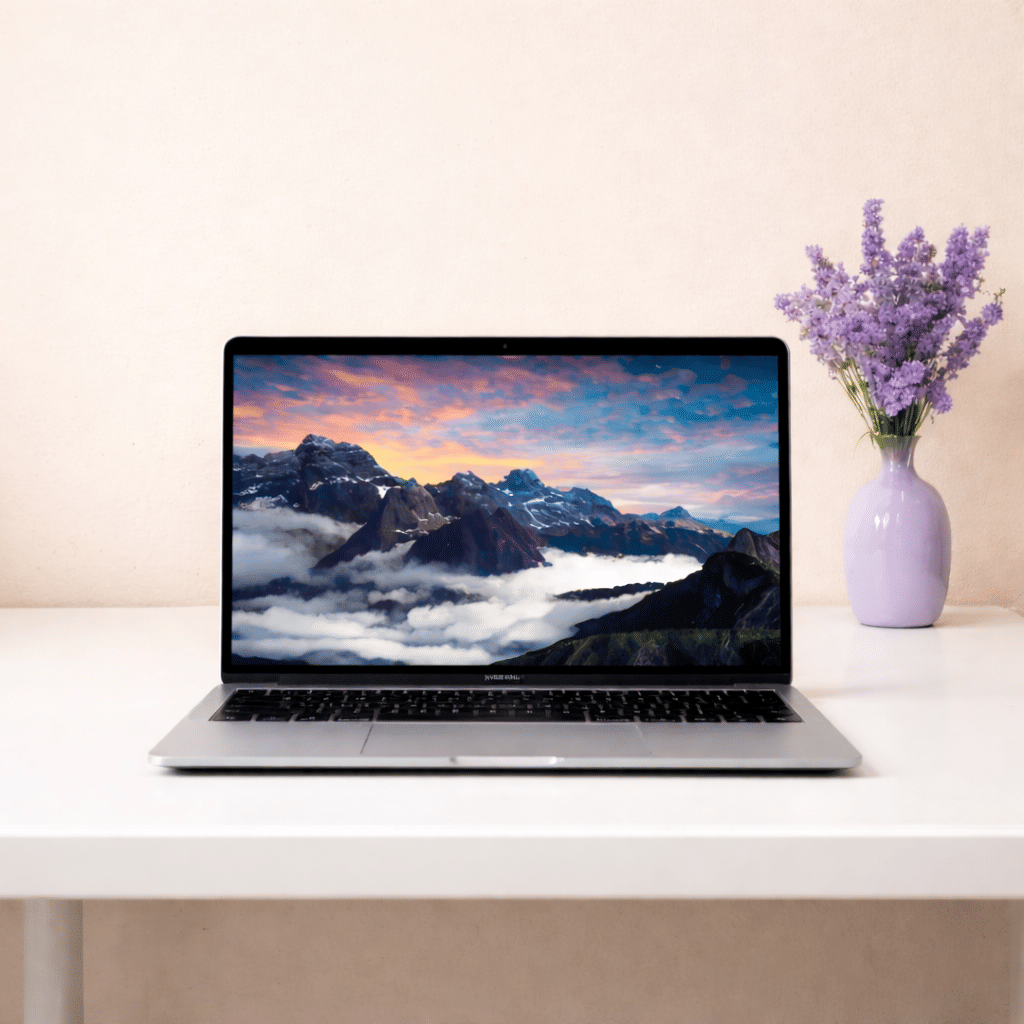
MacBook Air 2018 | i5 | 8GB | 256GB | 13″
Save 40%₹ 2,700/mo
₹4,5002 days
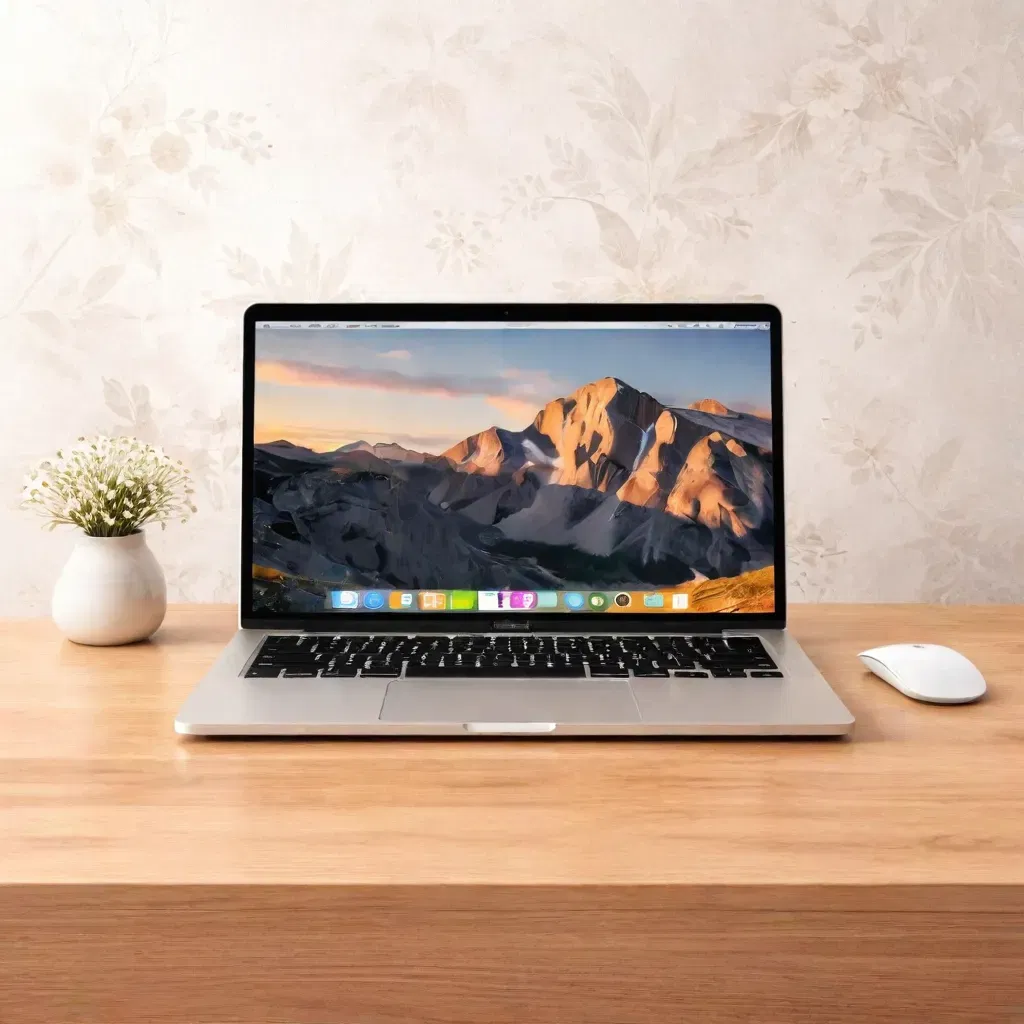
MacBook Air 2017 | i5 | 8GB | 256GB | 13″
Save 40%₹ 1,979/mo
₹3,2991 day
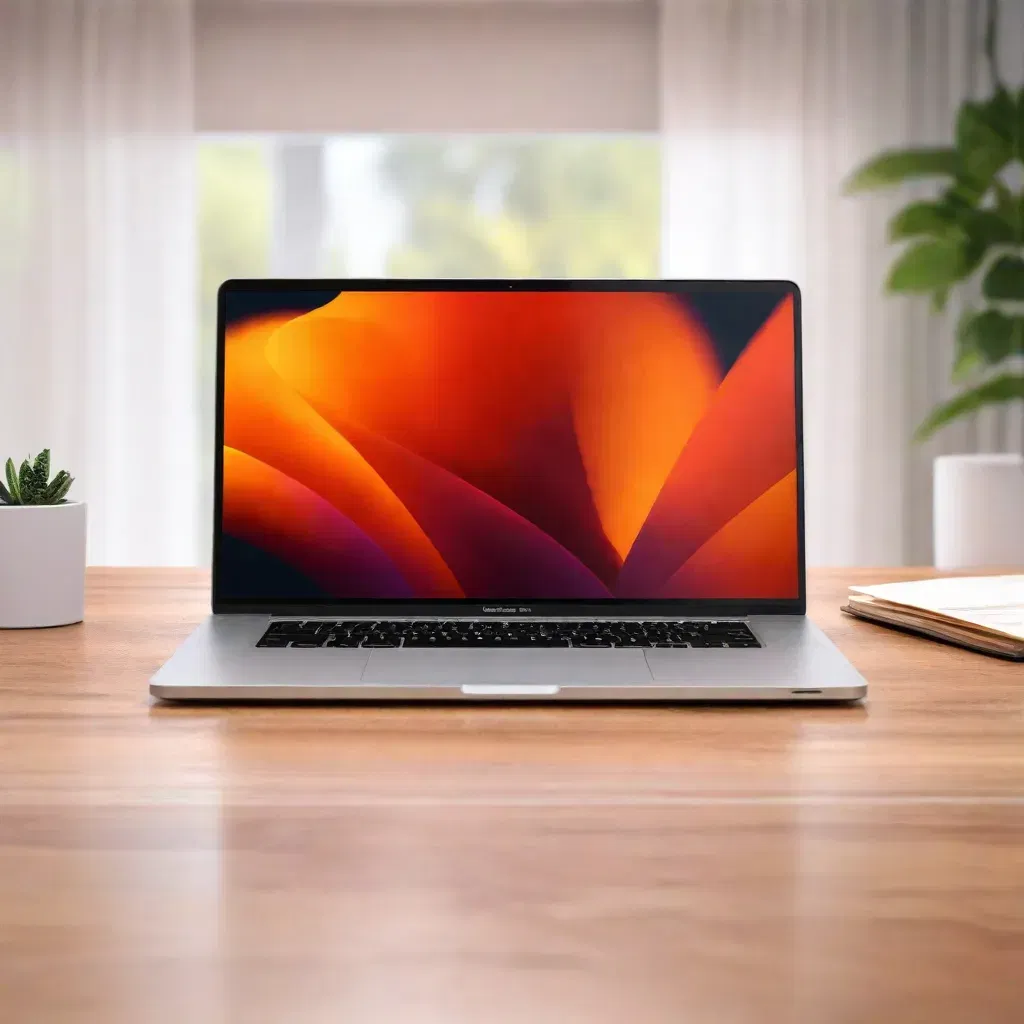
MacBook Pro 2019 | i7 | 16GB | 256GB | 4GB GPU | 15″ | Touch Bar
Save 35%₹ 3,899/mo
₹5,9992 days
- OUT OF STOCK
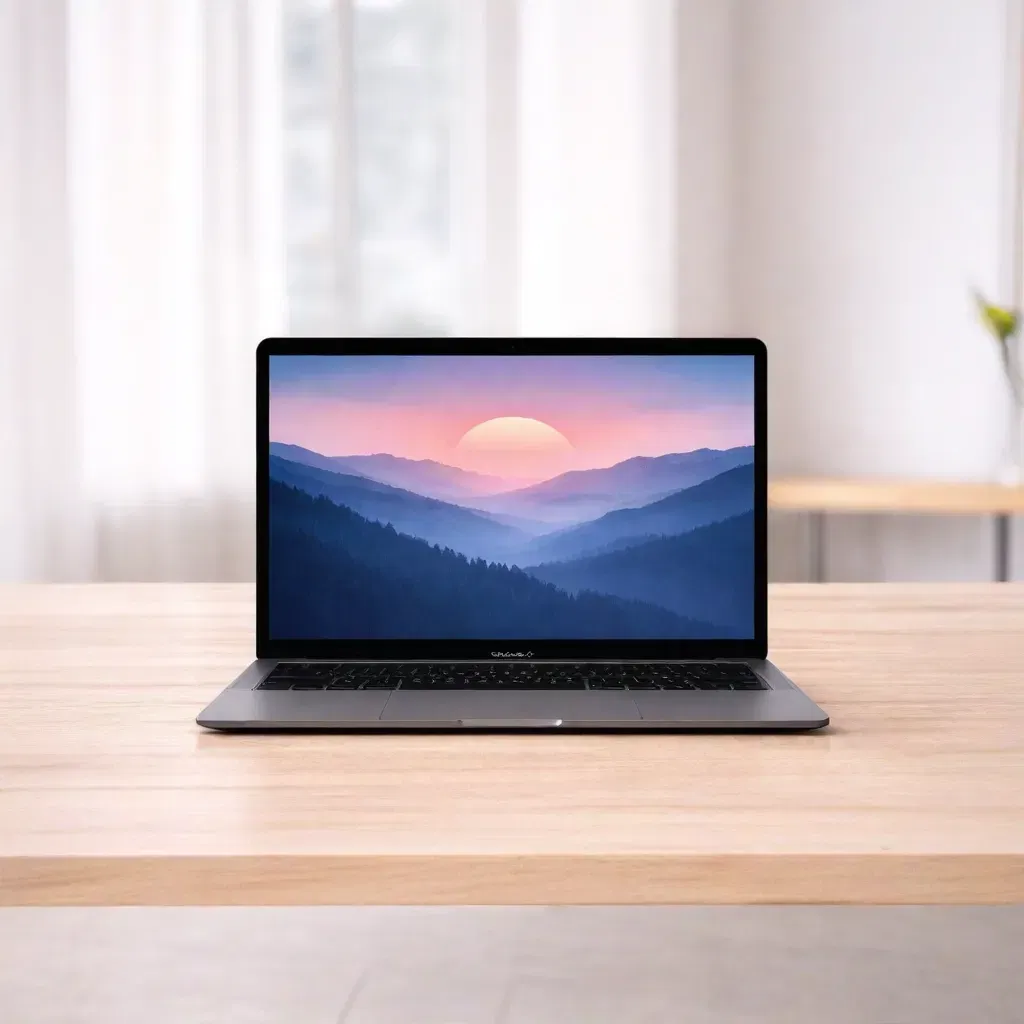
MacBook Air 2022 | M2 | 8GB | 256GB | 13″
Save 35%₹ 7,150/mo
₹11,0002 days
- OUT OF STOCK
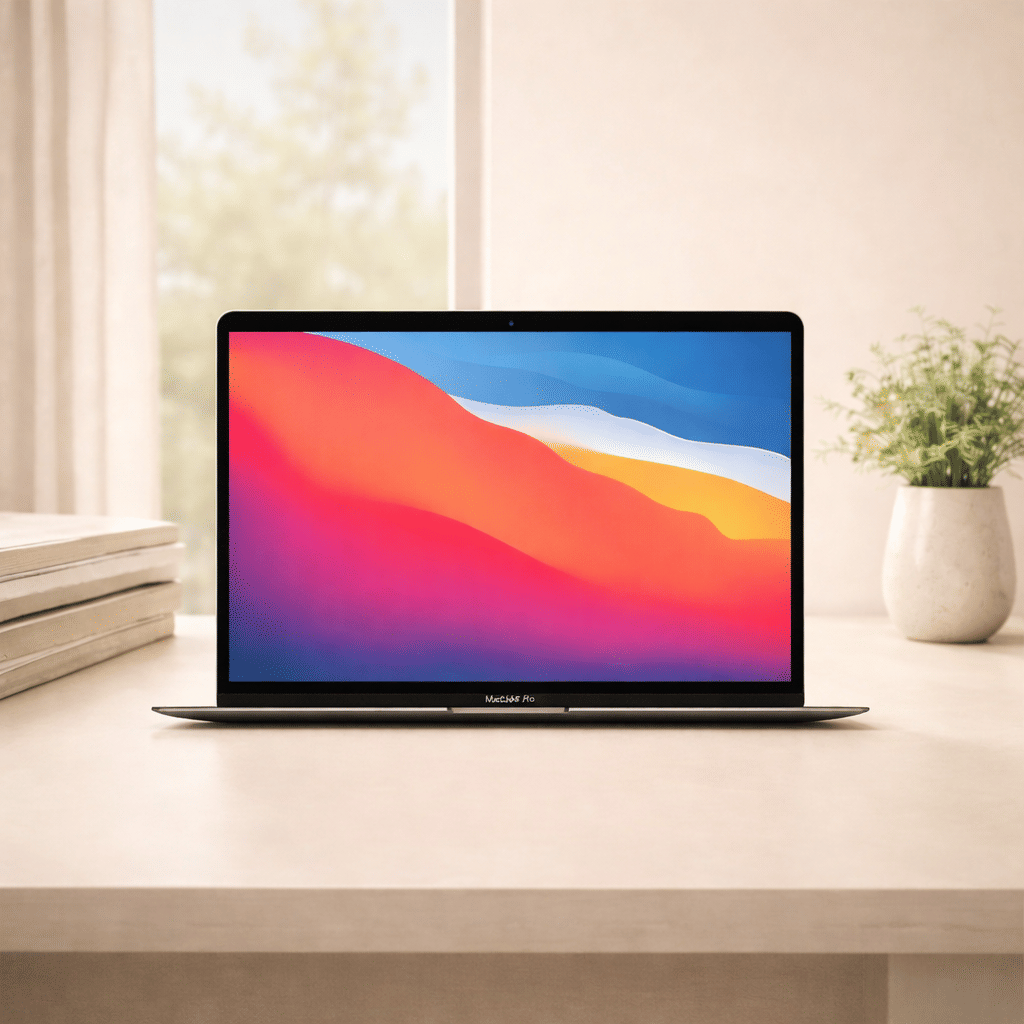
MacBook Air 2020 | M1 | 16GB | 256GB | 13″
Save 35%₹ 4,225/mo
₹6,5002 days
- OUT OF STOCK
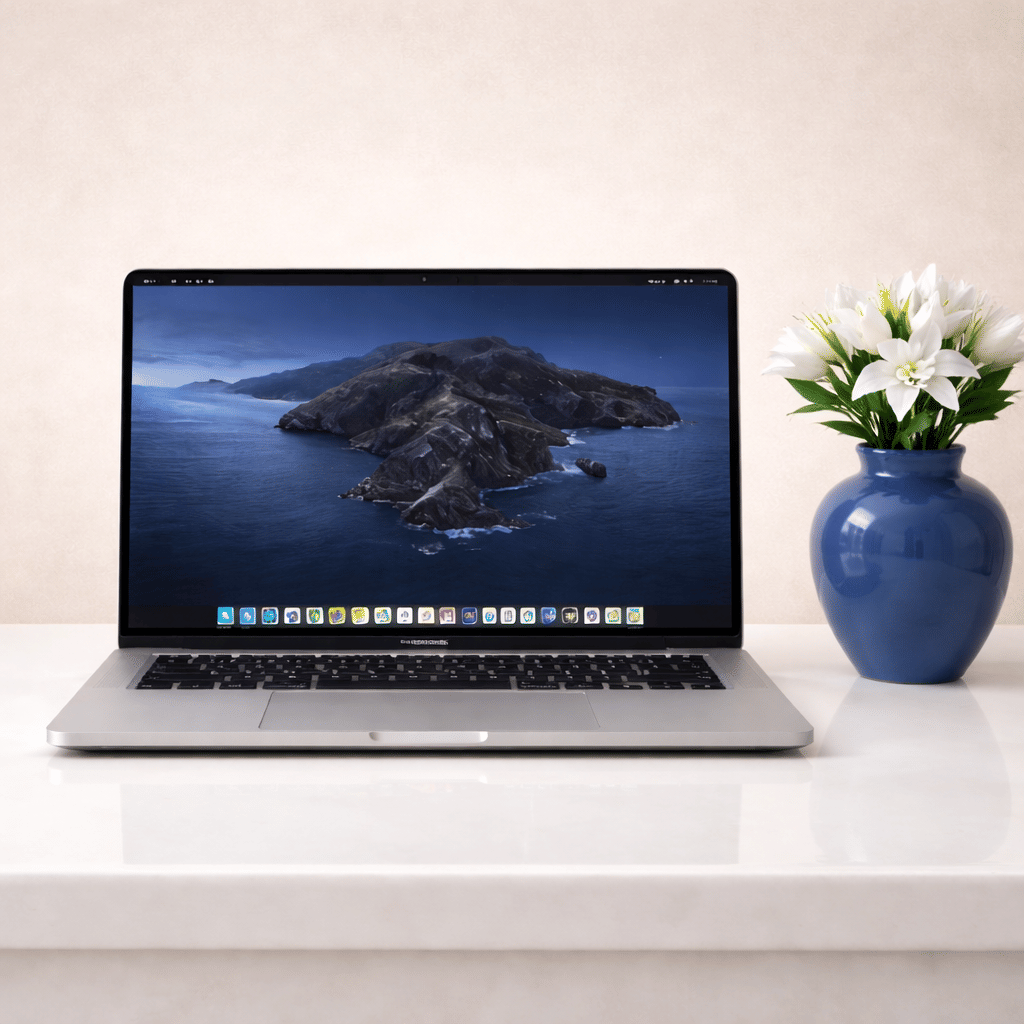
MacBook Pro 2019 | i9 | 32GB | 1TB | 8GB GPU | 16″
Save 35%₹ 5,850/mo
₹9,0002 days
- OUT OF STOCK
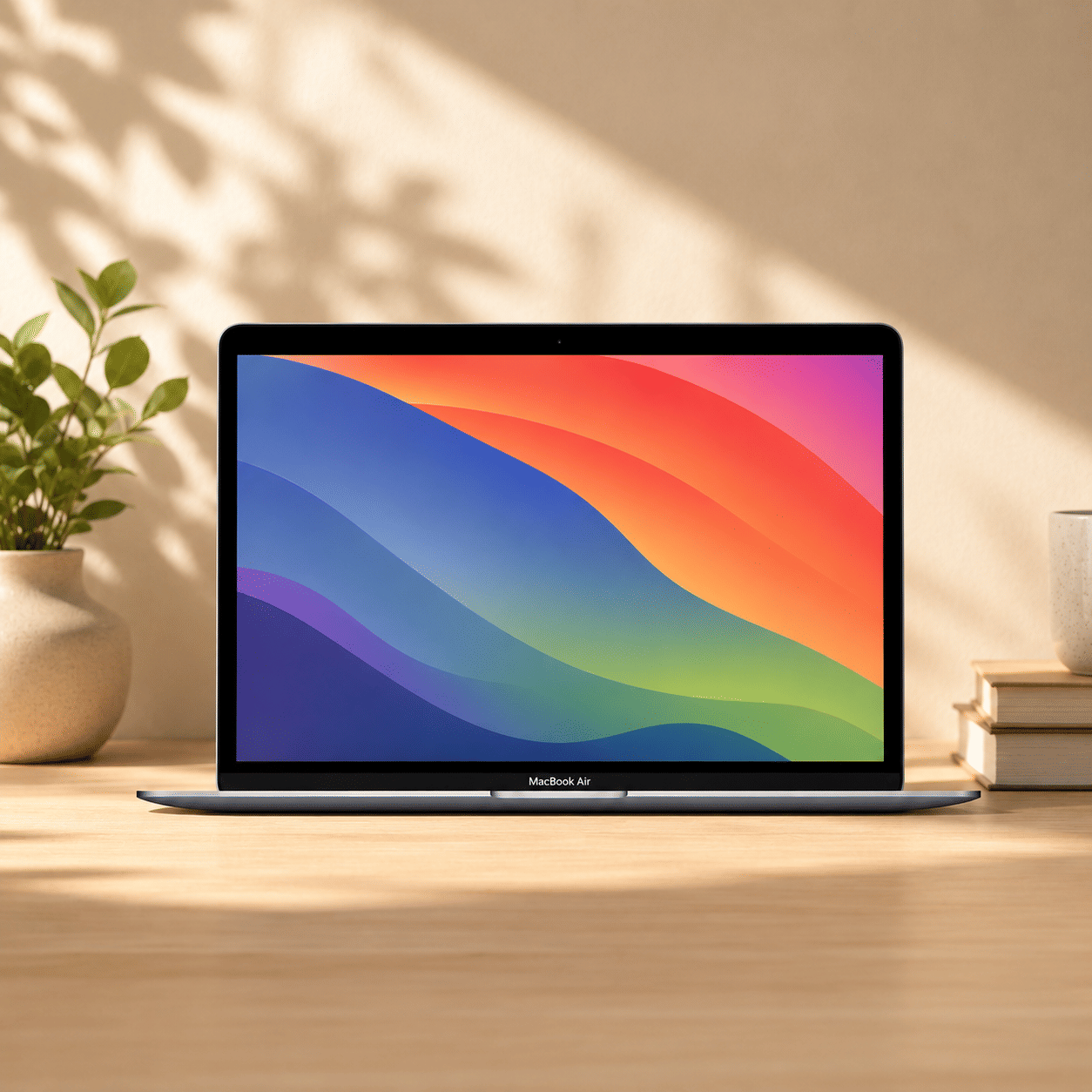
MacBook Air 2023 | M3 | 8GB | 256GB | 13″
Save 35%₹ 6,370/mo
₹9,800 - OUT OF STOCK
MacBook Air 2023 | M3 | 16GB | 256GB | 15″
Save 35%₹ 6,175/mo
₹9,500 - OUT OF STOCK
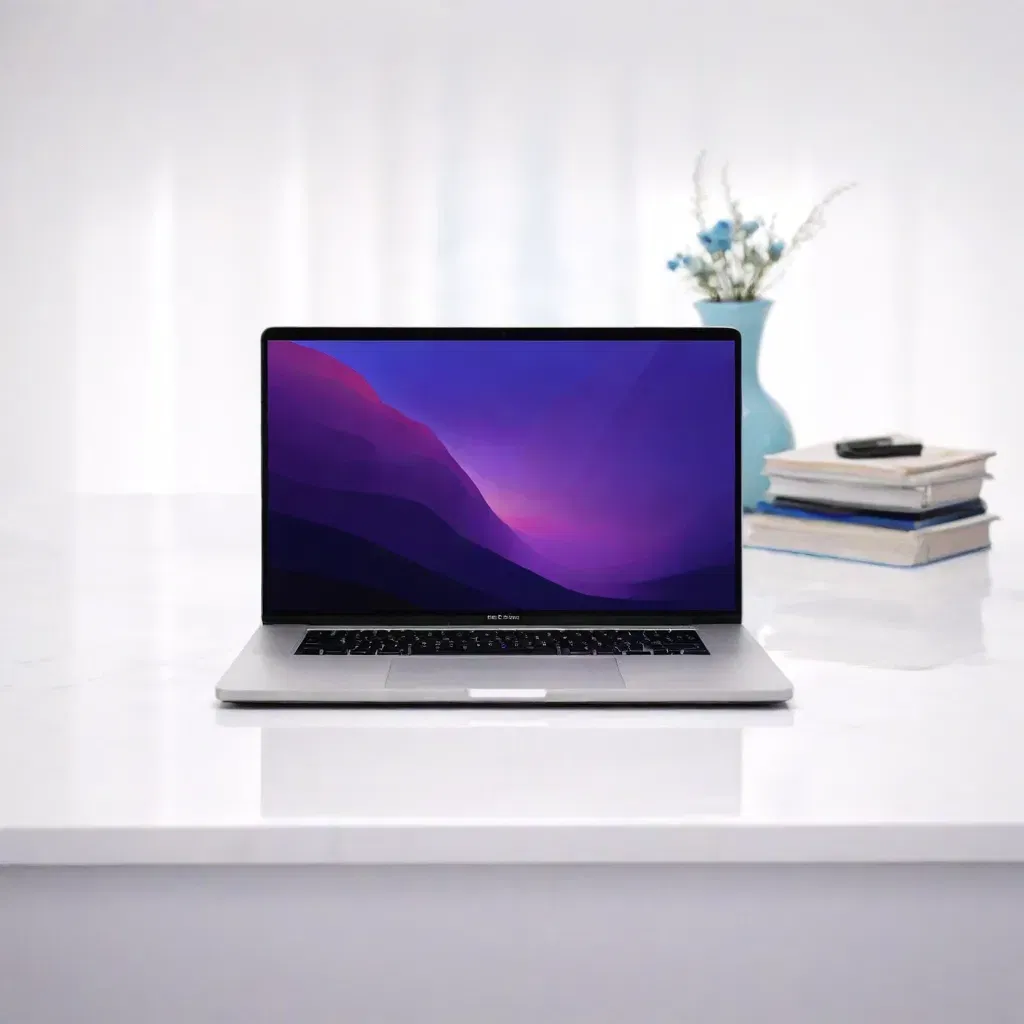
MacBook Pro 2018 | i7 | 16GB | 256GB | 4GB GPU | 15″ | Touch Bar
Save 40%₹ 3,359/mo
₹5,5991 day
- OUT OF STOCK
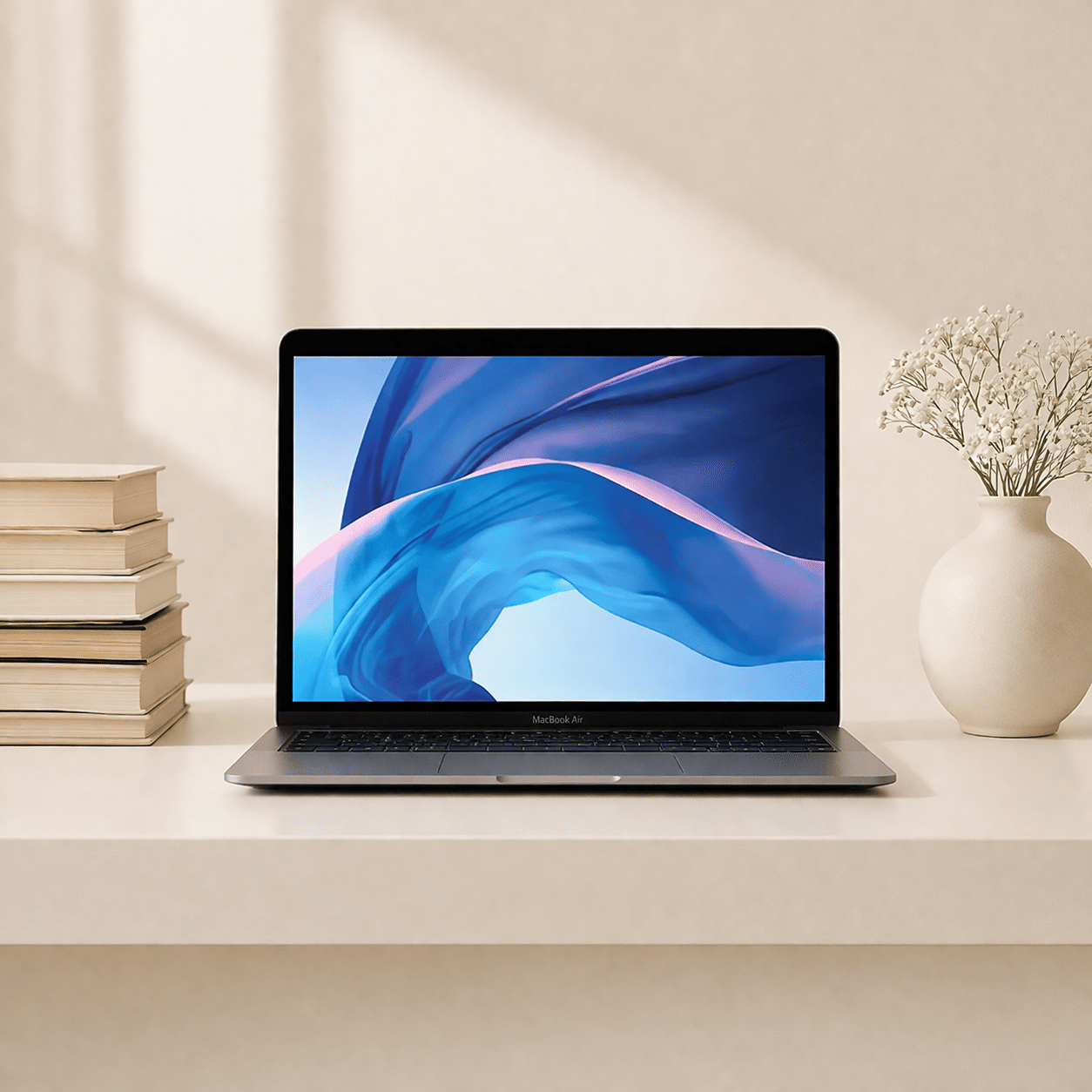
MacBook Pro 2022 | M2 | 16GB | 256GB | 13″
Save 40%₹ 8,700/mo
₹14,5002 days
- OUT OF STOCK
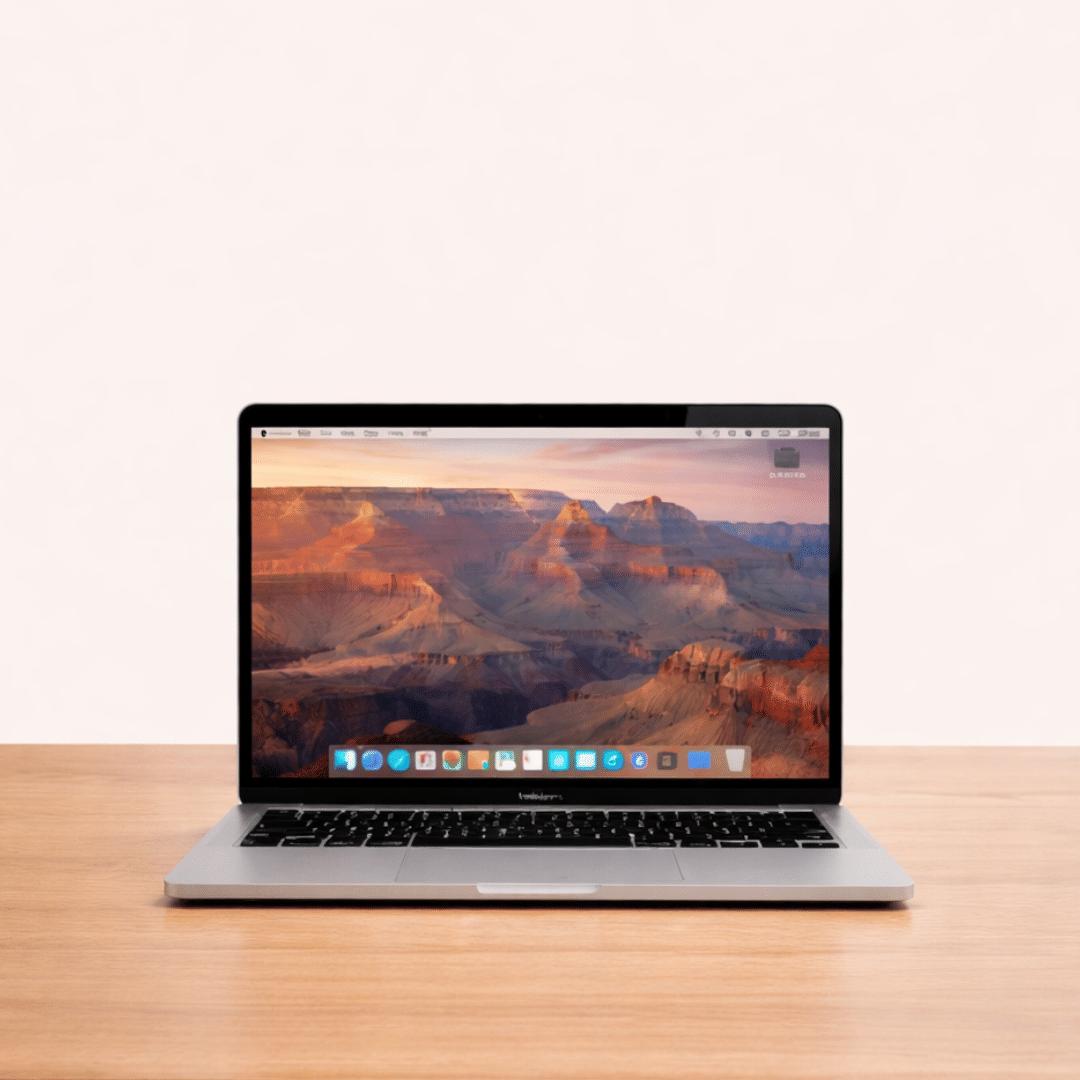
MacBook Pro 2020 | M1 | 16GB | 256GB | 13″
Save 35%₹ 5,850/mo
₹9,0001 day
- OUT OF STOCK
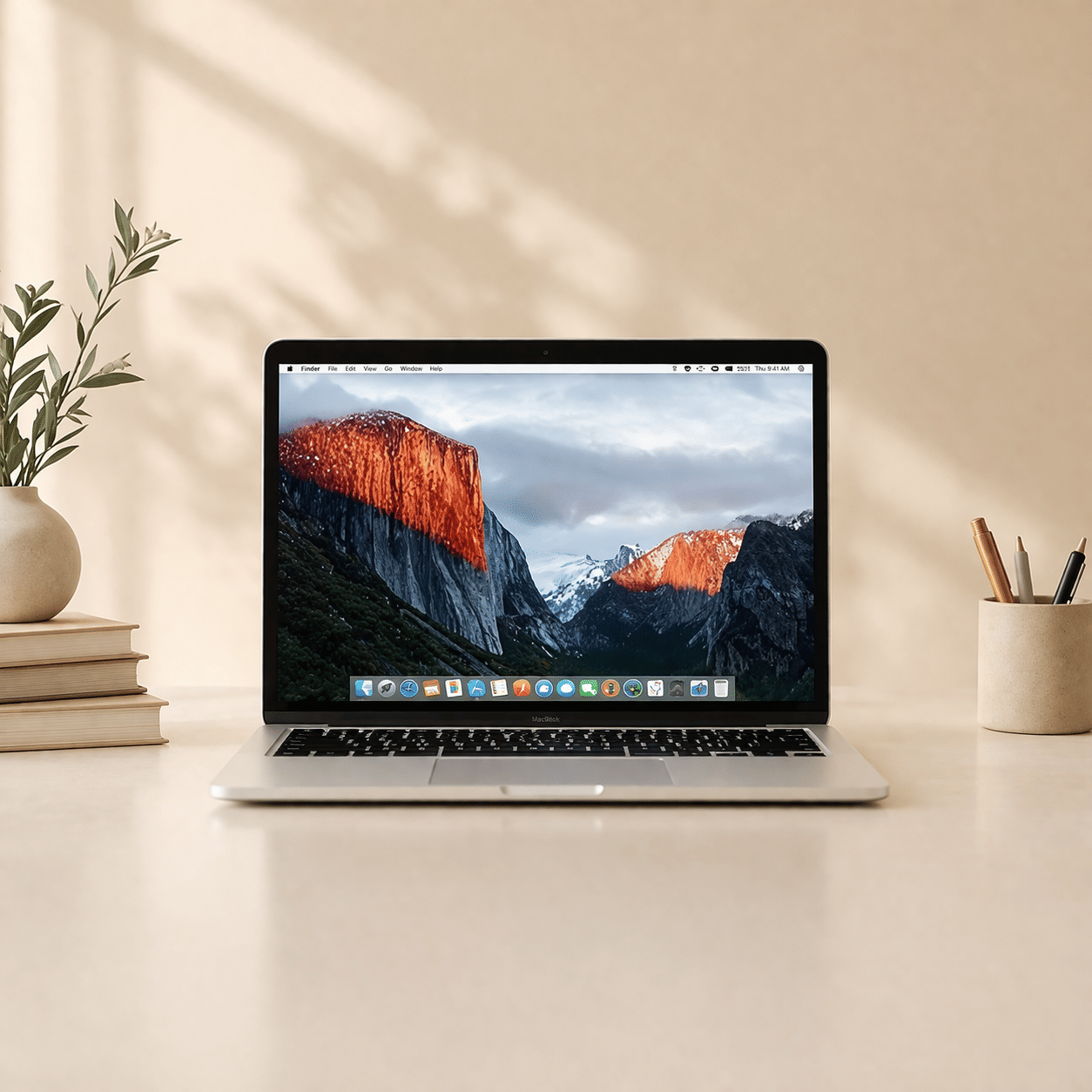
MacBook Pro 2015 | i7 | 16GB | 256GB | 4GB GPU | 15″
Save 35%₹ 2,404/mo
₹3,6991 day
- OUT OF STOCK
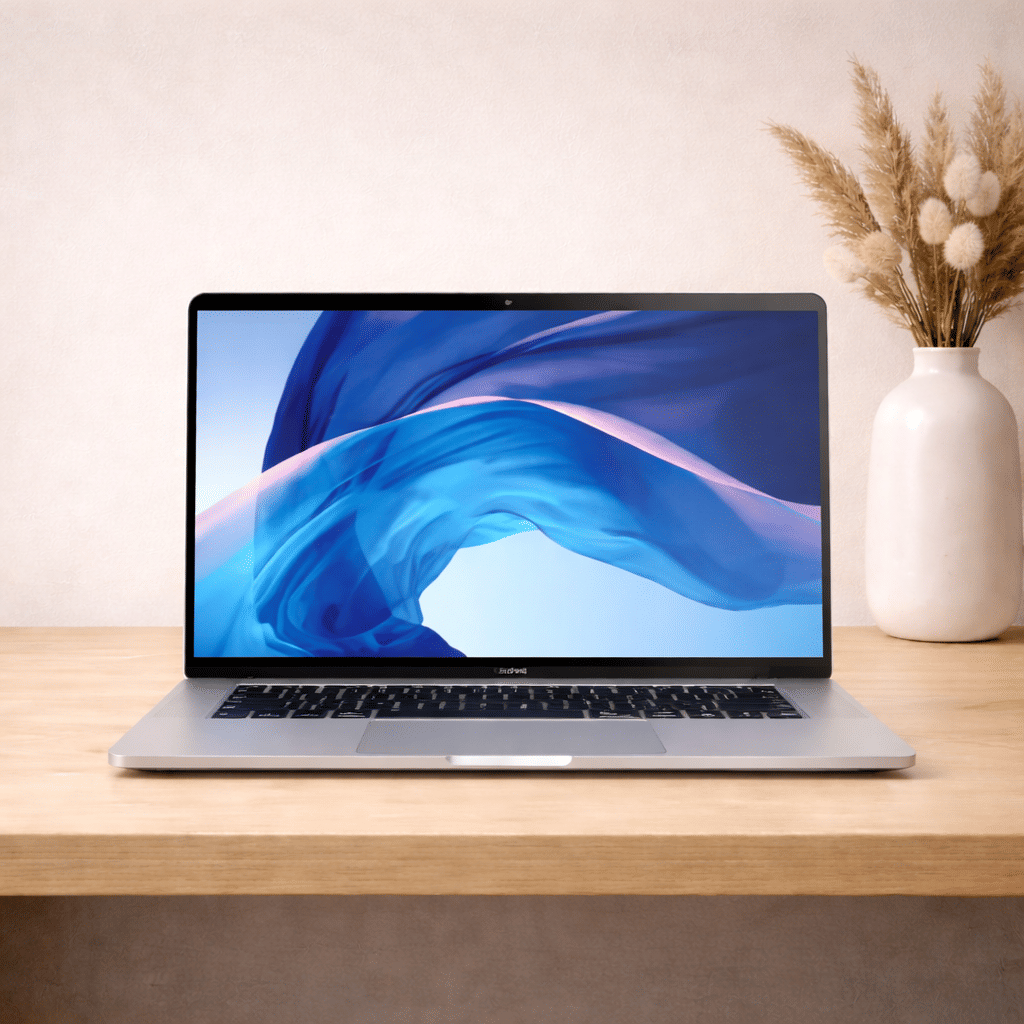
MacBook Pro 2017 | i7 | 16GB | 256GB | 4GB GPU | 15″ | Touch Bar
Save 35%₹ 2,924/mo
₹4,4992 days
- OUT OF STOCK
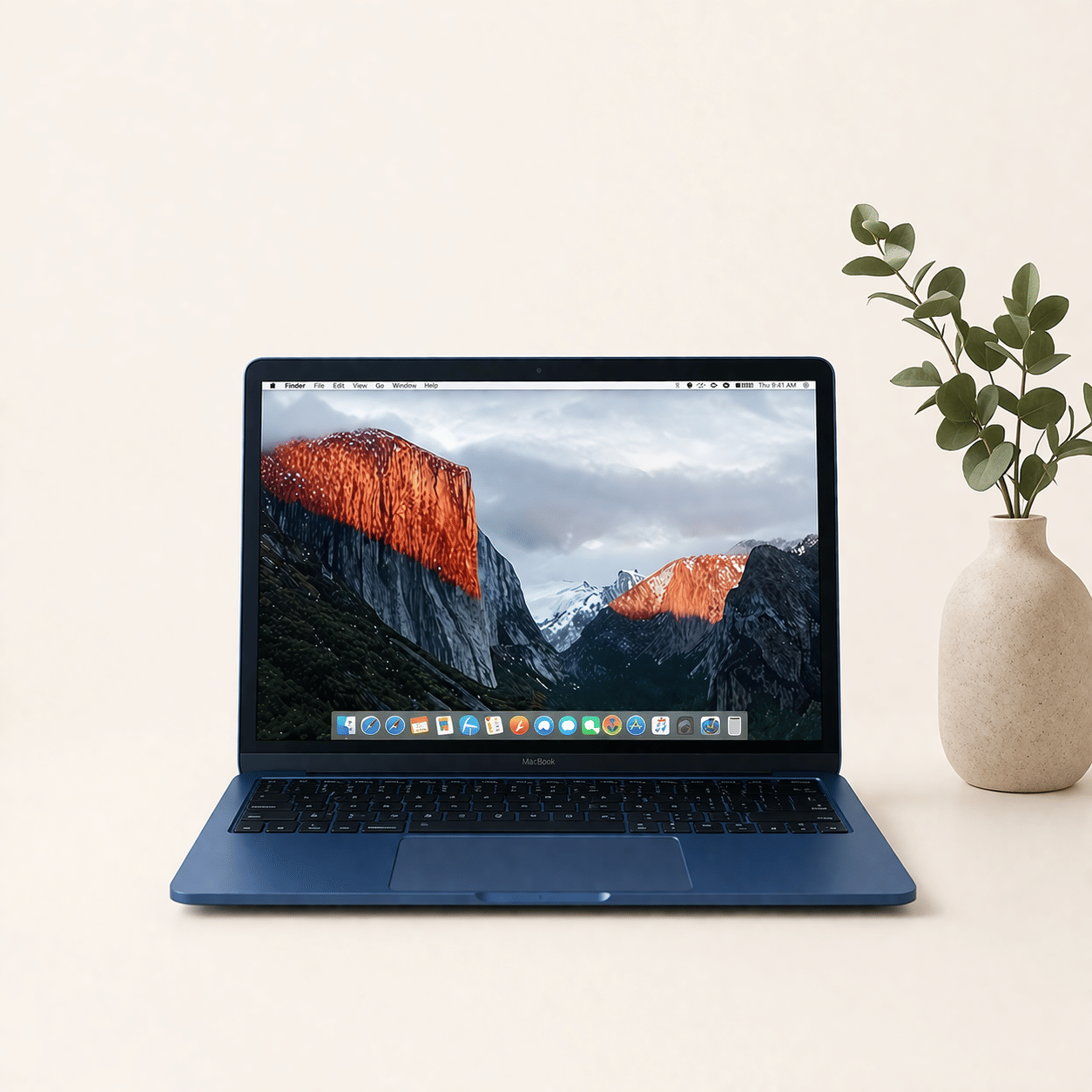
MacBook Pro 2021 | M1 | 32GB | 1TB | 16″
Save 35%₹ 7,800/mo
₹12,0002 days
MacBook Rental in Chennai
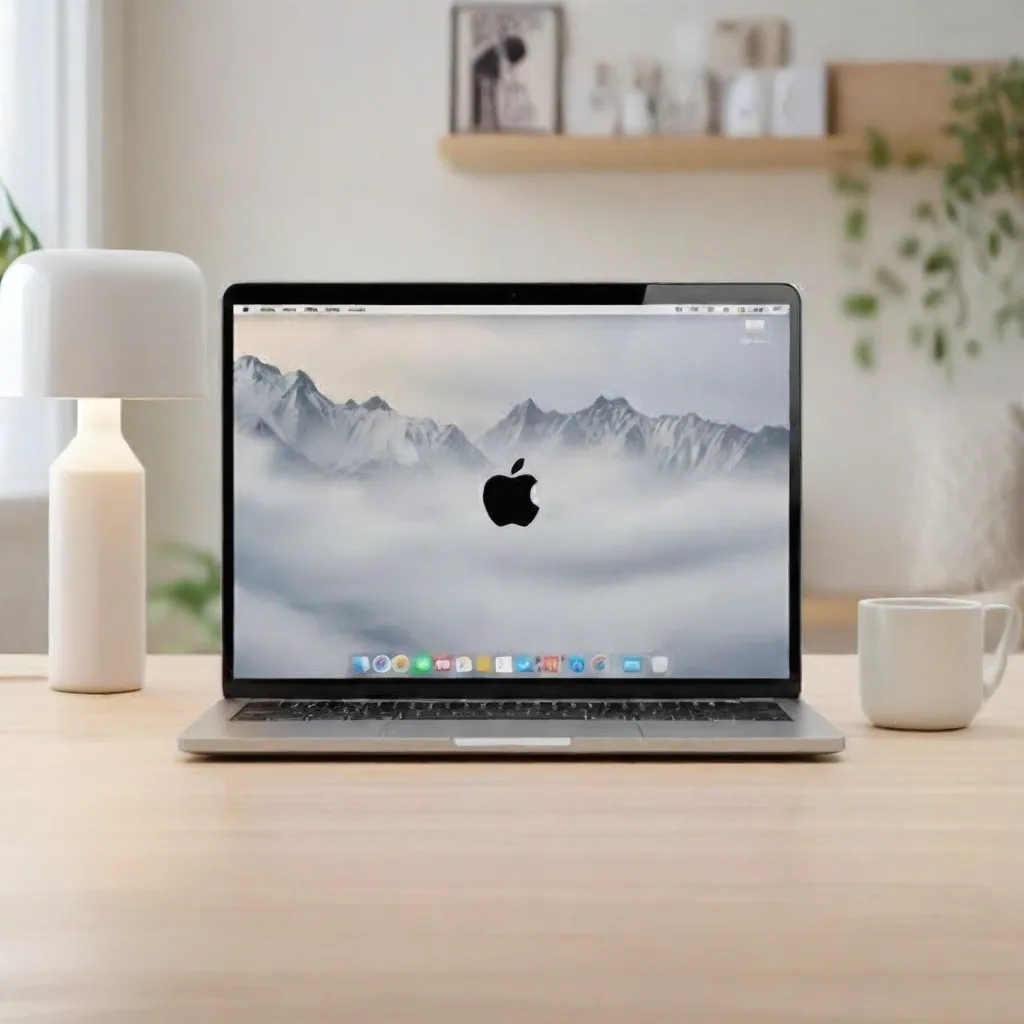
A MacBook is a favourite for designers, developers and founders, but it is also one of the most expensive laptops to buy outright. If you need one for a project, a course or a few months of work, renting gets you the machine without the full price. iRentOut offers MacBooks on rent in Chennai on a monthly plan, with MacBook Air and MacBook Pro models on Intel, M1 and M2 chips, and remote support during the rental.
Stock on MacBooks changes often, so open a model to see whether it can be booked right now. The page shows a rapid delivery option, with the MacBook delivered and set up in 6 hours when you order by 2 pm.
MacBooks You Can Rent in Chennai
MacBook Air 2022 with M2
The MacBook Air 2022 with the M2 chip, 8GB RAM, 256GB storage and a 13-inch screen is listed as a new arrival with a 2 day delivery time. It is light, silent and lasts a full working day on battery.
MacBook Pro 2022 with M2
The 13-inch MacBook Pro 2022 with M2, 8GB RAM and 256GB storage adds a fan for sustained performance, which helps during long exports and builds.
MacBook Pro 2020 with M1 and 16GB
With 16GB of unified memory, the MacBook Pro 2020 M1 handles many apps, browser tabs and creative tools at once. It shows a 1 day delivery time.
MacBook Air 2018 with i5
The MacBook Air 2018 with an i5, 8GB RAM and 256GB storage is a best seller and the lowest-cost way to rent a Mac for email, documents and browsing.
MacBook Pro 2018 with i7
The 15-inch MacBook Pro 2018 has an i7, 16GB RAM, a 4GB graphics card and the Touch Bar, with a 1 day delivery time.
Larger models such as the 16-inch MacBook Pro 2021 with M1 and the MacBook Air 2023 with M3 are also listed, subject to stock. For Air models only, see MacBook Air rental.
Choosing a Rental MacBook
Air or Pro
MacBook Air: light, quiet and ideal for writing, browsing, coding and presentations
MacBook Pro: better for long editing sessions, larger screens and heavier apps
Apple silicon or Intel
M1 and M2 Macs run cooler, last longer on battery and open apps faster. Choose an Intel model only if your software needs it.
Memory
8GB suits most users. Choose a 16GB model for design, video, development or many apps open together.
If you need Windows instead, laptop rental in Chennai lists Intel Core i3 to i7 machines.
Rent a MacBook for Different Use
Rent a MacBook for Creative Work
Designers, photographers and editors can rent a MacBook Pro for a client project and return it on delivery.
Rent a MacBook for Developers
Building an iOS or macOS app requires a Mac. Developers in Chennai can rent one for the build and testing phase.
Rent a MacBook for Students
Students on design, media or coding courses can rent a MacBook Air for a semester.
Rent MacBooks for Startups
Startups can give new hires a MacBook without buying one for every seat. Use the business rental form for several units.
Rent vs Buy: MacBooks
MacBooks hold value better than most laptops, but buying one still means a large one-time spend. Renting makes sense when your need has an end date.
When renting suits you
You need a Mac for a project, a course or a trial period
You want to try macOS before switching from Windows
You need a Pro-level machine for a few months only
You want support without paying for repairs
When buying suits you
You will use the Mac every day for five years or more
You want the newest model, which may not be listed
You need a custom configuration from Apple
Rent and buy side by side
Payment: a rental starts with the first month's rent and a refundable deposit, while a purchase is paid in full
Upgrade: a rented MacBook can be swapped with a replacement request from My Products
Support: remote support is included, and manufacturing faults are repaired at no extra charge
Ownership: a bought MacBook stays with you, while a rented one goes back
Before You Book a MacBook
Check app compatibility
Confirm that the apps you need run on macOS and on Apple silicon if you choose an M1 or M2 model.
Keep your documents ready
After you order, upload an ID proof and an address proof for eKYC. Delivery is scheduled once the KYC is approved.
Sign out before the return
Back up to iCloud or a drive, sign out of your Apple ID and turn off Find My before the MacBook is collected.
From Order to Return
Log in to iRentOut with your mobile number and the OTP.
Choose the MacBook and the tenure, and add your Chennai address.
Pay the first month's rent and the refundable deposit.
Complete eKYC with an ID proof and an address proof.
Receive the MacBook after KYC approval.
To return it, open My Products and book a pickup. Read the terms and conditions before you pay.
First Day with a Rented MacBook
Sign in with your own Apple ID, then install your apps from the App Store or the developer's website. Turn on FileVault in System Settings to encrypt your files during the rental. Connect to a monitor with a USB-C or HDMI adapter if you plan to work long hours, and use the supplied charger to keep the battery healthy.
iRentOut in Other Locations
MacBooks are also available on rent in:
Other Categories in Chennai
Electronics
Add a Full HD monitor or browse electronics rental for workstations and printers.
Home Appliances
Appliance rental lists ACs, TVs and fridges.
Furniture
Office furniture rental covers desks and ergonomic chairs for a home studio.
Gym Equipment
Gym rentals lists treadmills and cross trainers.
Combo Offers
Combo rental offers bring several products together on one plan.