









Rent MacBook Air in chennai
MacBook
Product you may like

FILTER

Delivered & set up in 6 hours
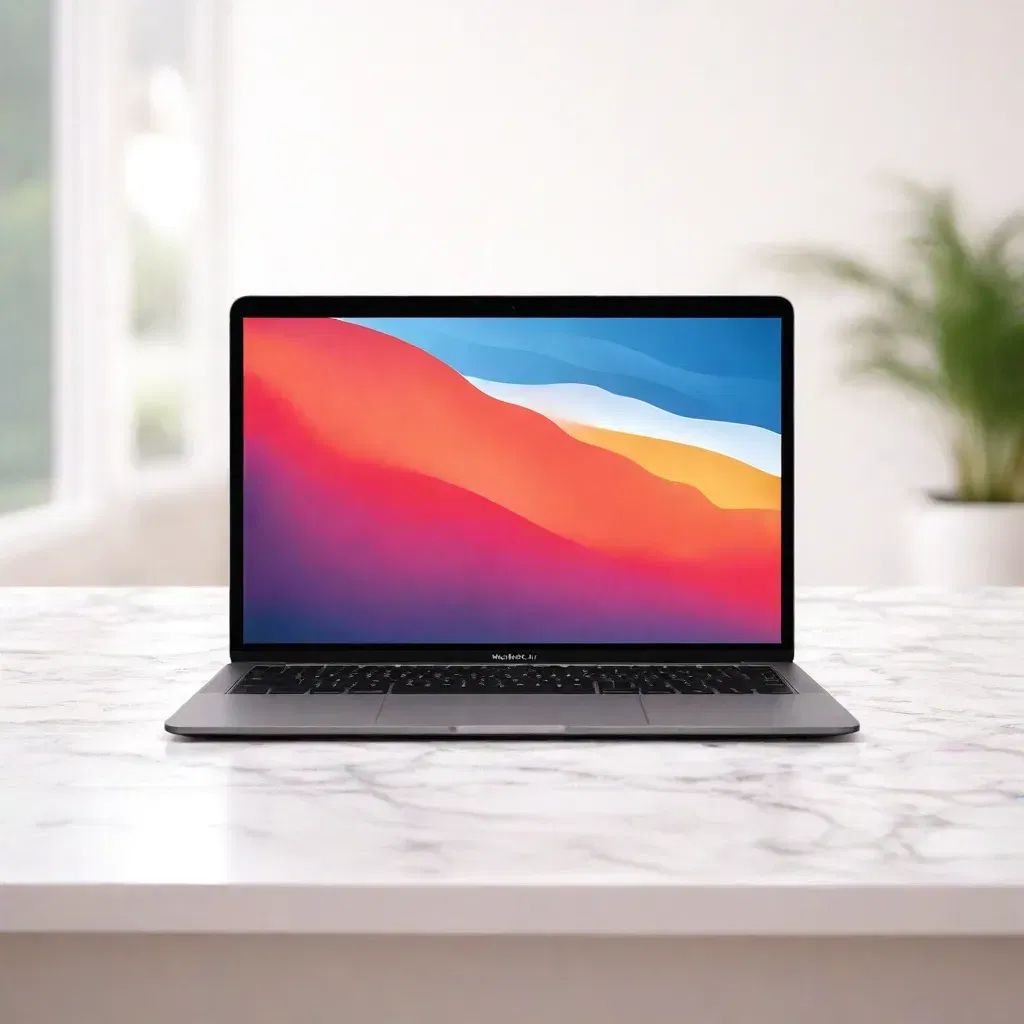
MacBook Air 2020 | M1 | 8GB | 256GB | 13″
Save 40%₹ 3,900/mo
₹6,500
2 days
MacBook Air 2020 | M1 | 8GB | 256GB | 13″
Save 40%₹ 3,900/mo
₹6,5002 days
- Best seller
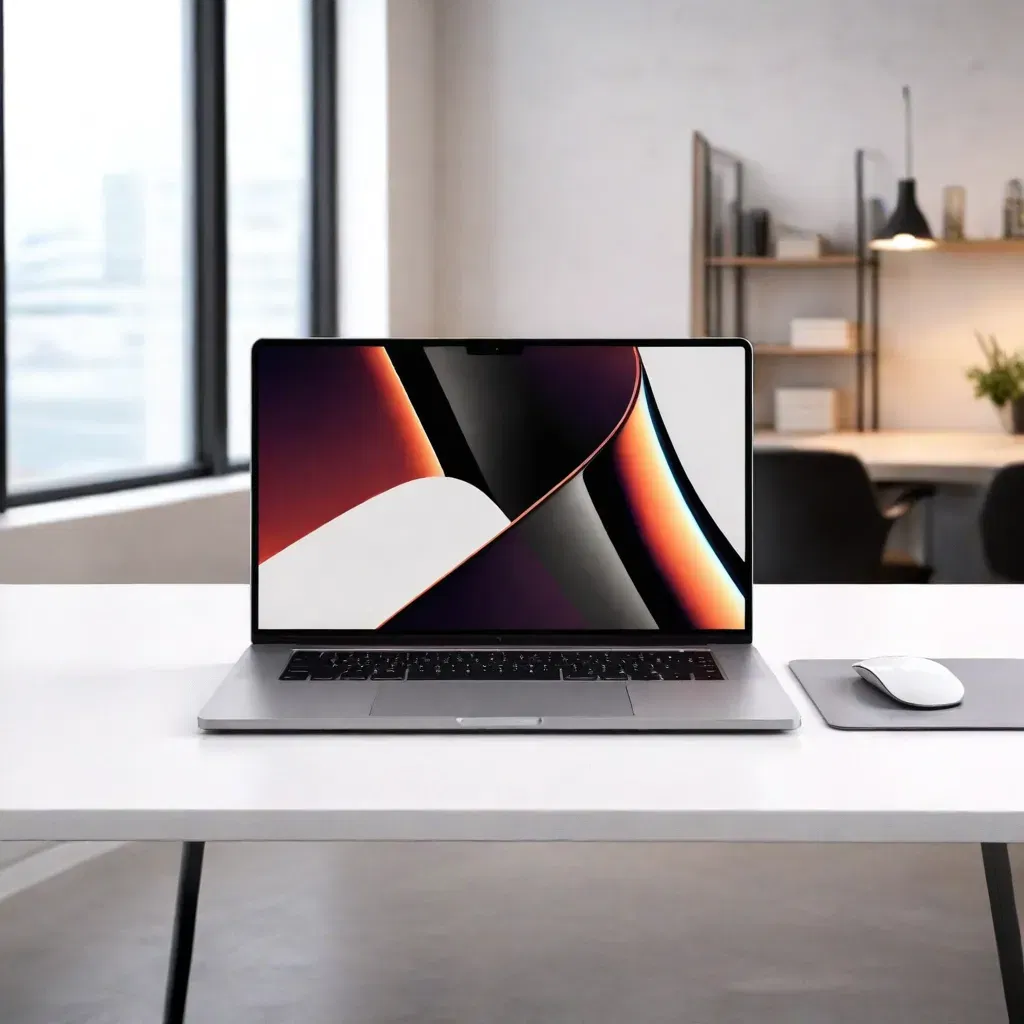
MacBook Pro 2021 | M1 | 16GB | 512GB | 16″
Save 35%₹ 7,149/mo
₹10,9992 days
- New Arrivals
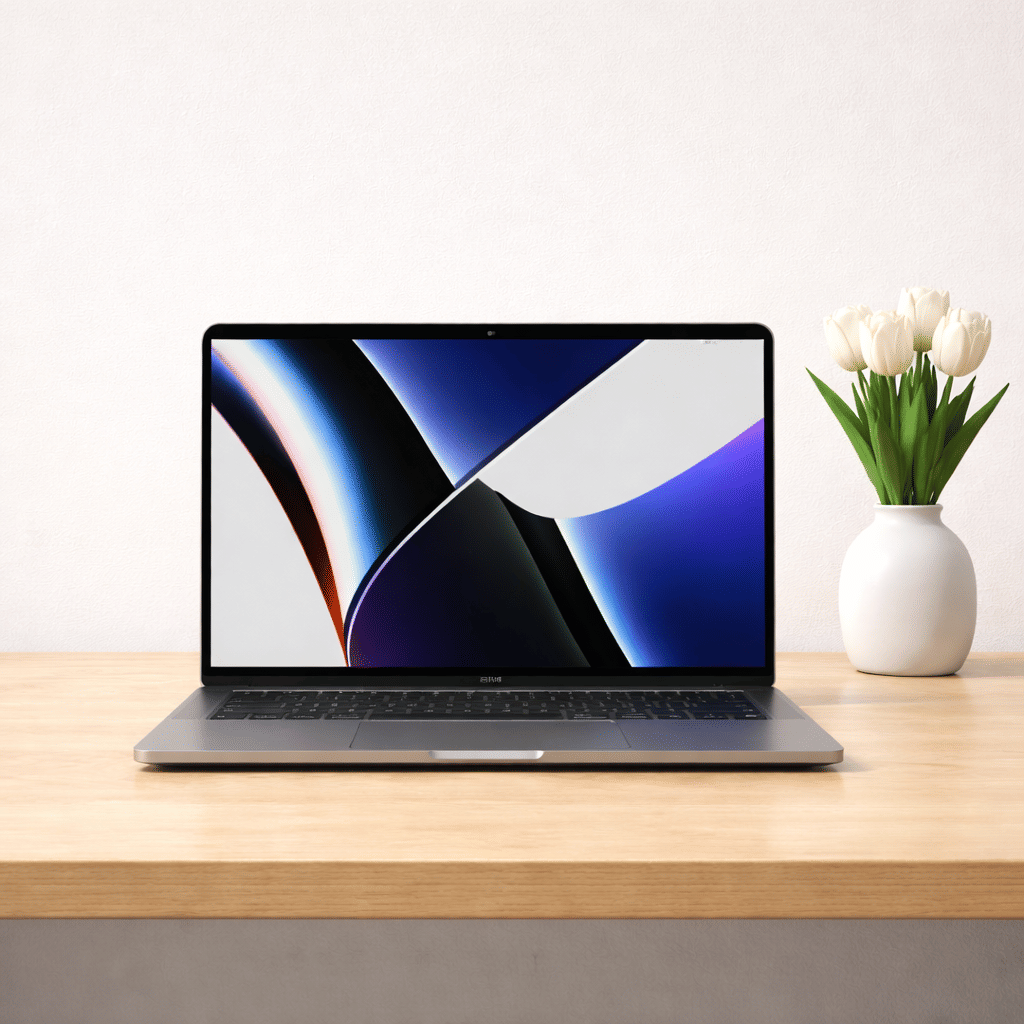
MacBook Pro 2022 | M2 | 8GB | 256GB | 13″
Save 35%₹ 7,930/mo
₹12,2002 days
- Best seller
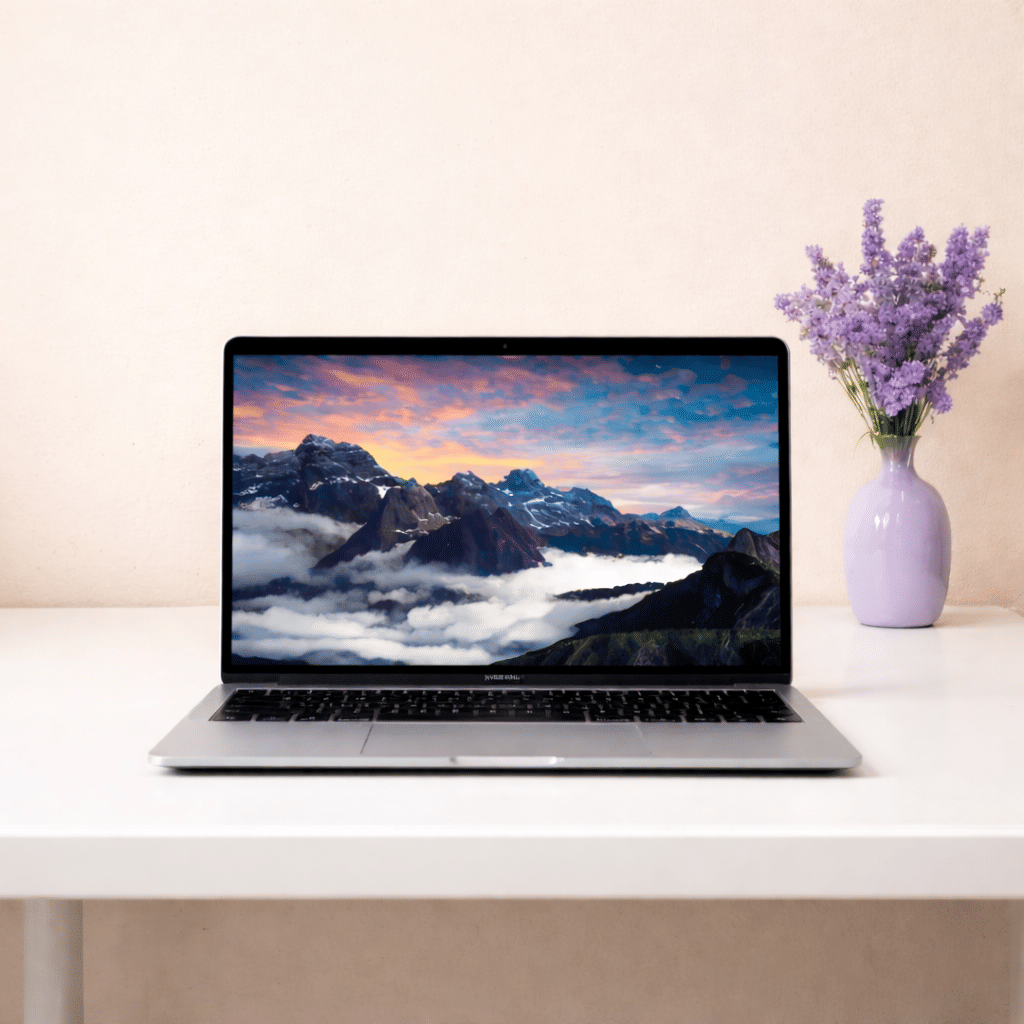
MacBook Air 2018 | i5 | 8GB | 256GB | 13″
Save 40%₹ 2,700/mo
₹4,5002 days
- Best seller
MacBook Air 2018 | i5 | 8GB | 256GB | 13″
Save 40%₹ 2,700/mo
₹4,5002 days
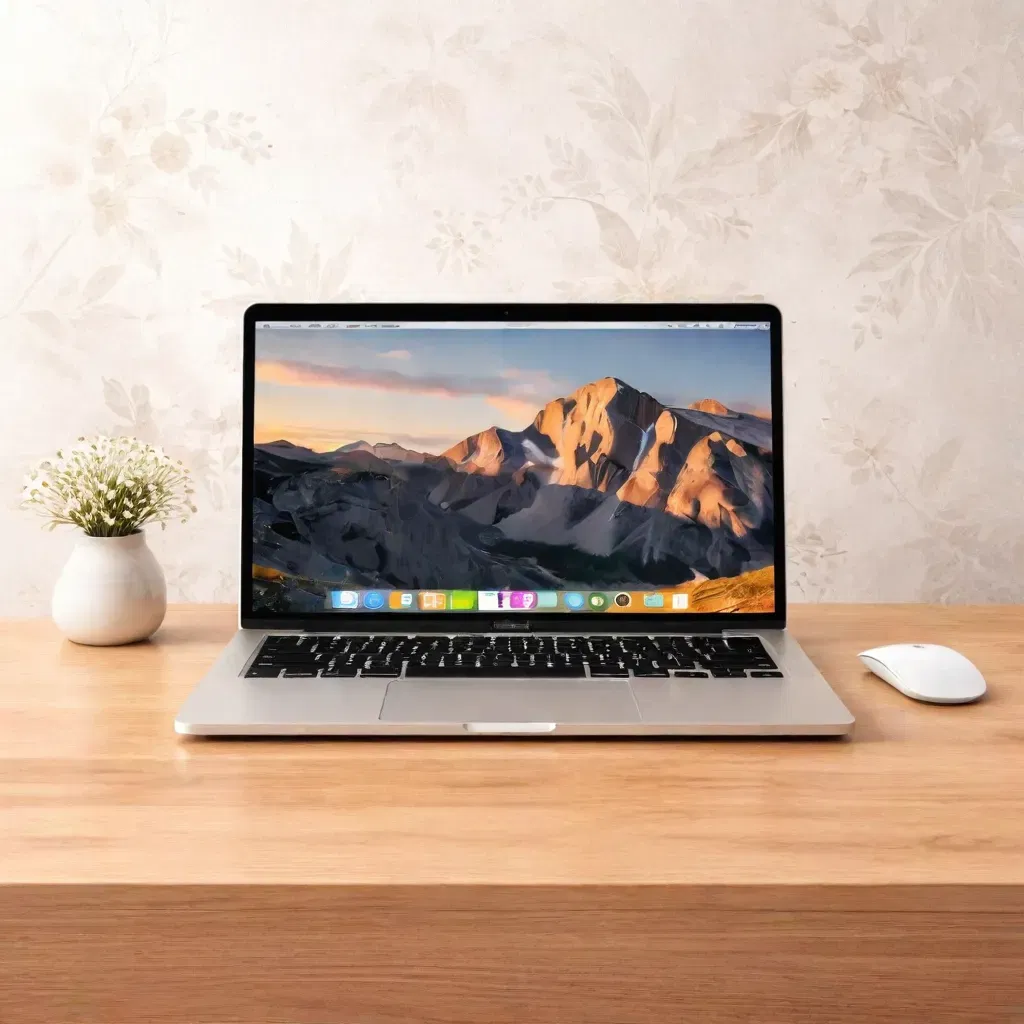
MacBook Air 2017 | i5 | 8GB | 256GB | 13″
Save 40%₹ 1,979/mo
₹3,2991 day
MacBook Air 2017 | i5 | 8GB | 256GB | 13″
Save 40%₹ 1,979/mo
₹3,2991 day
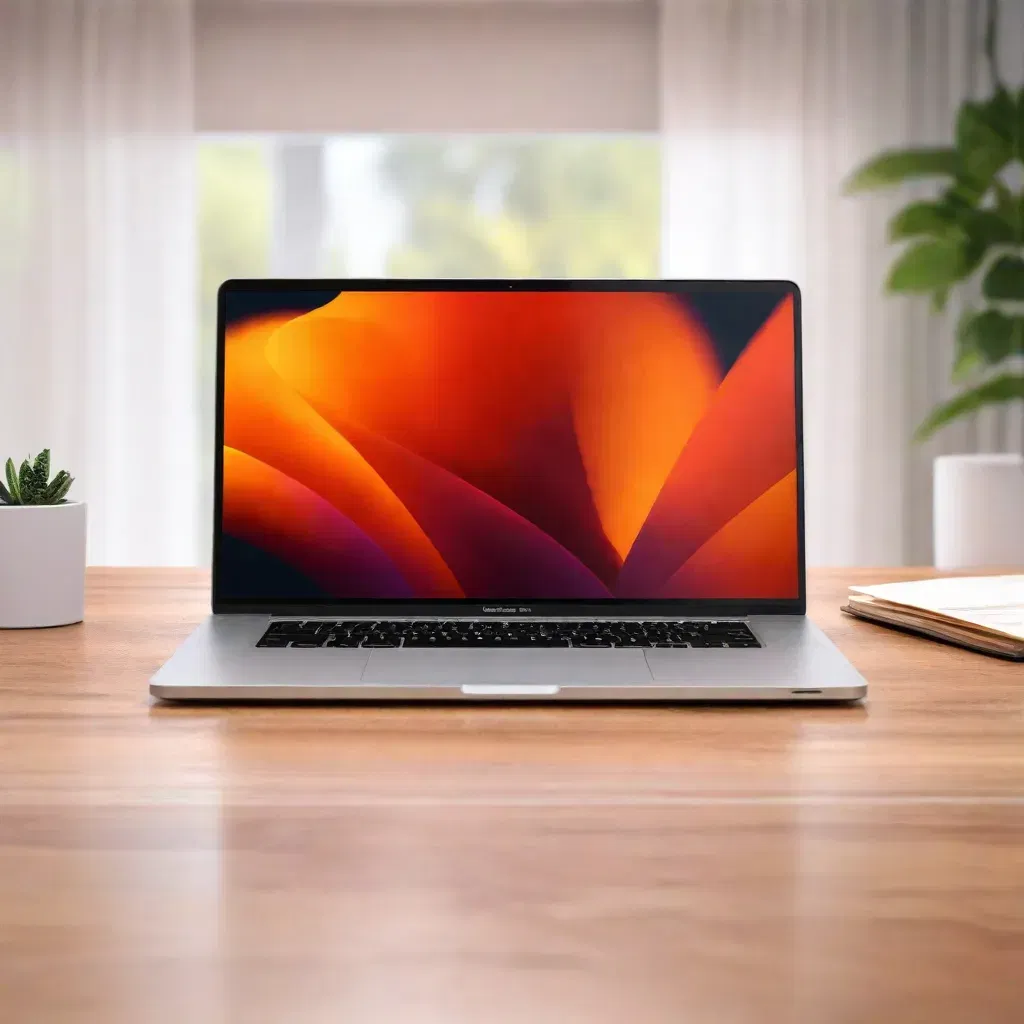
MacBook Pro 2019 | i7 | 16GB | 256GB | 4GB GPU | 15″ | Touch Bar
Save 35%₹ 3,899/mo
₹5,9992 days
- OUT OF STOCK
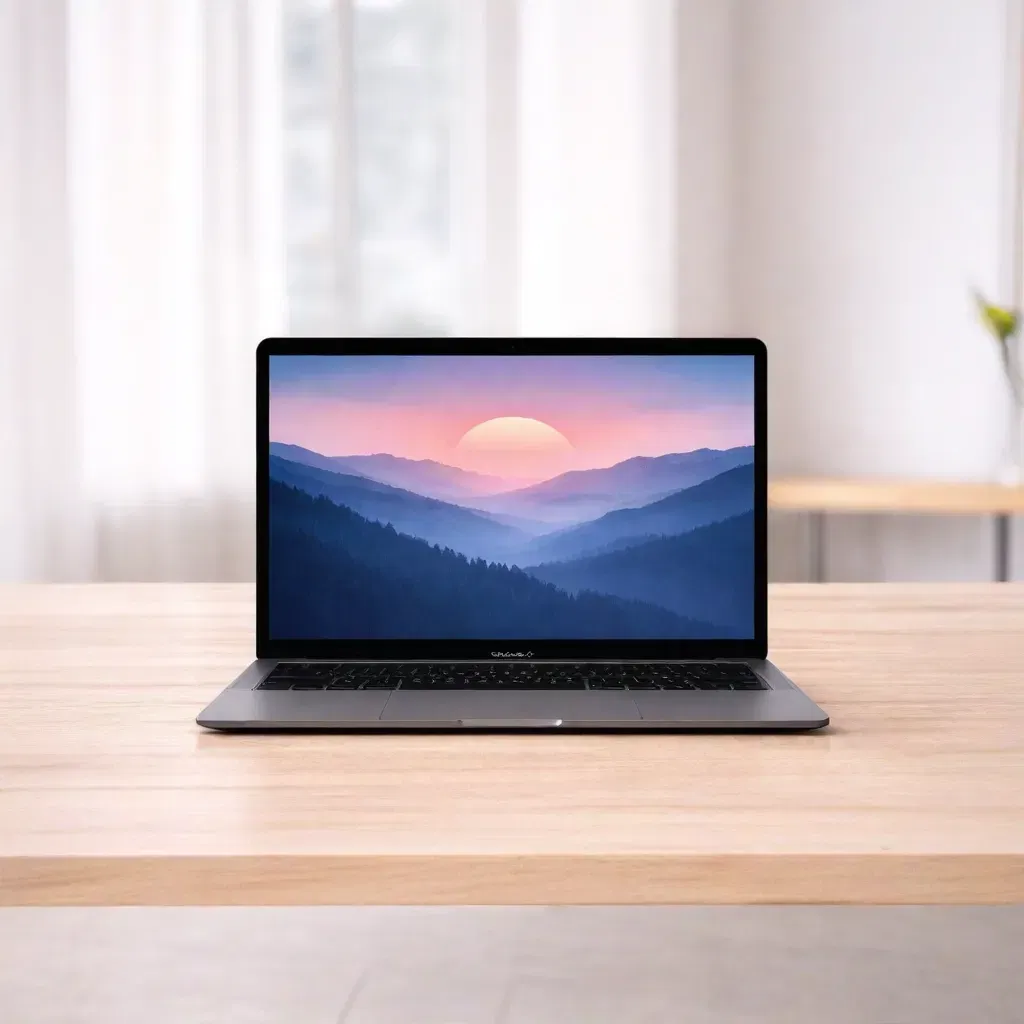
MacBook Air 2022 | M2 | 8GB | 256GB | 13″
Save 35%₹ 7,150/mo
₹11,0002 days
- OUT OF STOCK
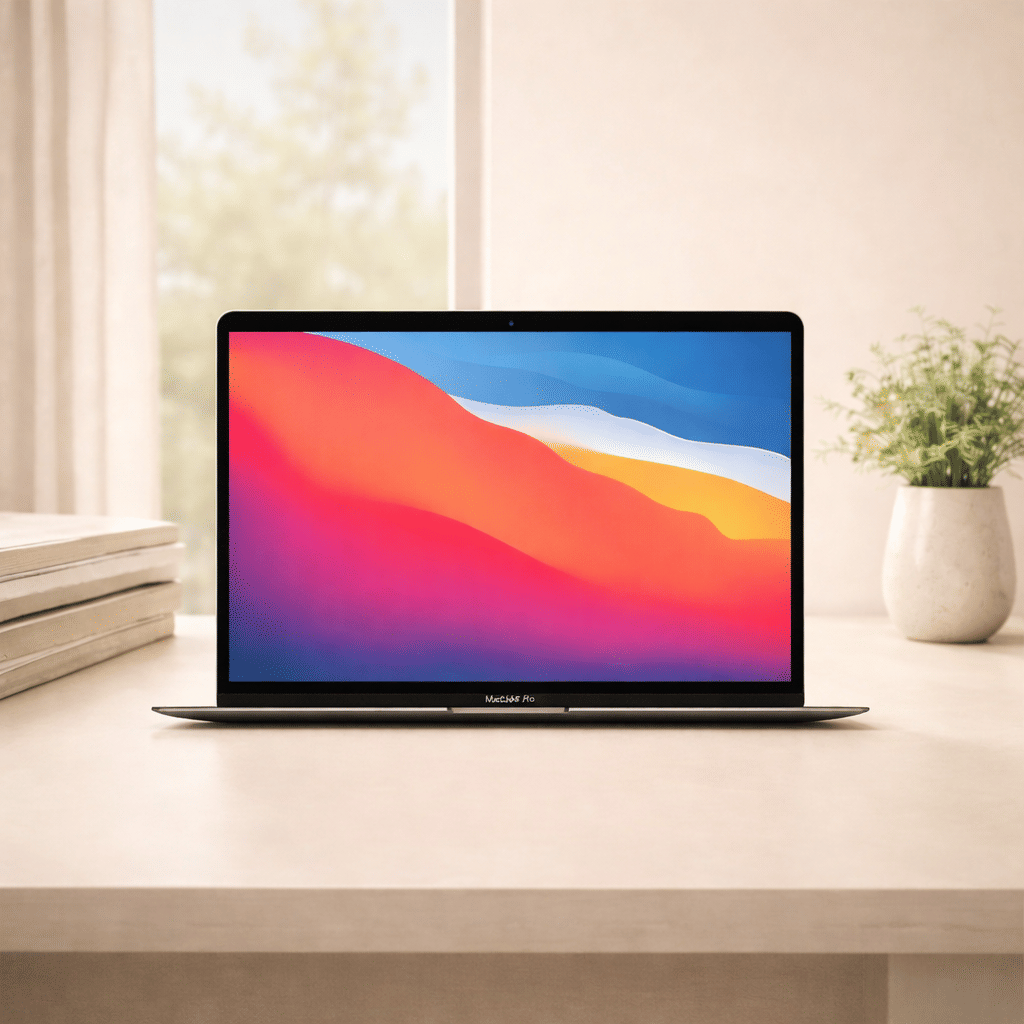
MacBook Air 2020 | M1 | 16GB | 256GB | 13″
Save 35%₹ 4,225/mo
₹6,5002 days
- OUT OF STOCK
MacBook Air 2022 | M2 | 8GB | 256GB | 13″
Save 35%₹ 7,150/mo
₹11,0002 days
- OUT OF STOCK
MacBook Air 2020 | M1 | 16GB | 256GB | 13″
Save 35%₹ 4,225/mo
₹6,5002 days
- OUT OF STOCK
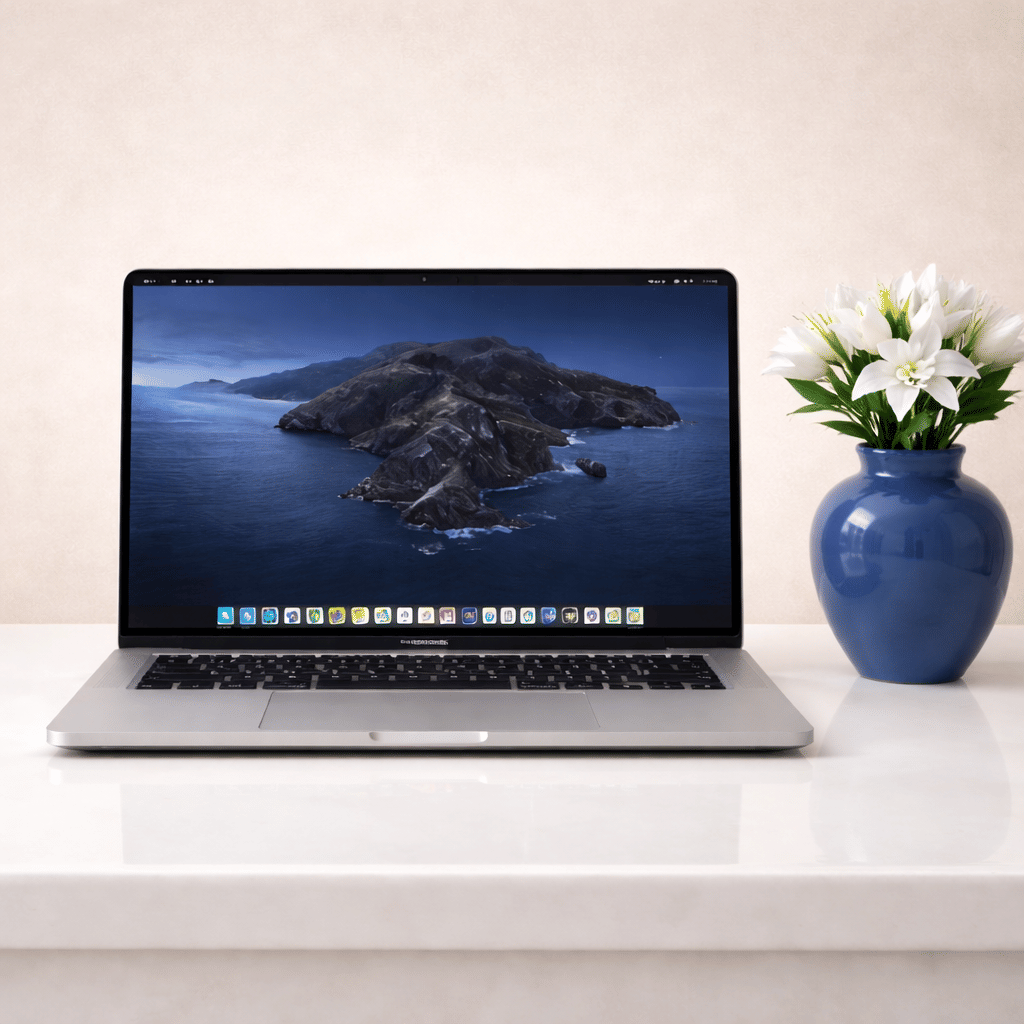
MacBook Pro 2019 | i9 | 32GB | 1TB | 8GB GPU | 16″
Save 35%₹ 5,850/mo
₹9,0002 days
- OUT OF STOCK
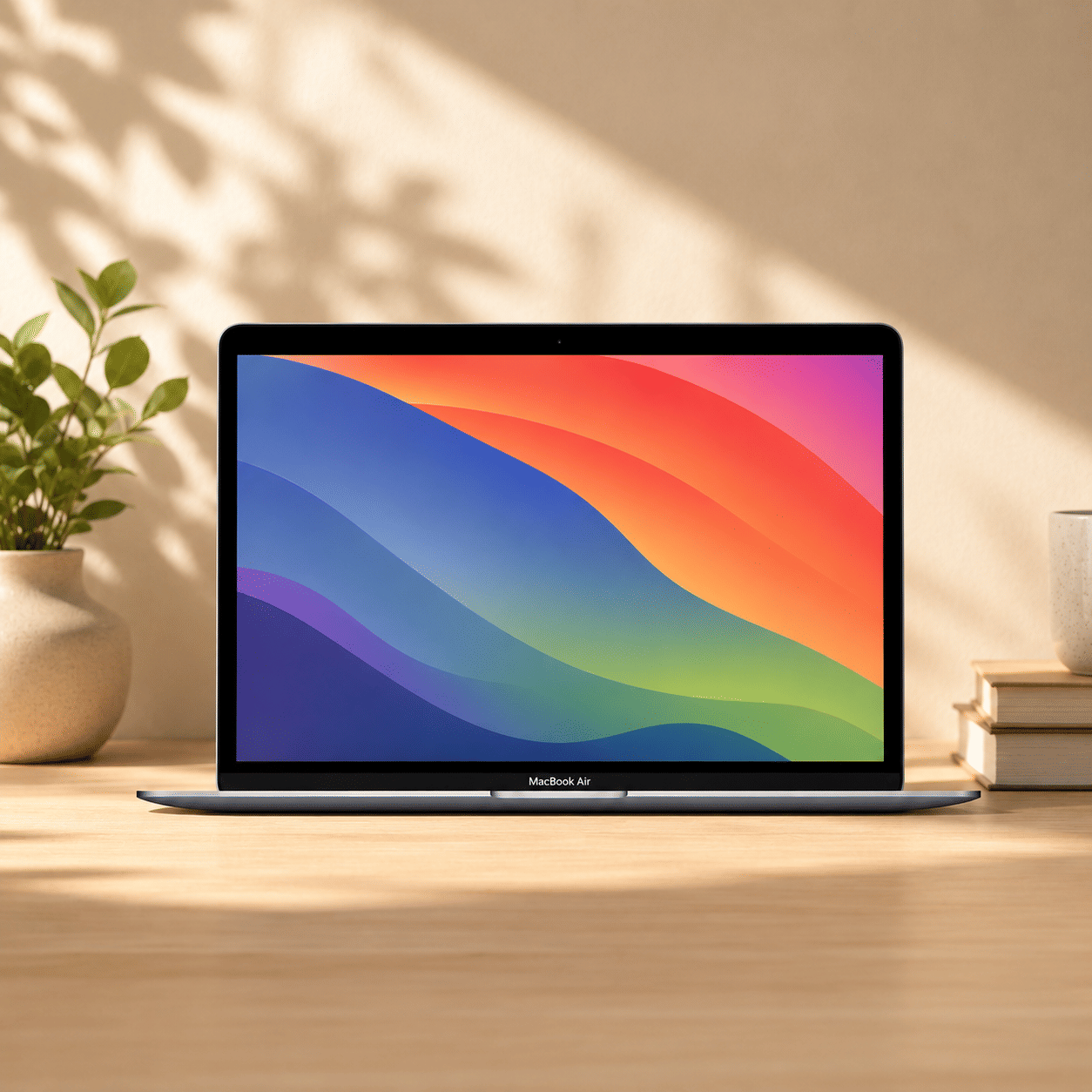
MacBook Air 2023 | M3 | 8GB | 256GB | 13″
Save 35%₹ 6,370/mo
₹9,800 - OUT OF STOCK
MacBook Air 2023 | M3 | 16GB | 256GB | 15″
Save 35%₹ 6,175/mo
₹9,500 - OUT OF STOCK
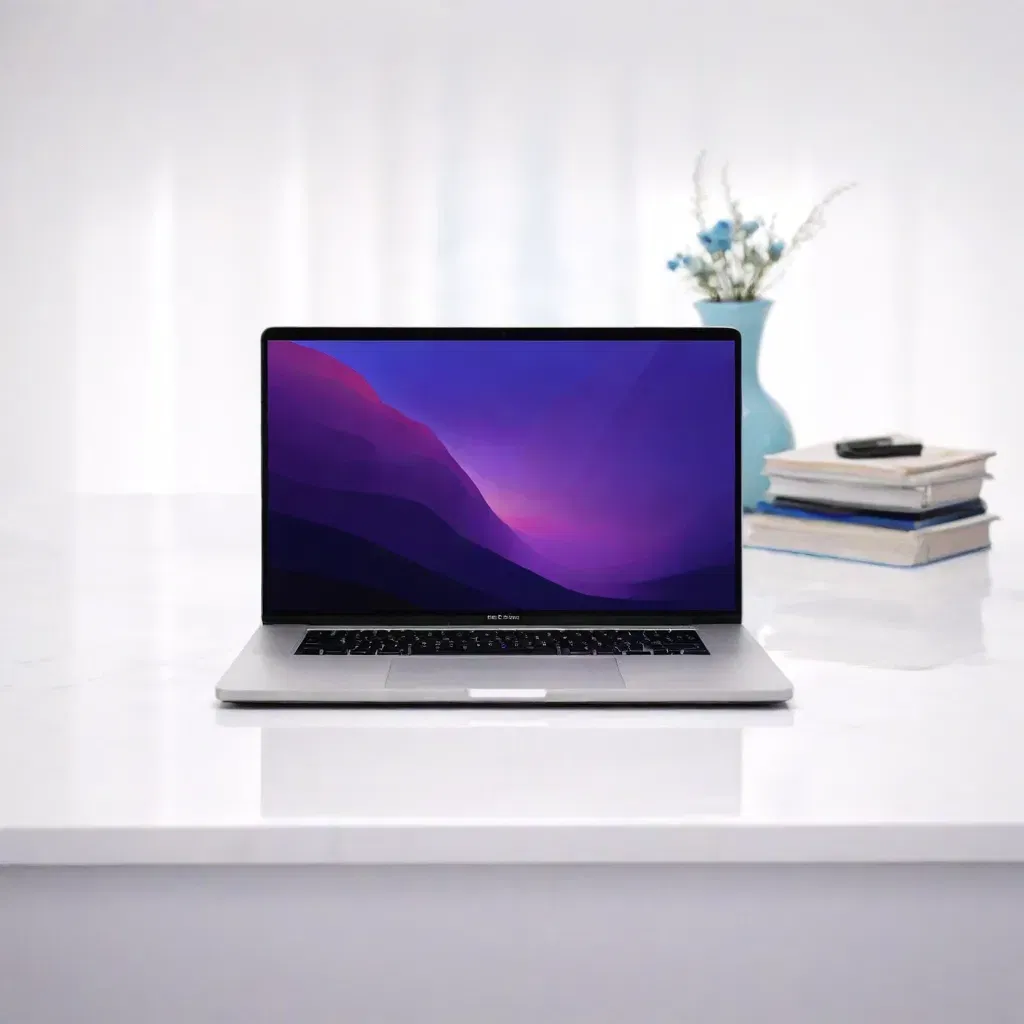
MacBook Pro 2018 | i7 | 16GB | 256GB | 4GB GPU | 15″ | Touch Bar
Save 40%₹ 3,359/mo
₹5,5991 day
- OUT OF STOCK
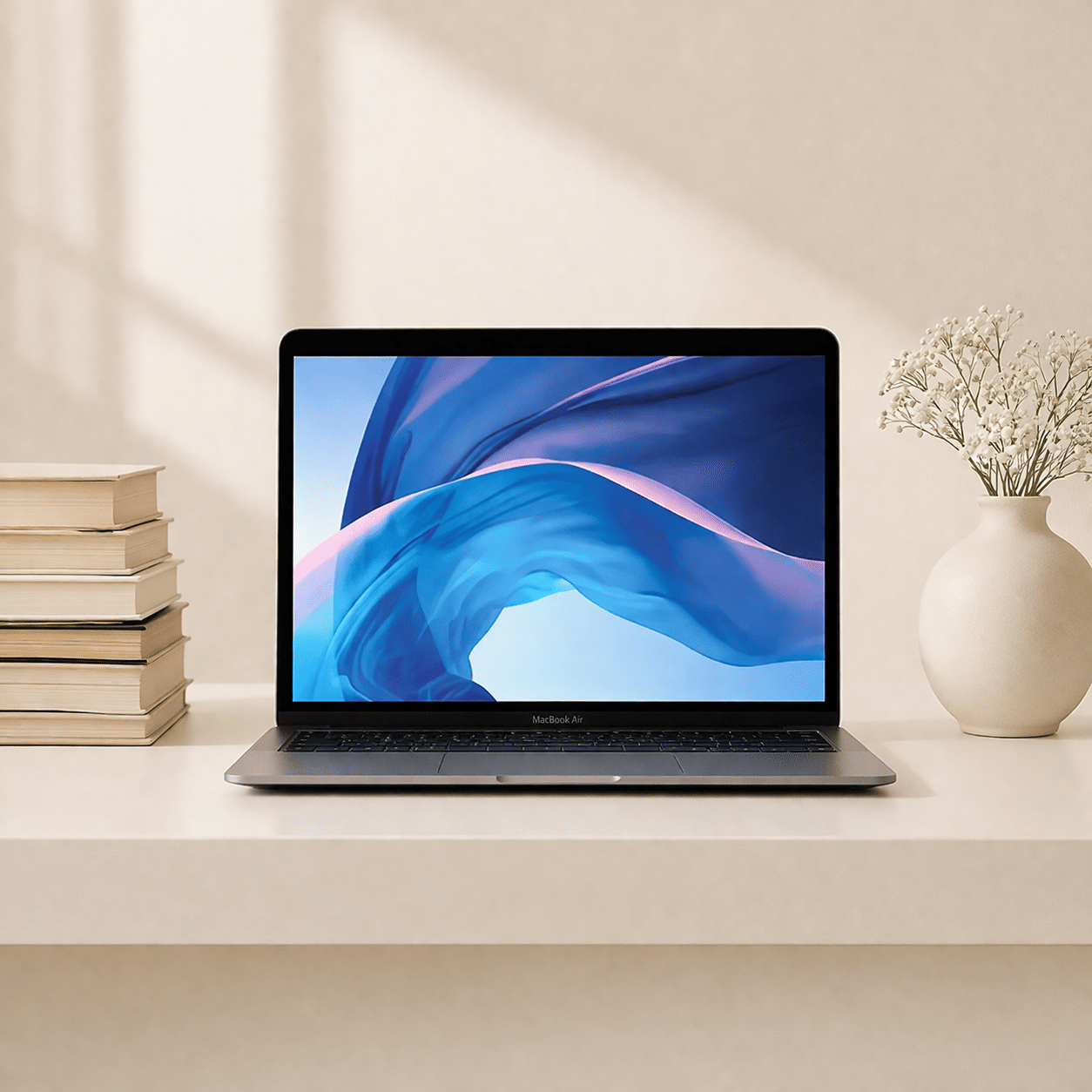
MacBook Pro 2022 | M2 | 16GB | 256GB | 13″
Save 40%₹ 8,700/mo
₹14,5002 days
- OUT OF STOCK
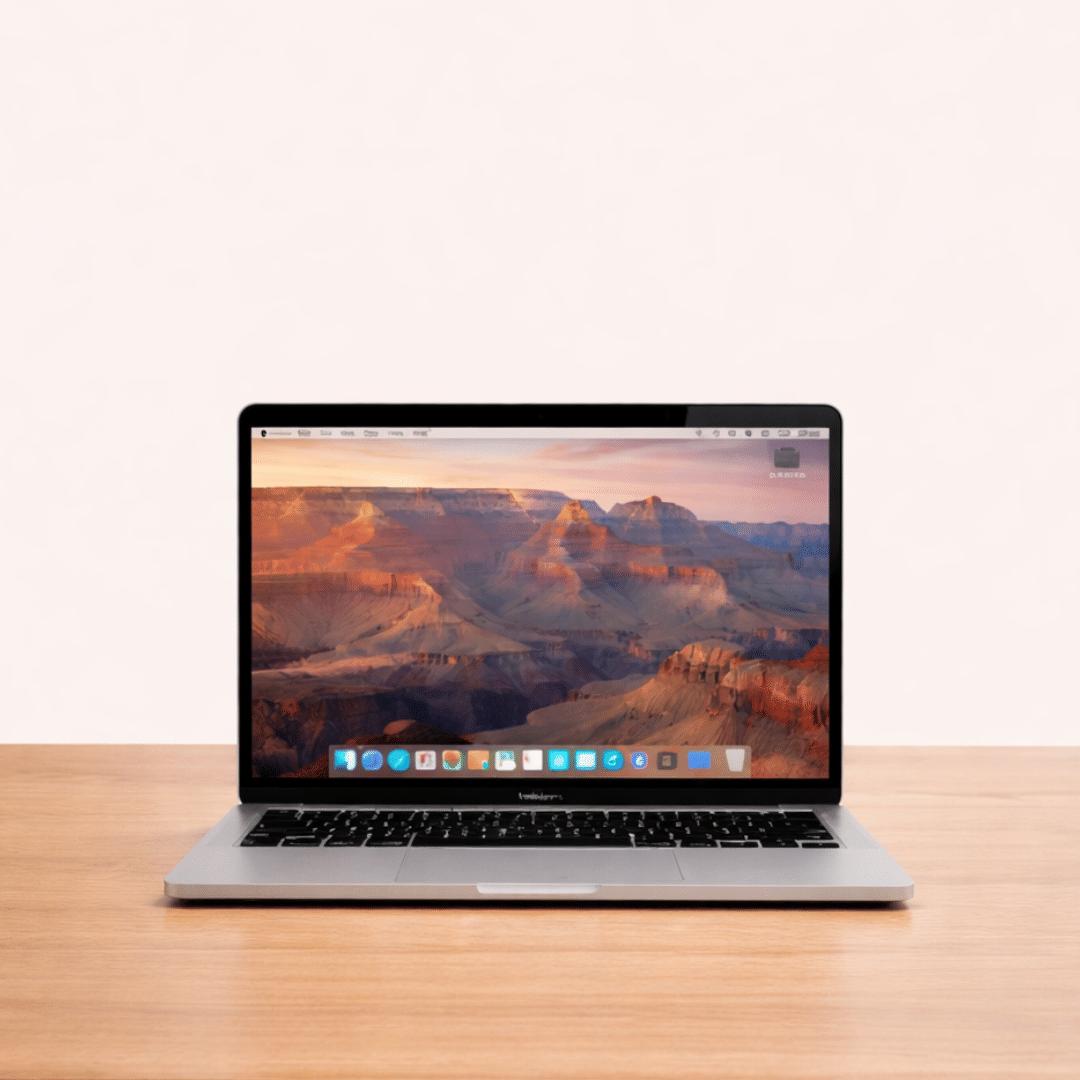
MacBook Pro 2020 | M1 | 16GB | 256GB | 13″
Save 35%₹ 5,850/mo
₹9,0001 day
- OUT OF STOCK
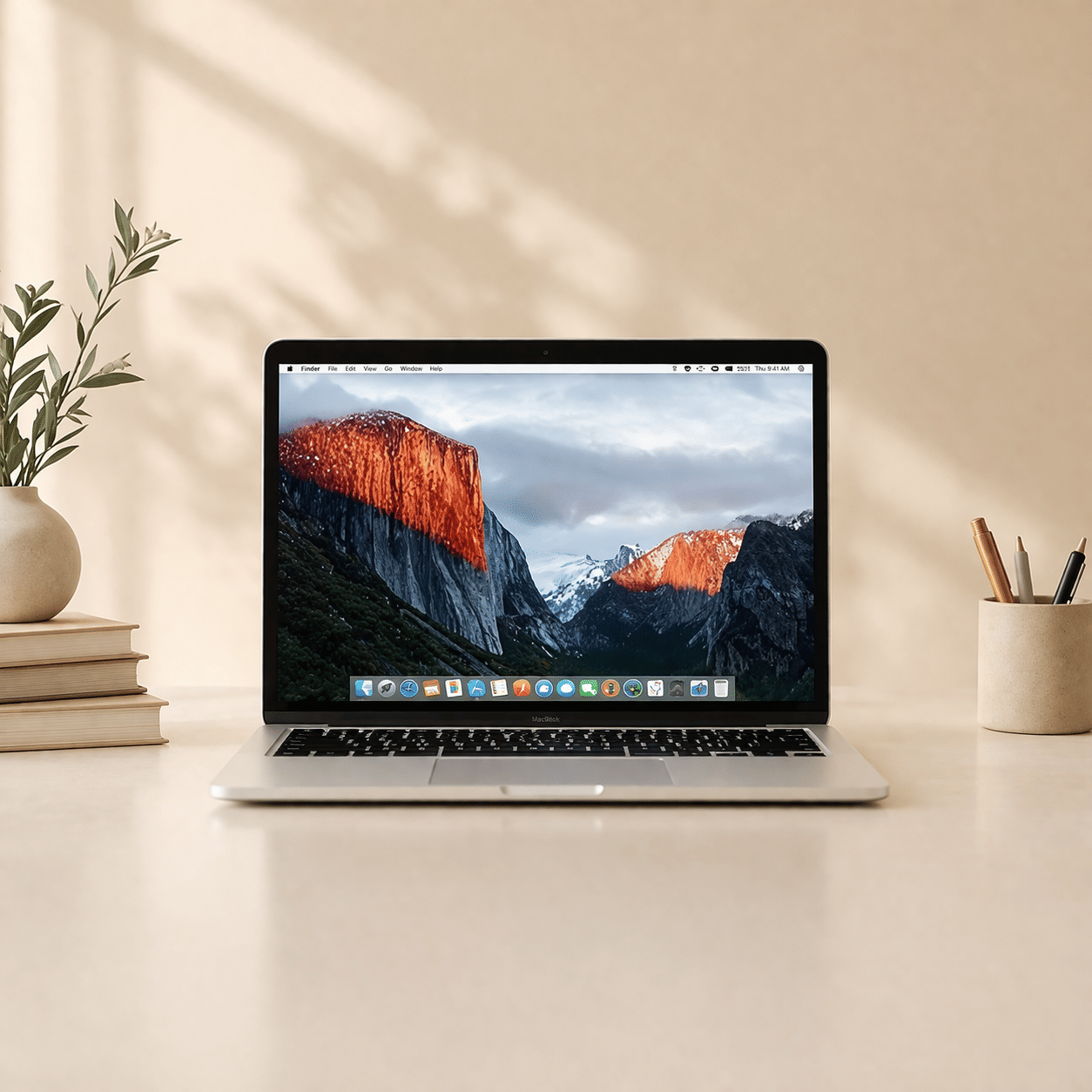
MacBook Pro 2015 | i7 | 16GB | 256GB | 4GB GPU | 15″
Save 35%₹ 2,404/mo
₹3,6991 day
- OUT OF STOCK
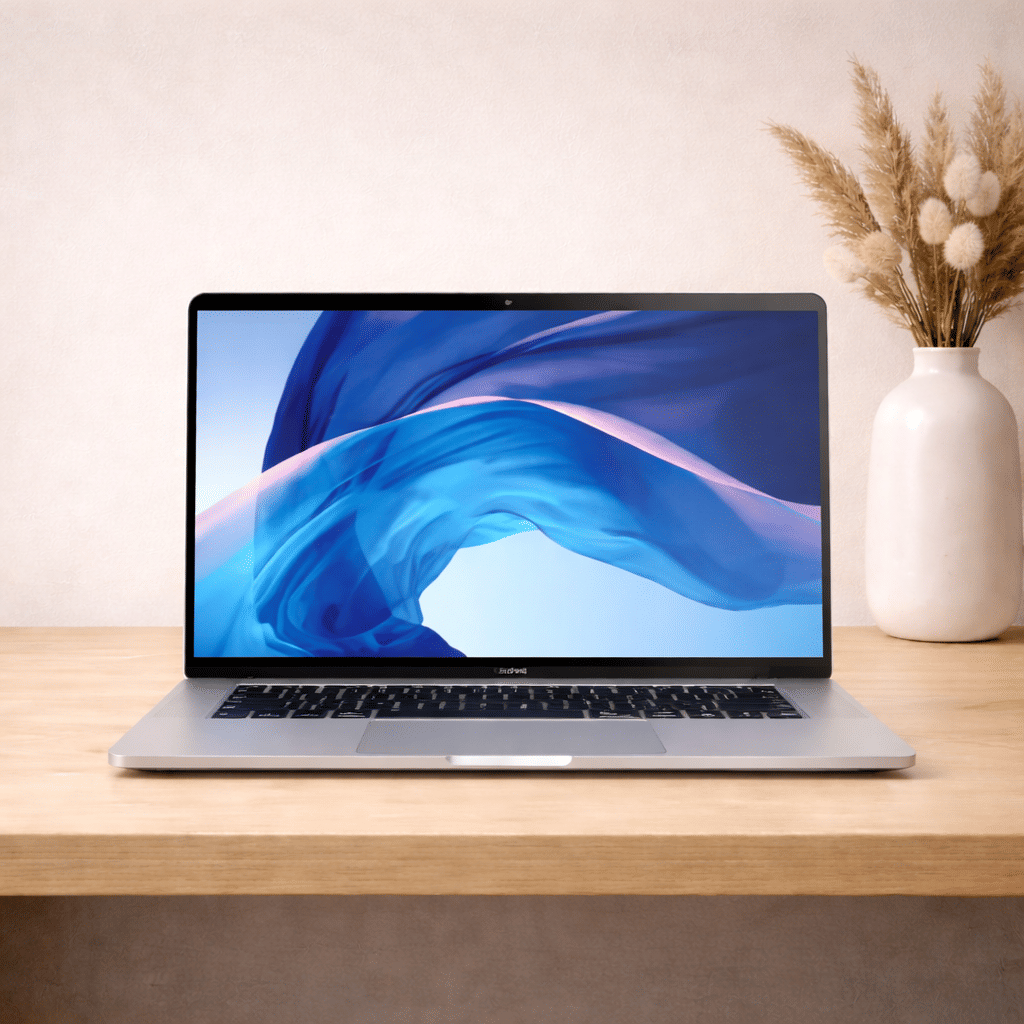
MacBook Pro 2017 | i7 | 16GB | 256GB | 4GB GPU | 15″ | Touch Bar
Save 35%₹ 2,924/mo
₹4,4992 days
- OUT OF STOCK
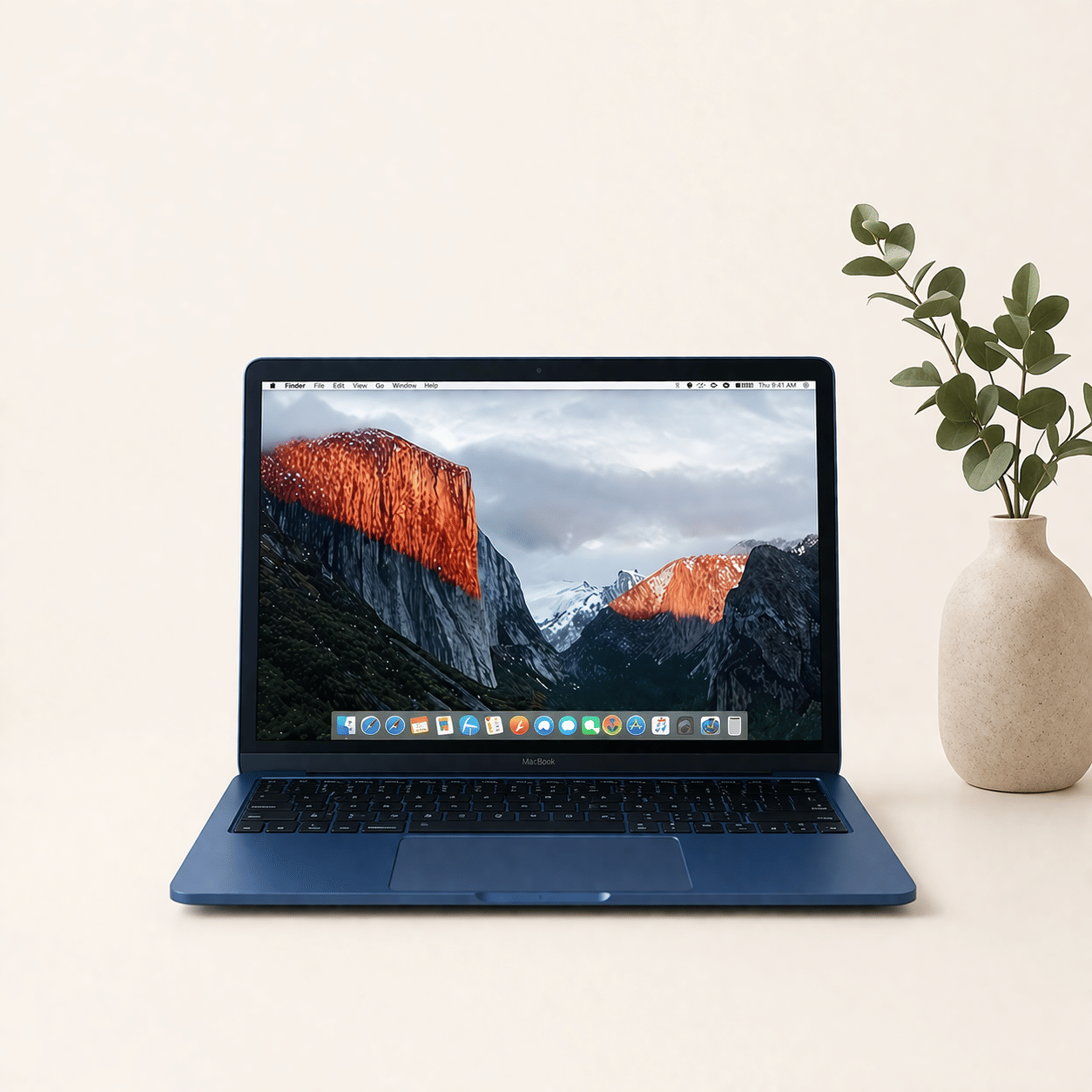
MacBook Pro 2021 | M1 | 32GB | 1TB | 16″
Save 35%₹ 7,800/mo
₹12,0002 days
FAQ'S
1. What is the minimum rental period for a MacBook Air in Chennai?
Rent MacBook Air Chennai plans begin at one month, allowing full flexibility for short-term professional and project needs.
2. How many MacBook Air configurations can I choose from in Chennai?
iRentout Online offers four configurations — MacBook Air 2022 M2, MacBook Air 2020 M1 (16GB RAM), MacBook Air 2018 Intel Core i5, and MacBook Air 2017 Intel Core i5 — under macbook air on rent in Chennai.
3. Are all MacBook Air rental devices equipped with SSD?
Yes, 256GB SSD storage is included as standard across every macbook air rent model available in Chennai.
4. Can freelancers and individual professionals rent a MacBook Air?
Certainly. macbook air for rent services at iRentout Online are open to freelancers, students, professionals, startups, and corporate clients in Chennai.
5. Where can I find a macbook air rental near me in Chennai?
iRentout Online provides Rent MacBook Air Chennai with online selection, configuration, and booking accessible from anywhere in the city.
6. Should I rent a MacBook Air or a MacBook Pro?
The MacBook Air offers superior portability with fanless silent operation and long battery life, while the MacBook Pro provides stronger processing and graphics for heavier workloads. iRentout Online carries both, so you can choose based on your specific task requirements.
7. Is bulk rental available for corporate teams in Chennai?
Yes, businesses can request multiple units under macbook air rent for project teams, new hire batches, and temporary workforce expansion in Chennai.
8. Which MacBook Air model is best for software developers?
The MacBook Air 2020 M1 with 16GB RAM under Rent MacBook Air Chennai is the recommended choice for developers managing memory-intensive workflows such as compilation, emulation, and parallel application execution.
MacBook Air Rental in Chennai
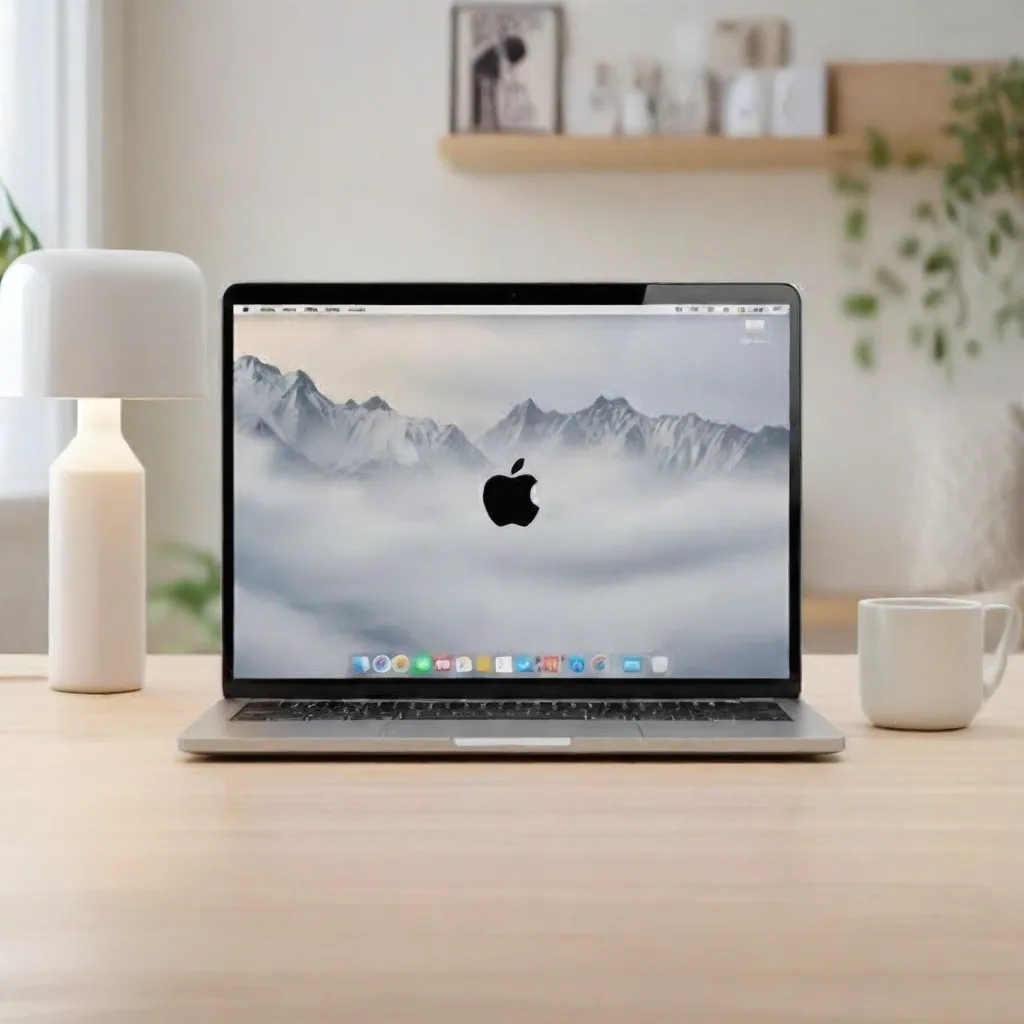
The MacBook Air is the Mac most people actually need: thin, light, silent and good for a full day on battery. It is the right pick for writing, browsing, coding, presentations and online classes, and renting it keeps the cost in step with how long you need it. iRentOut offers the MacBook Air on rent in Chennai on a monthly plan, with models from the 2017 Intel version to the 2023 M3, and remote support during the rental.
Stock on the MacBook Air changes often, so open a model to see whether it can be booked right now. The page shows a rapid delivery option, with the MacBook delivered and set up in 6 hours when you order by 2 pm.
MacBook Air Models You Can Rent in Chennai
MacBook Air 2017 with i5
The MacBook Air 2017 has an Intel i5, 8GB RAM, 256GB storage and a 13-inch screen, and it shows a delivery time of 1 day. It handles email, documents, browsing and video calls, and it is the most affordable way to use macOS.
MacBook Air 2018 with i5
The 2018 model keeps the i5, 8GB RAM and 256GB storage and adds a sharper Retina display.
MacBook Air 2020 with M1
The first Air on Apple silicon, available with 8GB or 16GB of memory and 256GB storage. It has no fan, so it stays silent even under load, and its battery lasts through a long workday.
MacBook Air 2022 with M2
The M2 Air brings a redesigned body, a brighter display and faster performance, with 8GB RAM and 256GB storage.
MacBook Air 2023 with M3
The newest Air on the page comes in a 13-inch version with 8GB RAM and a 15-inch version with 16GB RAM. The 15-inch screen gives more room for side-by-side work.
The page also lists the MacBook Pro 2022 with M2. For the full Pro range, see MacBook rental in Chennai.
Picking the Right MacBook Air
Chip
Intel i5 (2017, 2018): basic office work and browsing
M1 (2020): fast, silent and efficient for most users
M2 and M3 (2022, 2023): the best speed and display on the Air range
Memory
8GB is enough for writing, browsing and light coding. Choose 16GB if you keep many apps open or use design tools.
Screen size
Most models have a 13-inch screen, which is easy to carry. The 15-inch M3 suits those who work on the laptop for long hours without a monitor.
To add a bigger screen, see monitor rental.
Rent a MacBook Air for Different Use
Rent a MacBook Air for Students
Students in Chennai can rent an Air for a semester, a thesis or an online course and return it at the end of the term.
Rent a MacBook Air for Travel
The Air weighs little and lasts long on battery, which makes it a good laptop for consultants and people travelling between cities.
Rent a MacBook Air for Remote Work
Remote workers who prefer macOS can rent an Air for a contract or a probation period.
Rent MacBook Airs for Teams
Startups and agencies can give new joiners an Air without buying one per seat. Use the business rental form for several units.
Rent vs Buy: MacBook Air
The Air is Apple's lowest-cost laptop, but it is still a big purchase for a short need.
When renting suits you
You need a Mac for a few months or a single course
You want to try macOS before buying
You want an M-series Air without a large one-time payment
You may move cities and prefer not to carry an expensive laptop
When buying suits you
You will use the same Air for five years or more
You want the latest model the day it launches
You need a specific colour or storage size from Apple
Rent and buy side by side
Payment: a rental starts with the first month's rent and a refundable deposit, while a purchase is paid in full
Upgrade: you can request a newer Air from My Products, subject to stock
Support: remote support is included, and manufacturing faults are repaired at no extra charge
Ownership: a bought Air stays with you, while a rented one goes back
Before You Book a MacBook Air
Check your apps
Most apps run on M1, M2 and M3 Macs, but confirm any specialised software before you choose.
Keep your documents ready
After the order, upload an ID proof and an address proof for eKYC. Delivery is scheduled once the KYC is approved.
Prepare for the return
Back up your files, sign out of iCloud and turn off Find My before the Air is collected.
From Order to Return
Log in to iRentOut with your mobile number and the OTP.
Choose the MacBook Air and the tenure, and add your Chennai address.
Pay the first month's rent and the refundable deposit.
Complete eKYC with an ID proof and an address proof.
Receive the MacBook Air after KYC approval.
To return it, open My Products and book a pickup. Read the terms and conditions before you pay.
Battery and Care Tips for a MacBook Air
The MacBook Air is built to run on battery, so you can work through the day without the charger. Turn on optimised battery charging in System Settings to protect the battery during the rental. Keep the Air in a padded sleeve when you travel, and avoid leaving it in a parked car in the Chennai sun. Clean the screen with a soft, dry cloth and keep liquids away from the keyboard. Keep the charger and its cable with you, as they are returned along with the MacBook at the end of the rental.
iRentOut in Other Locations
The MacBook Air is also available on rent in:
Other Categories in Chennai
Electronics
Electronics rental lists Windows laptops, desktops and printers.
Home Appliances
Appliance rental covers ACs, fridges and washing machines for a new flat.
Furniture
Furniture rental lists study tables, chairs and beds.
Gym Equipment
Gym rentals lists treadmills and cross trainers.
Combo Offers
Combo rental offers bring several products together on one plan.