









Laptop Rental in chennai
Laptops
Product you may like

FILTER

Delivered & set up in 6 hours
- New products
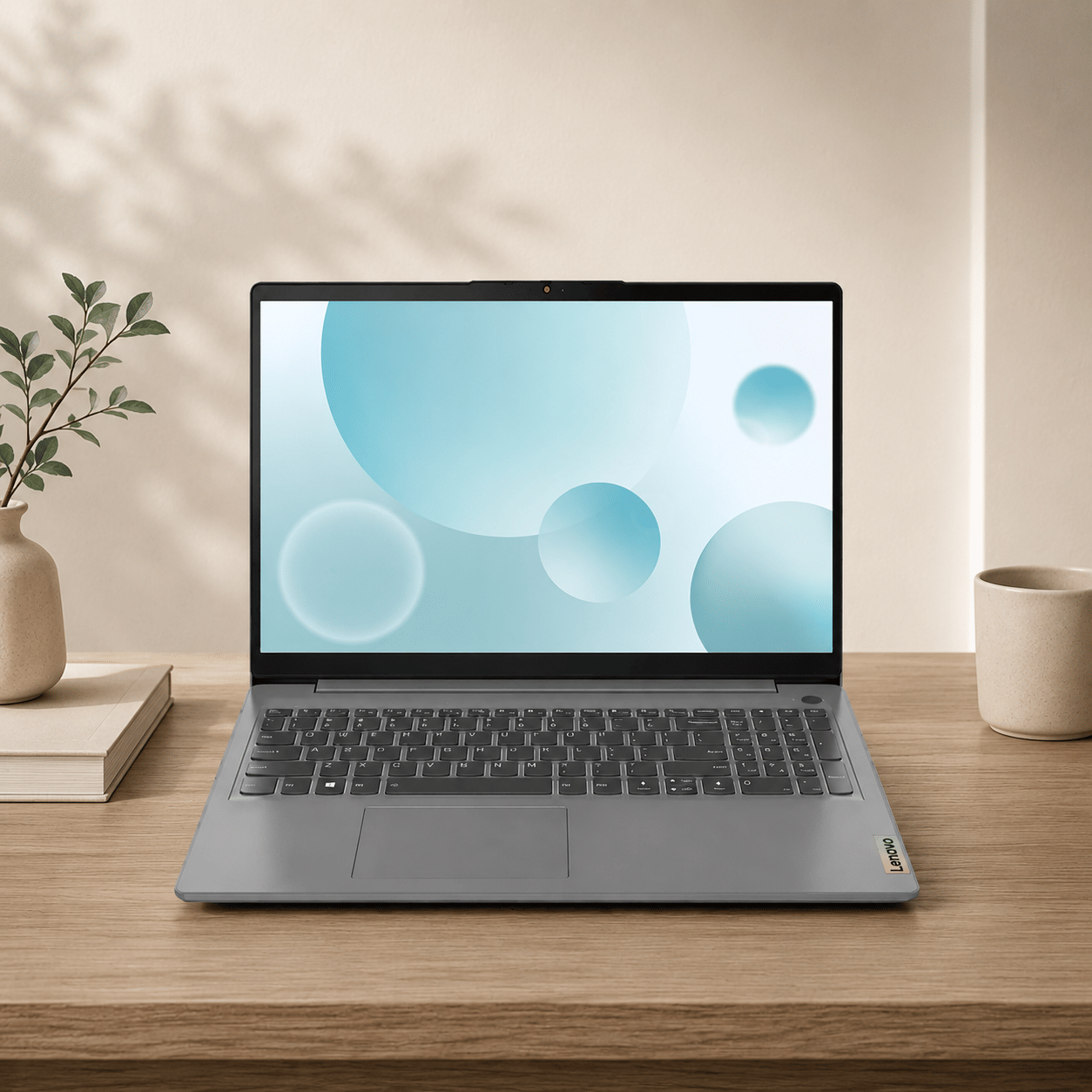
Lenovo IdeaPad i3 (11th Gen) | 8GB RAM | 256GB NVMe | Win 11
Save 45%₹ 1,760/mo
₹3,200 - New products
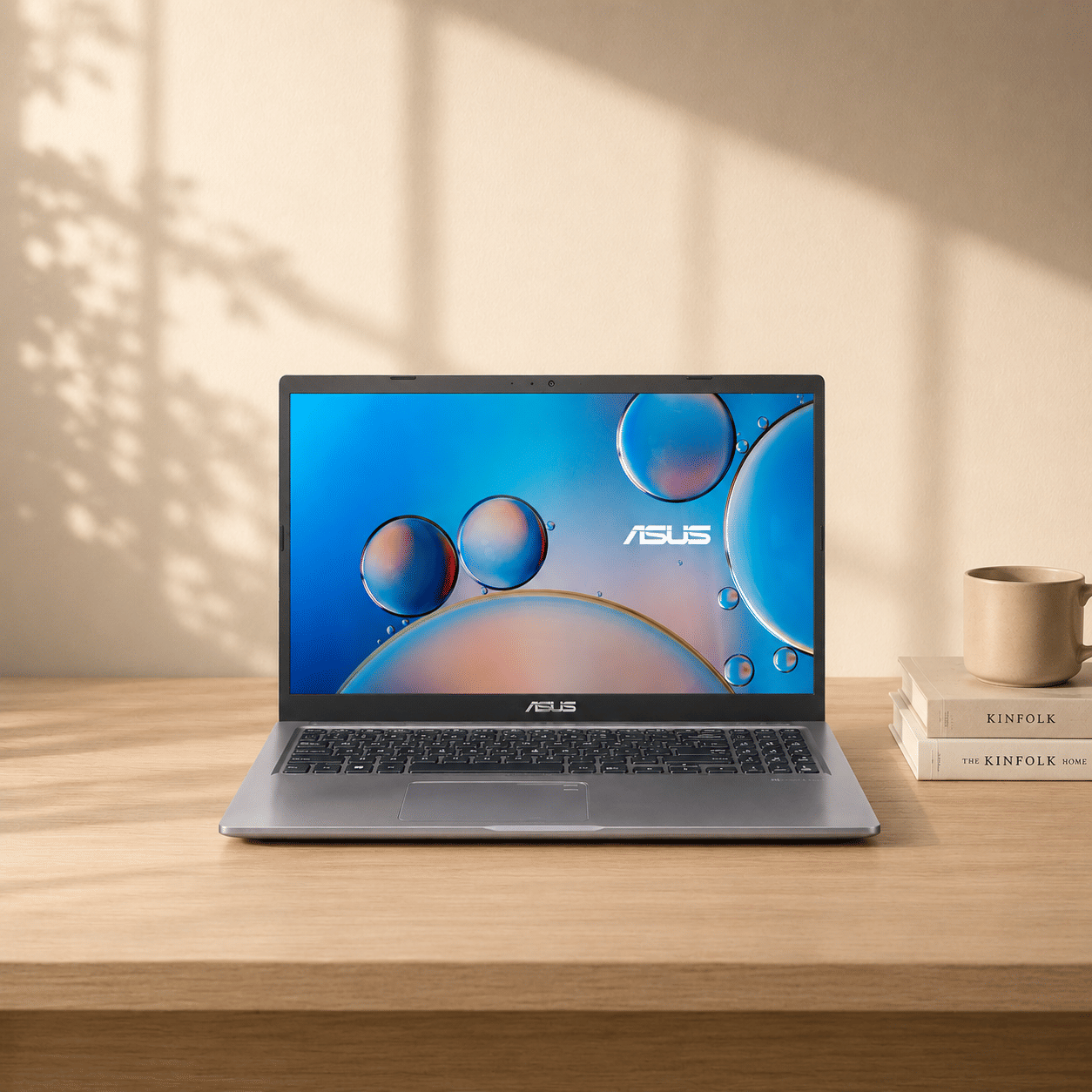
ASUS i3 (11th Gen) | 8GB RAM | 250GB NVMe | Win 11
Save 45%₹ 1,650/mo
₹3,000
1 day
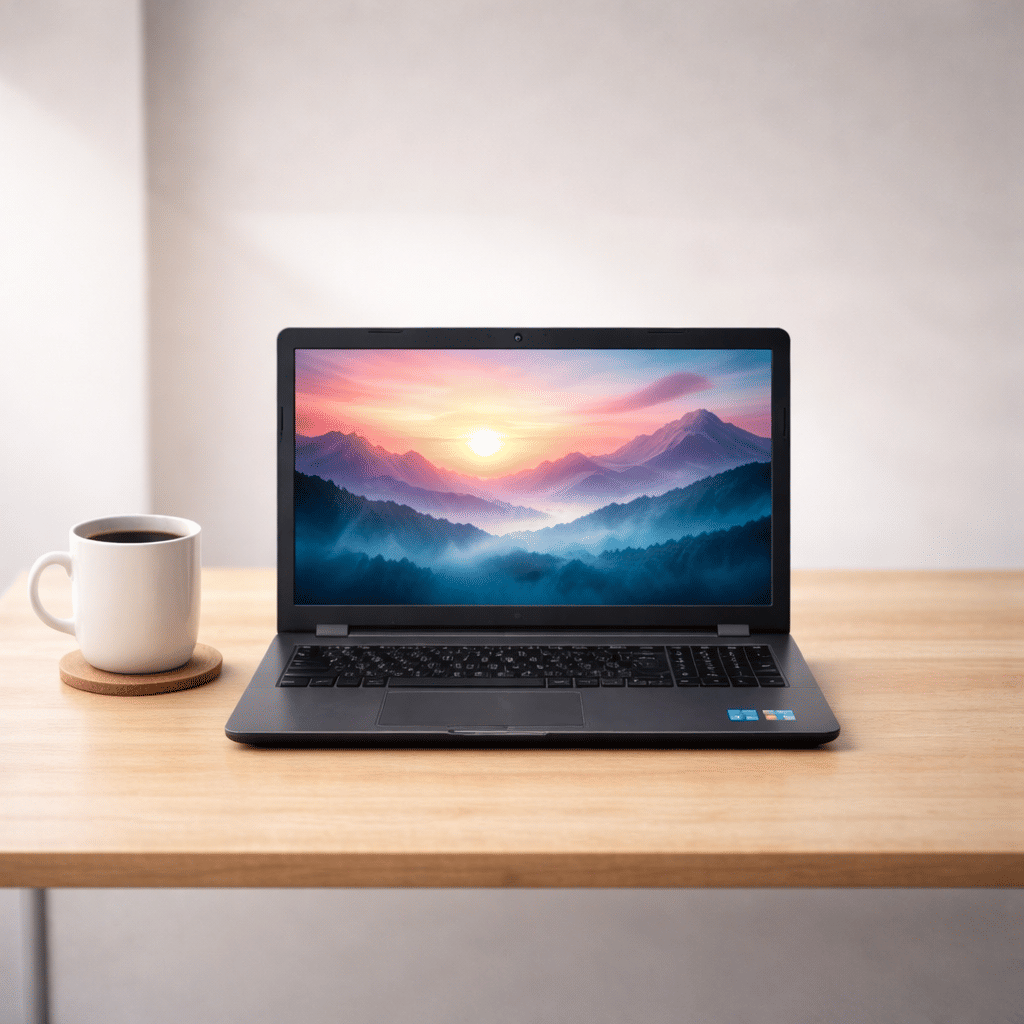
Intel i5 (6th Gen) | 8GB RAM | 256GB SSD | Win 10
Save 45%₹ 1,375/mo
₹2,5001 day
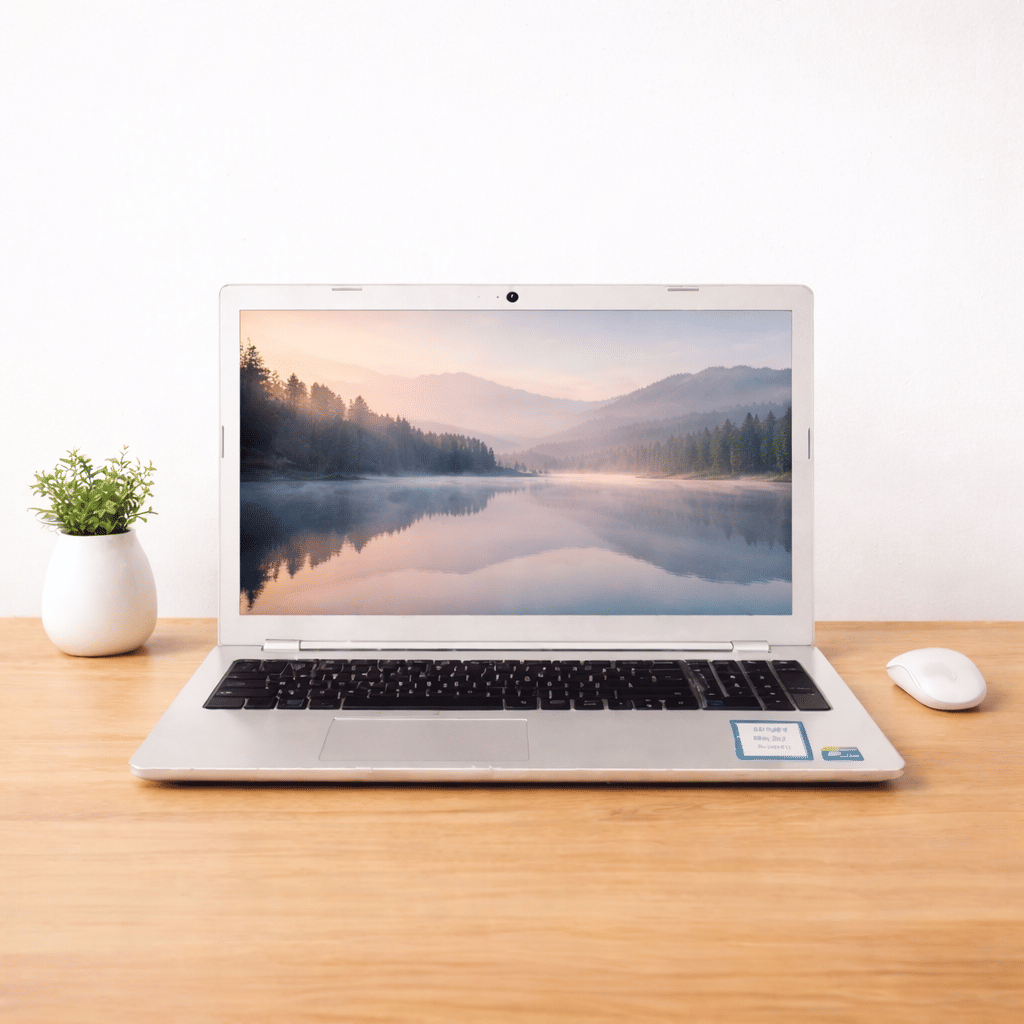
Intel Core i5 (7th Gen) | 8GB RAM | 250GB SSD |Win 10
Save 45%₹ 1,540/mo
₹2,8001 day
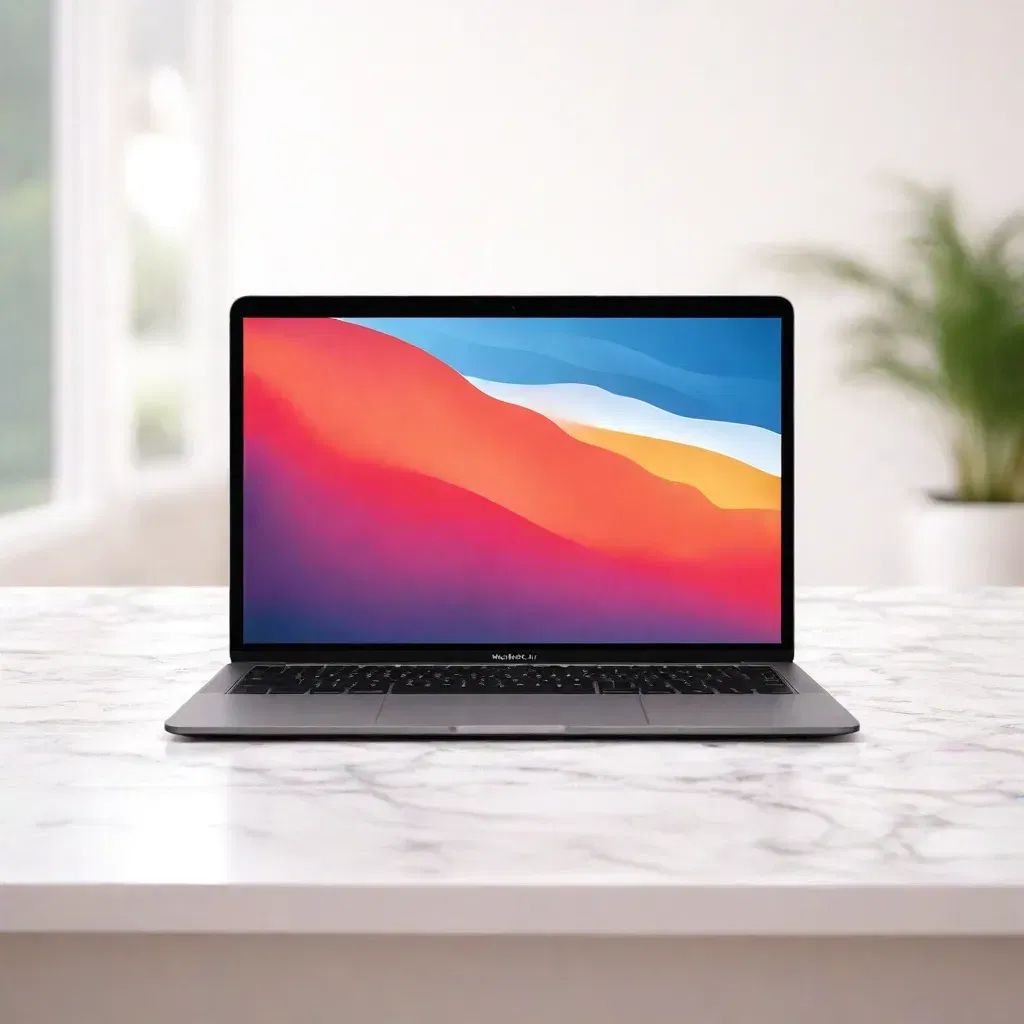
MacBook Air 2020 | M1 | 8GB | 256GB | 13″
Save 40%₹ 3,900/mo
₹6,5002 days
- Best seller

Intel i7 (12th Gen) | 16GB RAM | 512GB SSD | Win 11
Save 45%₹ 5,500/mo
₹10,000 - New Arrivals
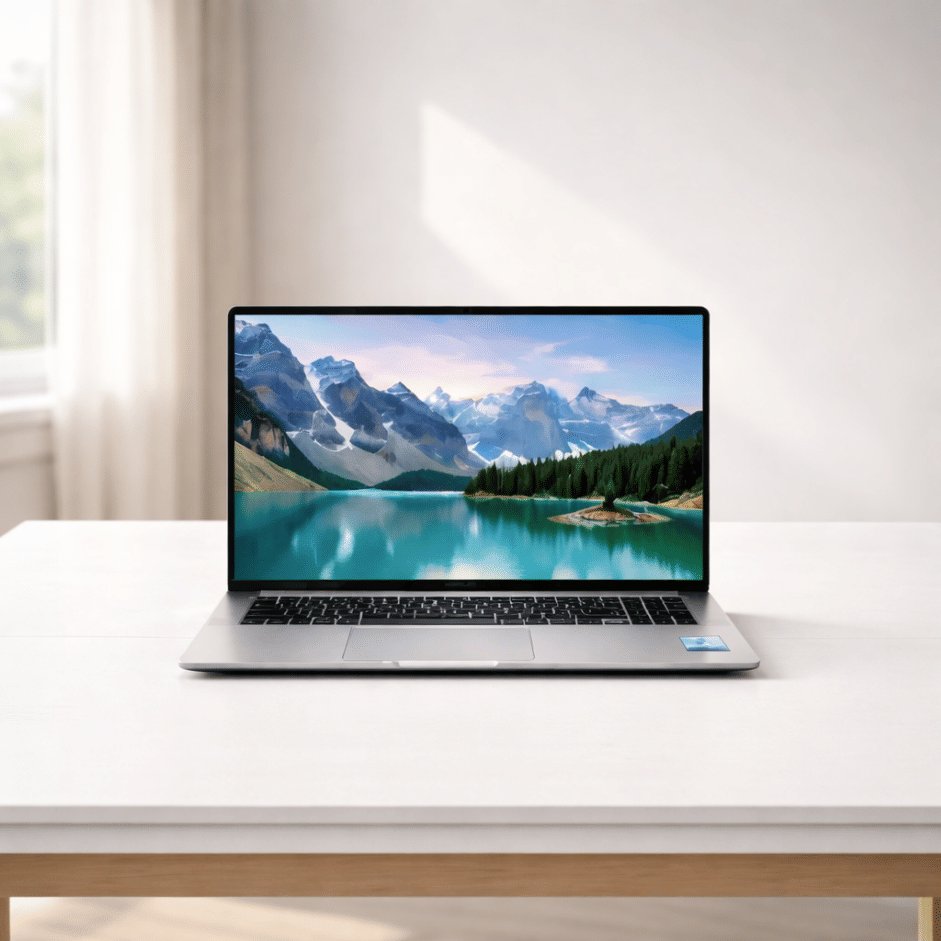
Intel Core i5 (11th Gen) |16GB RAM | 256GB SSD | Win 11
Save 45%₹ 2,475/mo
₹4,5001 day
- Best seller
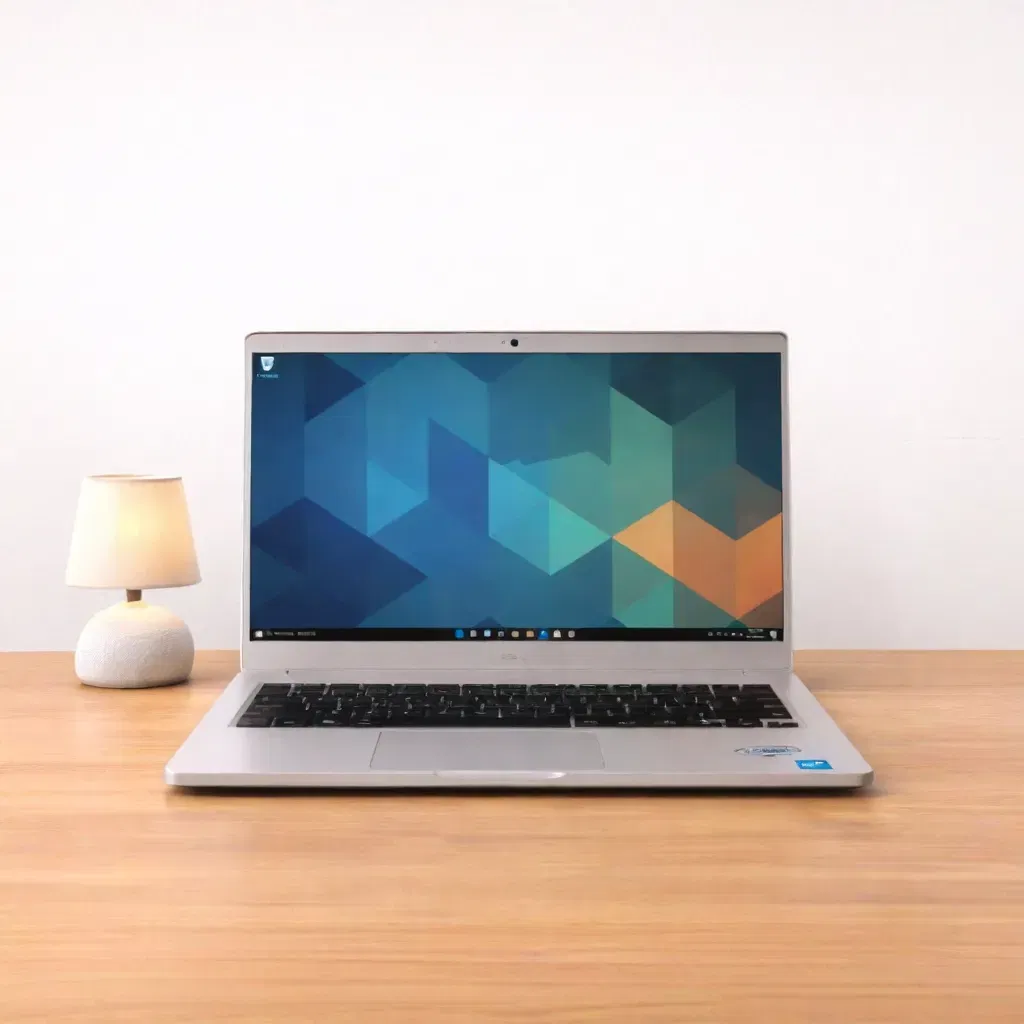
Intel Core i5 10th Gen |16GB RAM | 256GB SSD | Win 11
Save 45%₹ 2,200/mo
₹4,0002 days
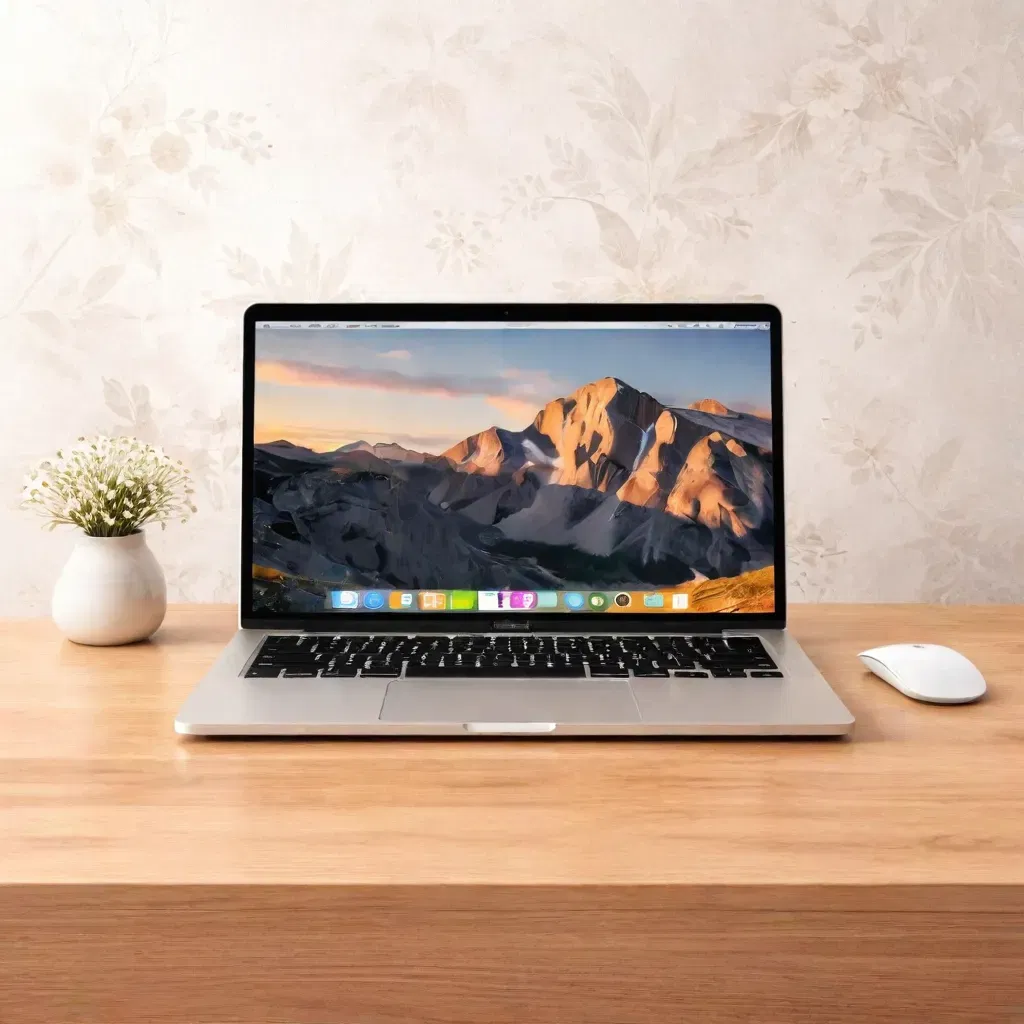
MacBook Air 2017 | i5 | 8GB | 256GB | 13″
Save 40%₹ 1,979/mo
₹3,2991 day
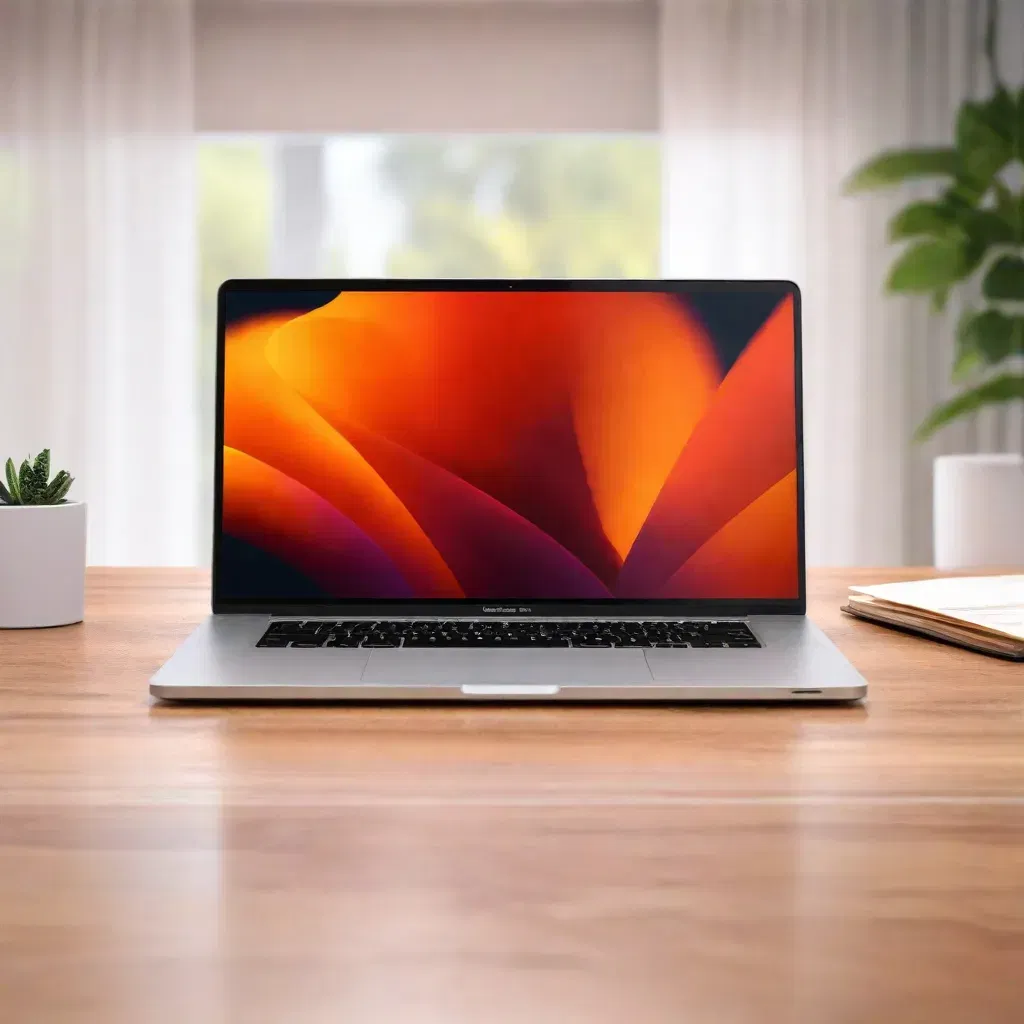
MacBook Pro 2019 | i7 | 16GB | 256GB | 4GB GPU | 15″ | Touch Bar
Save 35%₹ 3,899/mo
₹5,9992 days
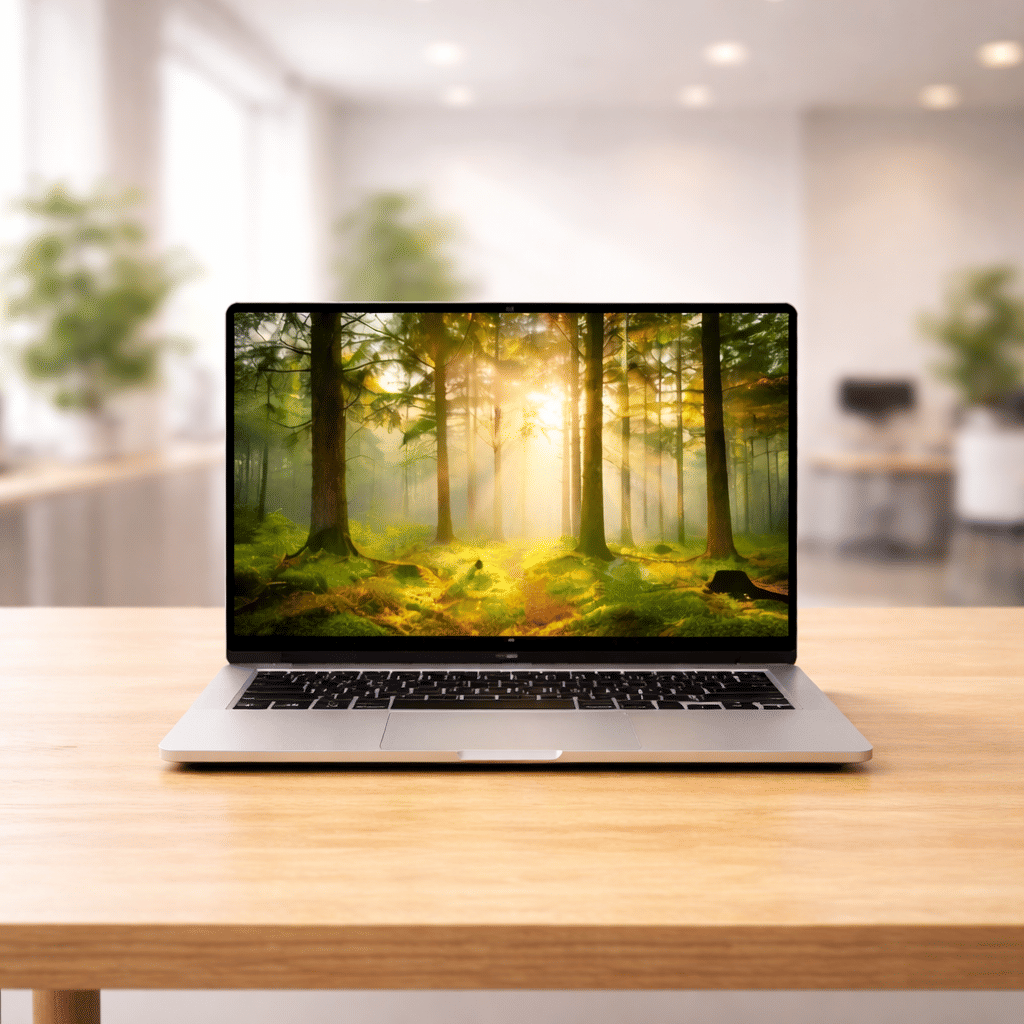
Intel Core i5 (8th Gen) |8 GB RAM |256GB | Win 10
Save 45%₹ 1,650/mo
₹3,0001 day
- New Arrivals
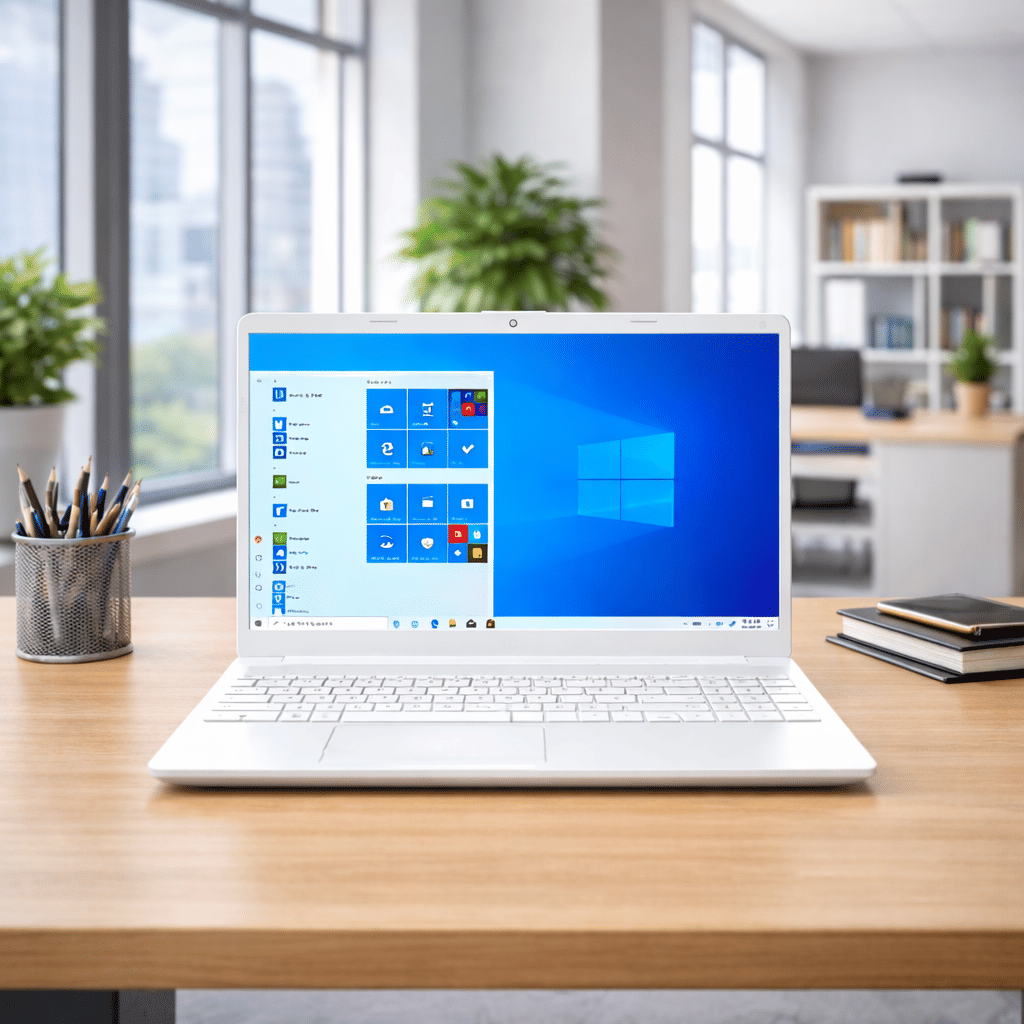
Intel Core i5 11th Gen | 16GB | 512GB SSD | 4GB GPU | 15.4″
Save 50%₹ 3,100/mo
₹6,2001 day
- OUT OF STOCK
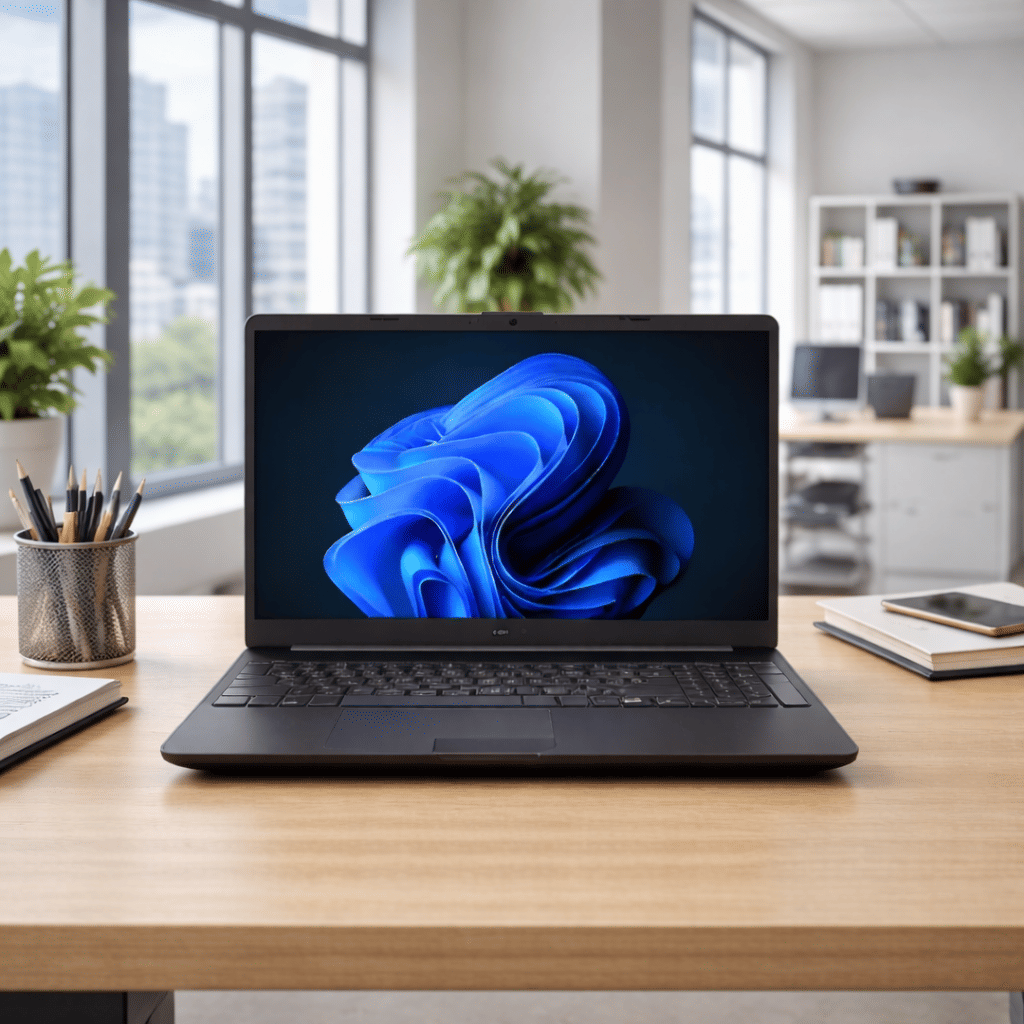
Intel Core i3 (10th Gen) | 8GB RAM |128GB SSD |1TB HDD | Win 10
Save 45%₹ 1,430/mo
₹2,6001 day
- OUT OF STOCK
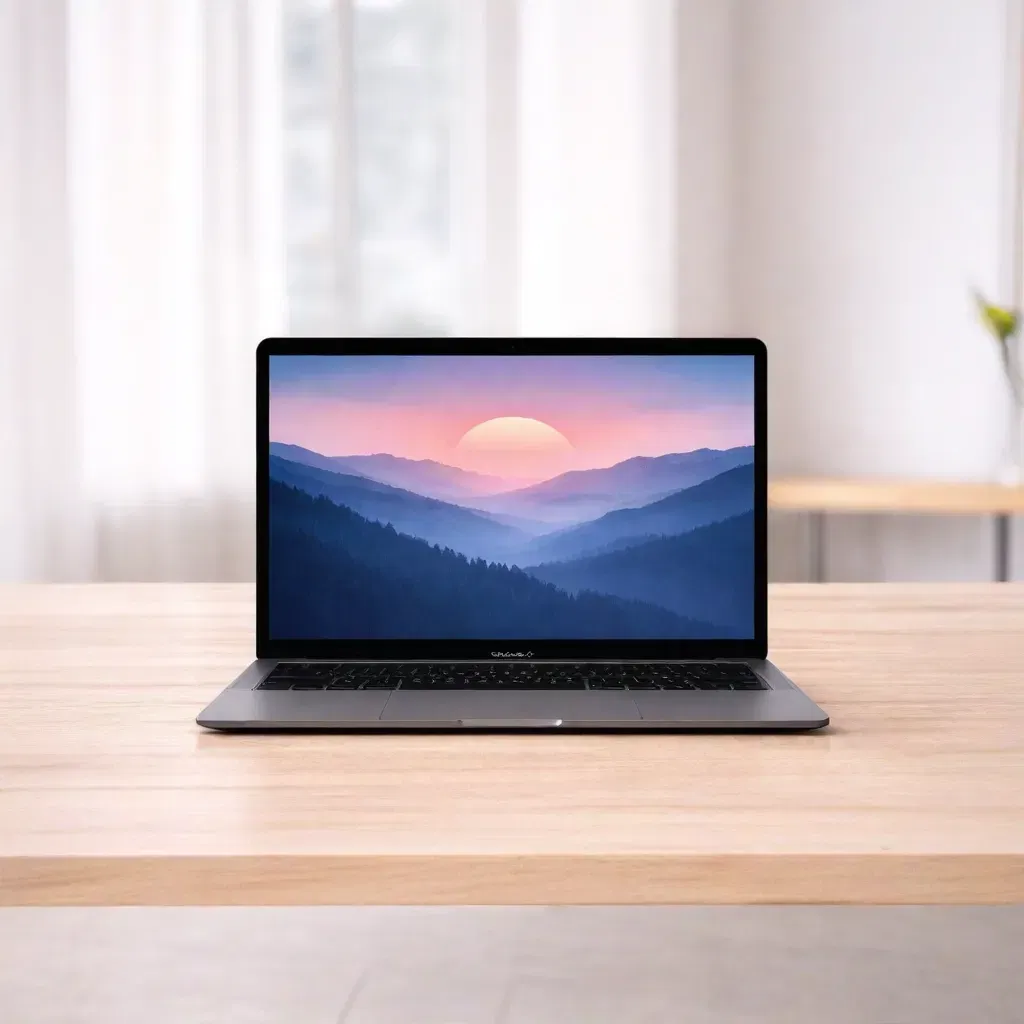
MacBook Air 2022 | M2 | 8GB | 256GB | 13″
Save 35%₹ 7,150/mo
₹11,0002 days
- OUT OF STOCK
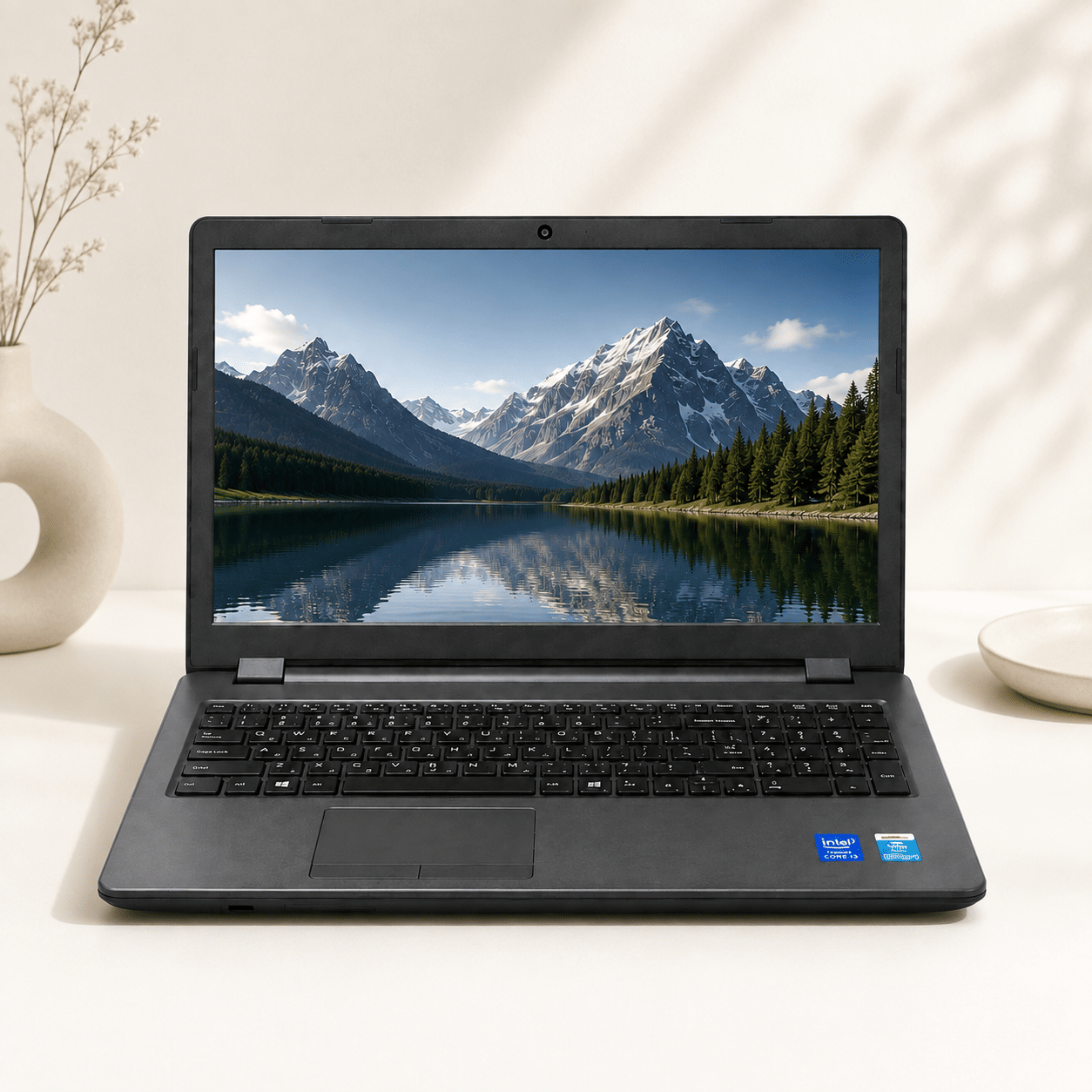
Intel Core i7 13th Gen/ 16GB RAM/ 512GB SSD/ Windows 11
Save 45%₹ 7,700/mo
₹14,000 - OUT OF STOCK
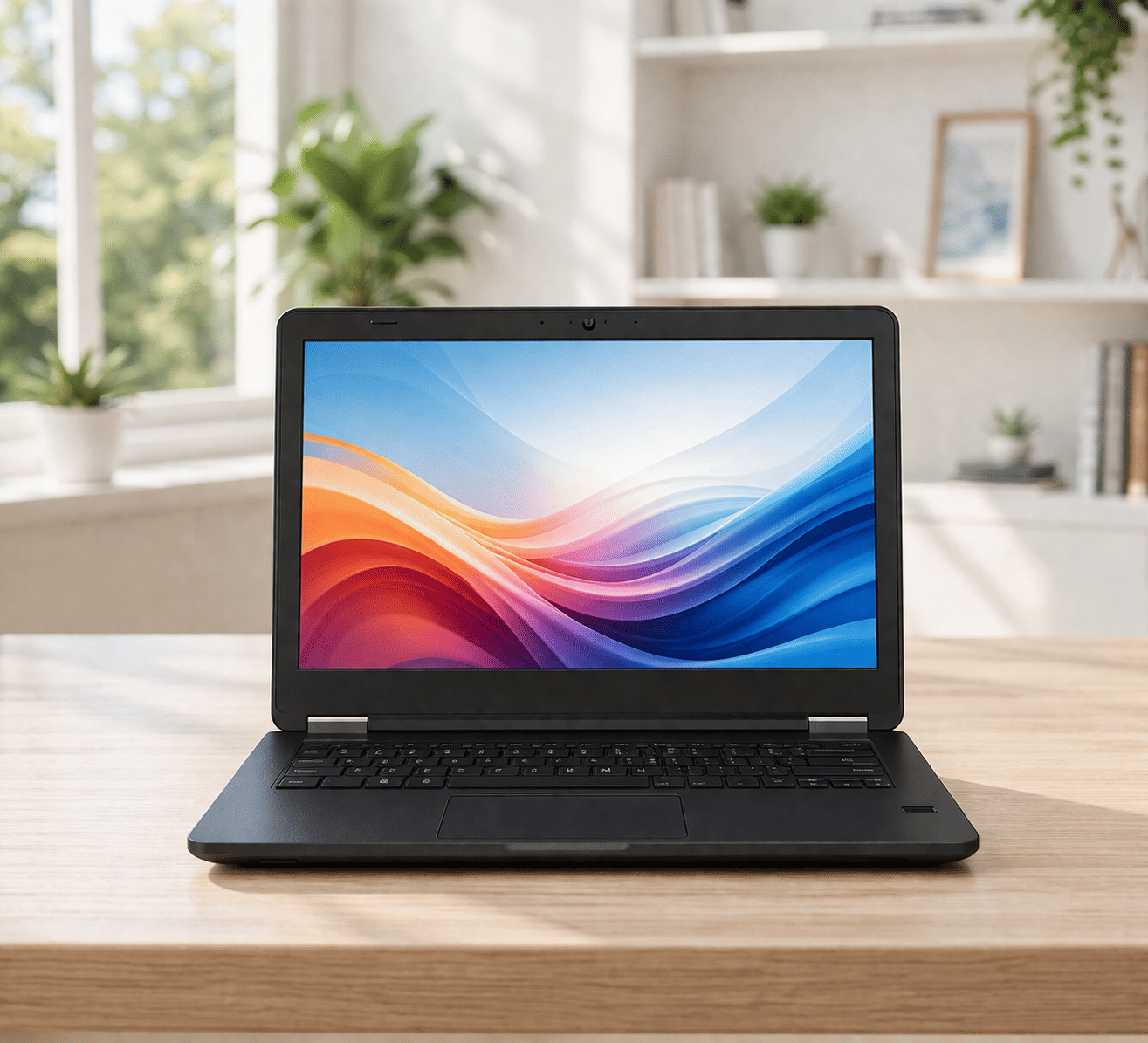
Intel Core i3 (8th Gen) | 8GB RAM | 250GB SSD | Win 10
Save 45%₹ 1,485/mo
₹2,7001 day
- OUT OF STOCK
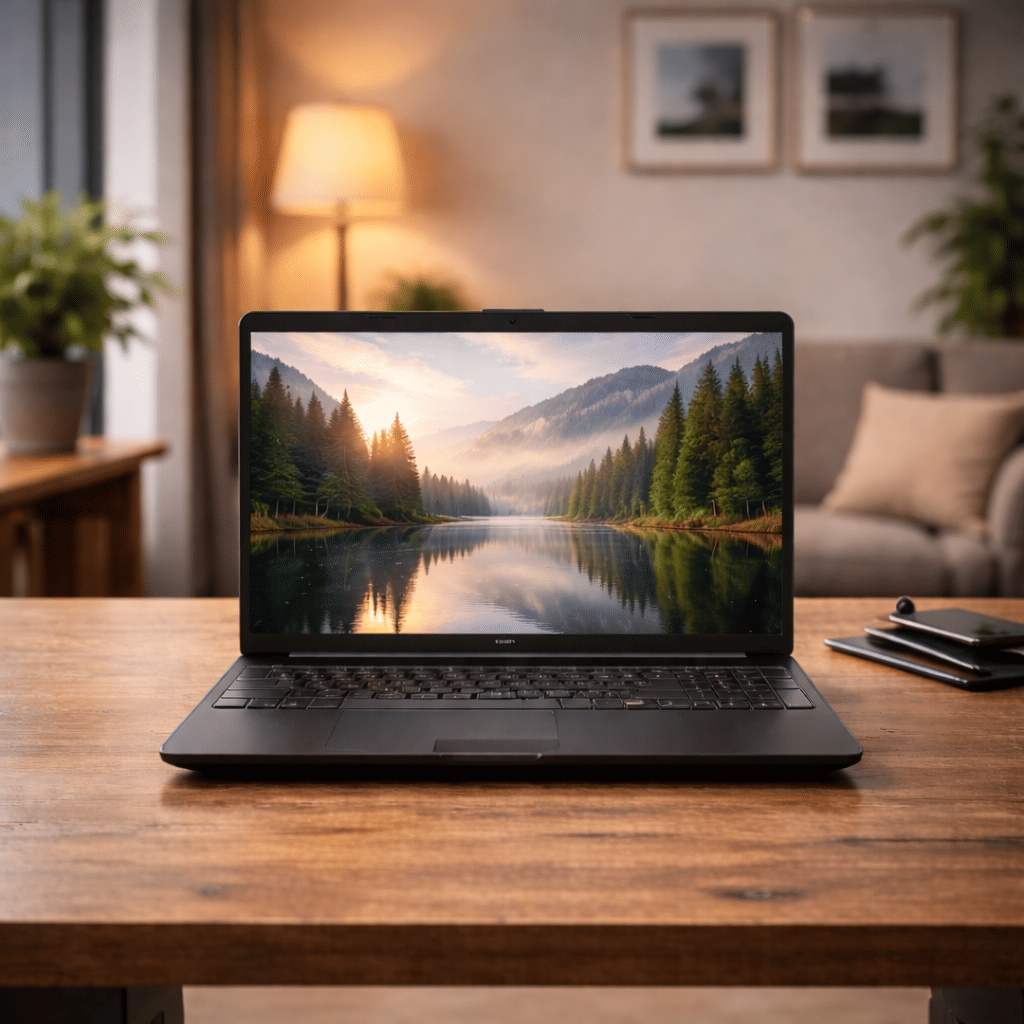
Intel Core i3 (7th Gen) | 8GB RAM |250GB SSD |Win 10
Save 45%₹ 1,210/mo
₹2,200 - OUT OF STOCK
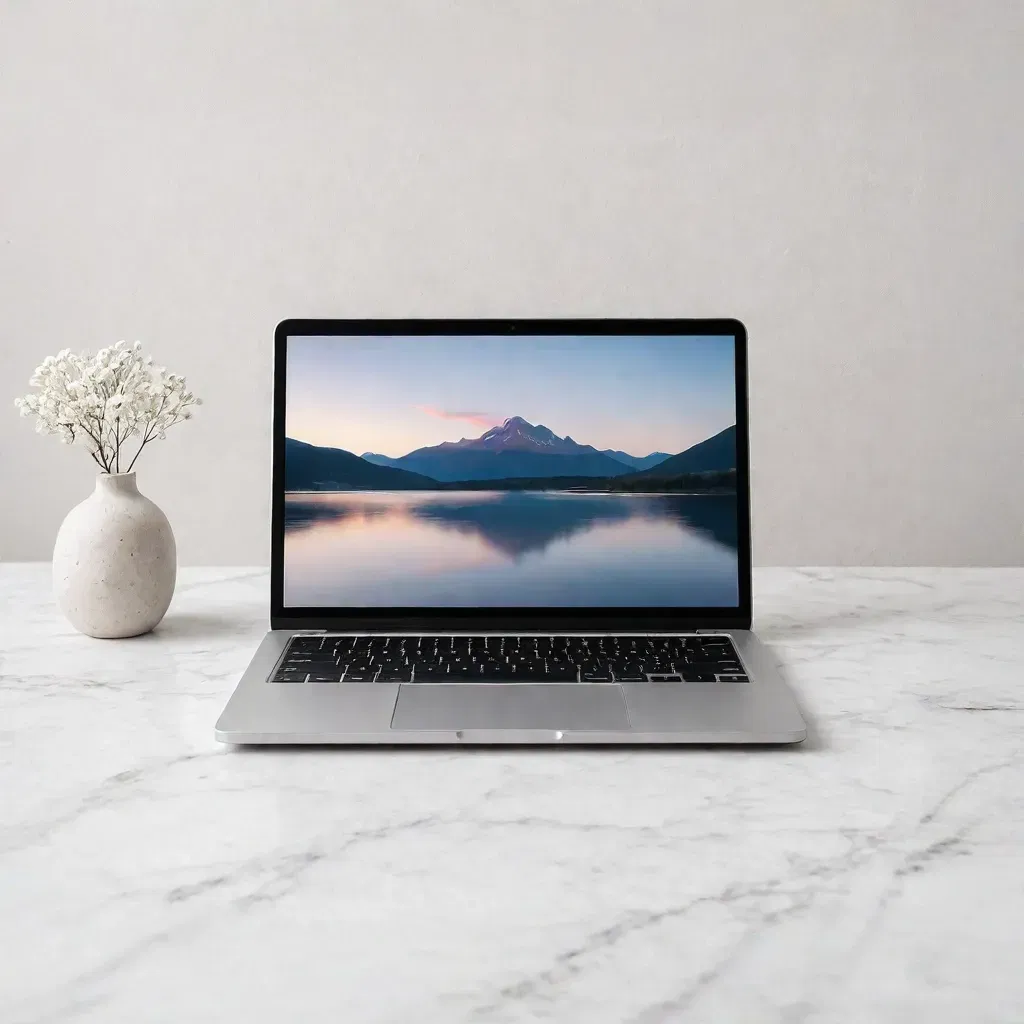
Intel i5 12th Gen | 16GB | 512GB SSD | RTX3050 4GB | 15.4″ | Win 11
Save 50%₹ 4,250/mo
₹8,5002 days
- OUT OF STOCK
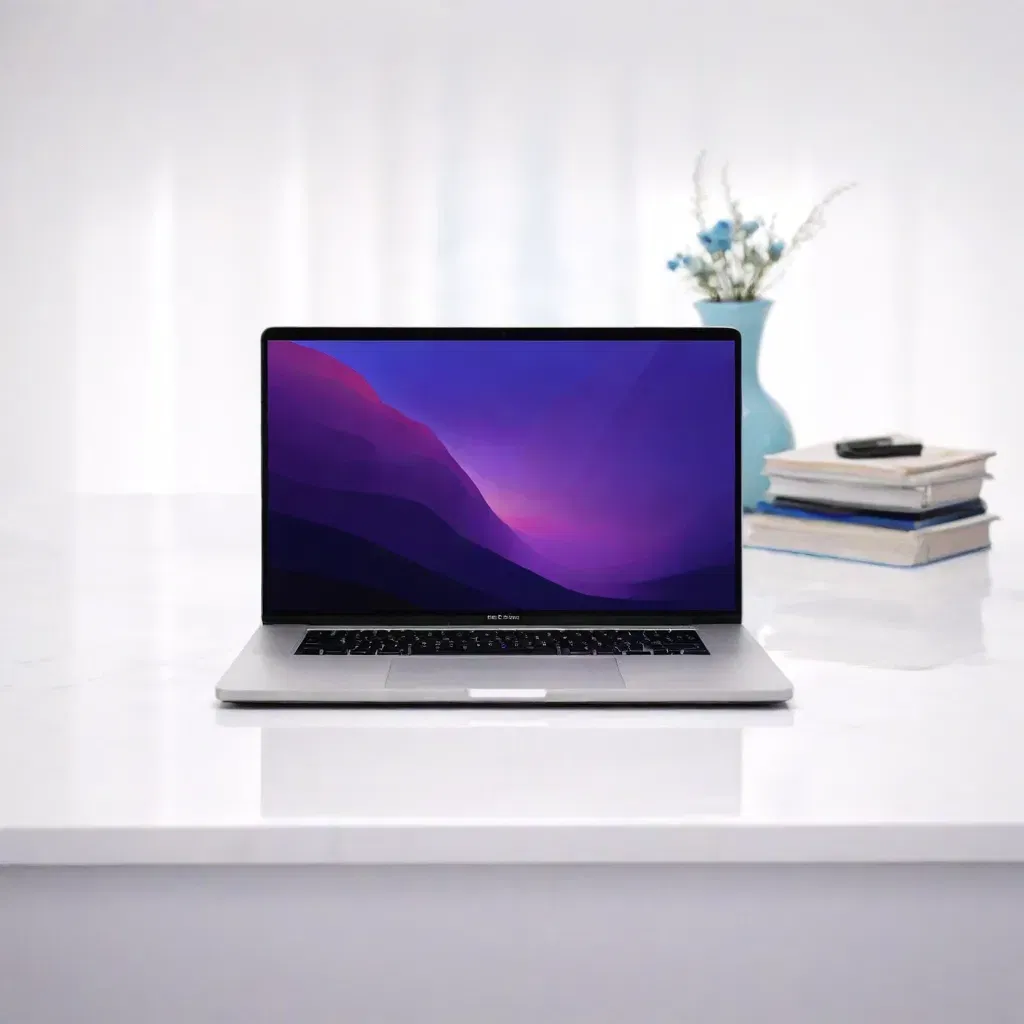
MacBook Pro 2018 | i7 | 16GB | 256GB | 4GB GPU | 15″ | Touch Bar
Save 40%₹ 3,359/mo
₹5,5991 day
- OUT OF STOCK
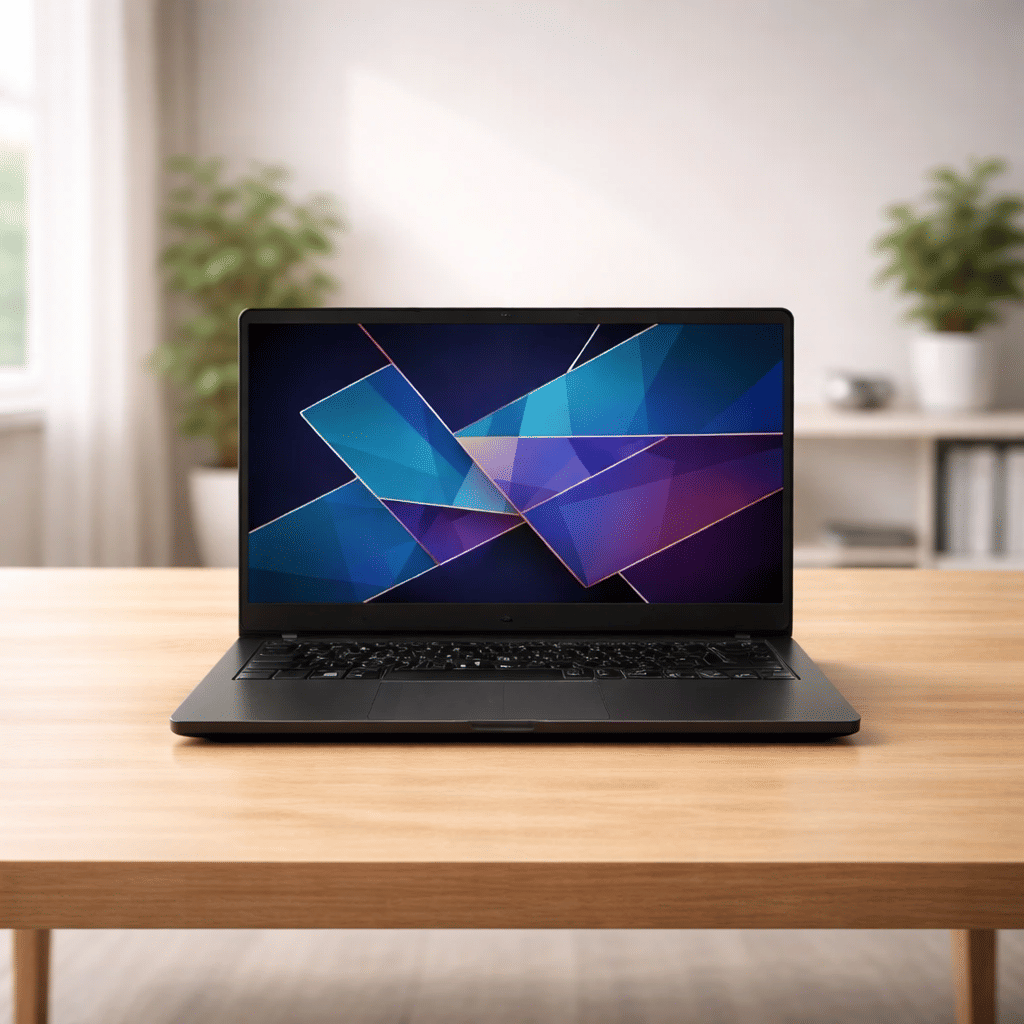
Intel Core i7 (11th Gen) |16GB RAM |256GB SSD |Win 11
Save 45%₹ 3,300/mo
₹6,0001 day
- OUT OF STOCK
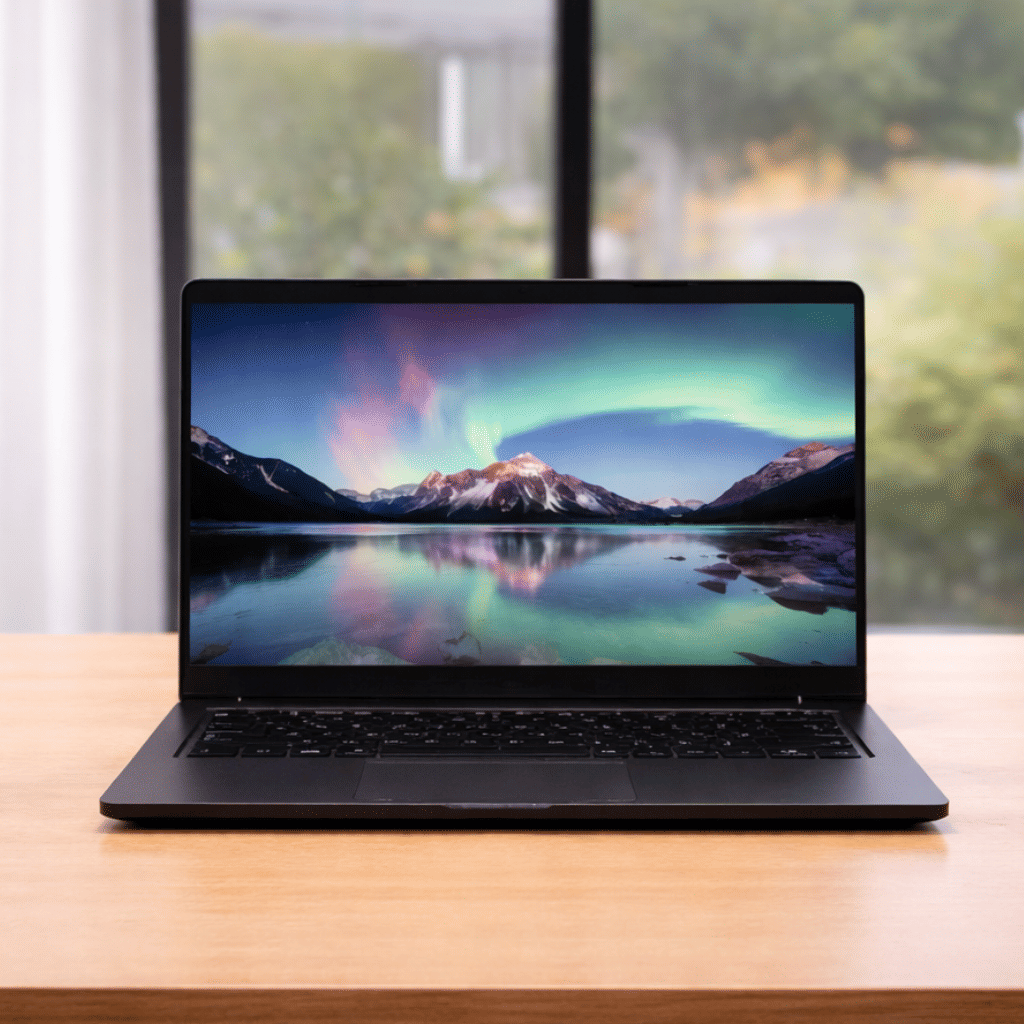
Intel Core i7 (10th Gen) | 16GB RAM |500GB SSD |Win 11
Save 45%₹ 3,025/mo
₹5,5001 day
- OUT OF STOCK
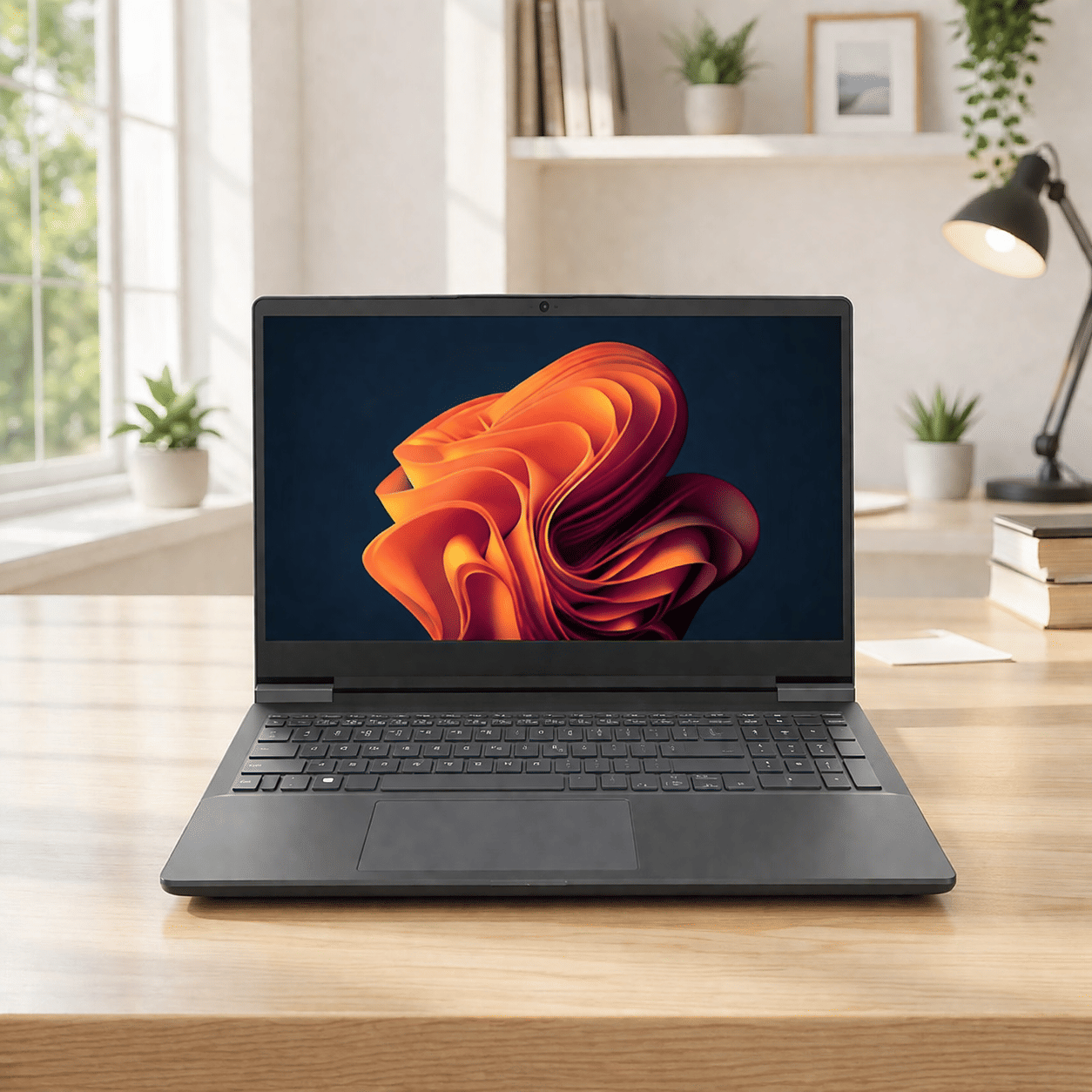
Intel Core i7 (6th Gen) |16GB RAM | 256GB SSD |Win 10
Save 45%₹ 2,475/mo
₹4,500 - OUT OF STOCK
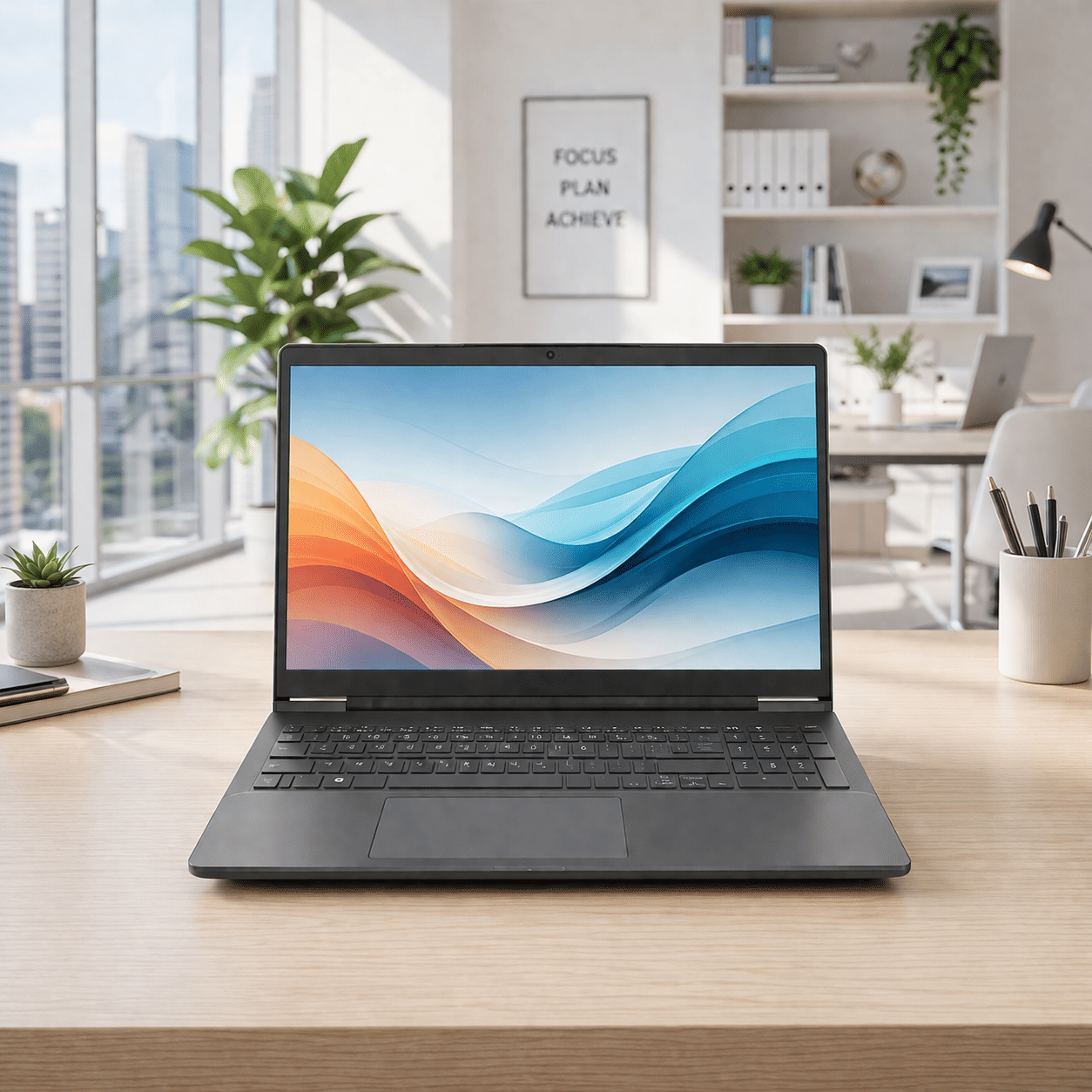
Intel Core i7 (7th Gen) | 16GB RAM |500GB SSD|Win 10
Save 45%₹ 3,025/mo
₹5,500 - OUT OF STOCK
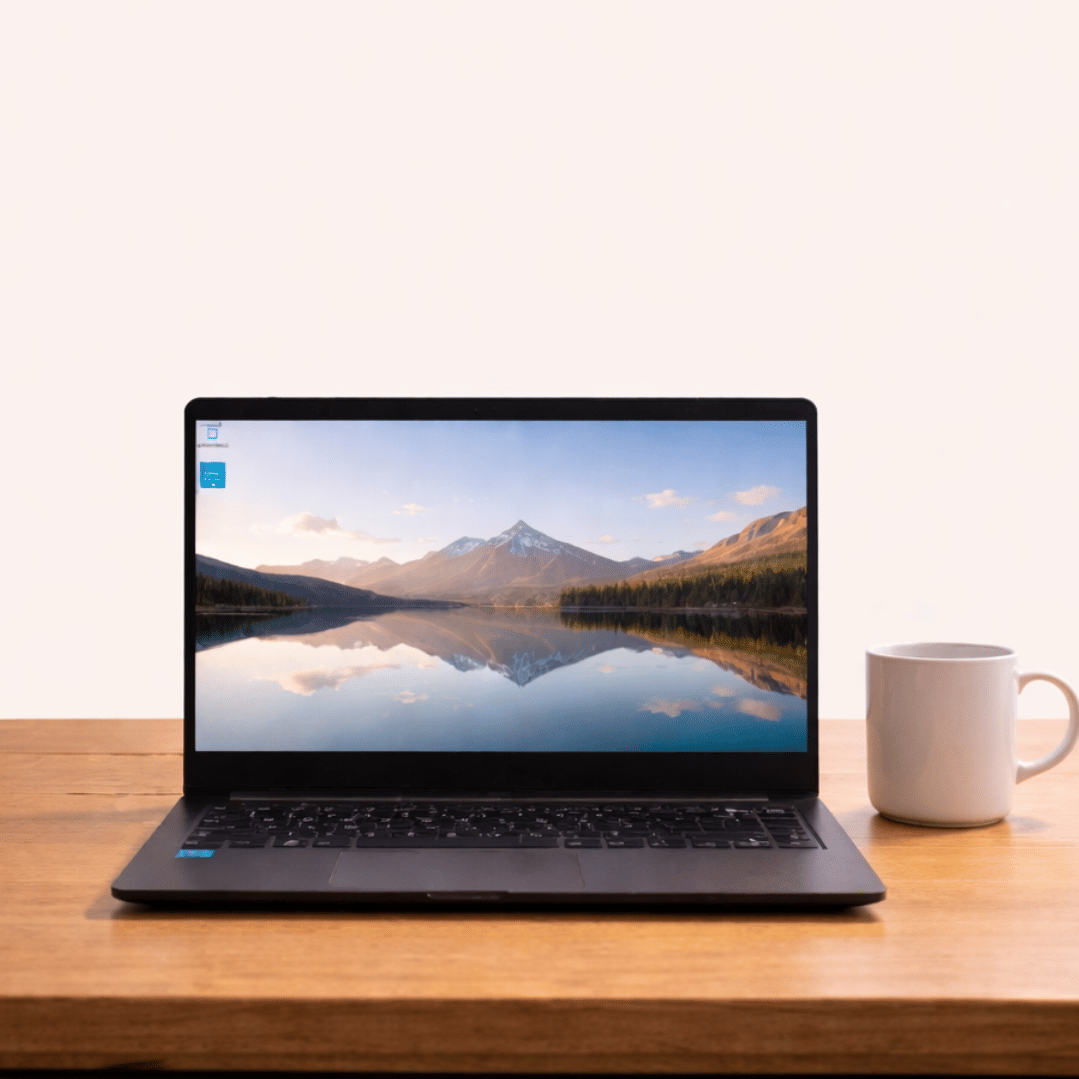
Intel Core i5 (8th Gen) |16 GB RAM |256GB | Win 10
Save 45%₹ 1,870/mo
₹3,4001 day
- OUT OF STOCK
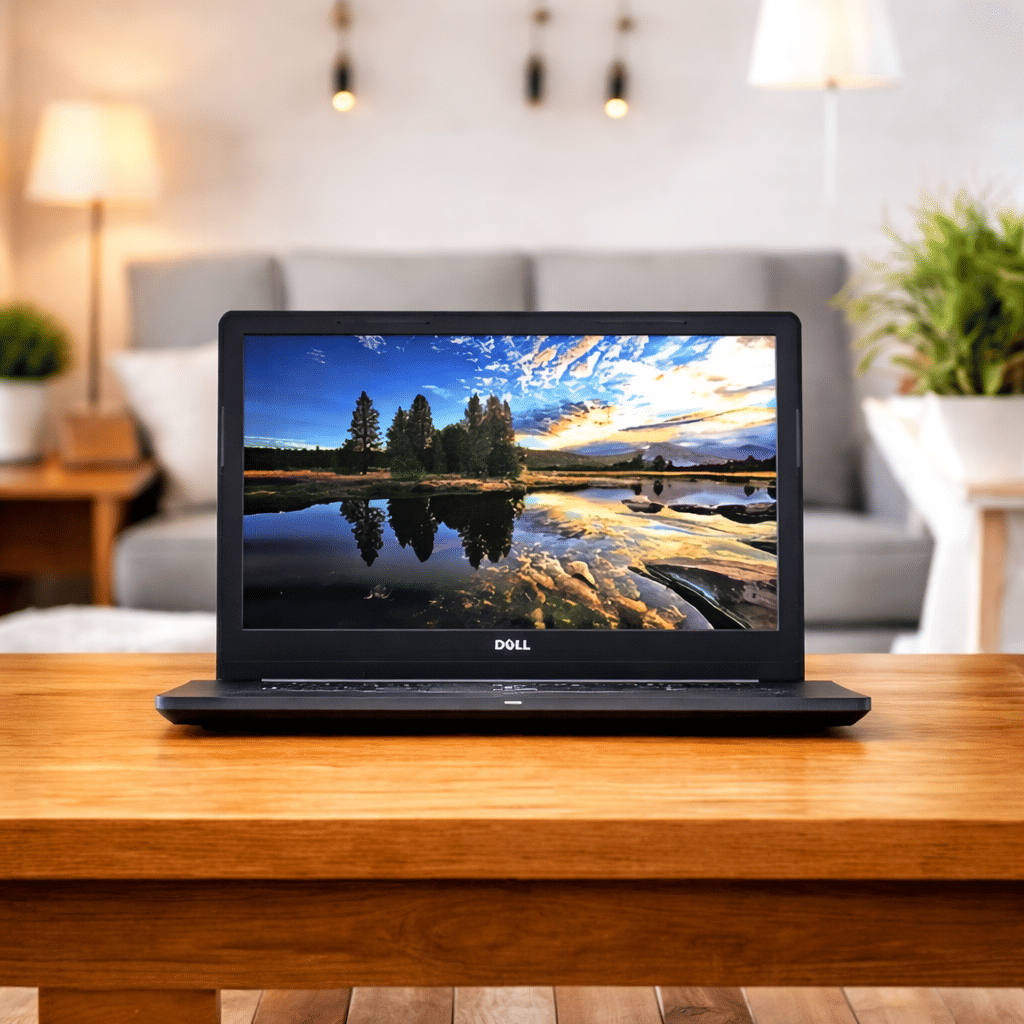
Intel Core i5 (7th Gen) |16GB RAM | 250GB SSD |Win 10
Save 45%₹ 1,815/mo
₹3,3001 day
- OUT OF STOCK
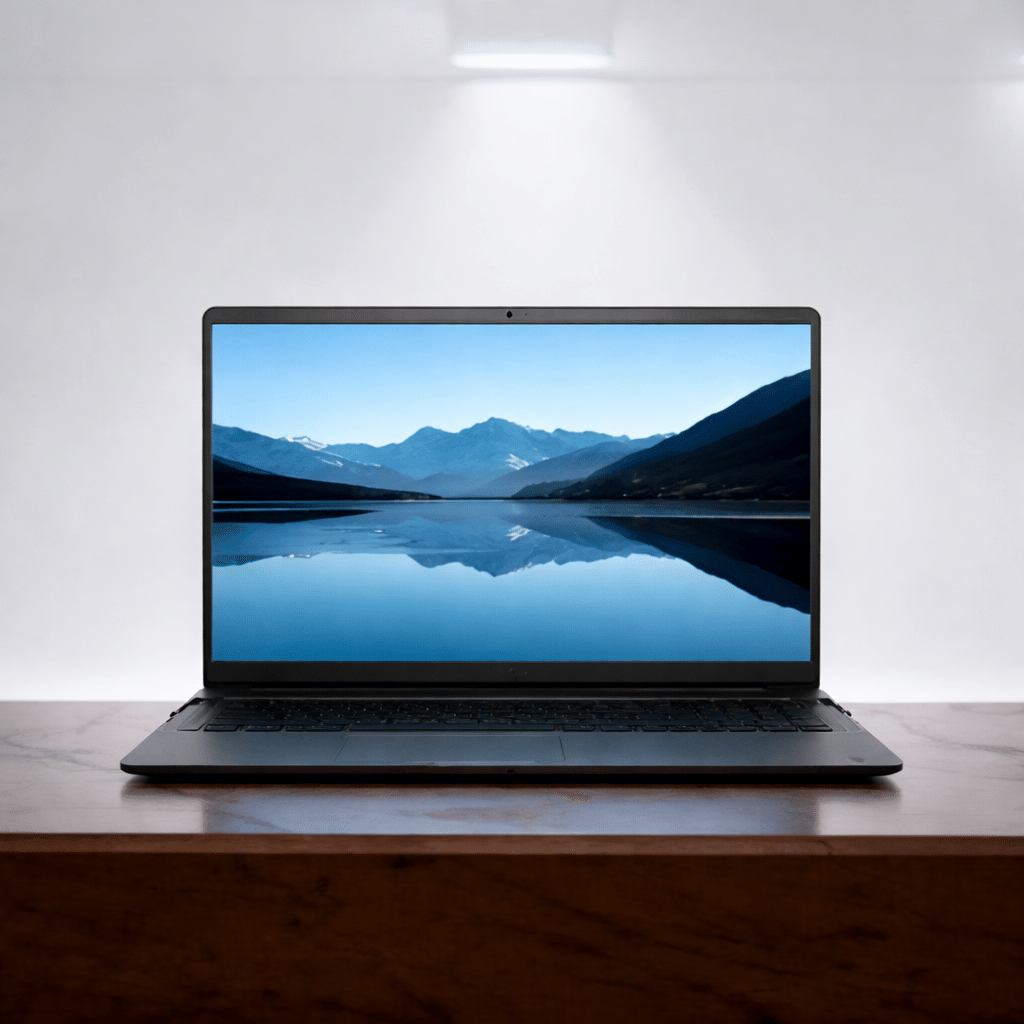
Intel Core i7 (5th Gen) | 8 GB RAM |250 GB SSD |Win 10
Save 45%₹ 2,200/mo
₹4,000 - OUT OF STOCK
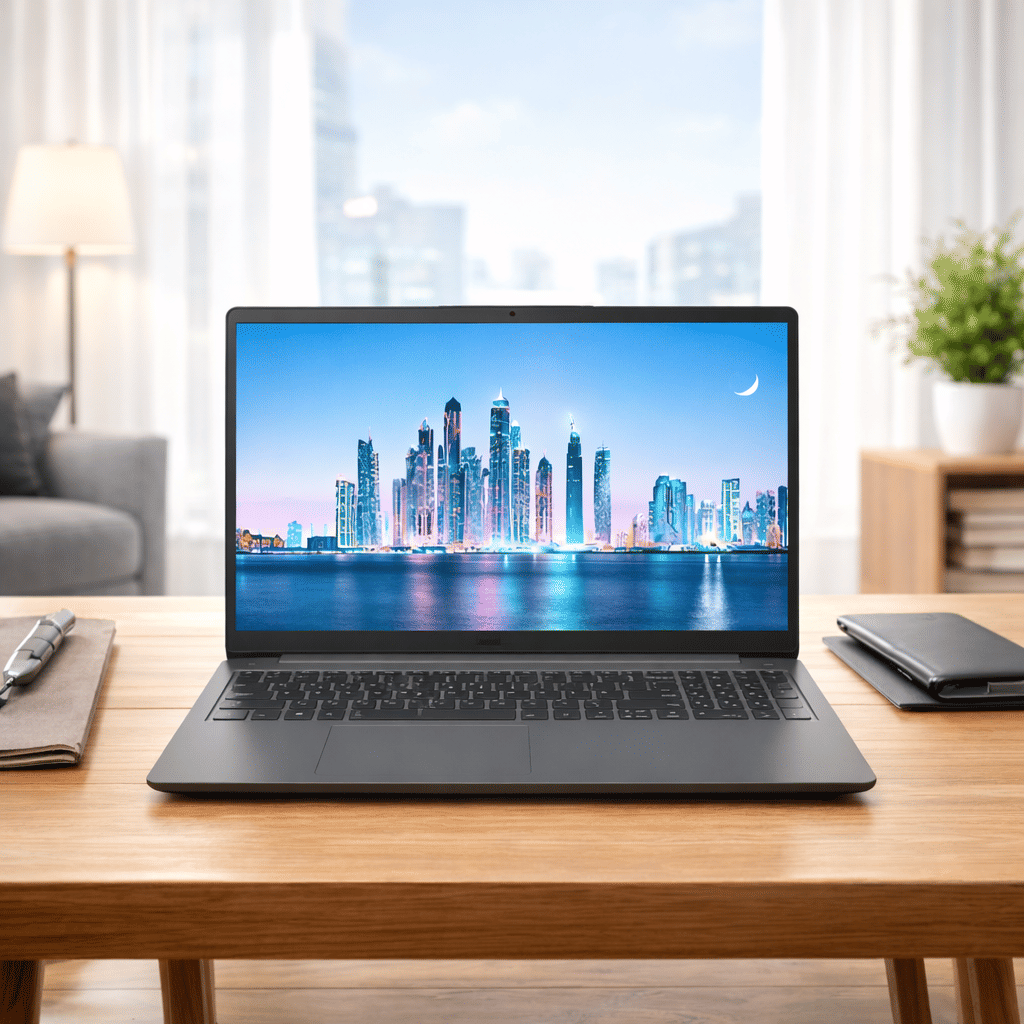
Intel Core i5 (8th Gen) |20 GB RAM |1 TB HDD| 250 GB SDD |Win 10
Save 45%₹ 3,300/mo
₹6,000 - OUT OF STOCK
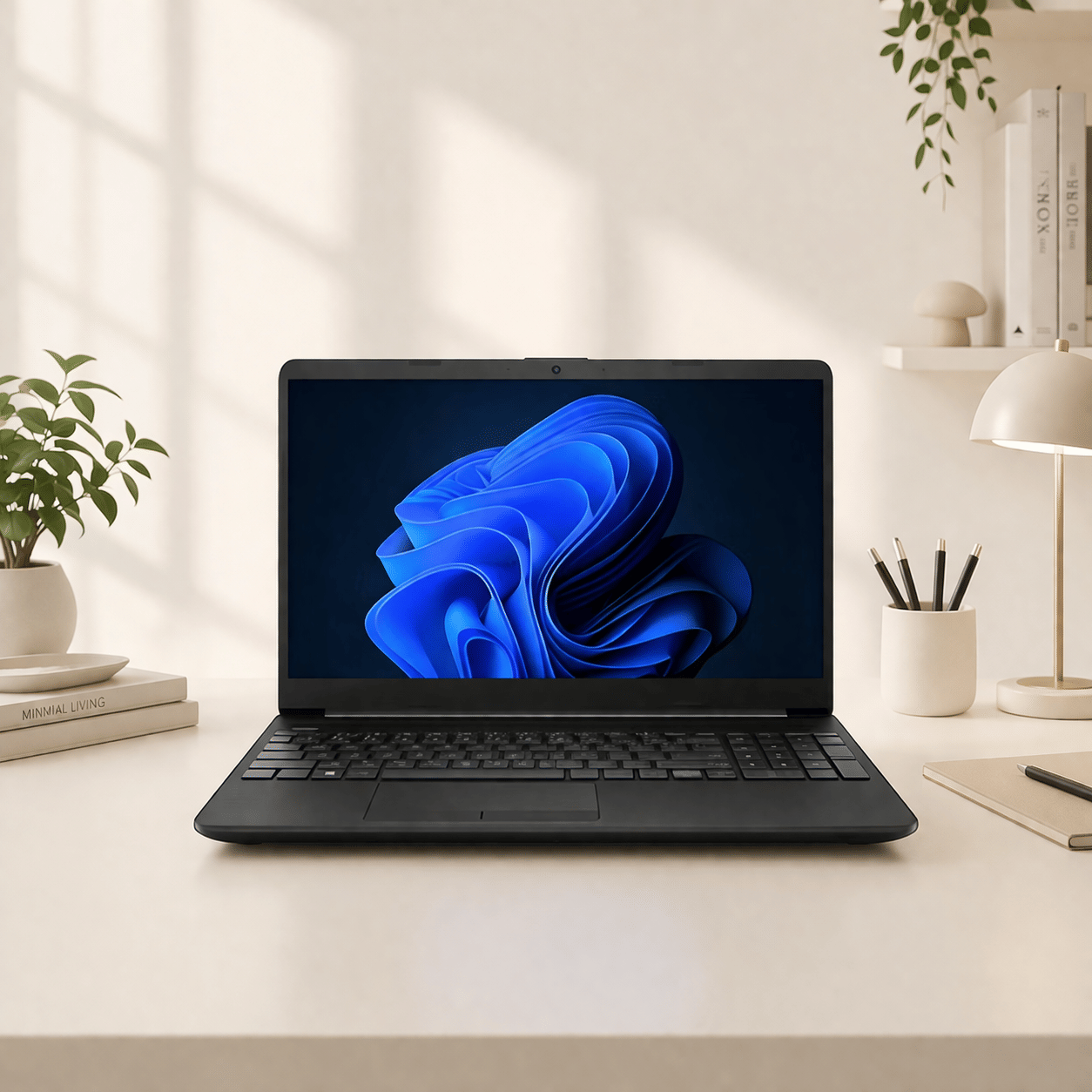
Intel Core i5 (10th Gen) | 8 GB RAM |1 TB HDD |250 GB SSD |Win 10
Save 45%₹ 2,750/mo
₹5,000 - OUT OF STOCK
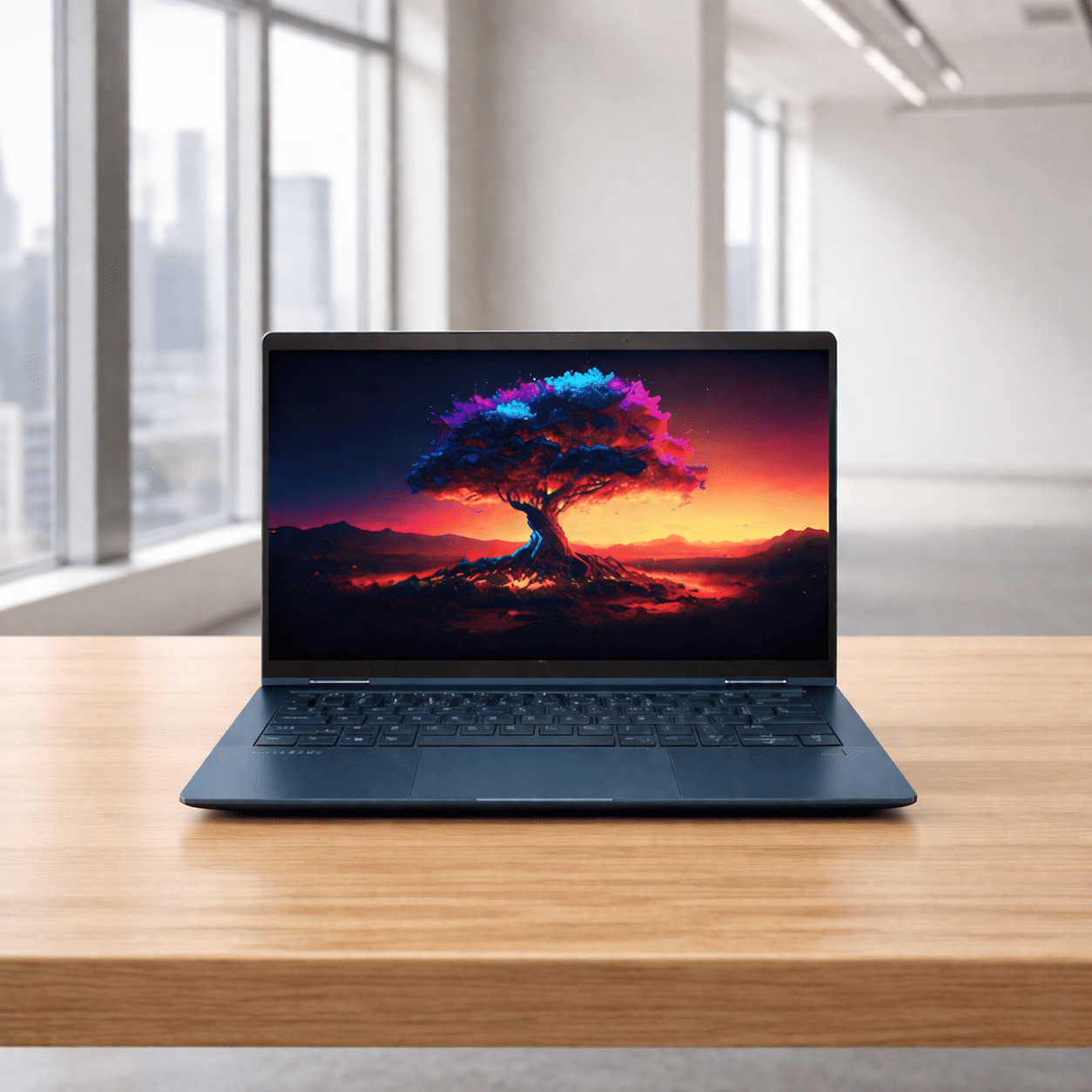
Intel Core i7 (5th Gen) |16 GB RAM | 250 GB SSD |Win 10
Save 45%₹ 2,310/mo
₹4,200 - OUT OF STOCK
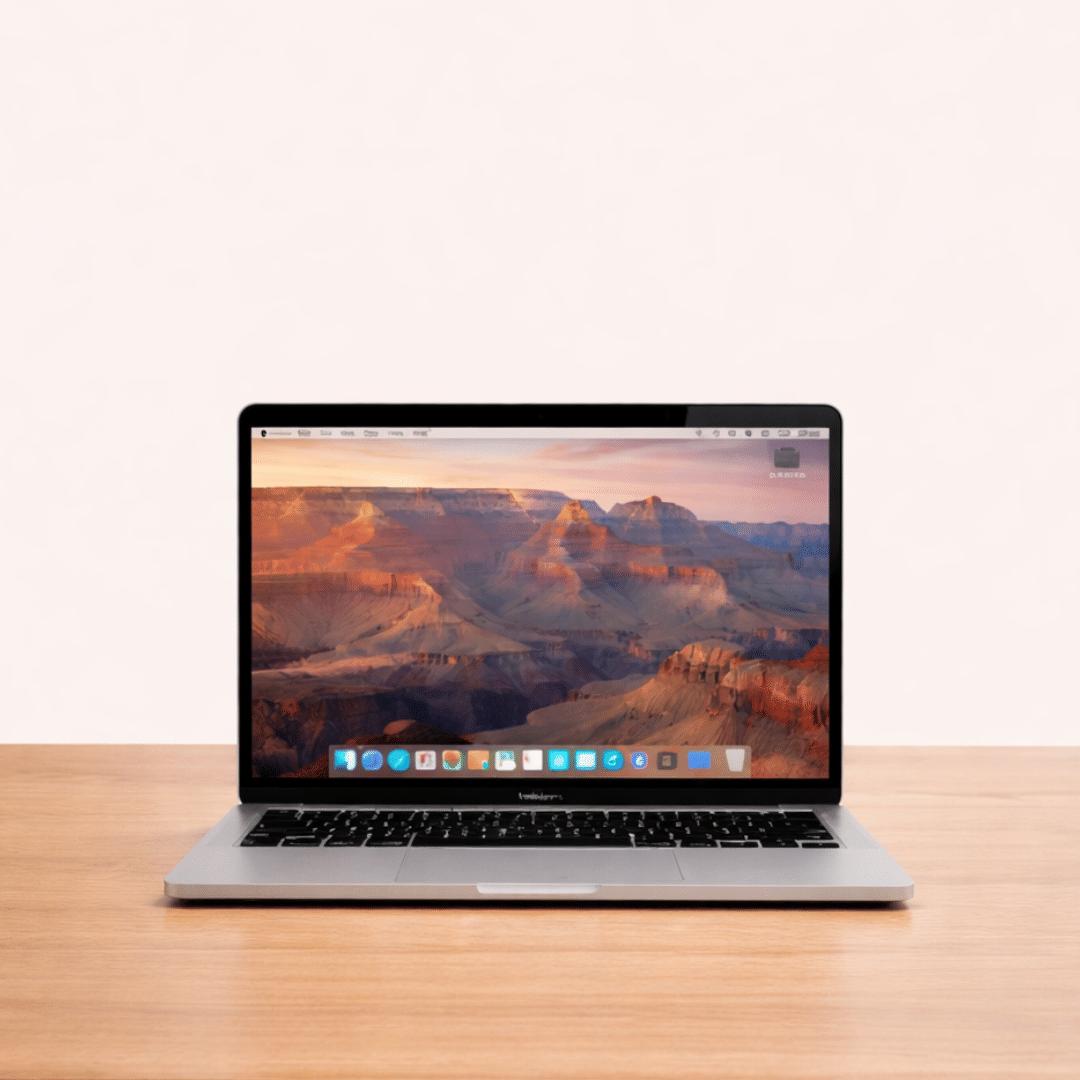
MacBook Pro 2020 | M1 | 16GB | 256GB | 13″
Save 35%₹ 5,850/mo
₹9,0001 day
- OUT OF STOCK
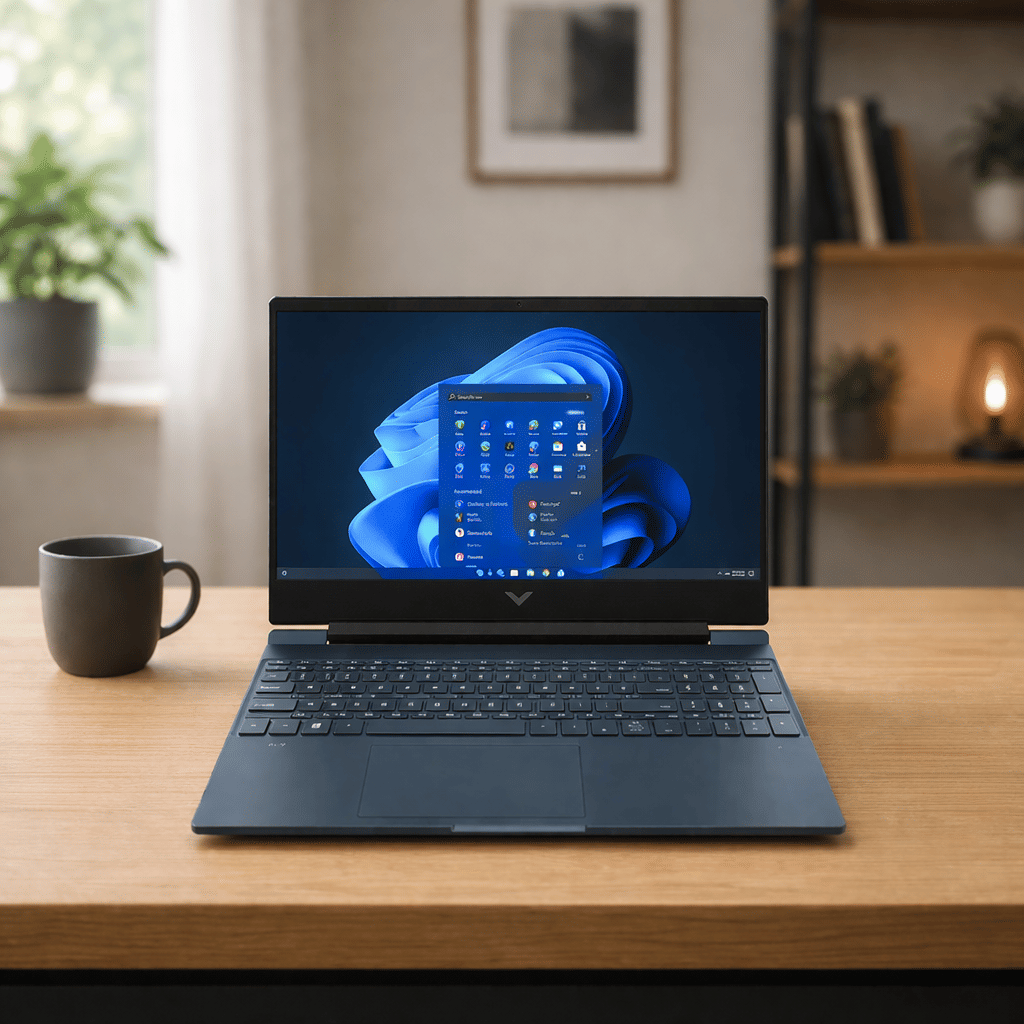
Ryzen 5 4600H | 16GB | 512GB SSD | GTX1650 4GB | 15.4″
Save 50%₹ 3,400/mo
₹6,8001 day
- OUT OF STOCK
Intel i5 (9th Gen) | 8GB | 1TB + 250GB | 3GB GPU | 15.4″ | Win 10
Save 50%₹ 2,500/mo
₹5,000 - OUT OF STOCK
Intel i5 9th Gen | 16GB | 1TB + 250GB | 3GB GPU | 15.4″ | Win 10
Save 50%₹ 2,500/mo
₹5,000 - OUT OF STOCK
Intel i5 9th Gen | 20GB | 1TB + 250GB | 3GB GPU | 15.4″ | Win 10
Save 50%₹ 4,300/mo
₹8,600 - OUT OF STOCK
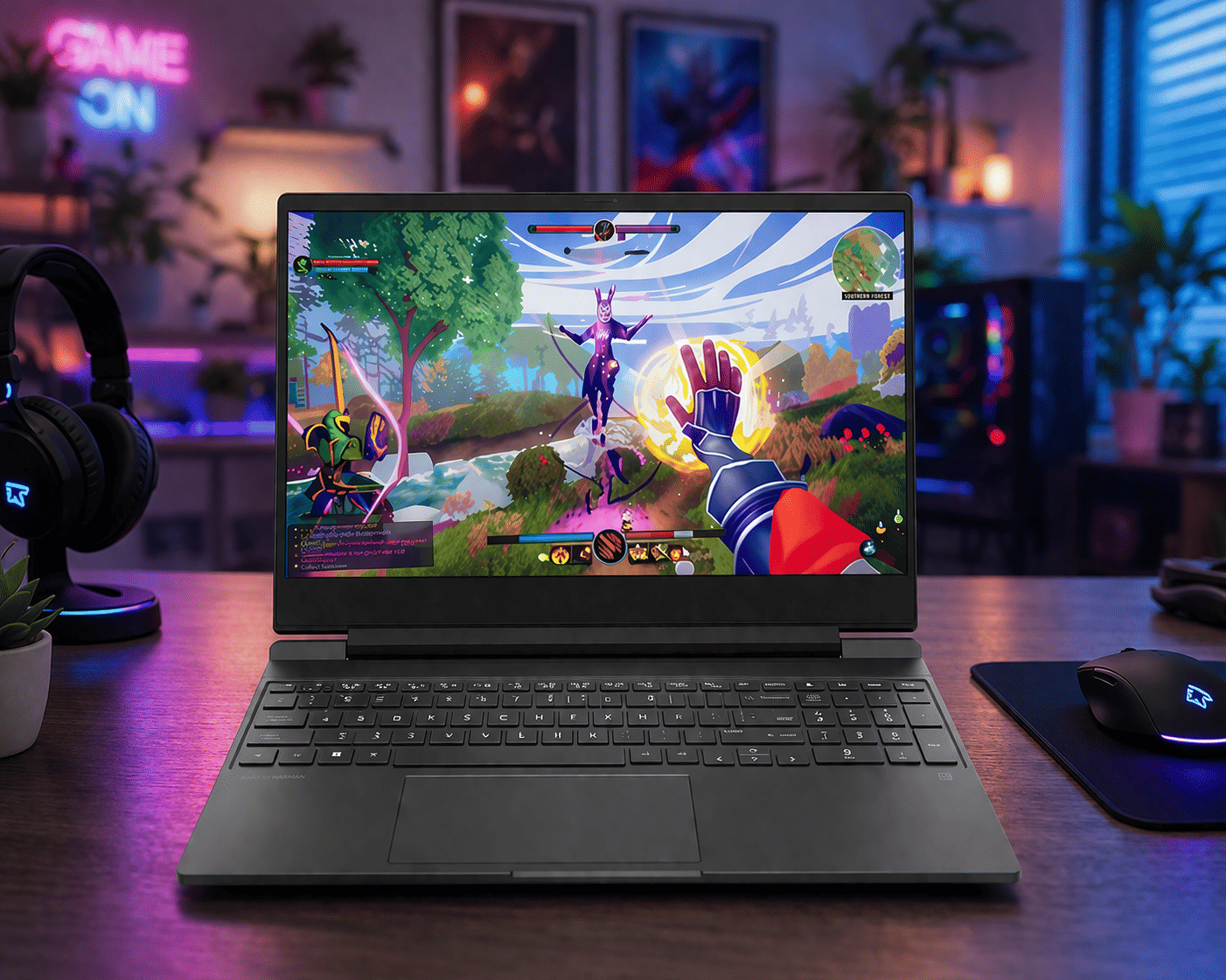
Intel i5 10th Gen | 12GB | 1TB + 250GB | 4GB GPU | 15.4″ | Win 10
Save 50%₹ 2,400/mo
₹4,800 - OUT OF STOCK
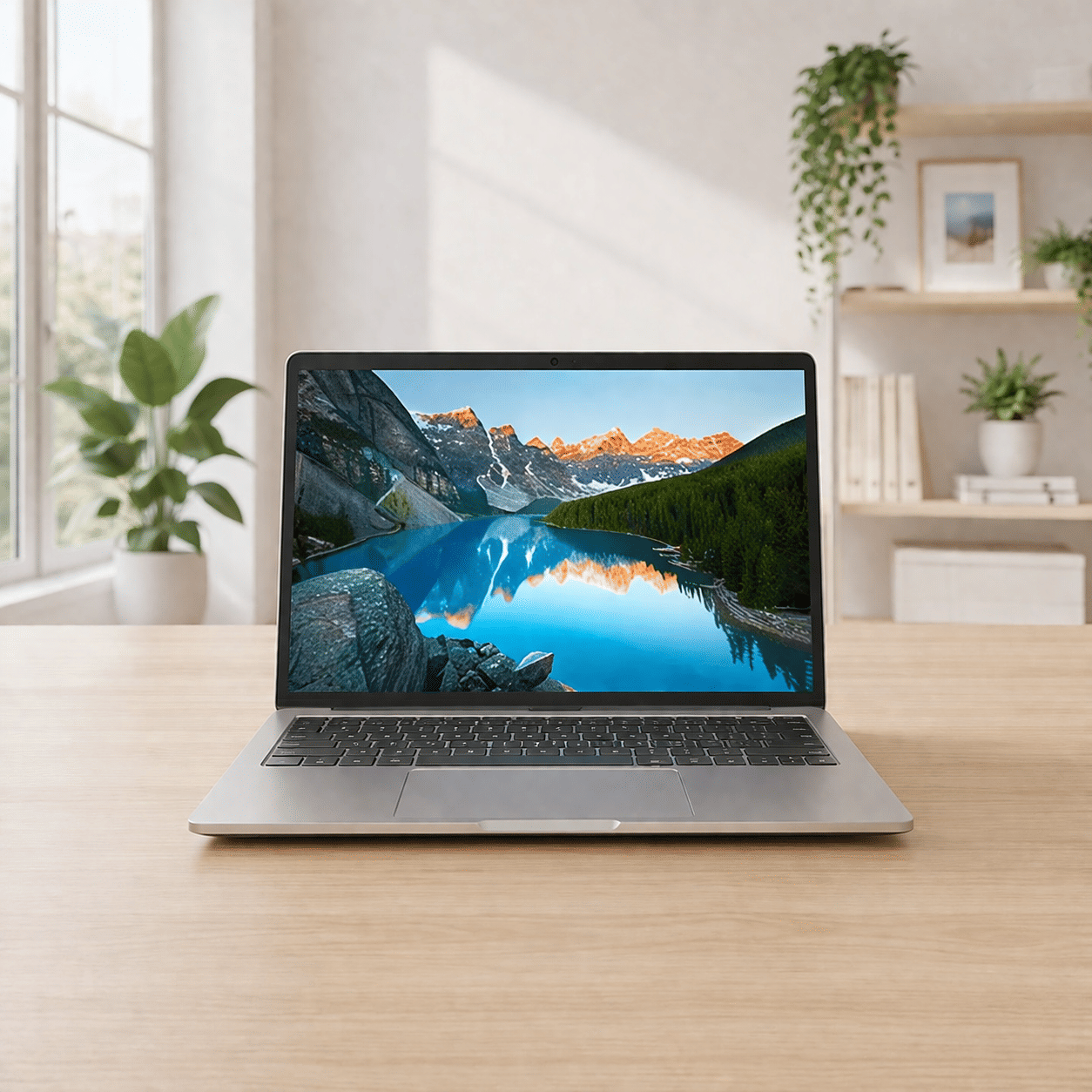
Intel i7 9th Gen | 12GB | 1TB + 250GB | 4GB GPU | 15.4″ | Win 10
Save 50%₹ 4,000/mo
₹8,000
Laptop Rental in Chennai
A laptop is the one device most people need right away and for a limited time: a new job, a semester, a project or a spare while their own machine is in repair. iRentOut offers laptops on rent in Chennai on a monthly plan, with Windows laptops from Intel Core i3 to i7 and Apple MacBooks listed on one page, and remote support during the rental.
Stock on laptops changes often, so open a model to see whether it can be booked right now. Each listing shows the processor, RAM, storage, operating system and delivery time, and most in-stock laptops reach you in 1 or 2 days.
Laptops You Can Rent in Chennai
Intel Core i5 laptops
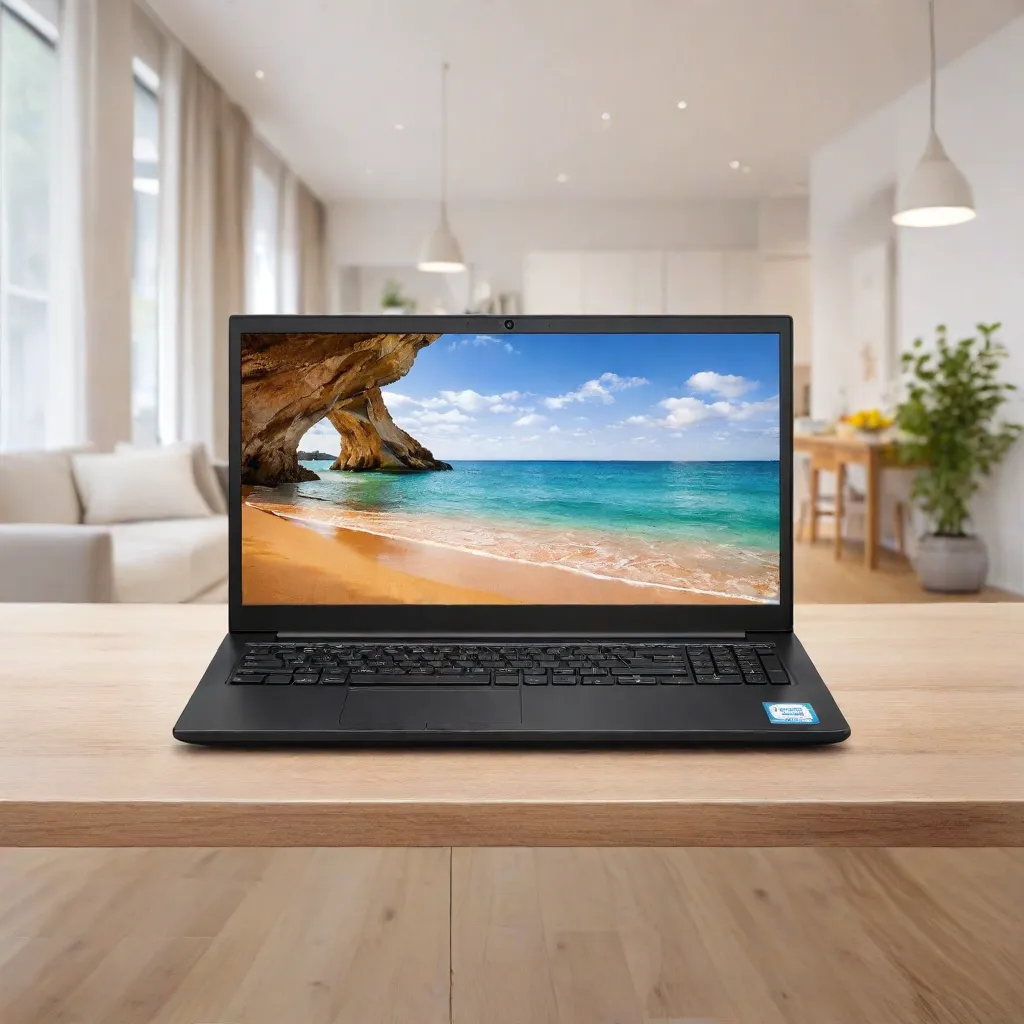
The i5 range is the most booked for office work. Listed models include an Intel Core i5 (10th Gen) with 16GB RAM, a 256GB SSD and Windows 11, marked as a best seller, an Intel Core i5 (8th Gen) with 8GB RAM and 256GB storage, and an Intel Core i5 (7th Gen) with 8GB RAM and a 250GB SSD.
Intel Core i7 laptops
For heavier work, the page lists i7 models from the 5th Gen to the 13th Gen with 16GB RAM and up to a 512GB SSD. These move quickly, so check stock on the product page.
Intel Core i3 laptops
Budget i3 laptops from Lenovo IdeaPad, ASUS and other brands are listed with 8GB RAM for browsing, email and online classes.
MacBooks on the laptop page
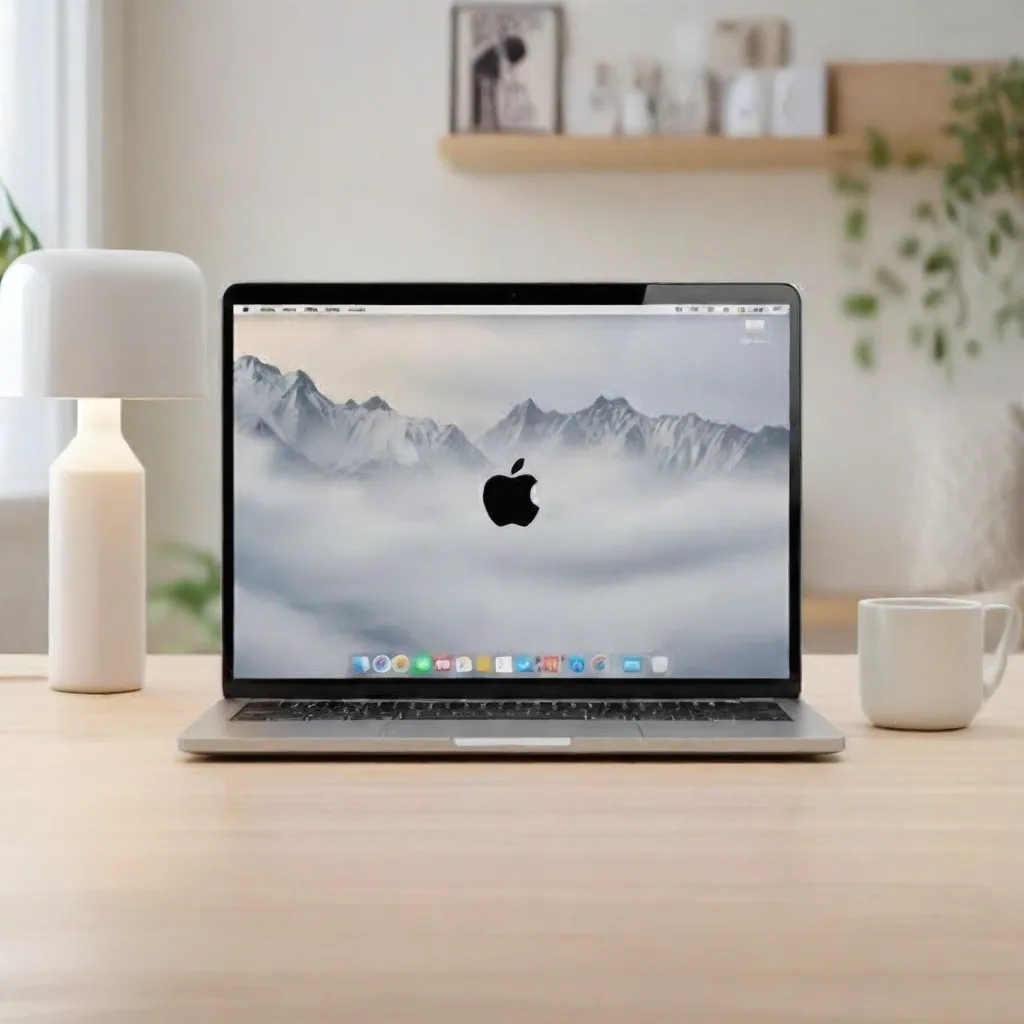
The MacBook Air 2022 with the M2 chip and the MacBook Pro 2018 with an i7 and 16GB RAM appear here too. For the full Apple range, see MacBook rental in Chennai.
Laptops with a graphics card
Models with a dedicated GPU, such as the Ryzen 5 4600H with a GTX1650, are covered on the gaming laptop rental and workstation rental pages.
Choosing a Rental Laptop
Processor
Intel Core i3: browsing, email, documents and video calls
Intel Core i5: office software, spreadsheets and multitasking
Intel Core i7: coding, analytics and light editing
RAM
8GB handles everyday office and study work. Choose 16GB if you keep many browser tabs open, run virtual meetings all day or work with large files.
Storage and operating system
Most listed laptops have a 250GB or 256GB SSD, which starts up quickly. Newer models run Windows 11, while older ones run Windows 10, so check this if your software needs a specific version.
Add a second screen
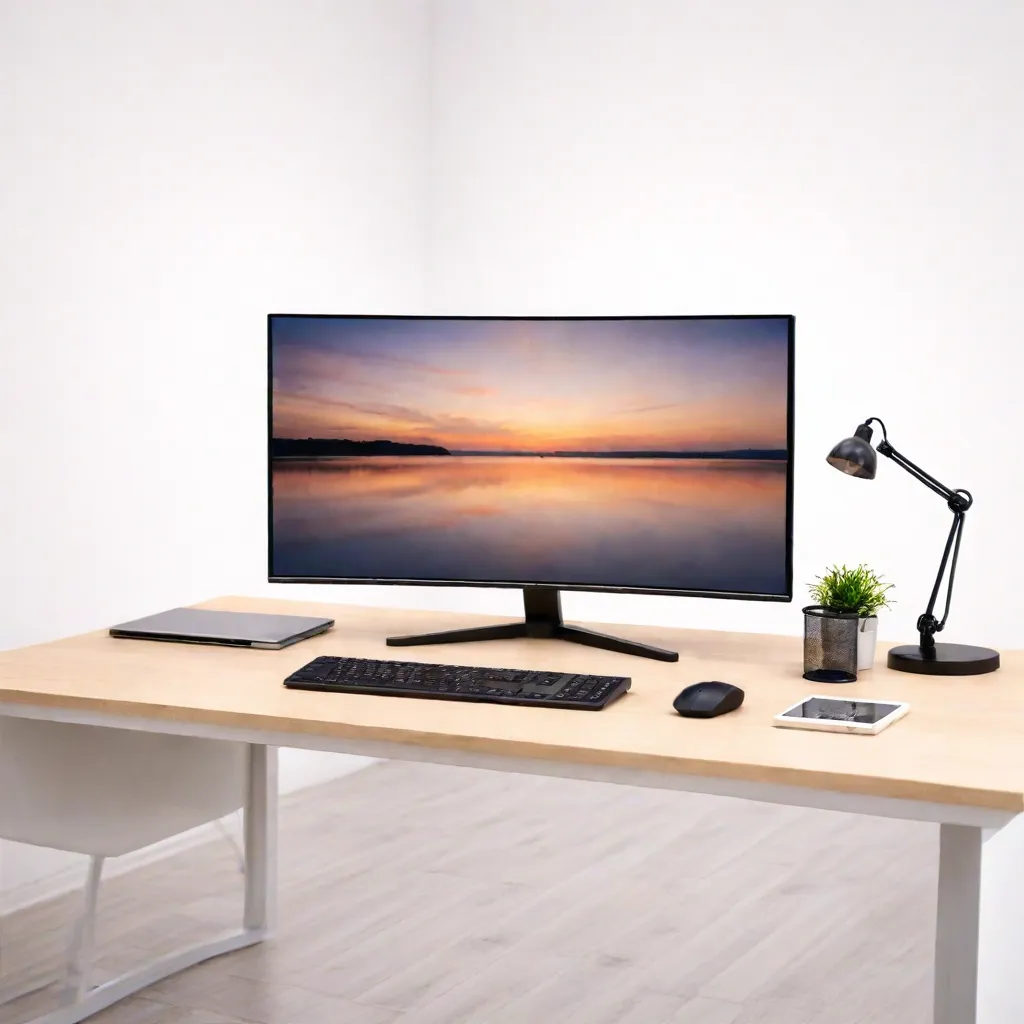
A monitor on rent beside the laptop makes long workdays easier on the eyes.
Rent a Laptop for Different Use
Rent a Laptop for Work From Home
Get a dependable machine for remote work in Chennai without spending on a new laptop, and return it if your office calls you back.
Rent a Laptop for Students
Rent a laptop for a semester, an exam season or an internship, and send it back when the term ends.
Rent a Laptop for Corporate Teams
Companies onboarding new joiners or running a project can rent laptops in numbers. Use the business rental form for a bulk order.
Rent a Laptop as a Backup
If your own laptop is being repaired, a rented one keeps your work on schedule. Choose the minimum tenure and return it once yours is back.
Rent vs Buy: Laptops
A laptop loses value quickly, and its battery and performance slip every year. That makes it one of the easier devices to rent.
When renting suits you
You need a laptop for a project, a course or a posting of a few months
You want a stronger configuration than you would buy outright
Your team size changes and you need devices without capital spend
You want support included rather than paying for repairs
When buying suits you
You will use the same laptop for four or five years
You need a specific new model that is not listed
You store sensitive files you prefer never to hand back
Rent and buy side by side
Payment: a rental starts with the first month's rent and a refundable deposit, while a purchase is paid in full
Upgrade: a rented laptop can be swapped by sending a replacement request from My Products
Support: remote support is included, and manufacturing faults are repaired at no extra charge
Ownership: a bought laptop is yours to keep, while a rented one goes back when you are done
Before You Book a Rental Laptop
Check your software
Confirm that your office tools, VPN or exam software run on the operating system shown in the listing.
Keep your documents ready
After the order, upload an ID proof and an address proof for eKYC. The laptop is scheduled for delivery once the KYC is approved.
Protect your data
Back up your files, sign out of email and cloud accounts and remove saved passwords before the laptop goes back.
From Order to Return
Log in to iRentOut with your mobile number and the OTP.
Select the laptop and the tenure, and add your Chennai address.
Pay the first month's rent and the refundable deposit.
Upload an ID proof and an address proof for eKYC.
Receive the laptop after KYC approval.
To return it, open My Products and book a pickup. Read the terms and conditions for deposit and return rules.
Laptop Care During the Rental
Keep the laptop on a desk or a hard surface so the vents stay clear, and avoid using it on a bed or a pillow for long periods. Use the charger that comes with it, and unplug during heavy rain or power fluctuations. Carry it in a padded sleeve or bag when you commute, and keep drinks away from the keyboard.
iRentOut in Other Locations
Laptops are also available on rent in:
Other Categories in Chennai
Electronics
Electronics rental lists desktops, workstations, printers and monitors to complete a work setup.
Home Appliances
Appliance rental covers ACs, fridges and washing machines for a new flat.
Furniture
A laptop needs a proper desk. Office furniture rental lists workstation tables and ergonomic chairs.
Gym Equipment
Gym rentals lists treadmills for a break between calls.
Combo Offers
Combo rental offers show how several products can come on one plan.