









Computer Desktop Rental in bangalore
Desktop
Product you may like

FILTER

Delivered & set up in 6 hours
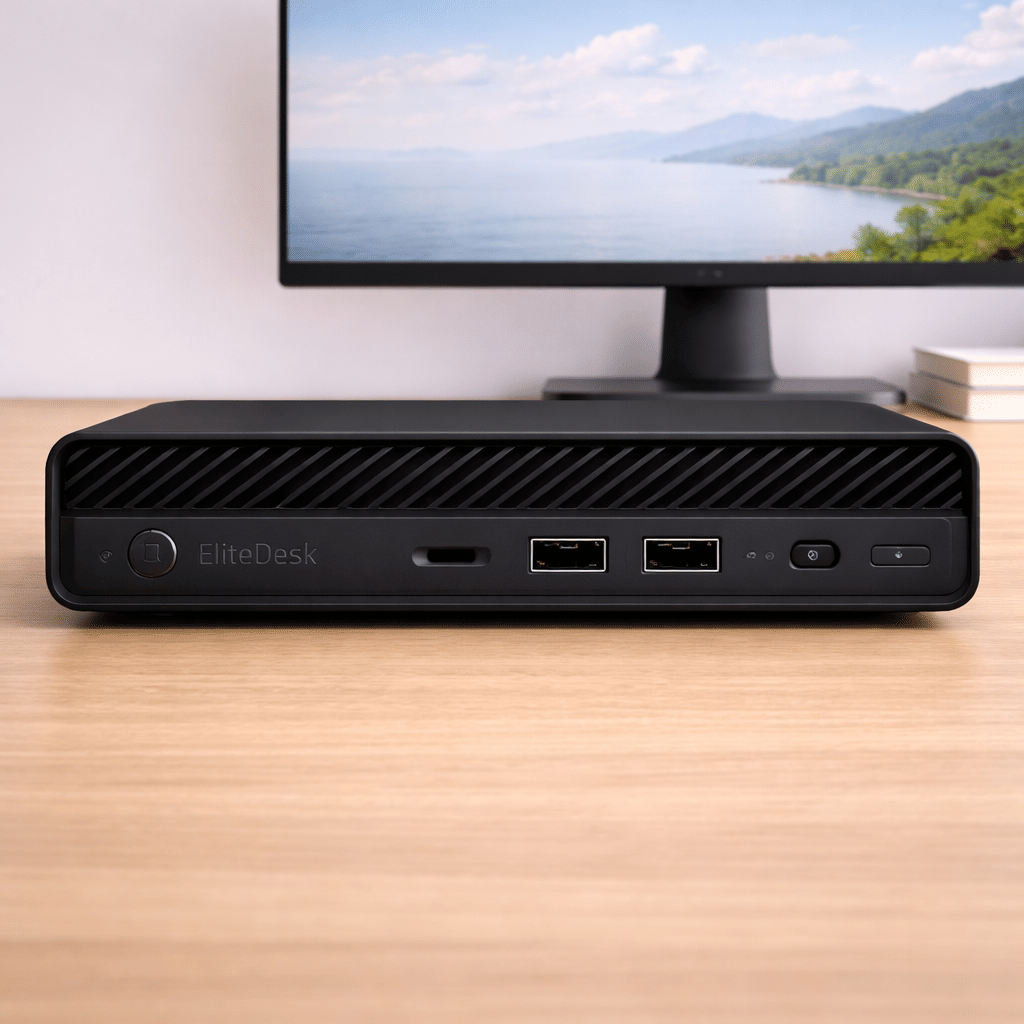
Intel i5 (6th Gen) | 8GB | 256GB HDD | Win 10
Save 45%₹ 1,100/mo
₹2,000
1 day
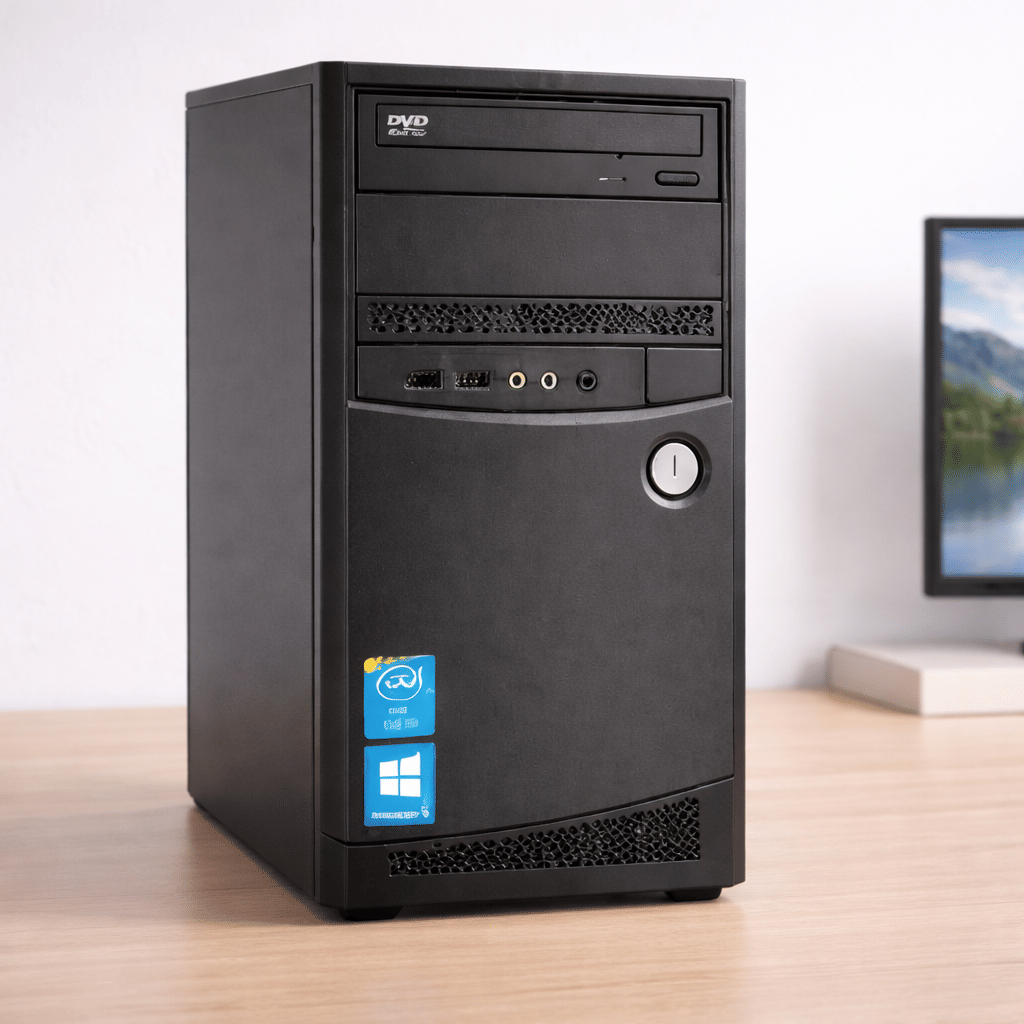
Intel i5 (4th Gen) | 4GB RAM | 500GB HDD | Win 10
Save 35%₹ 2,470/mo
₹3,8002 days
- OUT OF STOCK
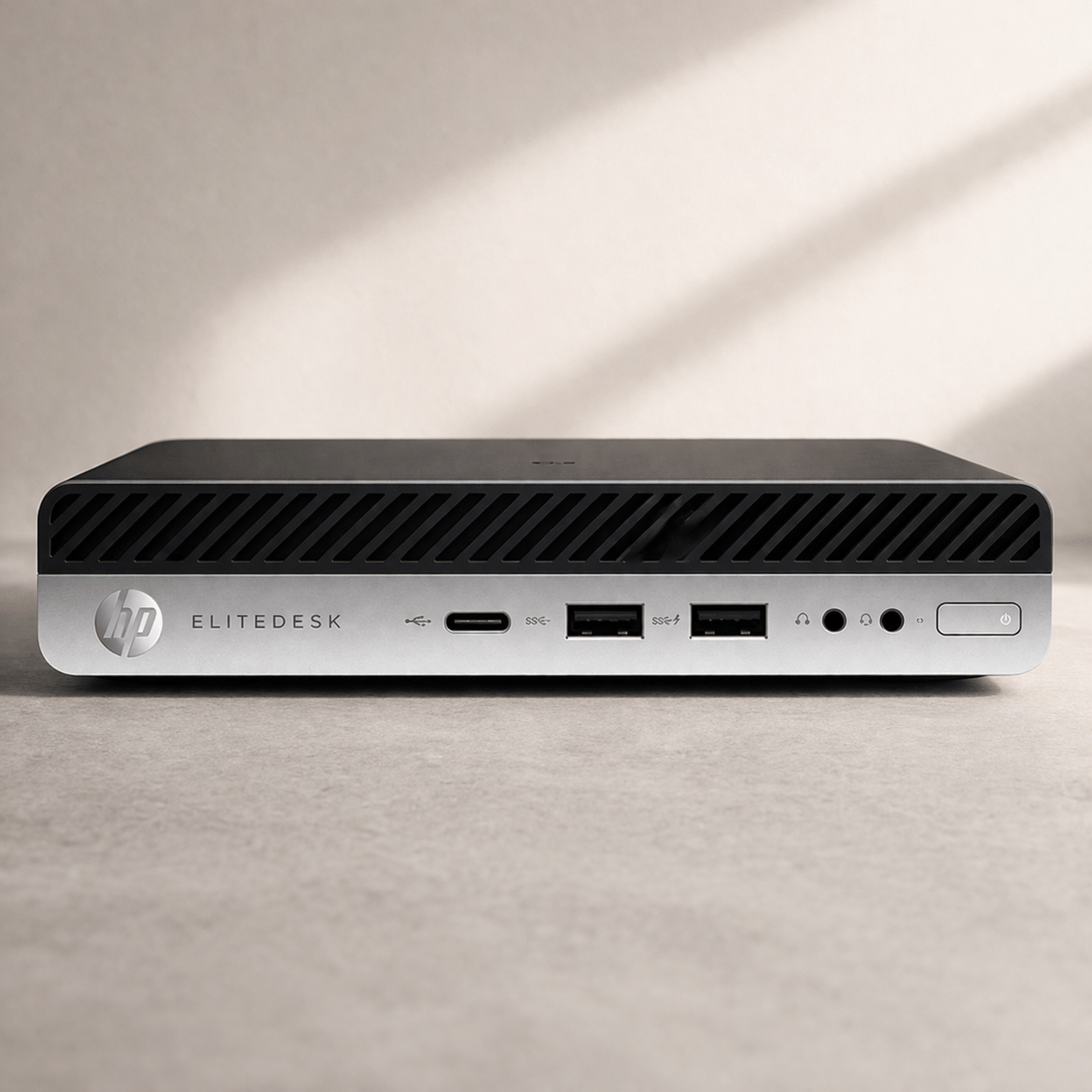
Intel Core i5 (9th Gen) | 16GB | 250GB HDD | Win 10
Save 45%₹ 1,650/mo
₹3,0001 day
- OUT OF STOCK
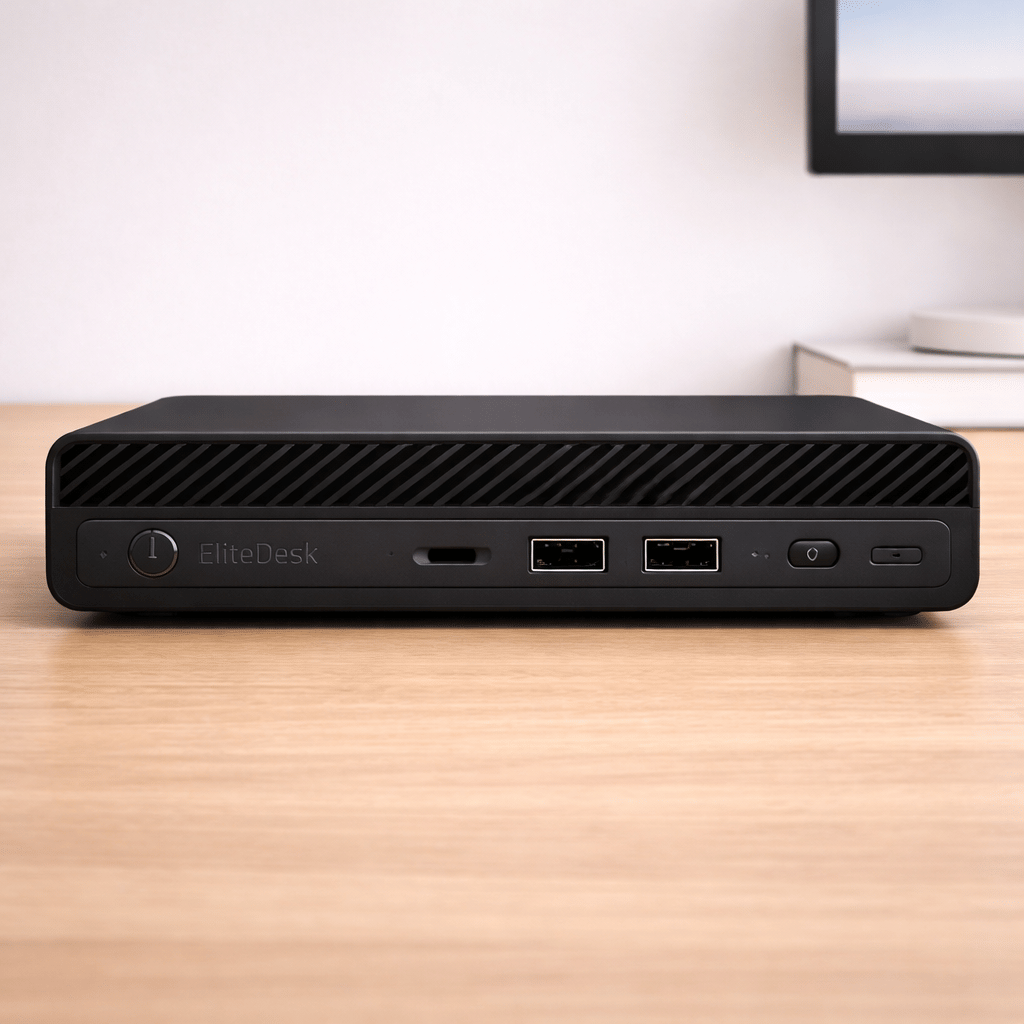
Intel i5 (8th Gen) | 8GB | 256GB SSD | Win 10
Save 45%₹ 1,375/mo
₹2,5001 day
FAQ'S
What is computer rental in Bangalore?
Computer rental Bangalore allows users to rent desktop computers without buying them for home or office use.
Who can use computer rental services in Bangalore?
Computer rental services Bangalore are suitable for individuals, professionals, and businesses.
Are desktop computers available on rent in Bangalore?
Yes, desktop rental Bangalore offers reliable desktop computers for different usage needs.
Is computer rental in Bangalore suitable for office work?
Yes, computers on rent in Bangalore support daily office and professional tasks.
Can I rent a computer in Bangalore for short-term use?
Yes, computer rental Bangalore supports short-term and temporary usage requirements.
Are long-term computer rental plans available in Bangalore?
Yes, desktop rental Bangalore is available for long-term usage needs.
What are the benefits of computer rental in Bangalore?
Computer rental Bangalore reduces upfront costs and provides flexible usage options.
Is maintenance included in computer rental services Bangalore?
Yes, computer rental services Bangalore generally include maintenance support.
Desktop Computer Rental in Bangalore
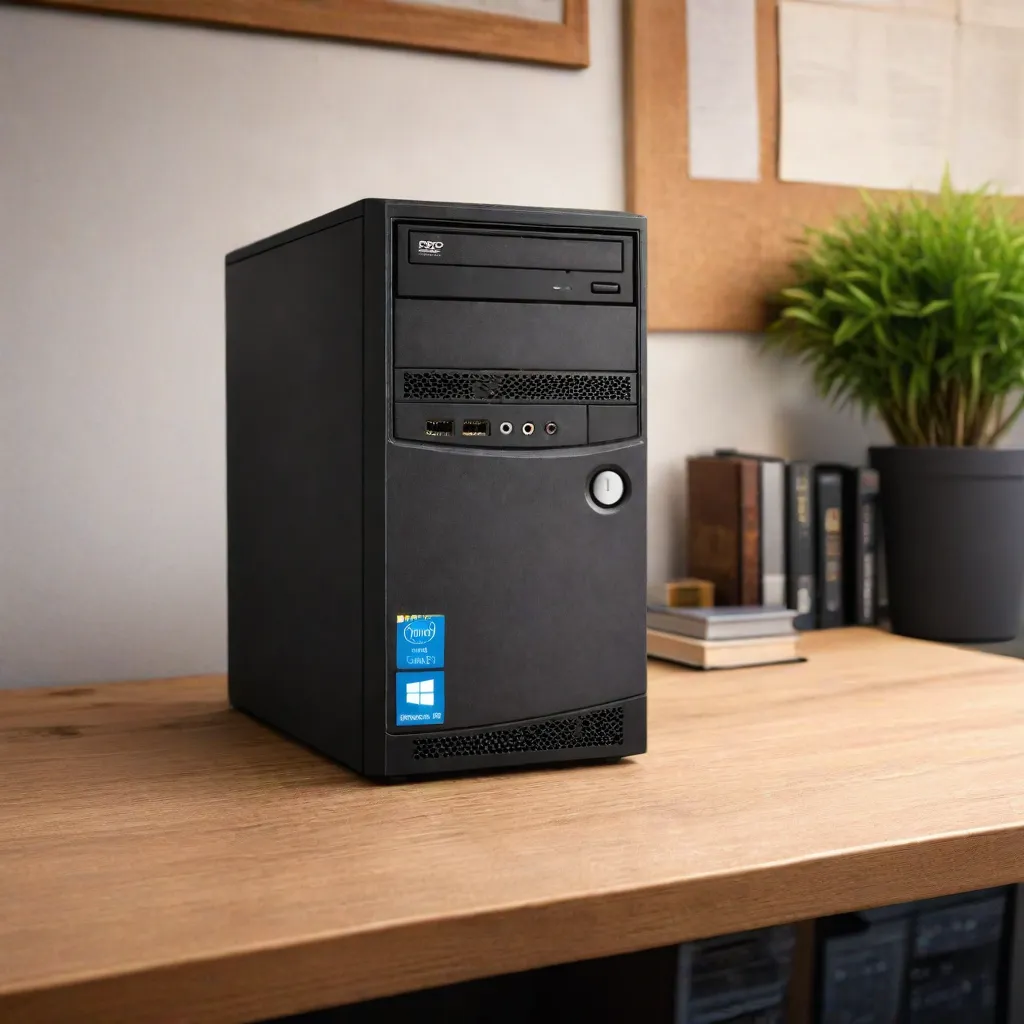
A desktop is the right tool for a desk that never moves: a reception in an Indiranagar clinic, an accounts seat in a Peenya factory office, a billing counter in Jayanagar or a training lab in Electronic City. It offers a full keyboard, a proper monitor and no battery to wear out. iRentOut offers desktop computers on rent in Bangalore, with Intel Core i5 systems on Windows 10.
Two desktops are in stock now, and the other models move in and out, so open a product to check before you book. Rapid delivery brings the desktop delivered and set up in 6 hours when you order by 2 pm.
Desktops You Can Rent in Bangalore
Intel i5 (6th Gen), 8GB RAM, 256GB
In stock with a 1 day delivery time. A dependable office desktop for documents, email, browsing and video meetings.
Intel i5 (4th Gen), 4GB RAM, 500GB
In stock with a 2 day delivery time. Ideal for billing software, data entry and basic computer classes, with plenty of space for records.
Intel Core i5 (9th Gen), 16GB RAM, 250GB
Listed subject to stock. The most capable desktop on the page, for accounting suites, ERP tools and heavy multitasking.
Intel i5 (8th Gen), 8GB RAM, 256GB SSD
Listed subject to stock. The SSD makes it start and open files quickly.
If you already have a monitor, keyboard and mouse, see CPU rental in Bangalore. For a portable machine, see laptop rental.
Choosing a Desktop
By workload
4GB: billing, POS and single-task data entry
8GB: office suites, browsing and online meetings
16GB: ERP tools, large spreadsheets and multitasking
By storage
An SSD boots faster. A larger hard drive holds more local records.
Screen
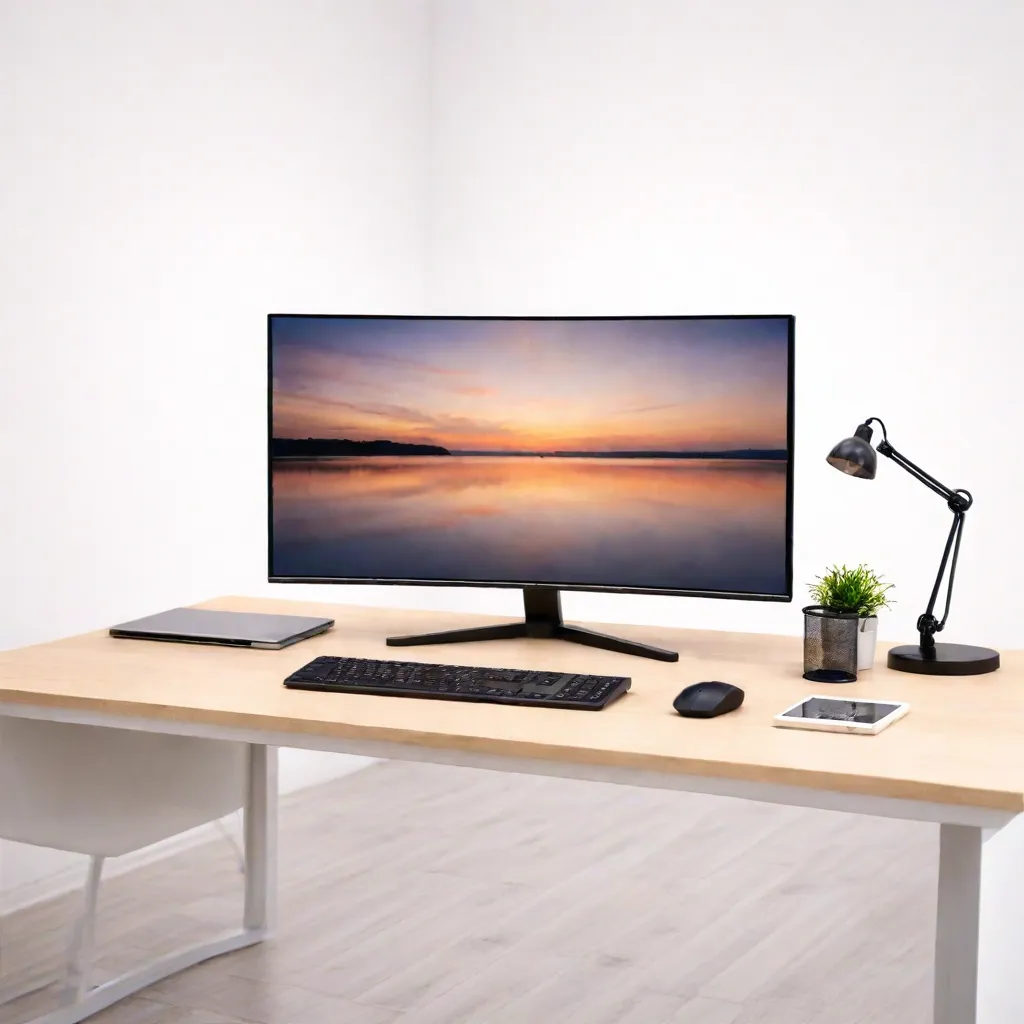
Add a 21.5-inch or 24-inch display from monitor rental.
Rent a Desktop for Different Needs
Rent a Desktop for Shops and Clinics
Stores, pharmacies and clinics can run billing or appointment software on a rented desktop.
Rent Desktops for an Office
Branch offices and growing teams can add seats without buying hardware. Use the business rental form for several units.
Rent Desktops for Training Labs
Skill centres and corporate training teams can rent desktops for a batch.
Rent a Desktop for Home Study
Students preparing for exams or working on long assignments get a bigger screen at a fixed study desk.
Rent vs Buy: Desktops
Desktop hardware dates quickly, and offices that grow or shrink end up with too many or too few machines.
Renting makes sense when
You need machines for a season, batch or project
Your headcount changes often
You want to avoid disposing of old hardware
You want support without an IT contract
Buying makes sense when
You will run the same machines for five years
You need a custom configuration
You have an in-house IT team
Side by side
Upfront cost: a rental starts with the first month's rent and a refundable deposit, while a purchase is paid in full
Scaling: add or return desktops as needed
Repairs: manufacturing faults are repaired at no extra charge
Exit: pickup when the need ends
Before You Book
Map the seats
List each seat's software and whether it needs a monitor, keyboard and mouse.
Check power and network
Each seat needs a power point and a network cable or Wi-Fi.
Keep documents ready
Upload an ID proof and an address proof for eKYC. Businesses can rent with company documents.
How Renting Works
Sign in with your mobile number and the OTP.
Choose the desktop and the tenure, and enter your Bangalore address.
Pay the first month's rent and the refundable deposit.
Complete eKYC.
Receive the desktop, set up after approval.
To return it, open My Products and book a pickup. See the terms and conditions.
Power and Dust in Bangalore Offices
Bangalore sees power fluctuations during monsoon thunderstorms and scheduled maintenance cuts in some areas. A UPS keeps a desktop running long enough to save work and shut down safely, which matters most on billing and accounts systems. Construction across the city also means plenty of dust, so wipe the vents every few weeks and keep cabinets off the floor near busy roads.
Setting Up a Training Lab
For a training batch, plan one desktop per learner plus one for the trainer connected to a projector or large screen. Install the course software on one machine first, test it, then repeat across the lab. Label each desktop with a seat number and keep a sheet of which software is on which machine, so support requests and the final pickup are quick.
Desktops for Retail and Billing Counters
Bangalore's malls, high streets and neighbourhood shops often need an extra billing counter during festive seasons like Dasara, Deepavali and Christmas. The 4th Gen desktop with a 500GB drive suits billing and POS software, and renting means the extra counter can go back once the rush ends.
Desktops for Small Offices and Back Offices
Many small businesses in Bangalore, from logistics firms in Peenya to clinics in Jayanagar, run accounts, inventory and billing on desktops. Renting lets them replace ageing machines without a capital purchase, and swap a unit quickly if it fails during the month-end rush. Pair each desktop with a 21.5-inch monitor and a UPS for the most reliable setup.
If a desktop is needed for only a few days, such as an audit visit or a short training, check the product page for the shortest tenure and book a pickup as soon as the work ends.
iRentOut in Other Locations
Desktops are also available on rent in:
Other Categories in Bangalore
Electronics
Electronics rental in Bangalore lists laptops, workstations and printers.
Home Appliances
Appliance rental covers water purifiers and fridges for an office.
Furniture
Office furniture rental lists workstation tables and chairs.
Gym Equipment
Gym rentals lists treadmills for a wellness room.
Combo Offers
Flexirent plans bundle several products.