








Monitor Rental in bangalore
Monitors
Product you may like

FILTER

Delivered & set up in 6 hours
- Offers
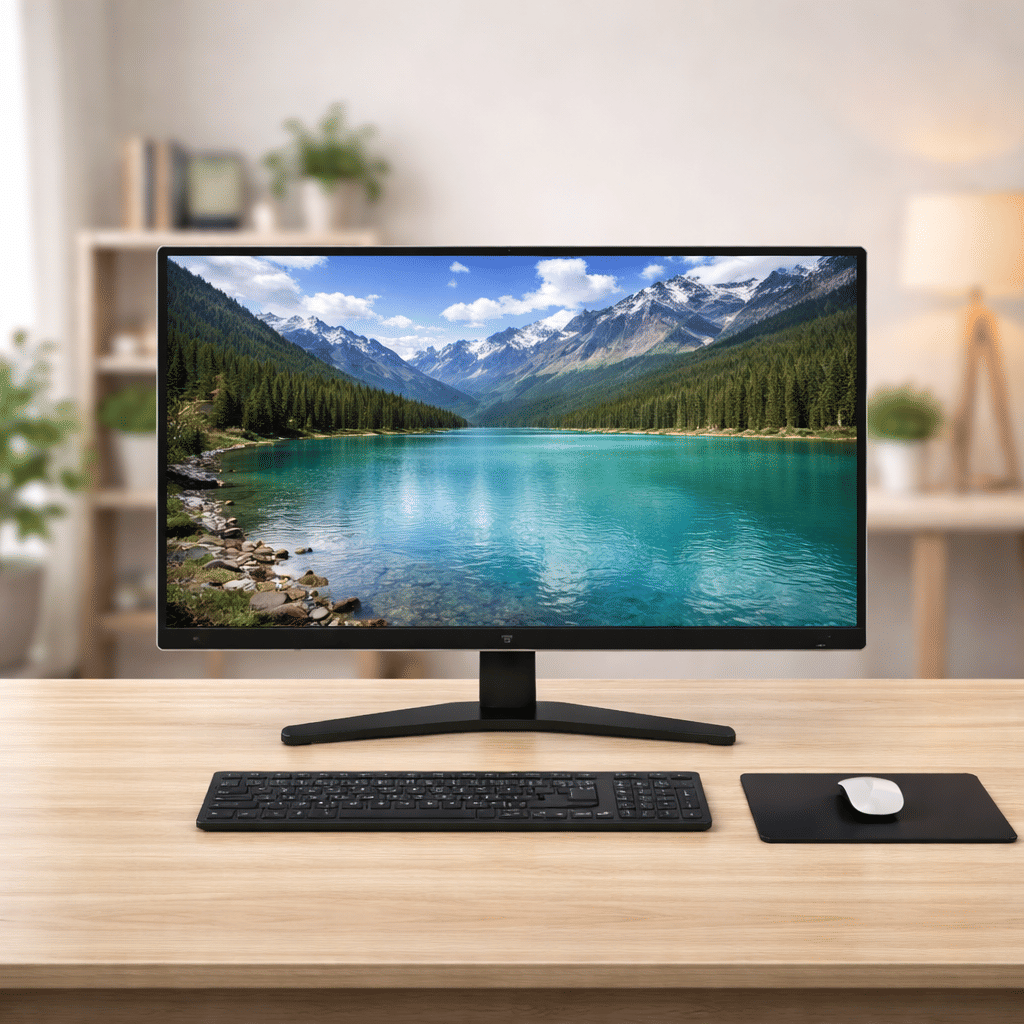
Monitor | 28″ Full HD Display
Save 25%₹ 1,875/mo
₹2,500
1 day
- Best seller
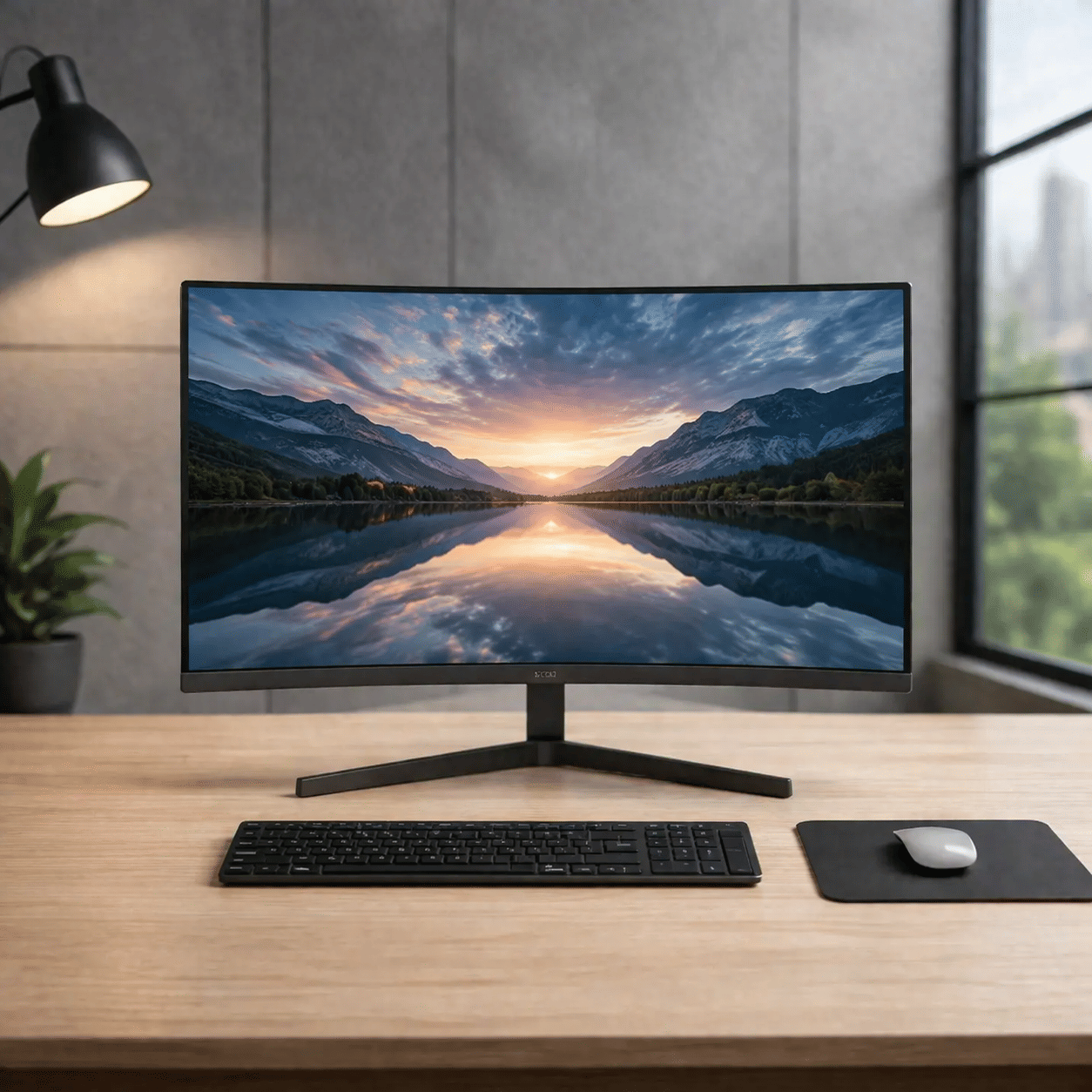
Monitor | 24″ Full HD Display
Save 25%₹ 1,125/mo
₹1,5001 day
- Offers
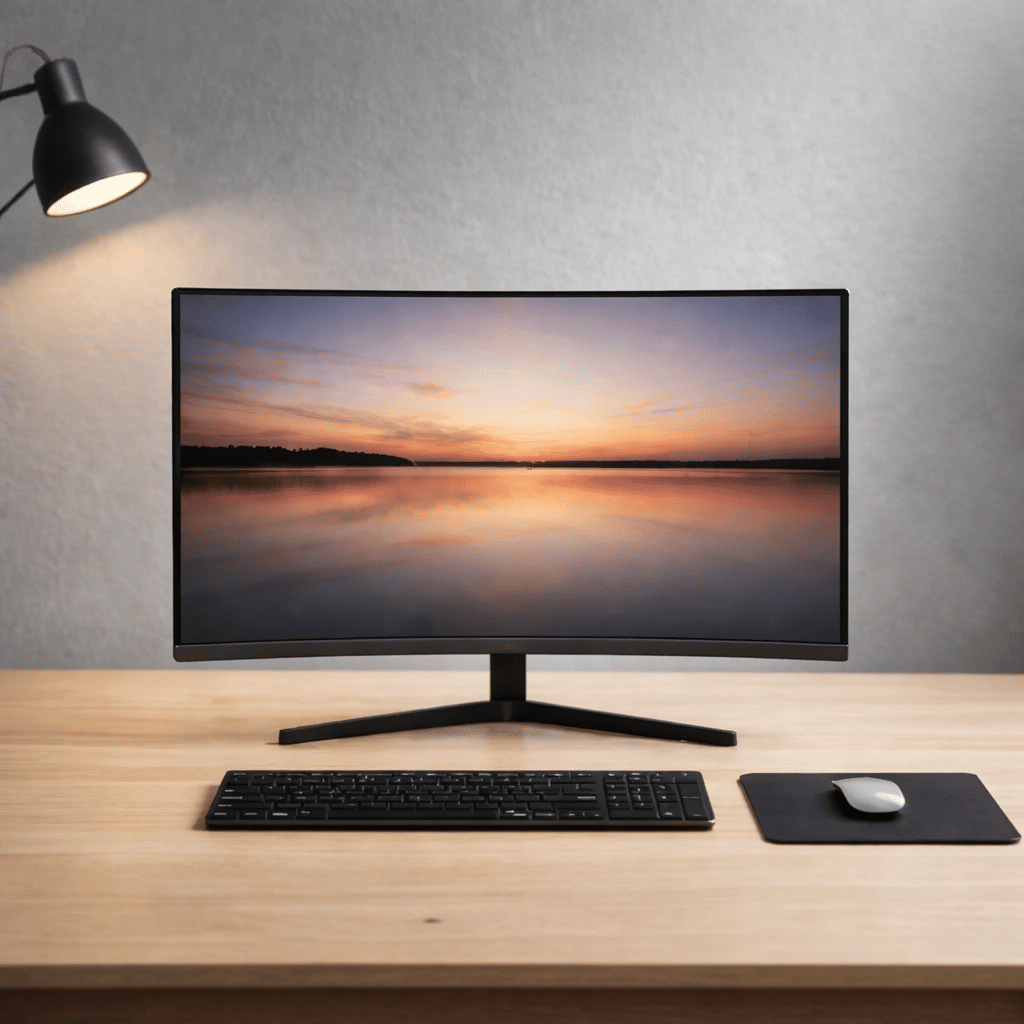
Monitor | 21.5″ HD Display
Save 25%₹ 600/mo
₹8001 day
- OUT OF STOCK
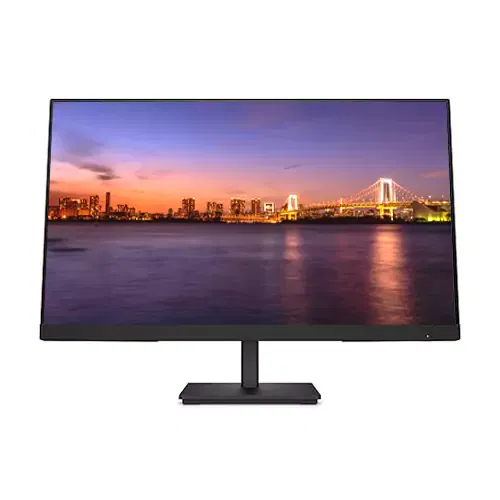
Monitor | 19.5″ HD Display
Save 25%₹ 375/mo
₹5002 days
- OUT OF STOCK
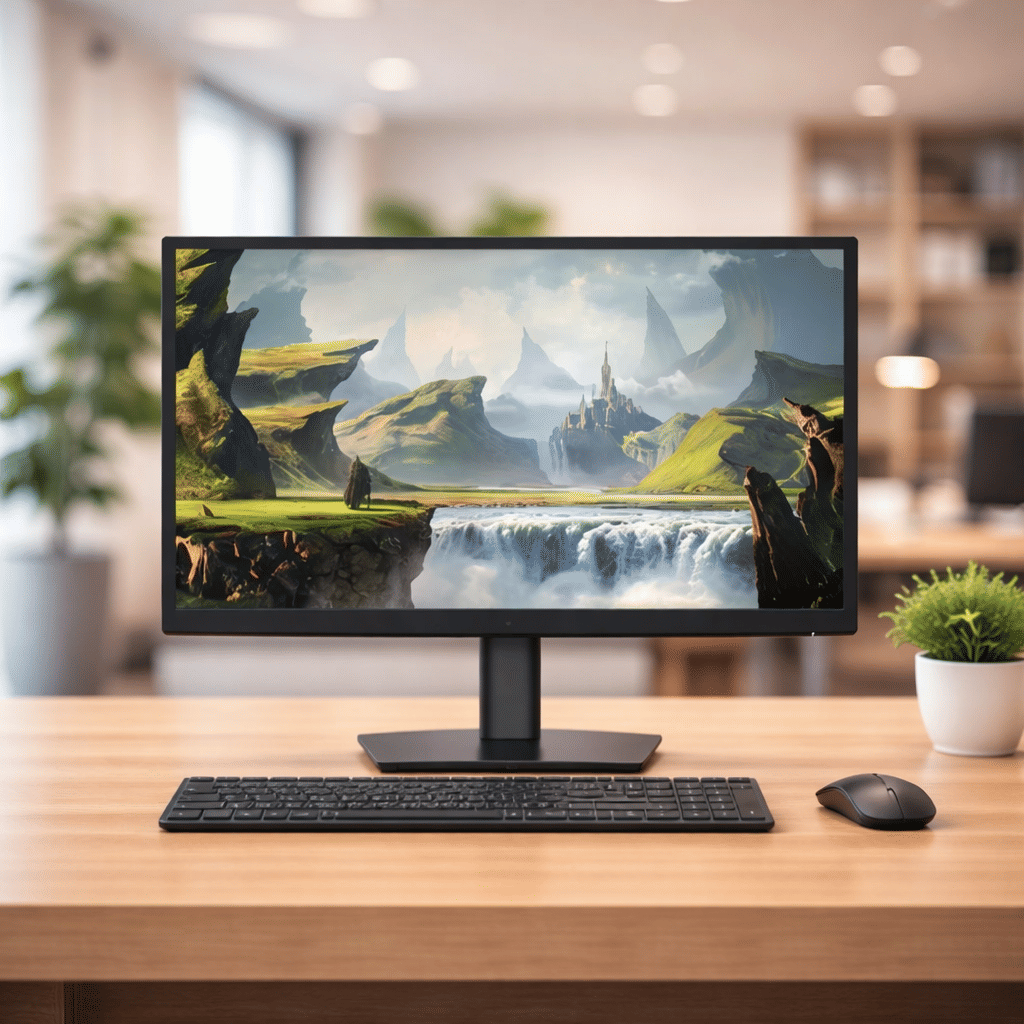
Monitor | 18.5″ HD Display
Save 25%₹ 600/mo
₹8002 days
FAQ'S
What types of monitors can I rent from I Rent Out?
At I Rent Out, we offer a wide range of monitors for rent in Bangalore. Our rental collection includes HD monitors, Full HD monitors, and gaming monitor rentals. Whether you need monitors for work, gaming, or events, we have you covered.
How can I rent a monitor from I Rent Out?
Renting a monitor from I Rent Out is simple. Browse our product catalog, choose the monitor you need, and select your desired rental plan—daily, weekly, or monthly. We offer fast delivery across Bangalore, and you can enjoy your rental with no upfront costs.
What are the benefits of renting a monitor instead of buying?
- Renting a monitor offers several benefits:
- Cost-effective: No large upfront investment.
- Flexible rental plans: Rent for a day, week, or month as per your needs.
- Access to the latest models: Rent the latest Full HD monitors, gaming monitors, and PC monitors.
- No maintenance costs: We handle all maintenance and repairs for rented products.
How is the condition of the monitors I rent?
We ensure all monitors are thoroughly checked, cleaned, and serviced before delivery. At I Rent Out, we provide well-maintained monitors, ensuring high-quality products every time.
What rental terms do you offer for monitors?
- We offer flexible rental terms for all our monitors:
- Rent monitors for daily, weekly, monthly, or yearly periods.
- You can extend your rental period if needed or return the items once your rental term is over.
Monitor Rental in Bangalore
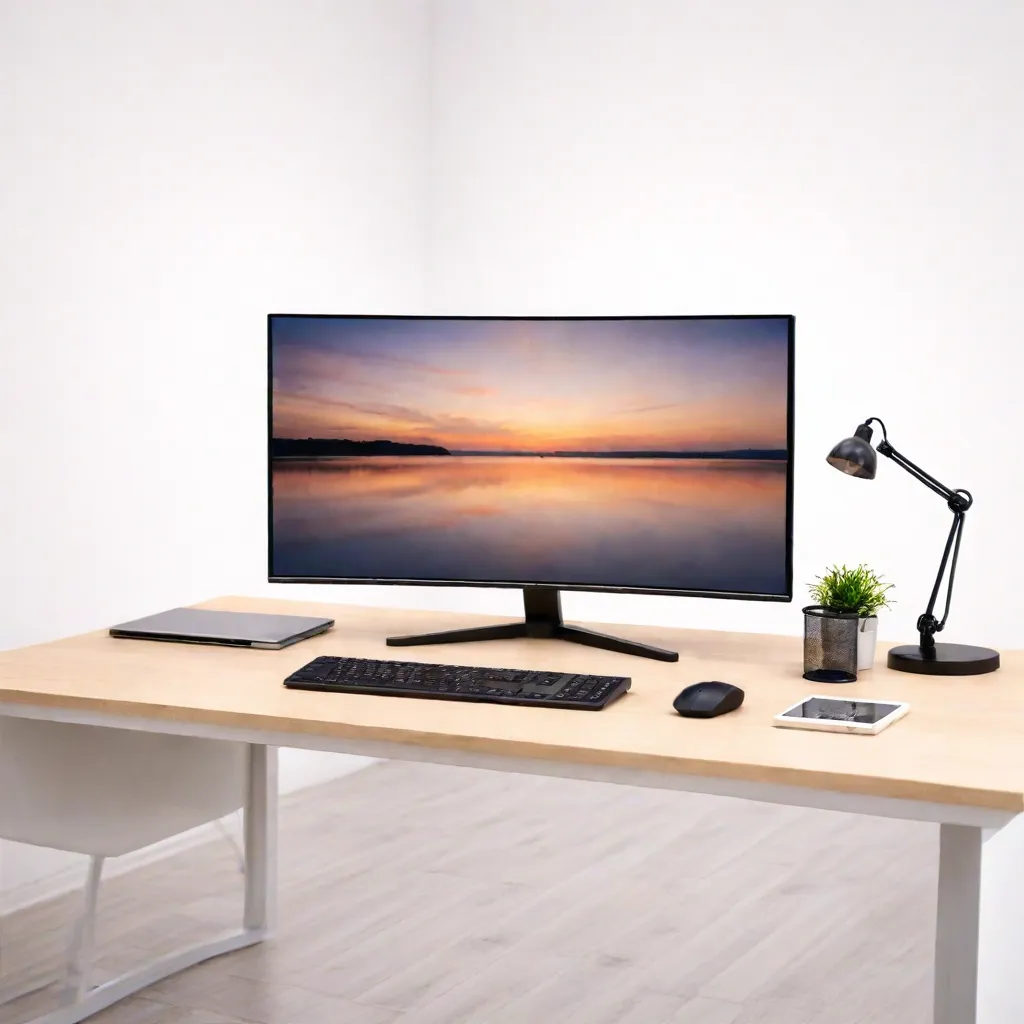
Bangalore works hybrid. Engineers and analysts split their week between offices in Whitefield or Manyata and home desks in Sarjapur, Yelahanka or JP Nagar, and a laptop screen alone makes long days hard. A proper monitor helps with code, dashboards and calls. iRentOut offers monitors on rent in Bangalore, with HD and Full HD screens from 18.5 to 28 inches, three sizes of which are in stock now.
Open a monitor to check availability before you book. In-stock sizes show a 1 day delivery time, and rapid delivery brings the monitor delivered and set up in 6 hours when you order by 2 pm.
Monitors You Can Rent in Bangalore
28-inch Full HD monitor
In stock and marked as an offer. Room for two full windows side by side, which suits code and documentation, trading charts or presentations.
24-inch Full HD monitor
In stock and a best seller. The standard office size, with sharp text for spreadsheets and design work.
21.5-inch HD monitor
In stock and marked as an offer. A comfortable size for most home desks.
19.5-inch HD monitor
Listed subject to stock with a 2 day delivery time. Practical for training rooms and data entry.
18.5-inch HD monitor
Listed subject to stock with a 2 day delivery time. Compact for counters and receptions.
Pair a monitor with a laptop on rent, a MacBook or a CPU.
Choosing a Monitor
Size for the desk
18.5 to 19.5 inches: counters and compact desks
21.5 inches: everyday home work
24 to 28 inches: engineering, design and multitasking
HD or Full HD
Full HD gives crisper text, which matters on 24-inch and 28-inch screens.
Ports
Check whether your laptop has HDMI or USB-C and keep an adapter ready.
Rent a Monitor for Different Needs
Rent a Monitor for Your Home Desk
Make remote days as productive as office days.
Rent Monitors for a Hybrid Team
Companies can rent monitors for employees' home desks and return them if policies change. Use the business rental form.
Rent Monitors for Events
Product launches, meetups and exhibitions at Bangalore venues need screens for demos.
Rent a Monitor for Trading or Gaming
The 28-inch screen fits charts or games comfortably.
Rent vs Buy: Monitors
Monitors are affordable individually, but buying several for a temporary team adds up and storing them takes space.
Renting makes sense when
You need extra screens for months, not years
You are setting up an event or new office
You want to try a bigger size before buying
You do not want to store unused screens
Buying makes sense when
You use the same screen daily for years
You need a high refresh or colour-accurate panel
You have a fixed home office
Side by side
Upfront cost: a rental starts with the first month's rent and a refundable deposit, while a purchase is paid in full
Setup: delivered and set up
Repairs: manufacturing faults are repaired at no extra charge
Exit: pickup when you are done
Before You Book
Measure the desk
Check that the stand fits and the screen can sit an arm's length away.
Check the cable
Confirm the cable or adapter you need.
Keep documents ready
Upload an ID proof and an address proof for eKYC after ordering.
How Renting Works
Sign in with your mobile number and the OTP.
Choose the monitor and the tenure, and enter your Bangalore address.
Pay the first month's rent and the refundable deposit.
Complete eKYC.
Receive the monitor after approval.
To return it, open My Products and book a pickup. See the terms and conditions.
Setting Up a Dual-Screen Desk
Place the monitor in front of you at eye level and the laptop to one side on a stand. On Windows, press the Windows key and P and choose Extend. On a Mac, arrange displays in System Settings. Keep chat and email on the laptop and your main work on the monitor. Lower brightness in the evening and clean the screen only with a dry microfibre cloth.
Monitors for Bangalore's Developers
Developers often keep an editor, a terminal and documentation open together. A 24-inch or 28-inch Full HD screen fits all three, and turning a monitor to portrait mode, where the stand allows, gives more lines of code. If you work across a laptop and a monitor, set the display scaling so text looks the same size on both.
Monitors for Meetups and Demo Days
Bangalore hosts tech meetups, startup demo days and product launches almost every week. A few rented 24-inch or 28-inch screens let each team show its product at a booth. Book early, test each laptop's connection the day before, and keep spare HDMI cables at the venue.
Monitor Setups for Different Roles
Customer support teams often work well with a single 21.5-inch screen beside a laptop. Developers and analysts usually prefer a 24-inch or 28-inch Full HD screen for code and data. Designers benefit from the larger 28-inch screen for layouts. Traders and finance teams sometimes use two monitors side by side. Pick sizes by role rather than giving everyone the same screen.
For events, carry spare HDMI cables and a power strip to the venue, and test every laptop and monitor pair the evening before, since venue sockets and adapters vary.
iRentOut in Other Locations
Monitors are also available on rent in:
Other Categories in Bangalore
Electronics
Electronics rental in Bangalore lists laptops, workstations and printers.
Home Appliances
Appliance rental lists fridges, TVs and washing machines.
Furniture
Office furniture rental lists desks and ergonomic chairs.
Gym Equipment
Gym rentals lists treadmills and massagers.
Combo Offers
Flexirent plans bundle products on one plan.