







Smartphone Rental in bangalore
Smart phone
Product you may like

FILTER

Order by 2 pm, delivered and set up in 6 hours.
- OUT OF STOCK
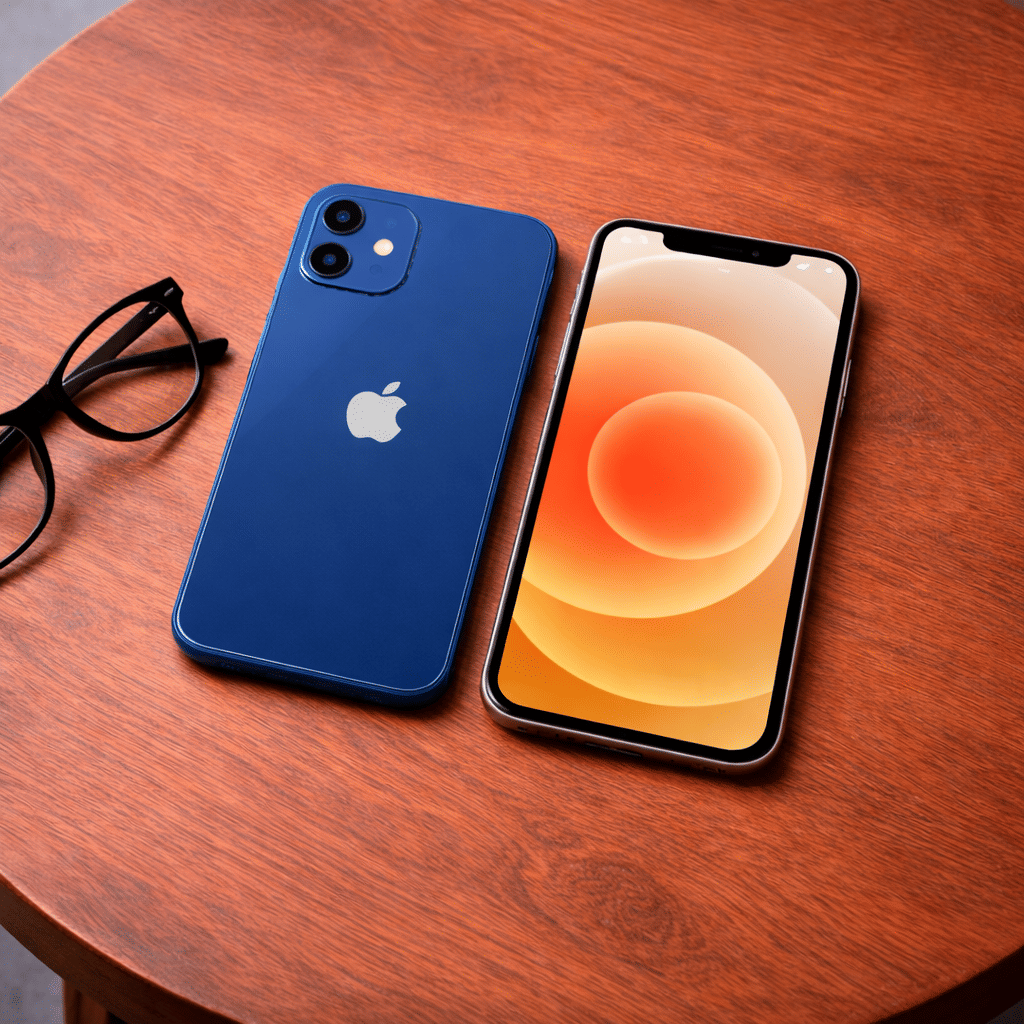
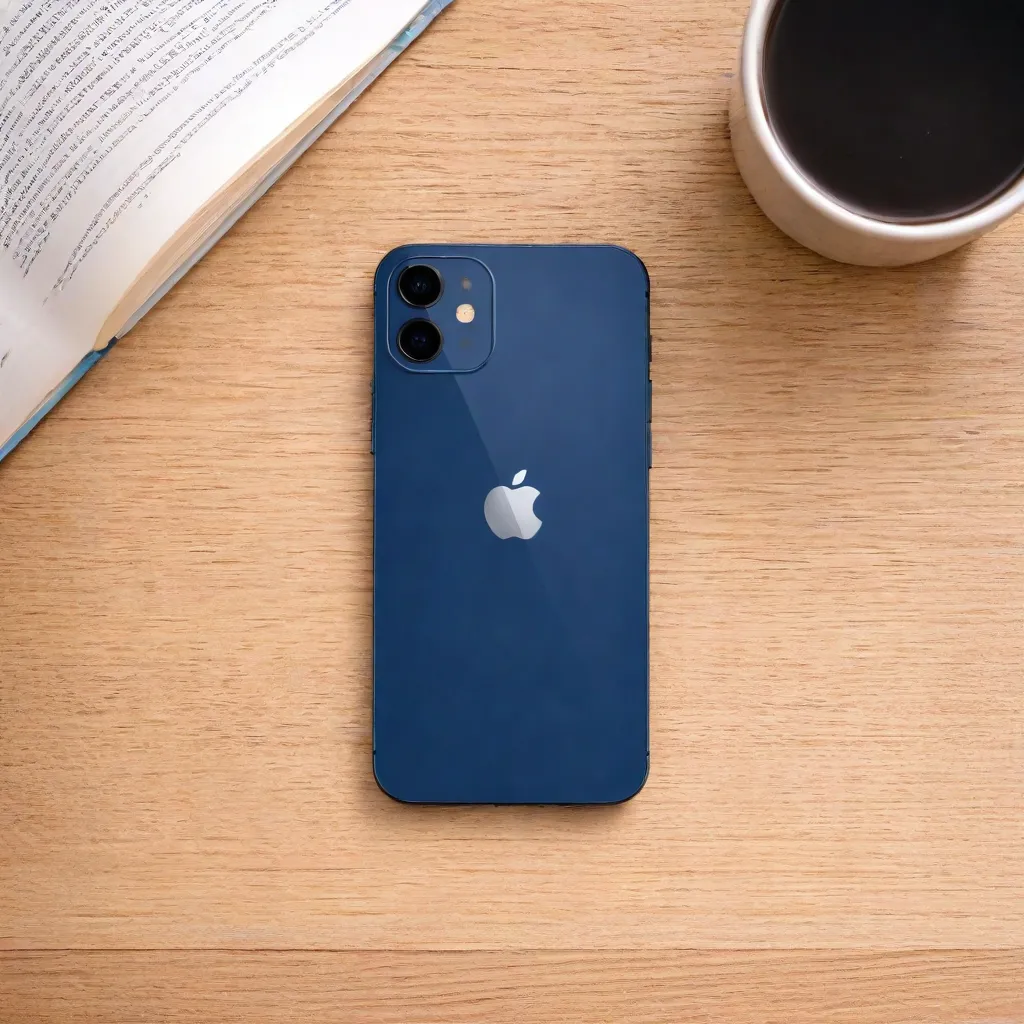
Apple iPhone 12 | 128GB
Save 25%₹ 6,750/mo
₹9,000
3 days
- OUT OF STOCK
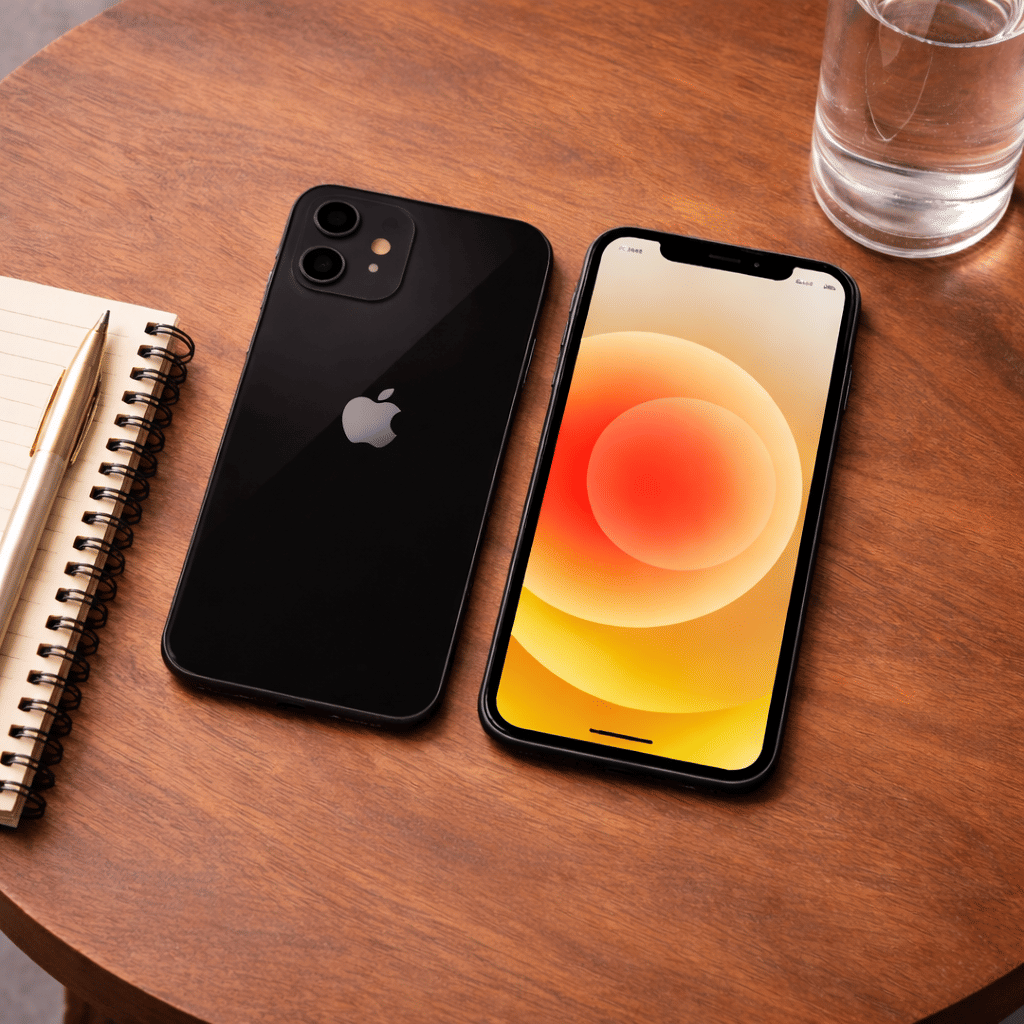
Apple iPhone 12 | 64GB
Save 25%₹ 6,000/mo
₹8,0003 days
- OUT OF STOCK
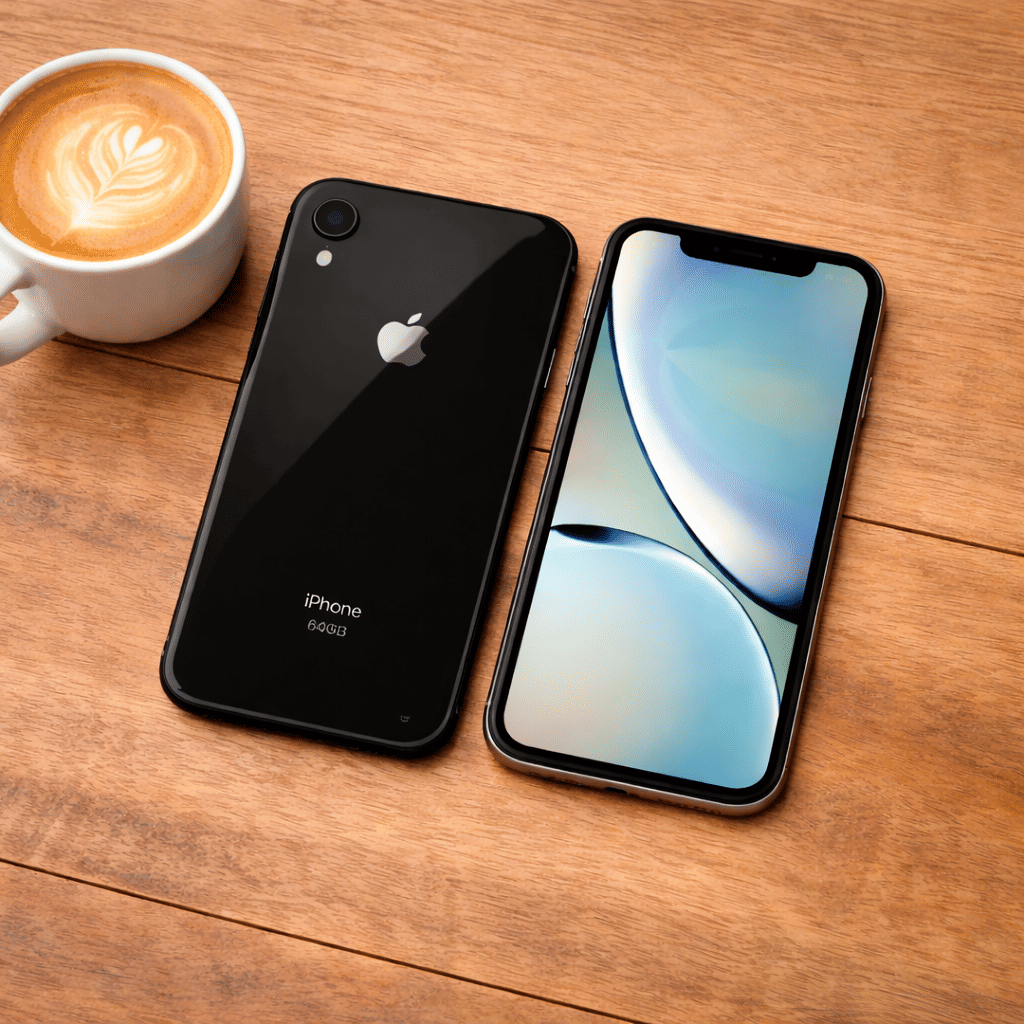
Apple iPhone XR | 128GB
Save 25%₹ 3,900/mo
₹5,2003 days
- OUT OF STOCK
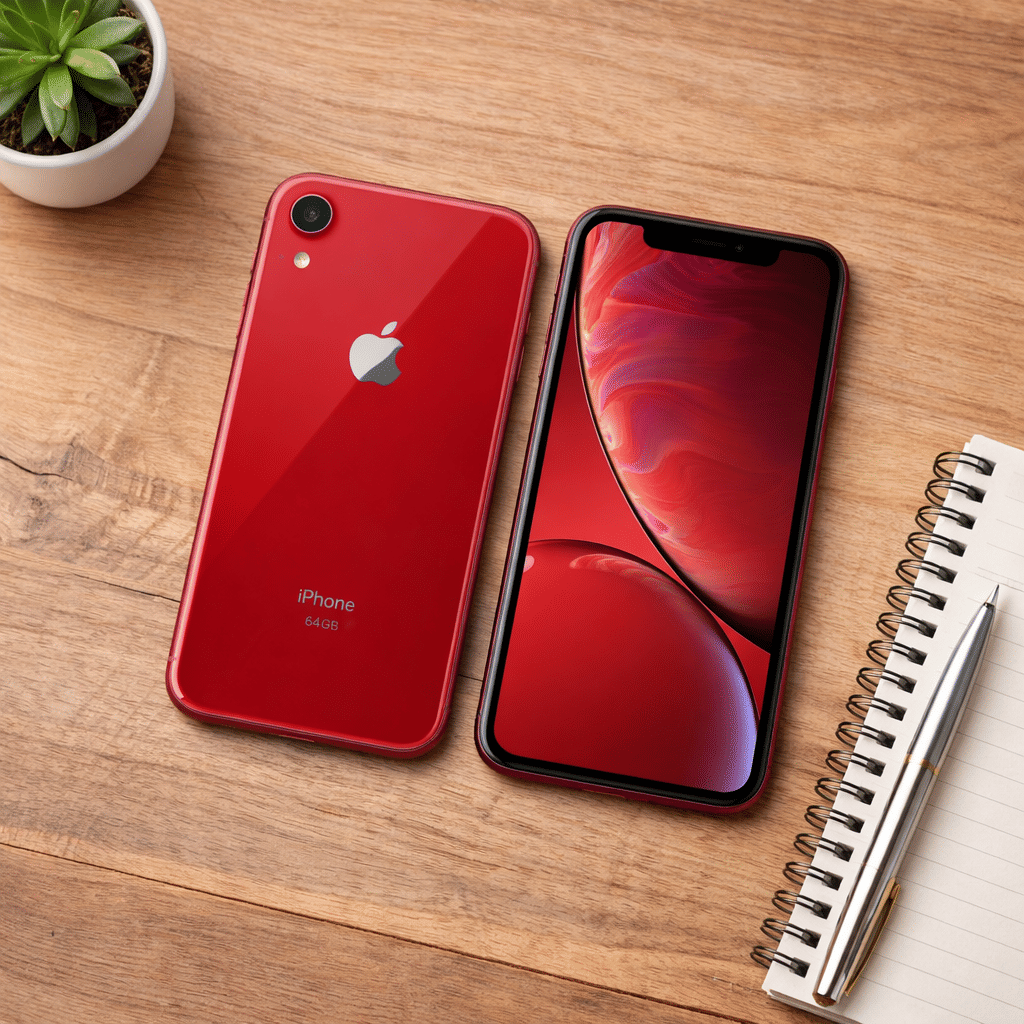
Apple iPhone XR | 64GB
Save 25%₹ 3,375/mo
₹4,5003 days
- OUT OF STOCK
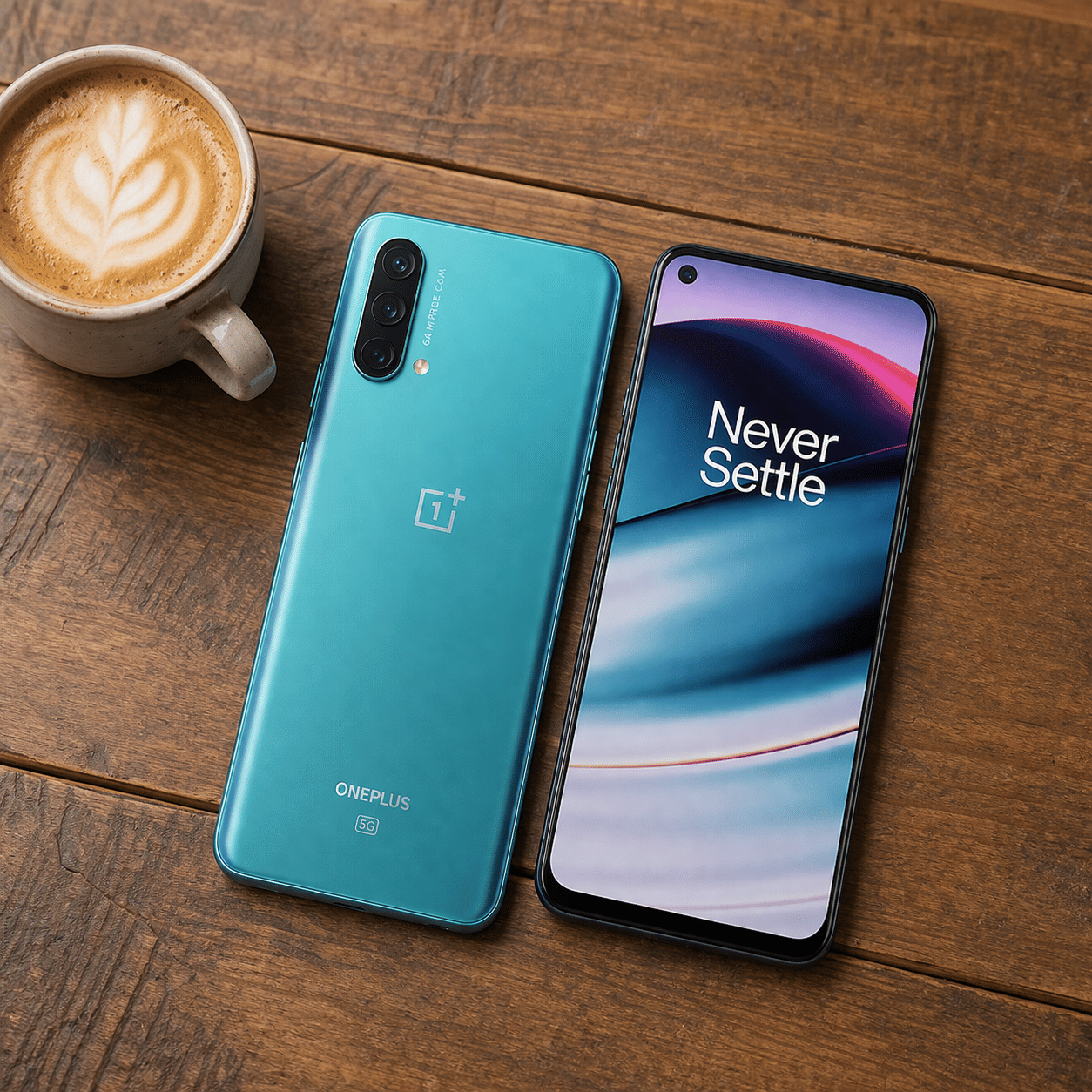
OnePlus Nord CE 5G | 8GB RAM | 128GB Storage
Save 25%₹ 2,625/mo
₹3,5003 days
- OUT OF STOCK
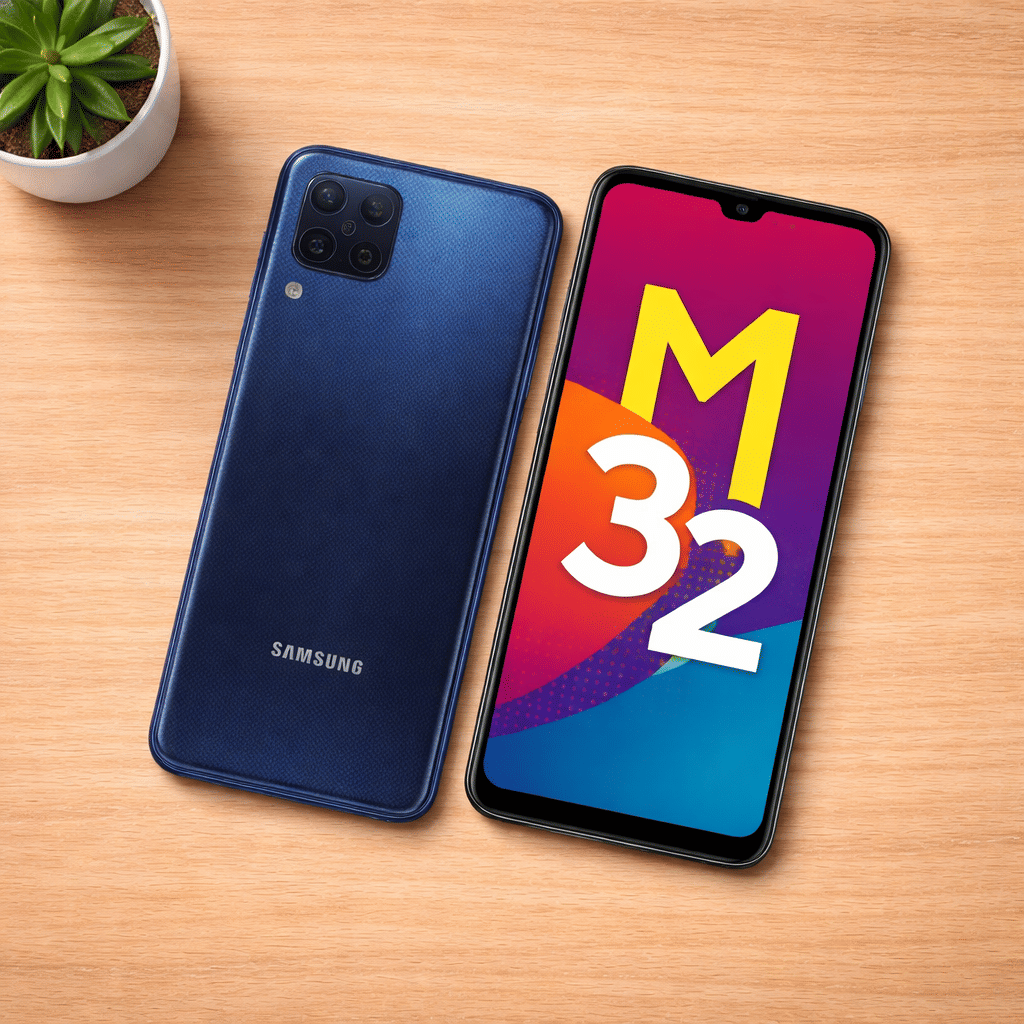
Samsung Galaxy M32 | 6GB RAM | 128GB Storage
Save 25%₹ 1,688/mo
₹2,2503 days
- OUT OF STOCK
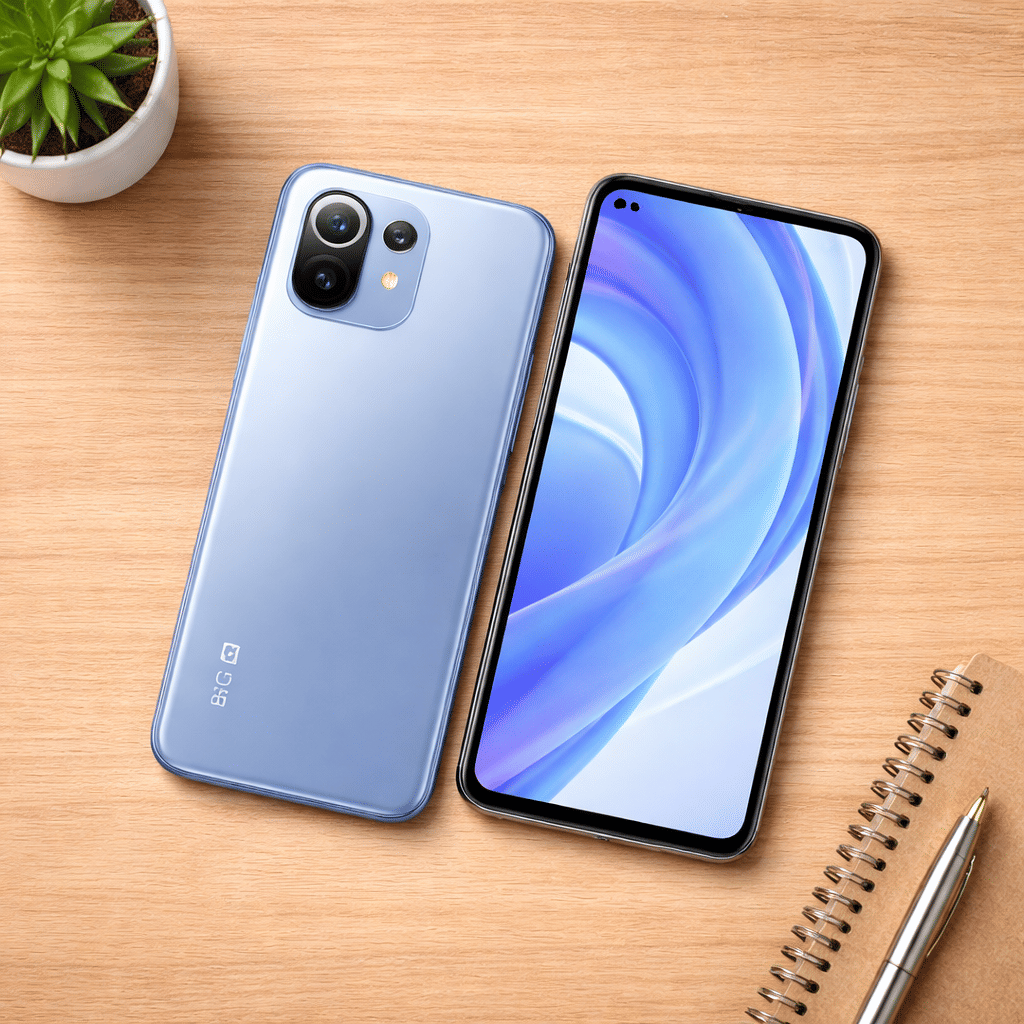
Mi 11 Lite | 8GB RAM | 128GB Storage
Save 25%₹ 2,625/mo
₹3,5003 days
Smartphone Rental in Bangalore
Bangalore builds a large share of India's apps, and the teams behind them need real devices to test on. Add field sales teams, delivery operations, visiting professionals and anyone whose phone is at the service centre, and there are plenty of reasons to rent a handset rather than buy one. iRentOut offers smartphones on rent in Bangalore, with Apple iPhones and Android phones from OnePlus, Samsung and Mi listed.
Smartphone stock moves quickly, and the listed phones are currently out of stock, so check a model before you plan around it. Each phone shows a 3 day delivery time, and the page also offers delivery and setup within 6 hours for orders placed before 2 pm.
Smartphones Listed in Bangalore
Apple iPhone 12, 64GB and 128GB
5G, an OLED display and a dual camera. The 128GB version holds more apps, photos and test builds.
Apple iPhone XR, 64GB and 128GB
A reliable iPhone for calls, UPI payments, messaging and testing on an older iOS device.
OnePlus Nord CE 5G, 8GB RAM, 128GB
A fast Android phone with 5G and plenty of memory for multitasking.
Mi 11 Lite, 8GB RAM, 128GB
A slim, light Android phone with strong everyday performance.
Samsung Galaxy M32, 6GB RAM, 128GB
A Samsung handset with a large battery, useful for field staff and for testing on Samsung's interface.
For a work laptop alongside, see laptop rental in Bangalore.
Choosing a Phone
iOS or Android
QA teams usually need both. For personal use, pick the platform that matches your other devices.
Storage and memory
All Android phones here have 128GB. The OnePlus and Mi have 8GB RAM.
5G
The iPhone 12 and OnePlus Nord CE 5G support 5G, useful in parts of Bangalore with 5G coverage.
Rent a Smartphone for Different Needs
Rent Phones for App Testing
QA and product teams can test on real iOS and Android devices across screen sizes and OS versions.
Rent Phones for Field Teams
Sales, survey and delivery teams can rent handsets for a campaign. Use the business rental form for several units.
Rent a Phone During a Repair
Stay reachable on calls and banking apps while your phone is at the service centre.
Rent a Phone While Visiting Bangalore
Professionals here for a few months can use a rented handset with a local SIM.
Rent vs Buy: Smartphones
New phones launch every year and resale values drop fast.
Renting makes sense when
You need test devices for a release
You need a stand-in during a repair
Your field team grows for a quarter
You are in Bangalore for a short stay
Buying makes sense when
You keep phones for three years or more
You want the latest launch
You prefer not to move data to a rented phone
Side by side
Upfront cost: a rental starts with the first month's rent and a refundable deposit, while a purchase is paid in full
Swaps: request a different model through My Products
Repairs: manufacturing faults are repaired at no extra charge
Exit: pickup at the end
Before You Book
Check your SIM
Make sure your SIM fits and supports 5G if you want it.
Keep documents ready
Upload an ID proof and an address proof for eKYC after ordering.
Plan for the return
Back up, sign out of Apple ID or Google and reset the phone before pickup.
How Renting Works
Sign in with your mobile number and the OTP.
Choose the phone and the tenure, and enter your Bangalore address.
Pay the first month's rent and the refundable deposit.
Complete eKYC.
Receive the phone after approval.
To return it, open My Products and book a pickup. See the terms and conditions.
Building a Test Device Set
A practical test set for a Bangalore app team covers at least one older iPhone, one newer iPhone and two Android phones from different makers. The iPhone XR, iPhone 12, OnePlus Nord CE 5G and Samsung Galaxy M32 together cover different screen sizes, memory levels and interfaces. Keep a sheet of each device's OS version, avoid updating mid-cycle unless your plan needs it, and install builds through TestFlight or an internal distribution tool.
Protecting a Rented Phone
Use a case and a screen guard from day one, and a waterproof pouch during Bangalore's sudden evening showers. Set a screen lock before installing UPI or banking apps. If the phone gets wet, switch it off and contact support rather than charging it. Keep the box and accessories safe, since the full set goes back at the end of the rental.
Phones for Field and Delivery Teams
Bangalore's quick-commerce, logistics and field sales teams often grow for a quarter or a festive season. Renting phones for new staff avoids buying handsets that sit unused afterwards. Choose Android phones with large batteries, such as the Samsung Galaxy M32, for long shifts, label each phone with the staff member's name and keep chargers together for a clean return at the end.
At the end of a project, collect every handset, charger and cable in one place, reset each phone and check it powers on before the pickup.
iRentOut in Other Locations
Smartphones are also listed in:
Other Categories in Bangalore
Electronics
Electronics rental in Bangalore lists laptops, MacBooks and monitors.
Home Appliances
Appliance rental covers TVs, fridges and washing machines.
Furniture
Furniture rental lists beds, sofas and dining sets.
Gym Equipment
Gym rentals lists treadmills and cross trainers.
Combo Offers
Flexirent plans bundle products on one plan.