





TV Rental in chennai
Television
Product you may like

FILTER

Delivered and Set up in 24 Hours
- New Arrivals
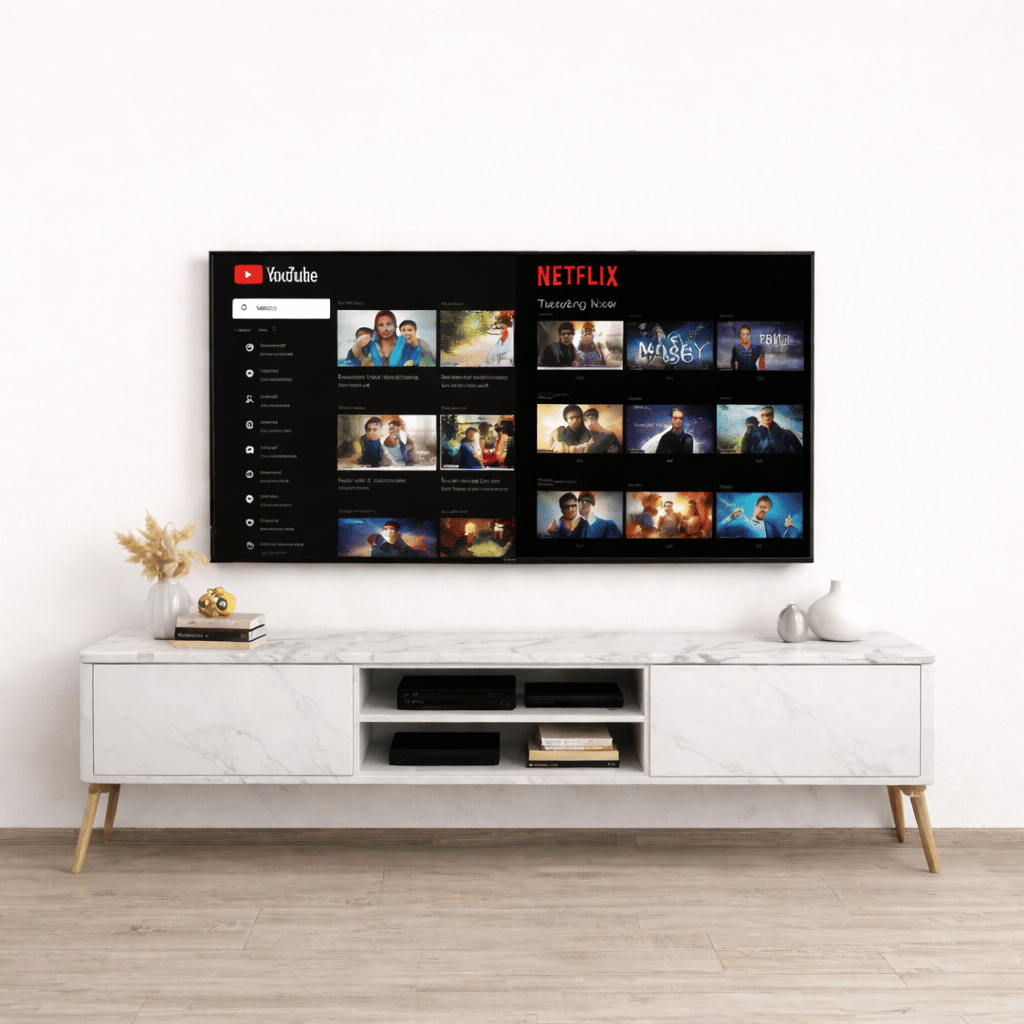
TV 65 inches - Smart Android - Ultra HD (4K)
Save 25%₹ 3,562/mo
₹4,750
2 days
- Offers
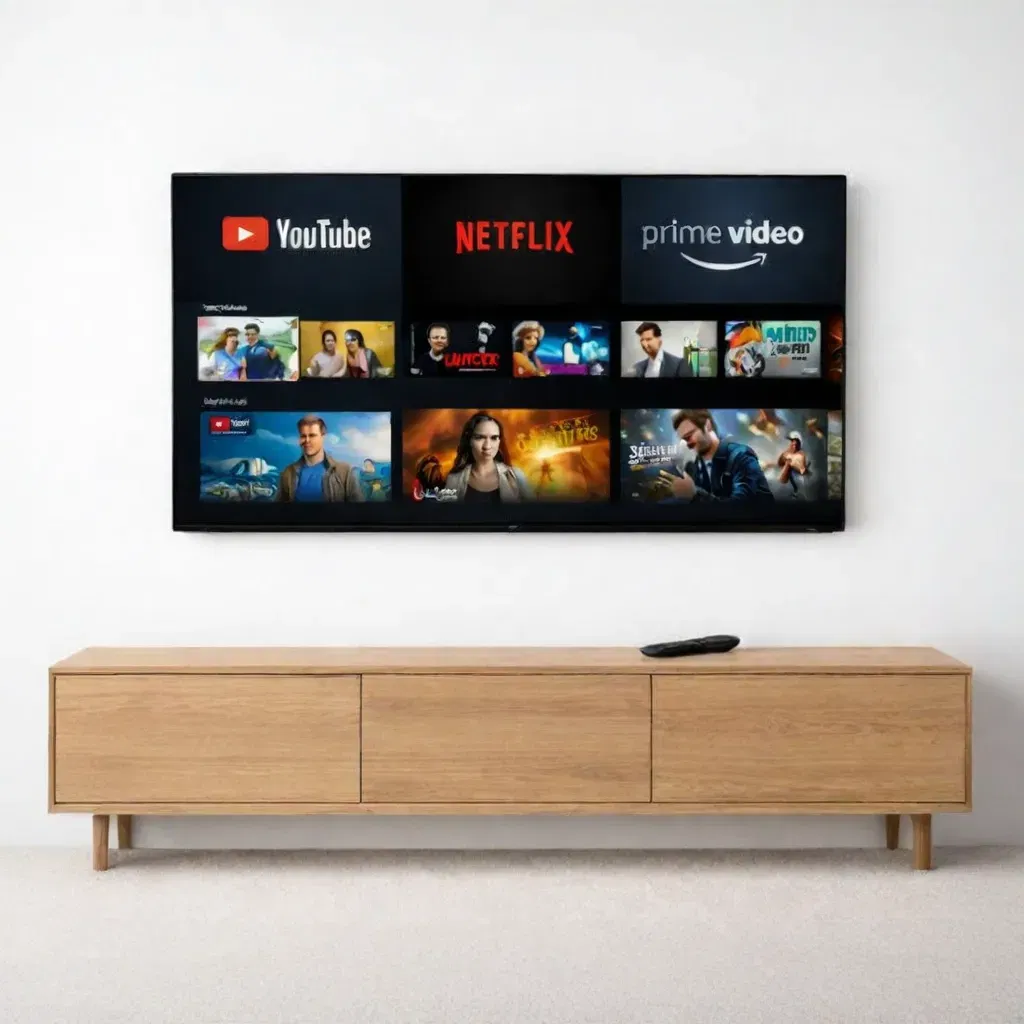
TV 55 inches- Smart Android - Ultra HD (4K)
Save 25%₹ 1,838/mo
₹2,4502 days
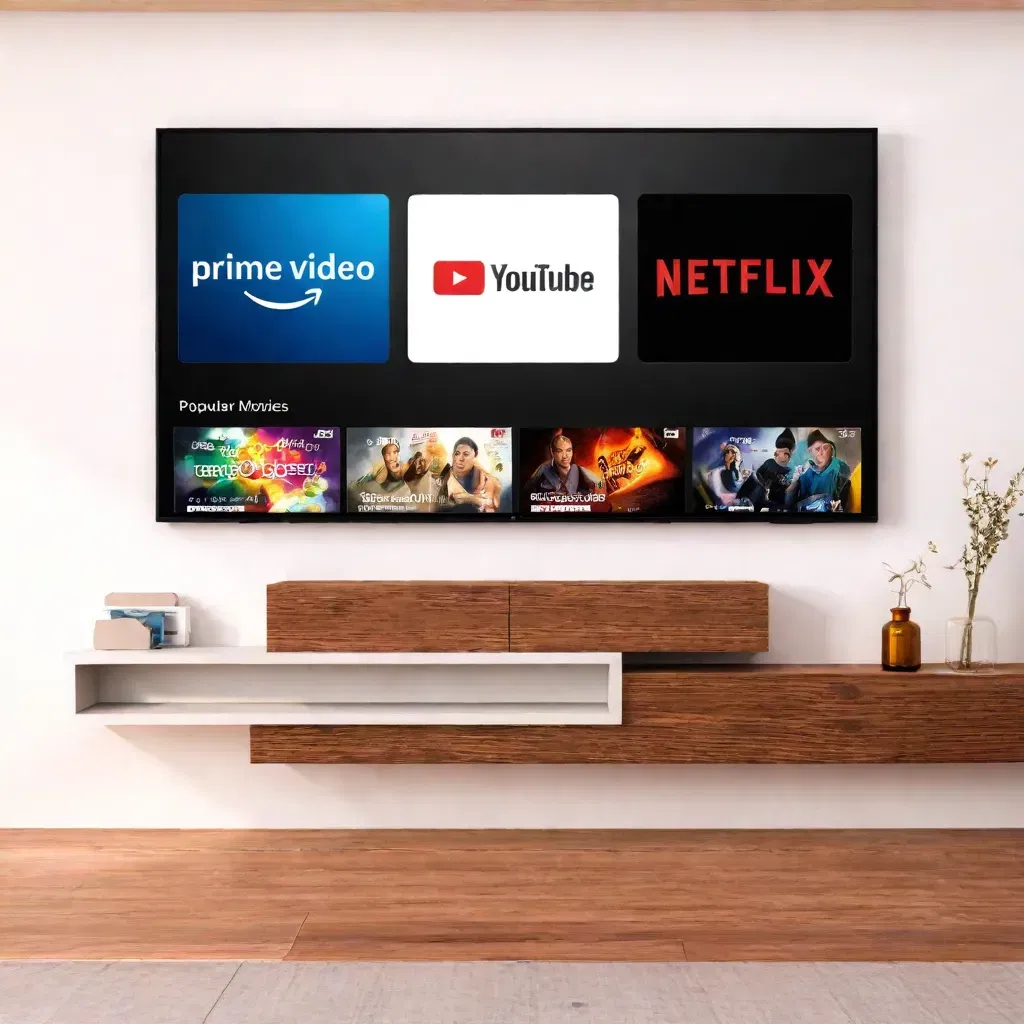
TV 43 inches- Smart Android - Ultra HD (4K)
Save 25%₹ 975/mo
₹1,3002 days
- Best seller
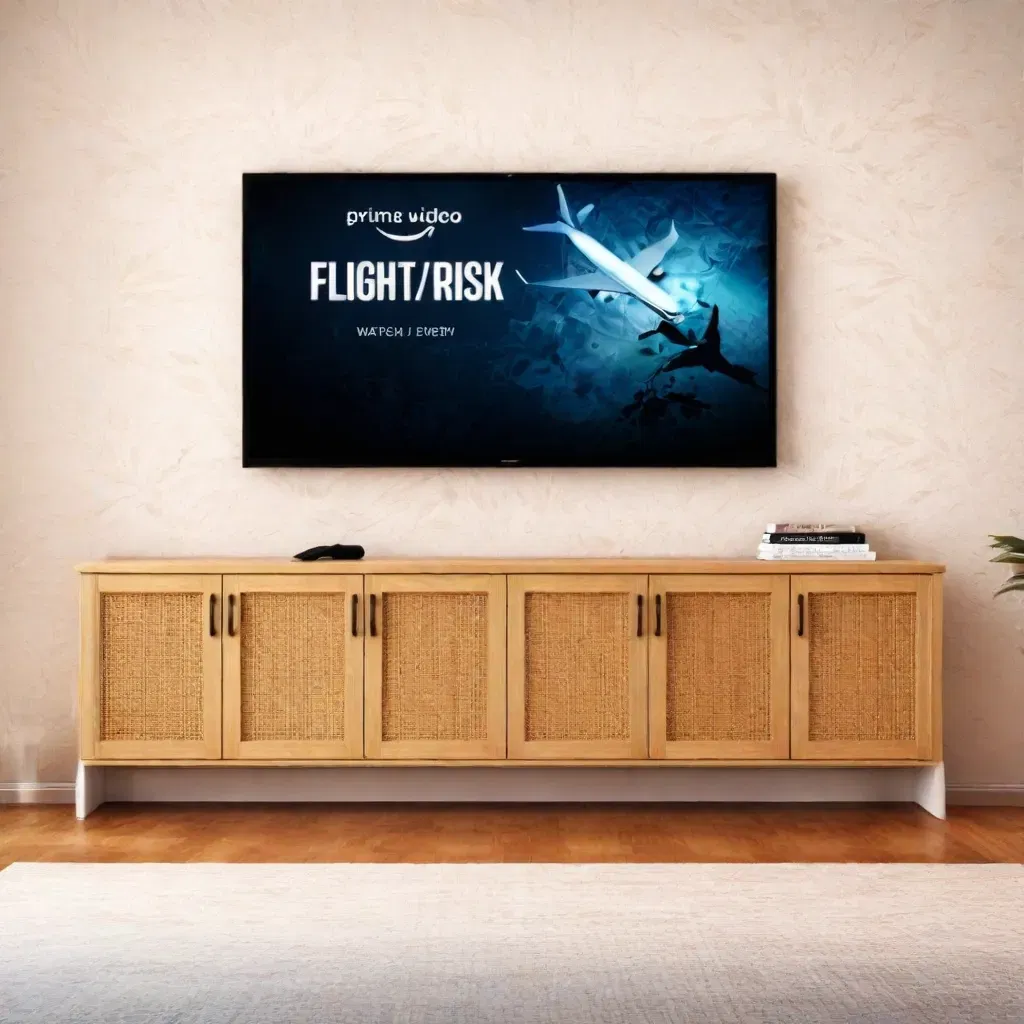
TV 32 inches - Smart Android
Save 25%₹ 599/mo
₹7992 days
- Best seller
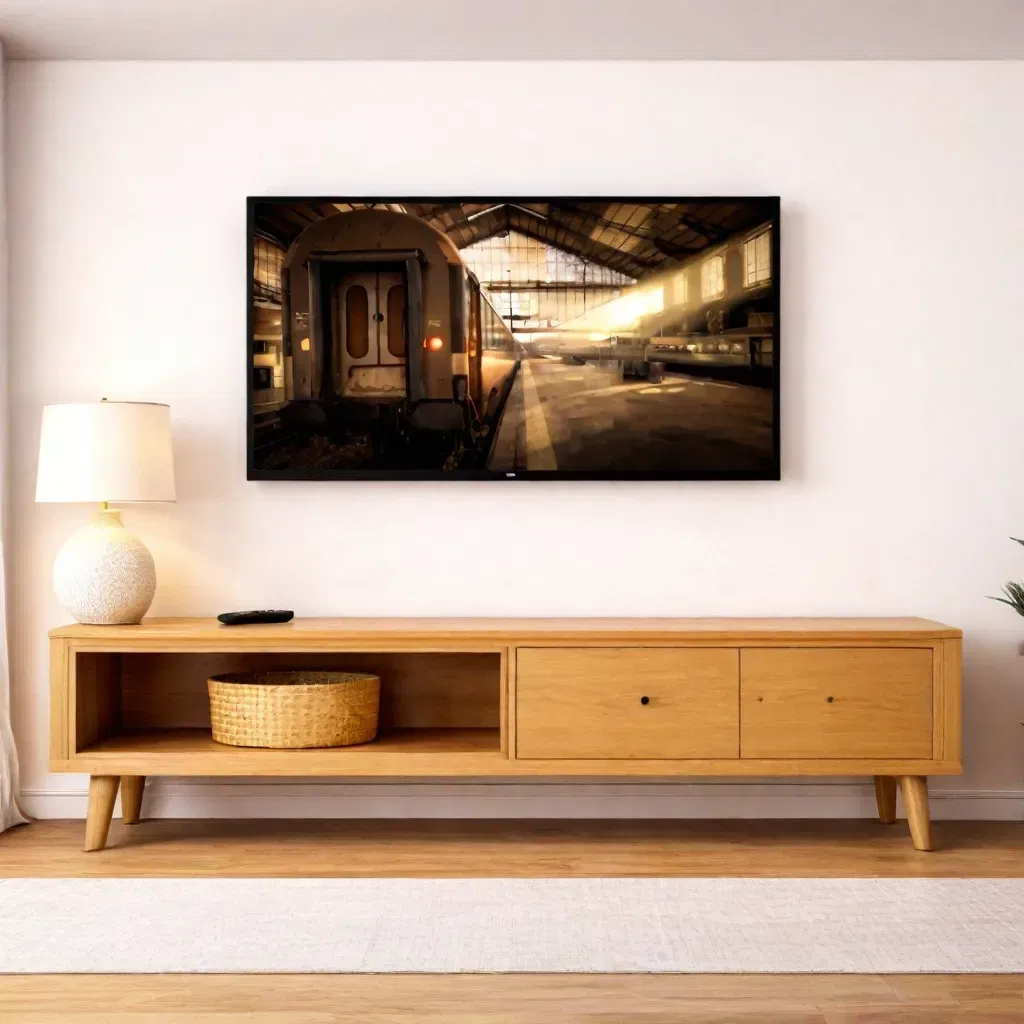
32'' Standard LED TV
Save 25%₹ 488/mo
₹6502 days
- OUT OF STOCK

Samsung 43'' Smart Android 4K Ultra HD TV
Save 25%₹ 1,911/mo
₹2,548 - OUT OF STOCK
TV 40 inches - Standard
Save 25%₹ 562/mo
₹750
FAQ'S
What types of TVs are available for rent at I Rent Out?
At I Rent Out, we provide a wide variety of TVs to suit every need. From 32-inch HD TVs to large 65-inch 4K Ultra HD smart TVs, we offer smart TVs, 4K TVs, and LED TVs for rent. Whether for your home, office, or special events, we have the perfect TV rental options for you.
Do I need to make an upfront payment to rent a TV?
No, we donât require any upfront payment for renting a TV. Our rental process is designed to be simple and cost-effective, allowing you to rent high-quality TVs without a large initial investment
How is the TV delivered to my location?
Once your rental order is confirmed, we provide free delivery and installation of your rented TV at your specified location in Chennai. Our team ensures that your TV is set up properly, and weâll handle all the technical aspects of the installation.
TV Rental in Chennai
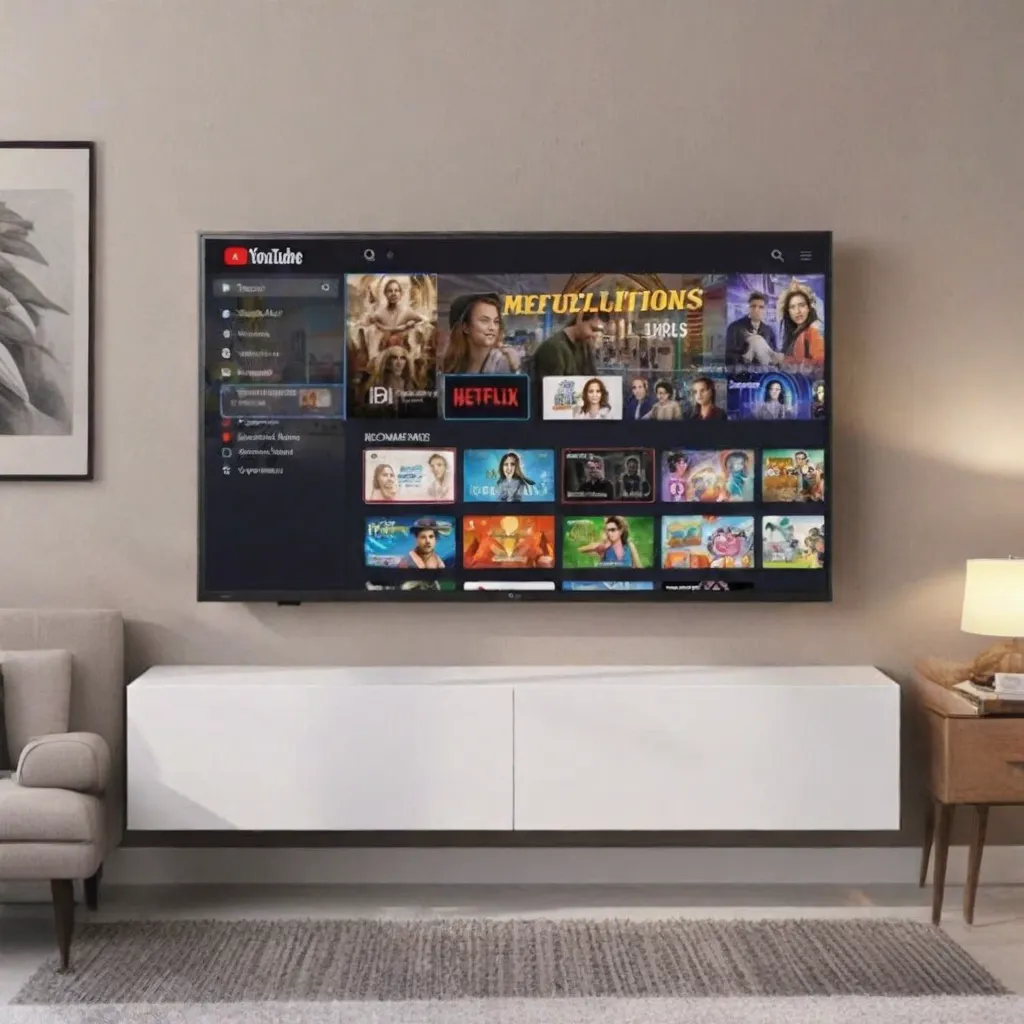
A good television is often the first thing a new flat feels empty without, and also one of the heaviest things to sell or shift later. Renting gives you a large smart screen for as long as you live there. iRentOut offers TVs on rent in Chennai on a monthly plan, with Smart Android TVs from 32 inches to 65 inches, most in 4K Ultra HD, and a standard LED TV for simpler needs.
TV stock changes often, so open a model to see whether it can be booked right now. The listed TVs show a delivery time of 2 days, and the page also offers express delivery, with the TV delivered and set up within 24 hours when you order by 11 AM.
TVs You Can Rent in Chennai
65-inch Smart Android TV, 4K Ultra HD
The largest TV on the page is a new arrival. A 65-inch 4K screen turns a living room into a home theatre for cricket, films and gaming.
55-inch Smart Android TV, 4K Ultra HD
The 55-inch model is marked as an offer and suits most living rooms. It gives a big, sharp picture without overwhelming the wall.
43-inch Smart Android TV, 4K Ultra HD
A 43-inch 4K TV fits a smaller hall or a large bedroom and still gives you streaming apps and Ultra HD content.
32-inch Smart Android TV
A best seller for bedrooms, PG rooms and studio flats. It runs streaming apps on Android without needing a set-top box for OTT.
32-inch Standard LED TV
Also a best seller, the standard LED TV is a simple screen for cable or a set-top box, ideal for a guest room or a front desk.
Larger 4K models such as a Samsung 43-inch and a 40-inch standard TV are also listed, subject to stock.
Picking the Right TV Size
Match the screen to the room
Bedroom or PG room: 32 inches
Small hall or large bedroom: 43 inches
Living room: 55 inches
Large hall or home theatre: 65 inches
Smart or standard
A Smart Android TV lets you stream Netflix, Prime Video, YouTube and live sports apps directly. A standard LED TV works with a cable or DTH box only.
4K or HD
The 43-inch, 55-inch and 65-inch models are 4K Ultra HD, which gives a noticeably sharper picture on larger screens and with 4K streaming plans.
A soundbar or a living room sofa completes the setup.
Rent a TV for Different Use
Rent a TV for a New Home
Settle into a new flat with a large smart TV from the first week, without a big upfront spend.
Rent a TV for Sports Seasons
Cricket tournaments and football leagues are better on a 55-inch or 65-inch 4K screen. Rent for the season and return it after.
Rent a TV for PGs and Hostels
PG owners and hostel managers can rent 32-inch TVs for common rooms and individual rooms.
Rent TVs for Offices and Events
Offices use TVs for meeting rooms, reception areas and dashboards, and events use them for displays. Use the business rental form for several units.
Rent vs Buy: Televisions
A TV is easy to buy but hard to move, and large screens are easily damaged in transit. Renting removes the risk of shifting a 55-inch panel across the city.
When renting suits you
You are on a lease of a year or two
You want a larger or 4K TV than you would buy right now
You may relocate and do not want to carry a TV
You want installation and repairs handled for you
When buying suits you
You own your home and will keep the TV for many years
You want a specific brand, OLED panel or size that is not listed
You plan to build a permanent home theatre
Rent and buy side by side
Payment: a rental is paid monthly with a refundable deposit, while a purchase is paid in full
Installation: delivery and installation are free after order confirmation in Chennai
Repairs: manufacturing faults are repaired at no extra charge
Moving: a rented TV goes back when you leave
Before You Book a TV
Plan the wall or stand
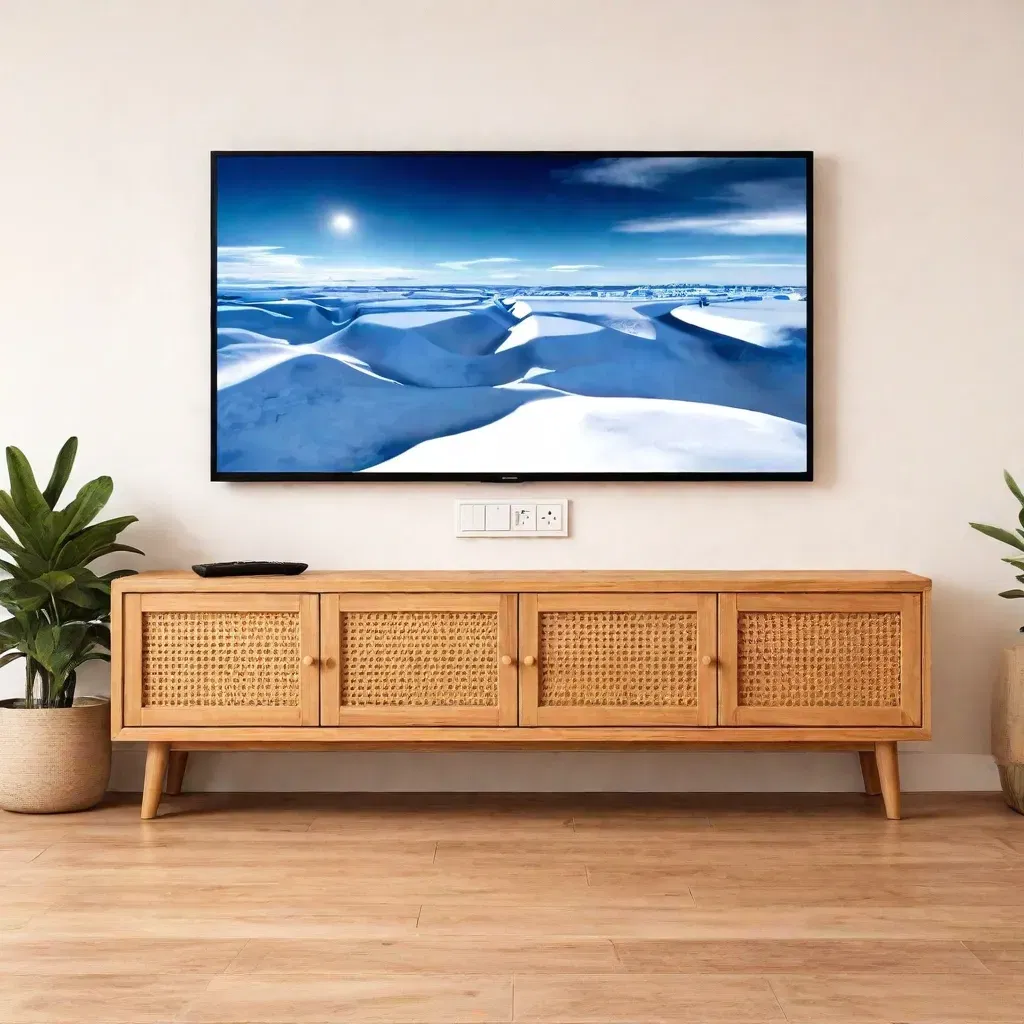
Decide whether the TV goes on a wall mount or a stand. A TV unit on rent can hold the smaller sizes.
Check Wi-Fi and power
A smart TV needs a steady Wi-Fi connection for streaming and a power point close to where it will sit.
Keep your documents ready
After the order, upload an ID proof and an address proof for eKYC. Delivery is scheduled once the KYC is approved.
From Order to Installation
Log in to iRentOut with your mobile number and the OTP.
Choose the TV size and the tenure, and add your Chennai address.
Pay the first month's rent and the refundable deposit.
Complete eKYC with an ID proof and an address proof.
The team delivers and installs the TV.
To return it, open My Products and book a pickup. Read the terms and conditions before you pay.
Getting the Best Picture from a Rented TV
Place the TV so that the centre of the screen sits close to eye level when you are seated, and avoid a spot that catches direct sunlight from a window. For a 55-inch or 65-inch TV, sit roughly two to three metres away for a comfortable view. Sign in to your streaming apps, then set the picture mode to Movie or Standard rather than Vivid for more natural colours. If you watch cricket or football, a sports mode can make fast motion look smoother. Connect the TV to Wi-Fi with a strong signal for 4K streaming, since a weak connection drops the picture quality. Clean the screen only with a dry microfibre cloth.
iRentOut in Other Locations
TVs are also available on rent in:
Other Categories in Chennai
Home Appliances
Appliance rental lists ACs, fridges and washing machines for the rest of the flat.
Furniture
Furniture rental covers sofas, recliners and coffee tables.
Electronics
Electronics rental lists laptops and monitors for work.
Gym Equipment
Gym rentals lists treadmills to use while you watch.
Combo Offers
Combo rental offers let you add a TV to furniture and appliances on one plan.